Refactor code
ReSharper provides a lot of different refactoring actions for your C# code. Most of the local refactorings, also called context actions, provide quick transformations in the scope of the current line, statement, or method. In addition to that, there are several refactorings that work in a broader context from the current type to the entire solution.
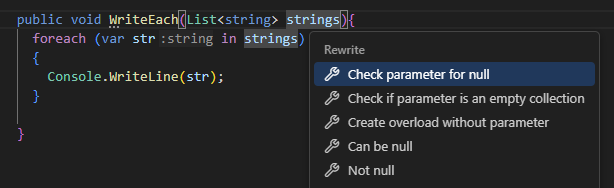
To list all refactorings available for the current caret position and selection, if any, press Alt+Enter. Press ↑ or ↓ to pick the desired action, and then press Enter to apply it. Alternatively, you can right-click and choose Refactor from the context menu.
In this section:
- Rename refactoring
- Extract Method refactoring
- Introduce Variable refactoring
- List of context actions in C#
12 August 2026