教程:将 Yii 命令行工具集成到 PhpStorm
在 PhpStorm 中,您可以运行多个第三方 命令行工具的命令,也可以定义您自己的工具。 例如,让我们将 Yii 命令行工具集成到 PhpStorm 中。
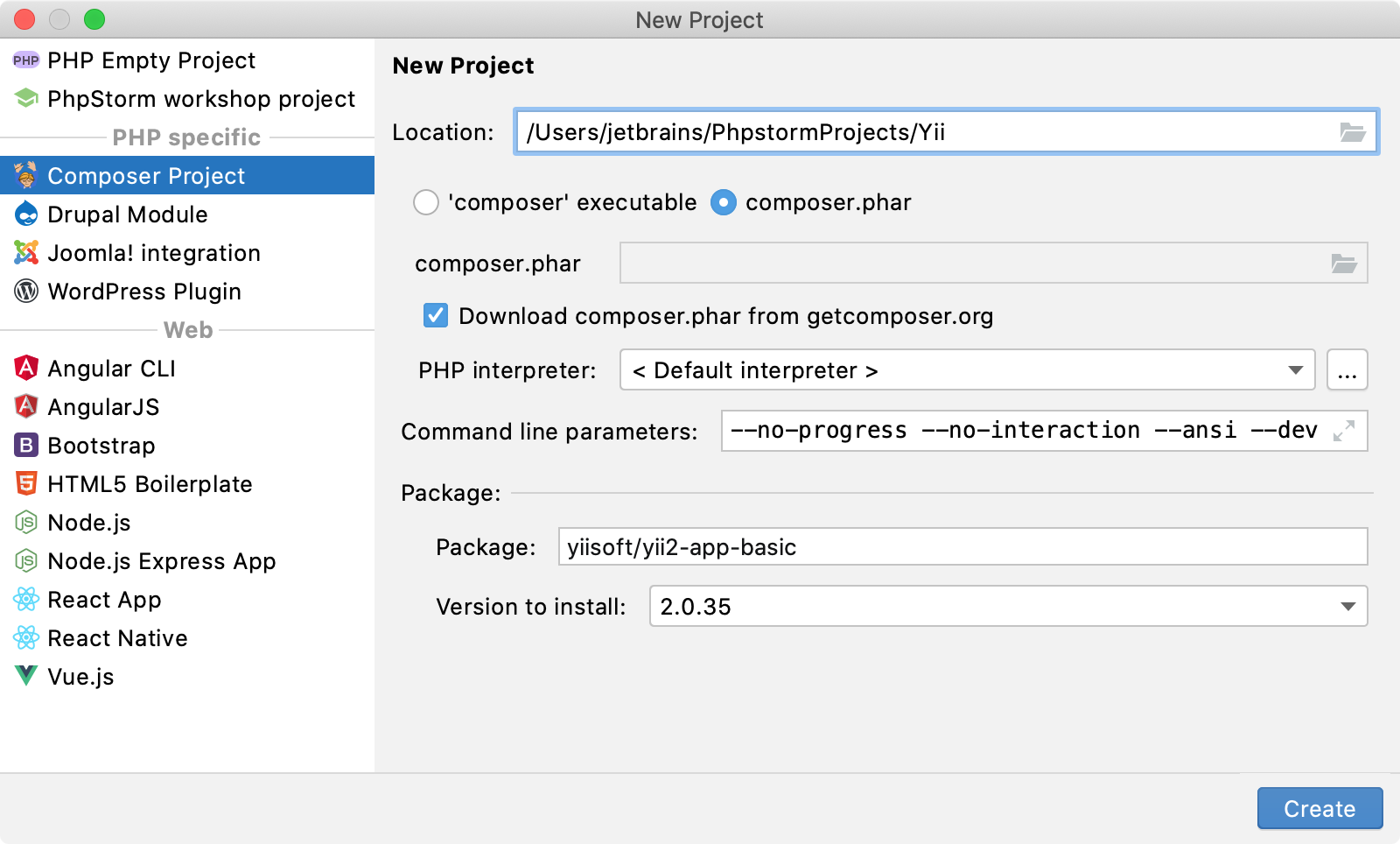
创建 一个新的 Composer 项目 ,并选择安装 yiisoft/yii2-app-basic 包。
在 设置 对话框 (Ctrl+Alt+S) 中,前往 。
点击
 工具栏。 在 命令行工具 对话框中,从 选择工具 列表中选择 自定义工具 ,并将其可见性级别设置为 项目。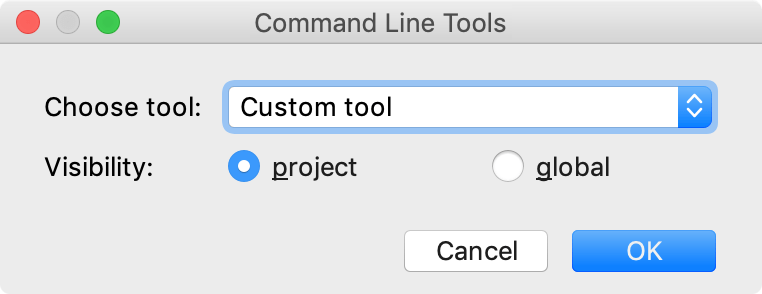
点击 确定。 在 工具设置 对话框中,提供工具的主要参数。 在我们的示例中,该工具位于项目根目录下,我们为其使用
yii别名。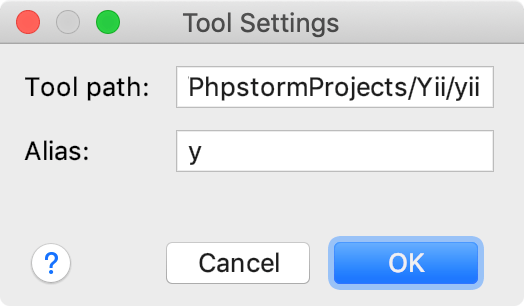
应用更改并关闭对话框。 工具 xml 定义将在编辑器中打开。
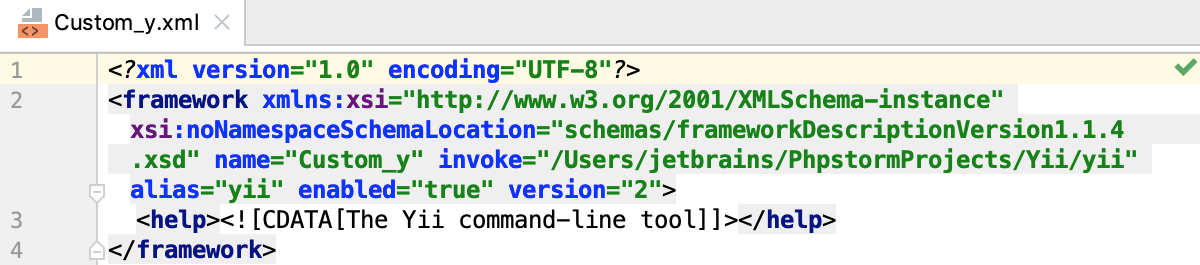
要为 yii命令使用 代码补全功能,我们需要首先在 xml 工具描述符中定义它们。
命令的定义组织如下:
<command> <!--the command's container--> <name> <!--the command itself, mandatory, and non-empty--> </name> <help> <!--the command's help message, optional--> </help> <params> <!--the command's parameters and their default values--> </params> <optionsBefore> <!--the command's options container--> <option name="" shortcut=""> <!--the option itself, mandatory, and non-empty; you can also provide a shorthand abbreviation and the usage pattern via attributes--> <help> <!--the command's help message, optional--> </help> </option> </optionsBefore> </command>让我们为一个简单的
hello命令添加定义,该命令会回显输入的参数。 该命令通过以下语法执行:yii hello [message] [...options...]此命令的最终定义应如下所示:
<command> <name>hello</name> <help>Echoes the entered argument</help> <params>message</params> <optionsBefore> <option name="--appconfig"> <help> Custom application configuration file path. If not set, default application configuration is used. </help> </option> <option name="--color" pattern="equals"> <help> Boolean, 0 or 1. Enables or disables ANSI color in the output. If not set, ANSI color will only be enabled for terminals that support it. </help> </option> <option name="--help" shortcut="-h" pattern="equals"> <help> Boolean, 0 or 1. Defines whether to display help information about current command. </help> </option> <option name="--interactive" pattern="equals"> <help> Boolean, 0 or 1. Defines whether to run the command interactively. </help> </option> </optionsBefore> </command>基本工具定义已完成。 从主菜单中选择 ,或按两次 Ctrl。 在打开的 运行任意内容 窗口中,输入命令并按 Enter。
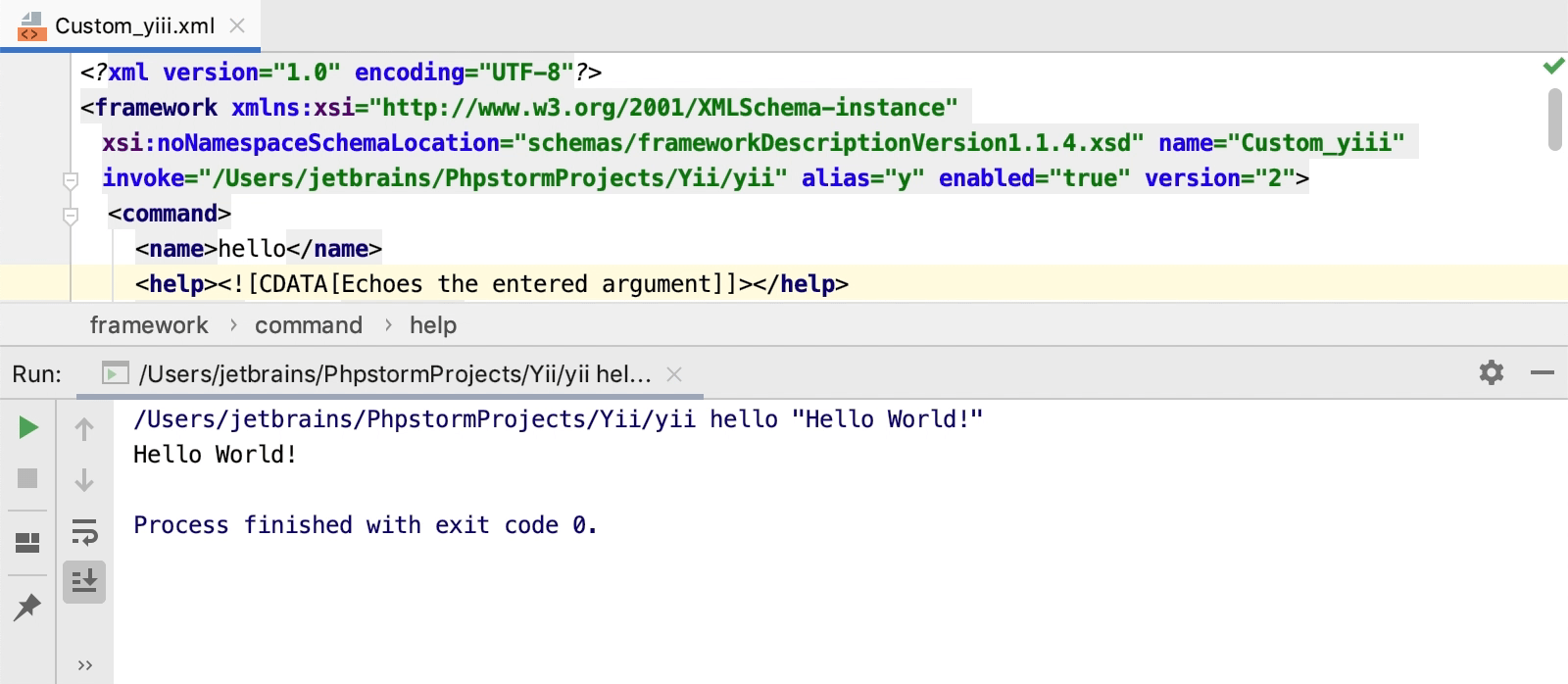
您可以在 yii2-phpstorm-commandlinetool GitHub 仓库中找到完整的 yii 工具定义文件。 也请查看 其他值得注意的示例!
2026年 7月 14日