Project Templates
When you create a new project in YouTrack, you select a template that is used to configure the project. You can choose one of the templates that are predefined in YouTrack or create a project from a custom template.
To access the list of project templates, click Projects in the main navigation menu, then click the New Project button.
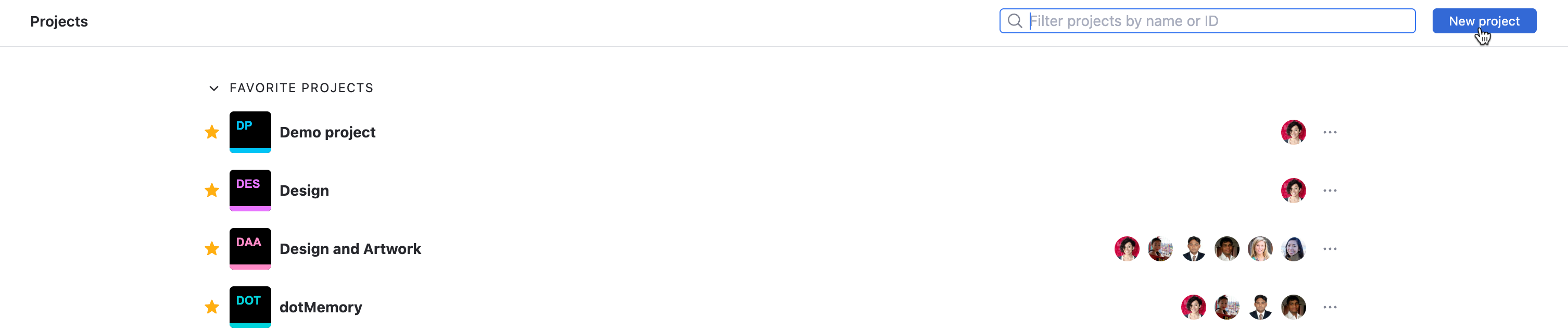
The settings for predefined project templates are pre-configured for different types of projects. This means that you can create a project and start working with it right away. After you create the project, you can modify the pre-configured settings at any time to match the actual workflow and process for your team.
The configurations for predefined templates are read-only and cannot be changed from their default settings.
The configuration for a custom project template can be changed at any time. Any project that is created using the custom project template uses the settings that are stored in the source project at the time the new project is created. Modifications to the project that you use as a custom template are not replicated to projects that have already been created from the template. Changes to the configuration of the source project are only applied to projects that are created from the template after the changes are applied.
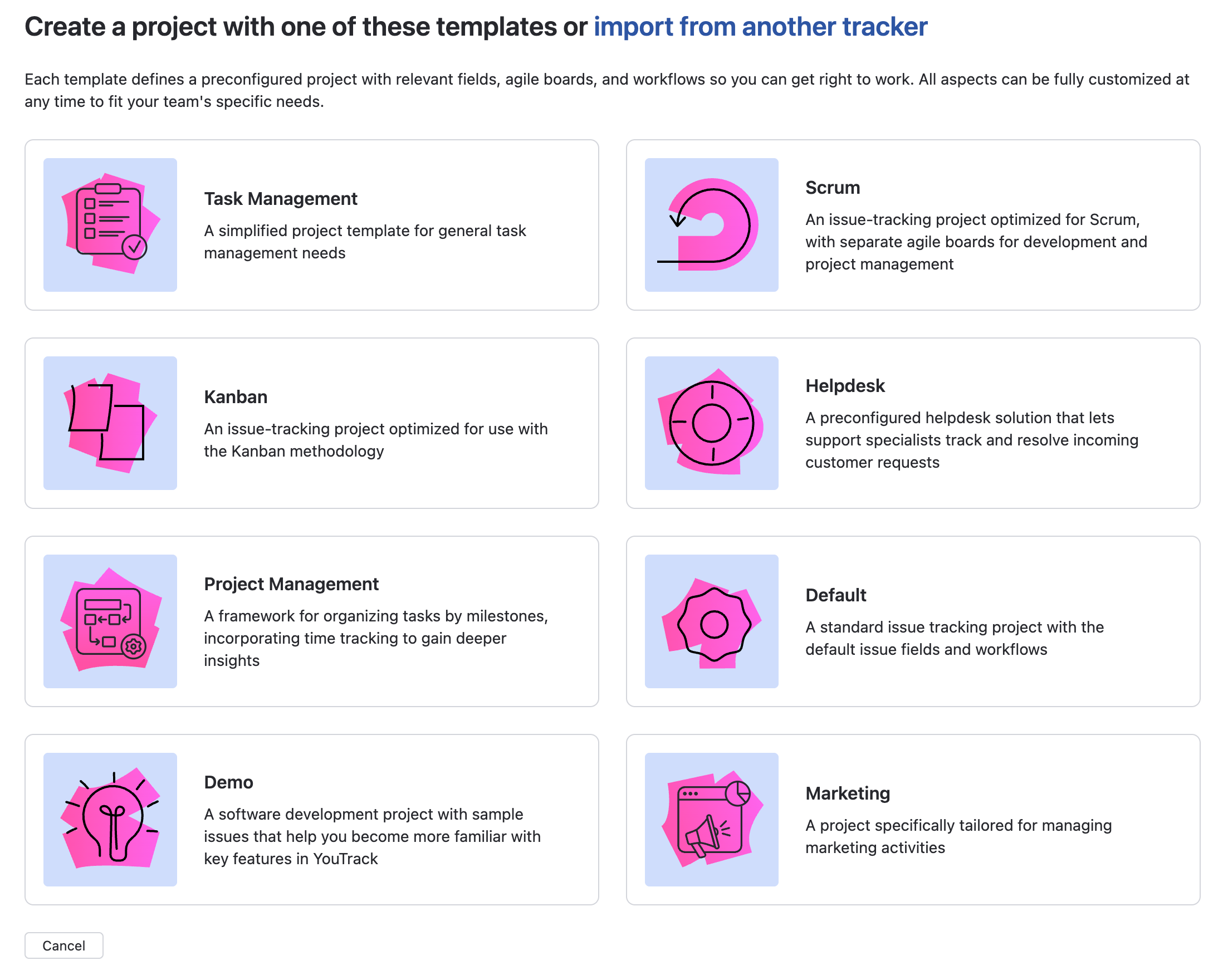
YouTrack provides the following predefined project templates:
Template | Description |
|---|---|
Task Management | Creates a project optimized for general task tracking across teams or personal workflows. Comes with a simple task board and customizable lists to help organize, prioritize, and monitor tasks from start to finish. For more information, see Task Management Project Template. |
Scrum | Creates a project that is pre-configured to follow the Scrum development methodology. Two agile boards are created for the project: one for development and another for project management. A set of workflows that automate issue tracking on a Scrum board are attached to the project automatically. For more information, see Scrum Project Template. |
Kanban | Creates a project that is pre-configured to follow Kanban or any other lean development methodology. A pre-configured Kanban board is created automatically. For more information, see Kanban Project Template. |
Helpdesk | Creates a project specifically designed for handling customer support requests and other types of feedback from external users. For more information, see The Helpdesk Project Template. |
Project Management | Creates a project pre-configured for general project management needs across various workflows. Includes built-in task tracking, milestones, and timelines to help teams plan, execute, and monitor progress efficiently. For more information, see Project Management Project Template. |
Default | Creates a standard issue-tracking project for use by a software development team. All the standard issue fields and default workflows are attached to the project automatically. This project can be customized to suit the requirements of non-development teams by modifying the set of available custom fields. For more information, see Default Project Template. |
Demo | Creates a project that contains sample issues that help users become more familiar with key features in YouTrack. The demo project also includes a collection of agile boards, reports, and a dashboard. For additional information, see Demo Projects. |
Marketing | Creates a project tailored for marketing teams to plan, execute, and track campaigns. It includes pre-built sections for content planning, distribution channels, campaign timelines, and performance tracking to keep marketing efforts organized and on schedule. For more information, see Marketing Project Template. |
Any project that has been marked as a custom project template is also available for new projects on the Create Project page. For more information, see Custom Project Templates.