Delete Whiteboard
When a whiteboard is no longer relevant, you can delete it to keep your workspace organized and free of unnecessary boards. Deleting a whiteboard is a permanent action, so it’s important to ensure you no longer need it before proceeding.
Deleting a whiteboard does not remove any YouTrack issues, articles, or other linked items. All associated issues and articles remain available in their respective projects or the knowledge base.
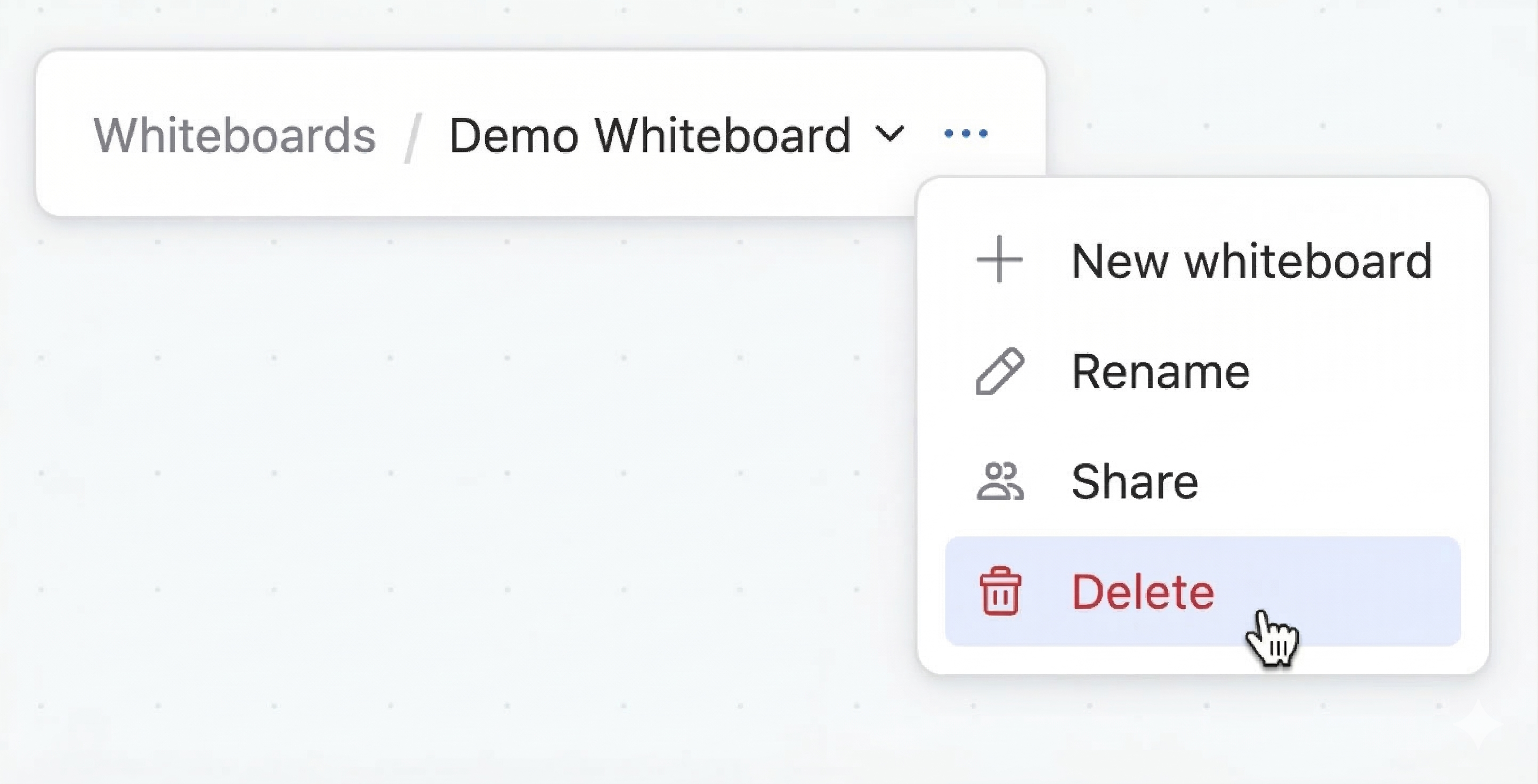
To delete a whiteboard:
From the main navigation menu, select
 Whiteboards.
Select
 More in the whiteboard toolbar.
Select
 Delete in the drop-down menu.
Click Delete in the conformation box to permanently delete the whiteboard.
17 September 2026