Guidelines
Guidelines allow you to provide persistent, reusable context to the agent. Junie adds this context to every task it works on.
Supported agent guideline files
The following file types are supported:
The AGENTS.md open format for coding agents.
Junie-specific
guidelines.mdfile.
By default, Junie looks for agent guidelines at .junie/guidelines.md in the root folder of the configured project. If you want to use an AGENTS.md file, or a guidelines.md file at a custom file path, set Guidelines path in .
Examples of guidelines
Information about the specific front-end technologies or testing frameworks to be used.
Information about the code style, naming conventions, or any other information you believe would be useful for the development or debugging process.
Code examples to follow or common antipatterns to avoid.
For more technology-specific examples of guidelines with explanations, see the junie-guidelines catalog.
Creating guidelines
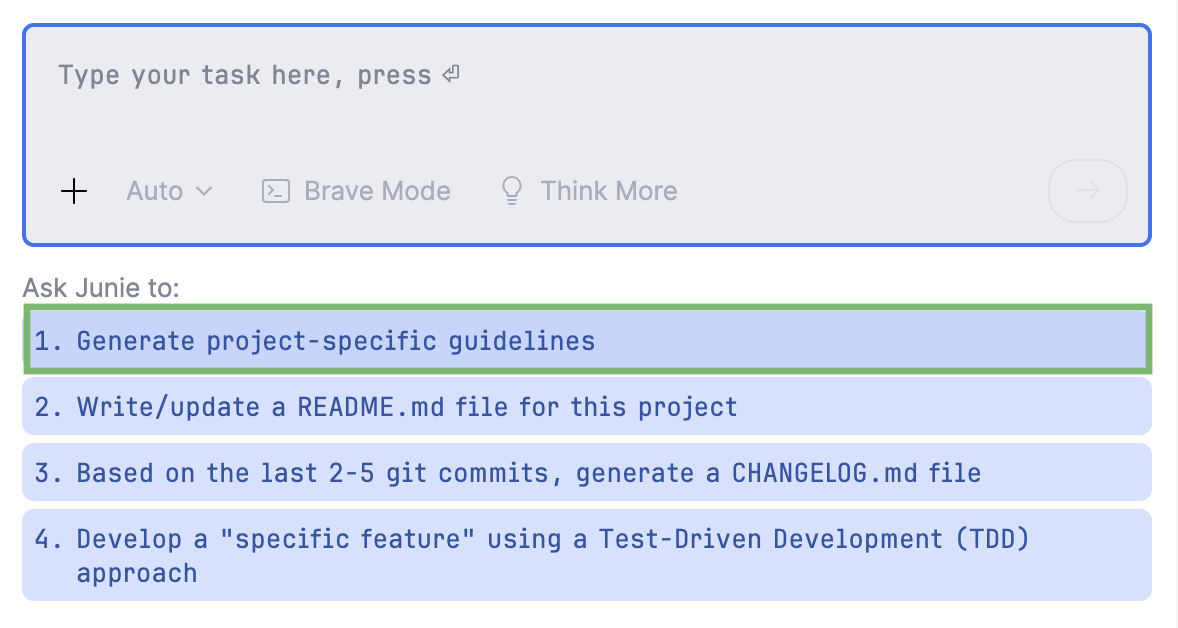
You can add and edit the .junie/guidelines.md file manually, or prompt Junie to explore the project and generate the guidelines.md file for you.
Add guidelines manually
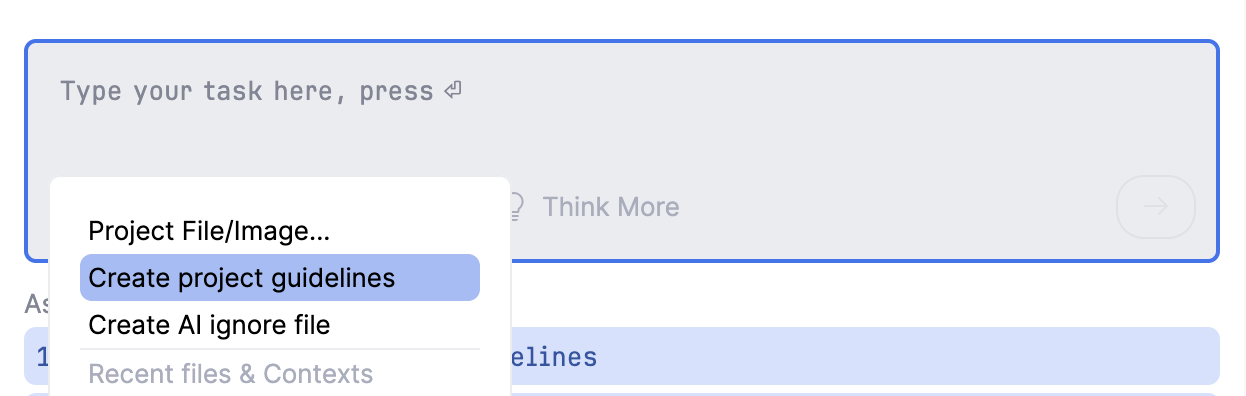
To add the .junie/guidelines.md file, click  on the prompt panel, select Create project guidelines, and then edit the added template file as required.