Project Settings
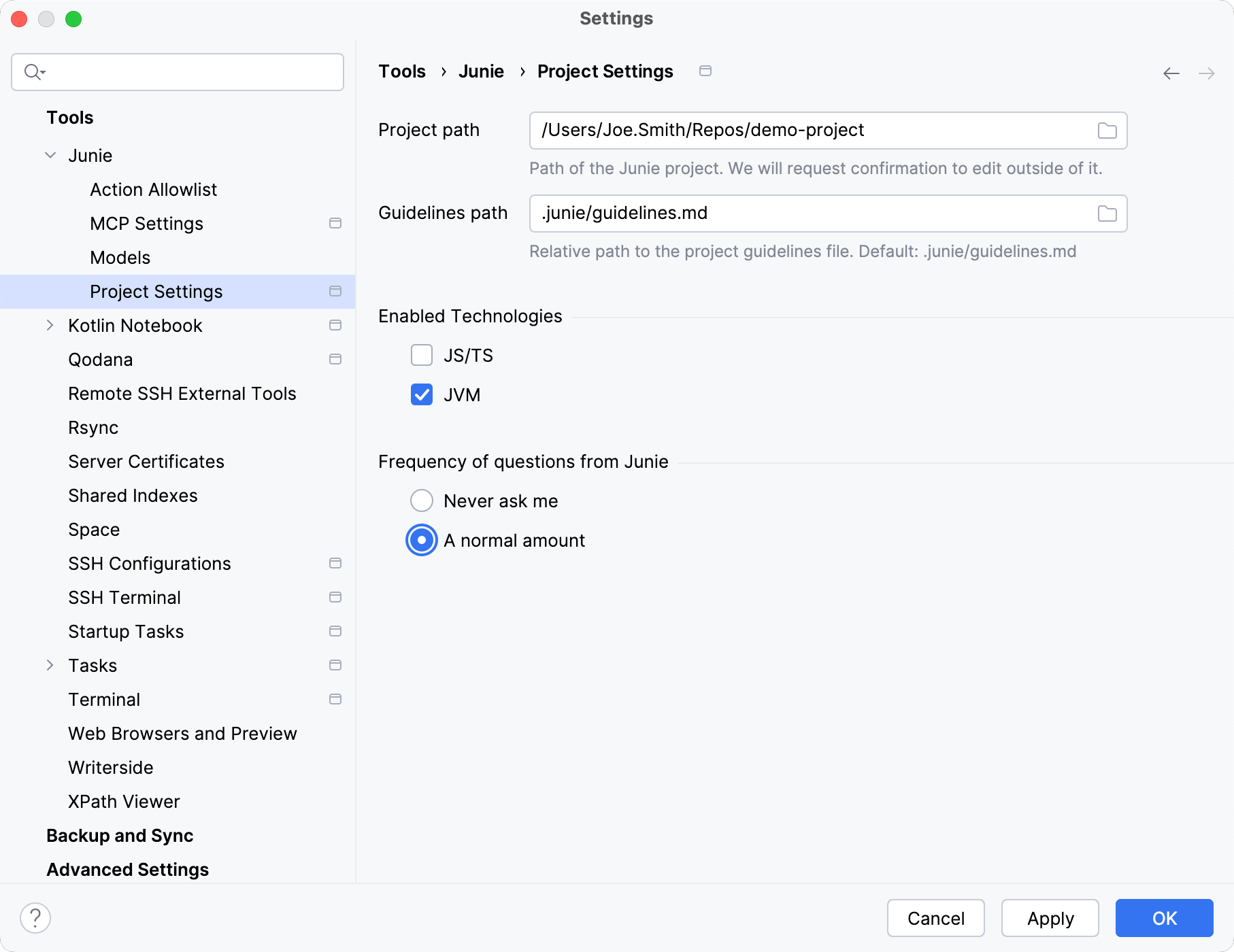
Item | Description |
|---|---|
Project path | The path to the directory where Junie is allowed to make changes. Junie will request confirmation to edit files or folders outside of this directory. |
Guidelines path | Path to the agent guideline file relative to the project path. Supported file types: If no path is specified, Junie looks for agent guidelines at Always specify Guidelines path for monorepos and projects with non-standard structures. |
Enabled technologies | Select checkboxes for the languages and technologies that Junie will work with. The list of available languages and technologies is determined by the JetBrains IDE that you are using. |
Frequency of questions from Junie | The A normal amount option is selected by default, enabling Junie to get back to the user and ask for the human input during the task processing. Select Never ask me to disable Junie's ask questions feature. |