Modes
Modes in Junie are agent configurations that enable tailoring Junie's behavior to different types of tasks.
Code Mode
In code mode, Junie breaks the task into a multistep plan, and executes the proposed plan while reporting back to the user on the progress. To execute the task, it can autonomously run terminal commands, create new files, write or edit code, run tests, and verify the changes.
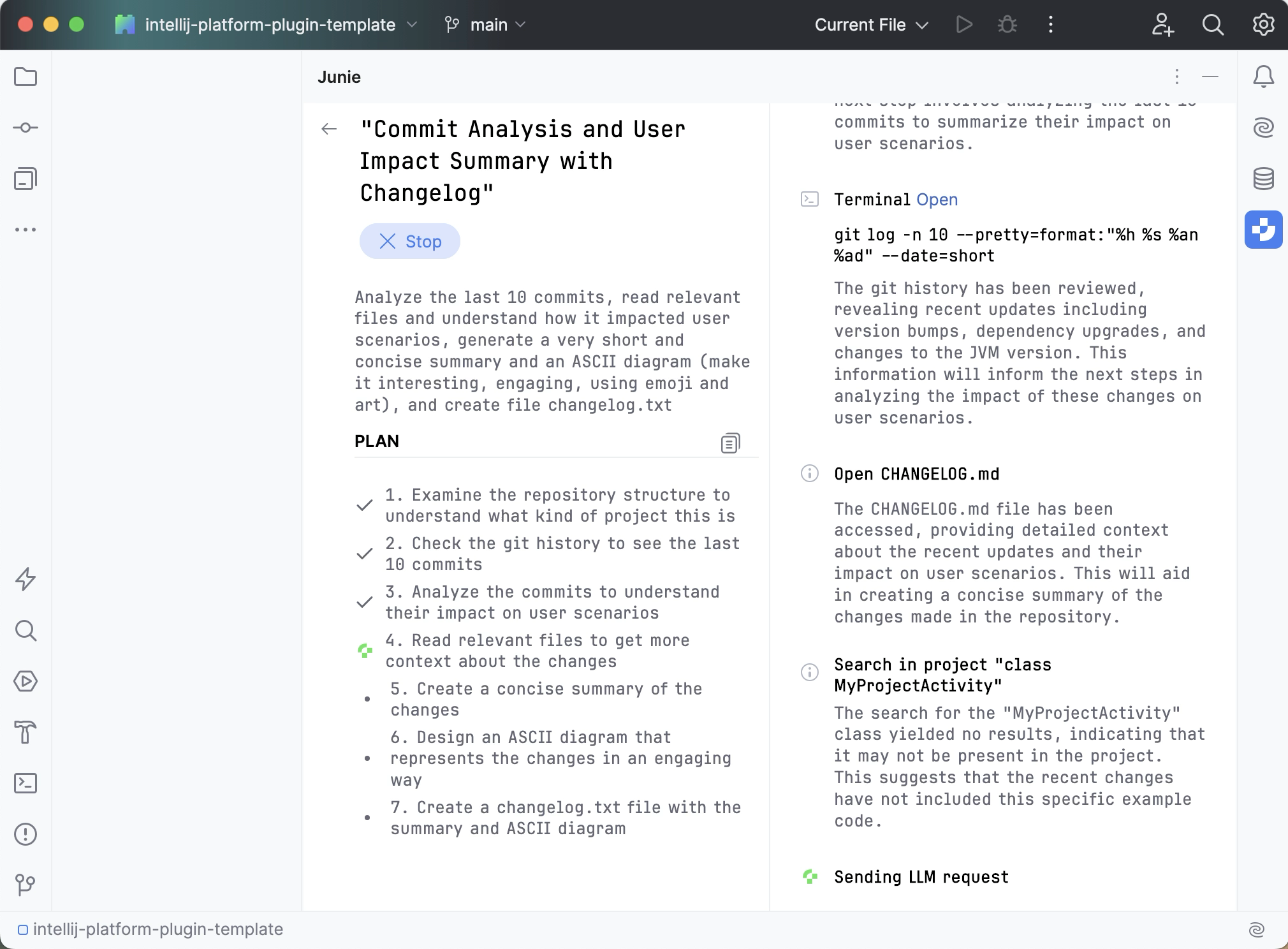
When the task is done, you can give Junie follow-up instructions, keep the changes and start a new task, or decline the changes and roll everything back.
Ask mode
In ask mode, Junie operates in read-only capacity: it can explore files, analyze code, and understand project structure, but cannot modify the code or the project files.
Use ask mode to get answers to your questions, explore and understand the codebase and the project structure, collaborate with Junie on the action plan, or brainstorm new features and improvements.

Switching between modes
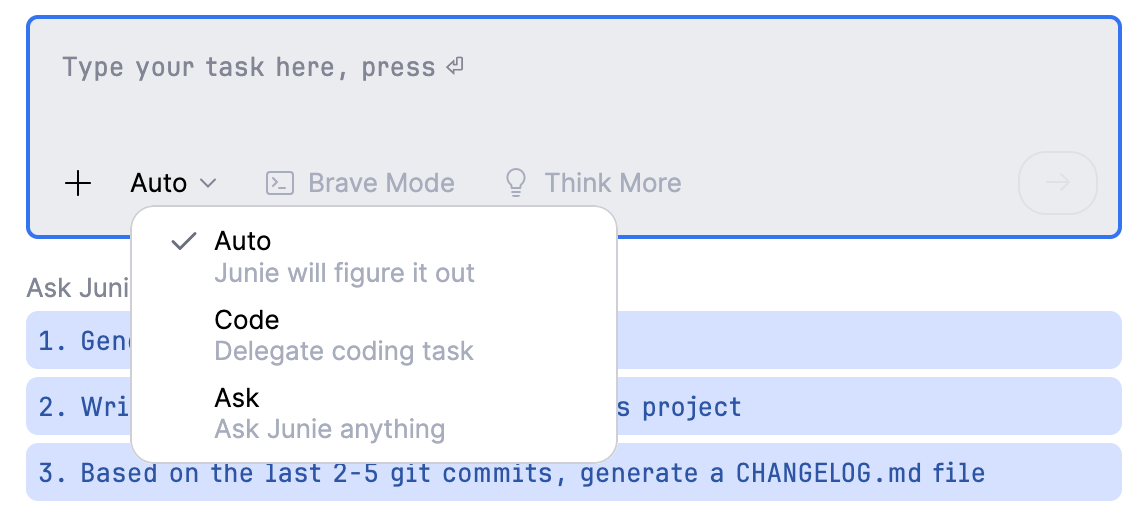
To switch between modes, use the mode picker dropdown in the prompt window. Select Auto to have Junie figure out which mode to use on its own.