Add ACP agents
AI Assistant supports the Agent Client Protocol (ACP), allowing you to connect external AI agents. You can install an ACP-compatible agent and use it in the AI Chat without the JetBrains AI service subscription.
Open the
 AI Chat tool window.
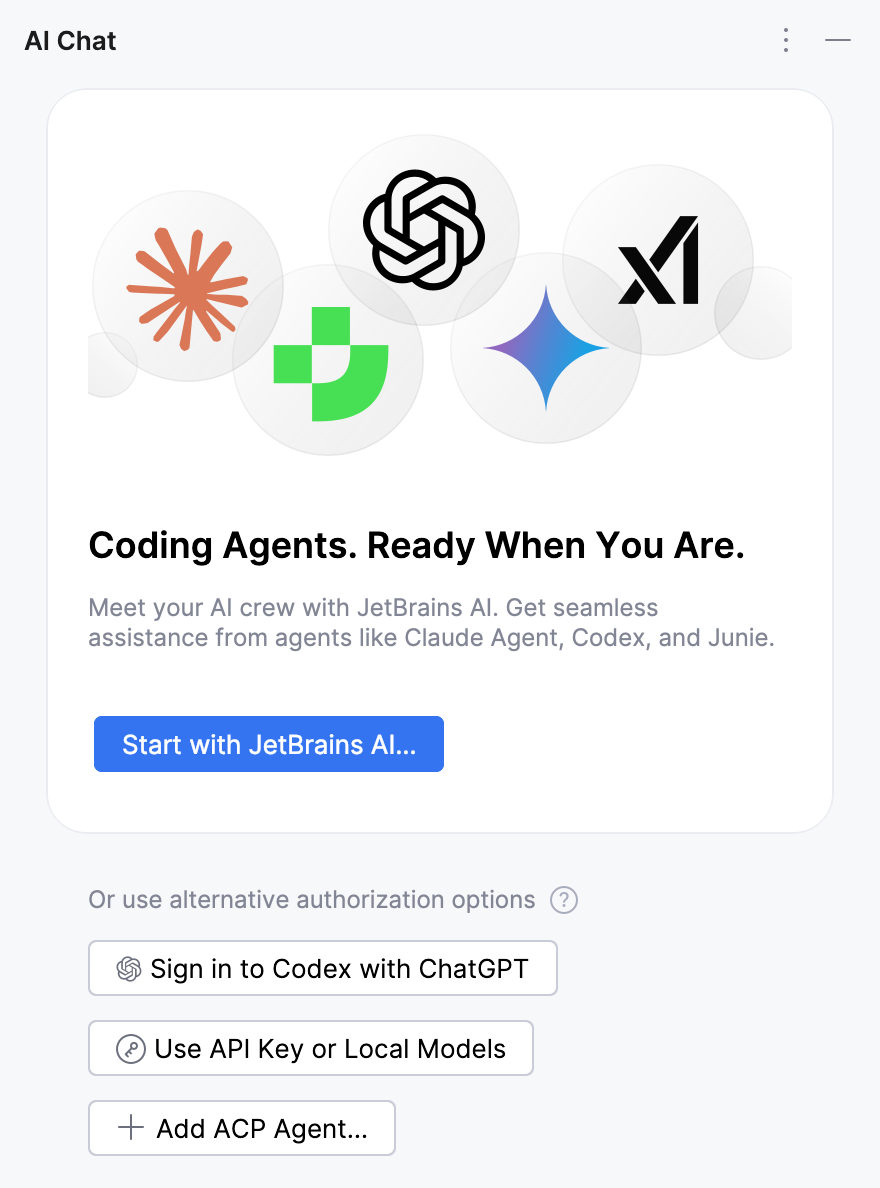
Click Add ACP Agent.
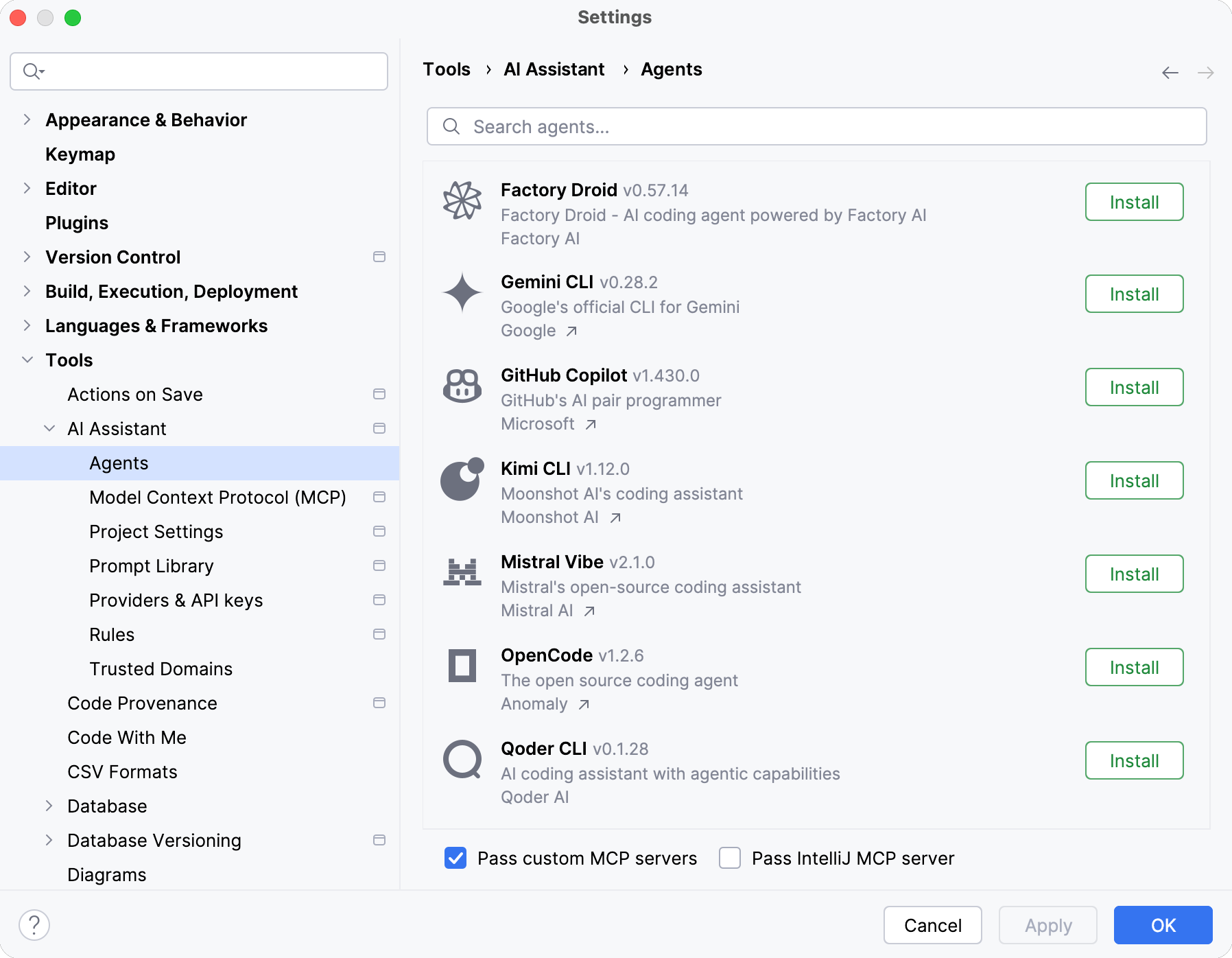
On the Agents page, select the agent that you want to install and click Install.
During installation, the IDE automatically:
Downloads the required agent files.
Downloads and manages a Node.js or Python runtime if required. If a compatible runtime is already available, the IDE reuses it instead.
Prepares the agent for use.
Enable Pass custom MCP servers and Pass IntelliJ MCP server settings if you want the agent to access tools from configured MCP servers or the bundled MCP server.
Click OK to apply changes.
As a result, the selected agent is installed and becomes available for use in AI Chat.
Alternatively, you can manually add custom ACP-compatible agents:
Open the
AI Chat tool window.Click the
 button in the upper-right corner of the AI Chat tool window and select Add Custom Agent.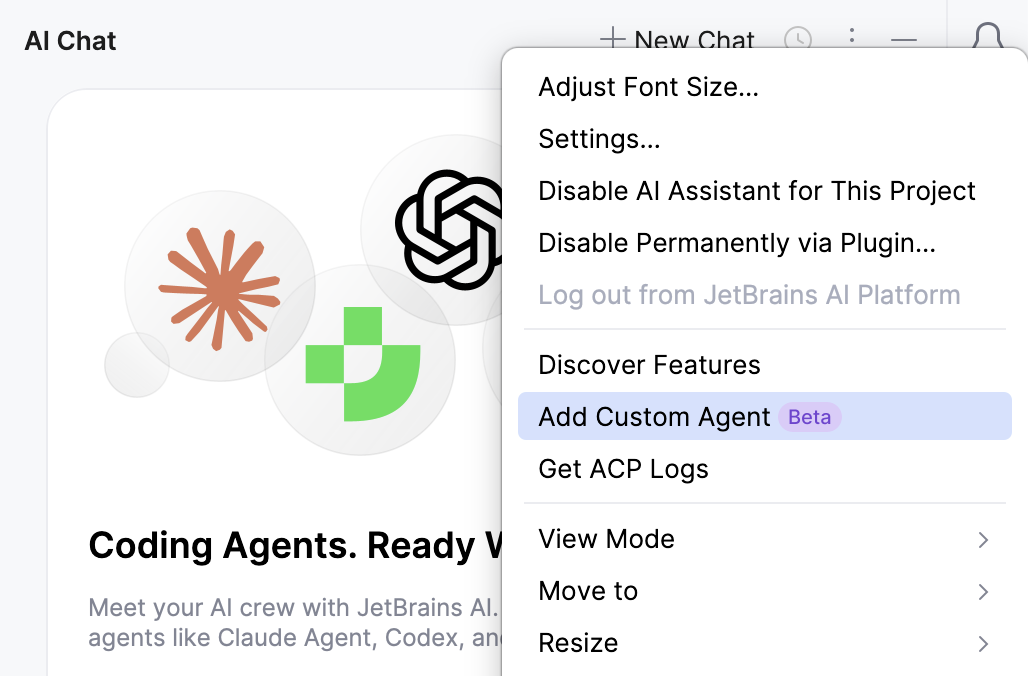
In the acp.json file, provide the agent configuration details.
As a result, the custom agent becomes available in AI Chat.