Authorize with OAuth
AI Assistant supports OAuth authorization for some agents (currently, only for Codex), allowing you to sign in with your provider account. This allows you to use the specific agent, but other AI Assistant features remain unavailable.
You can authorize the agent after installing it:
Open the
 AI Chat tool window.
Click Sign in to Codex with ChatGPT.
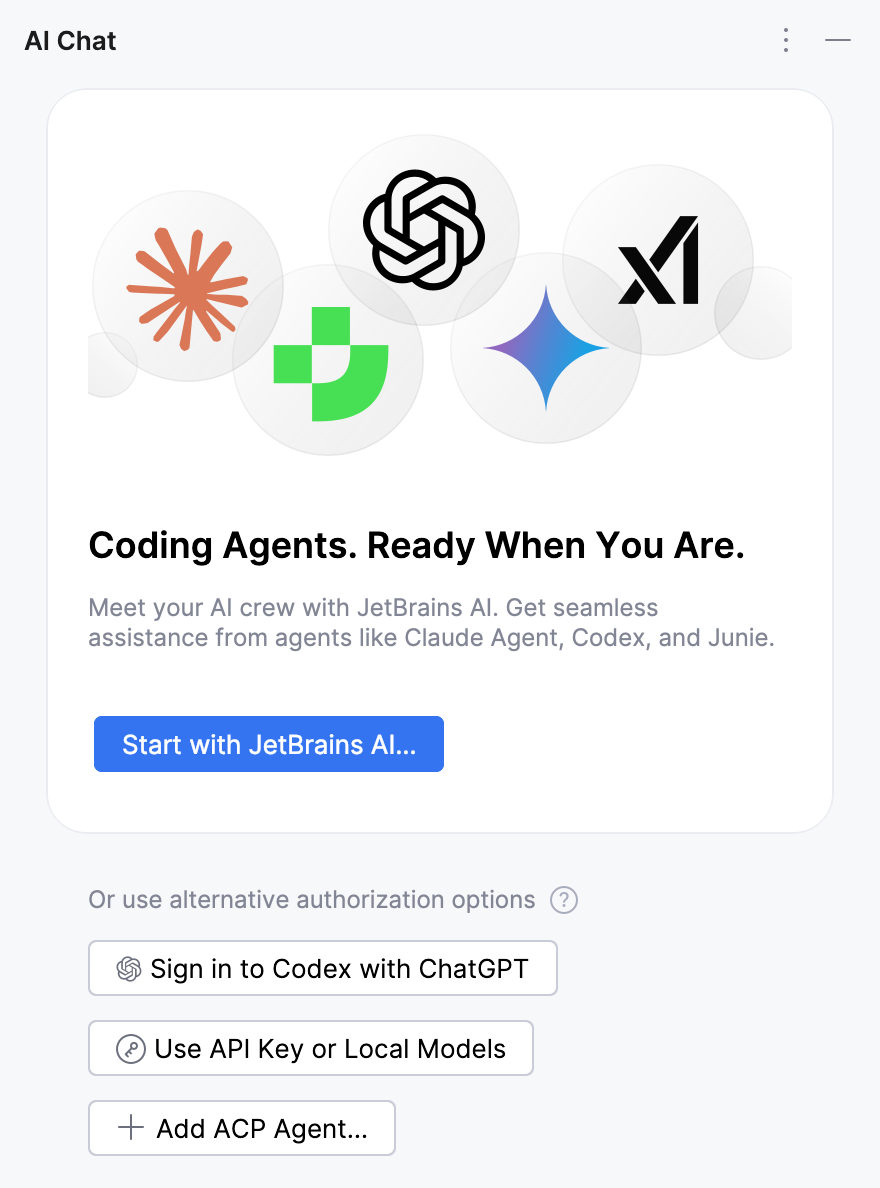
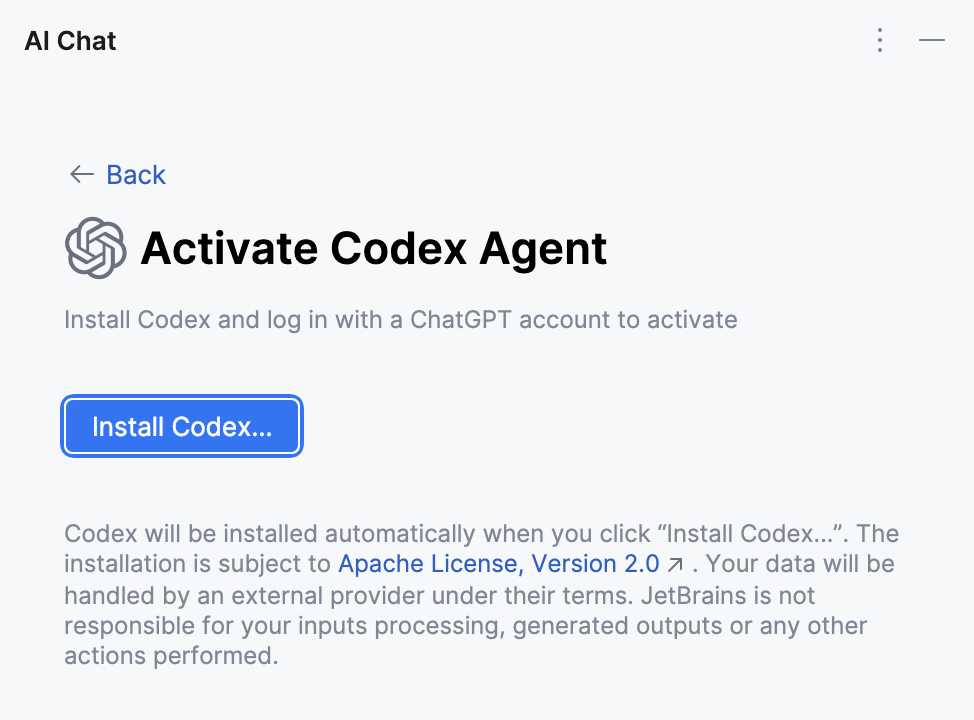
Click Install Codex to install the agent.
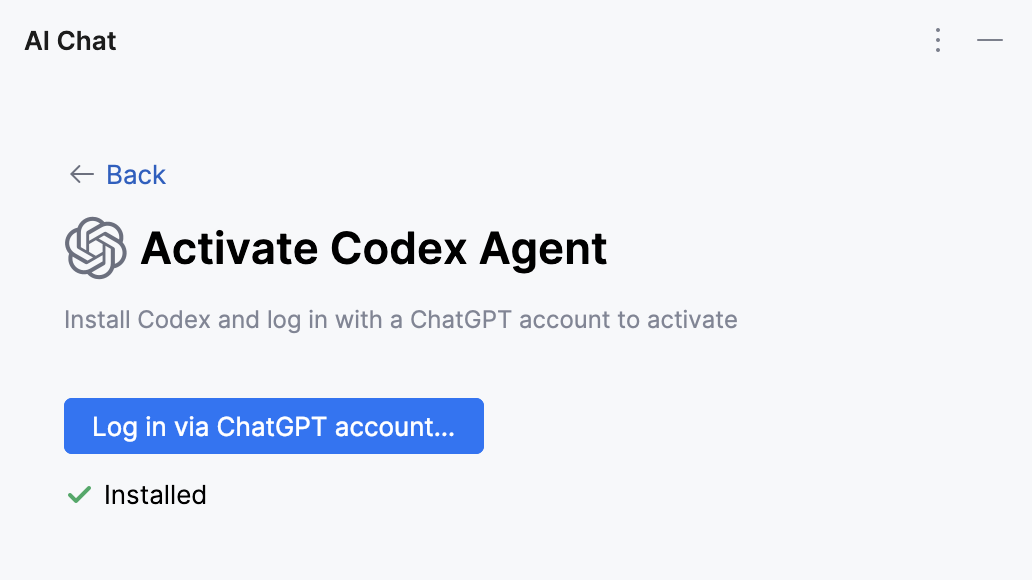
Click Log in via ChatGPT account to open the OpenAI sign-in page.
Sign in with your ChatGPT account to authorize the agent.
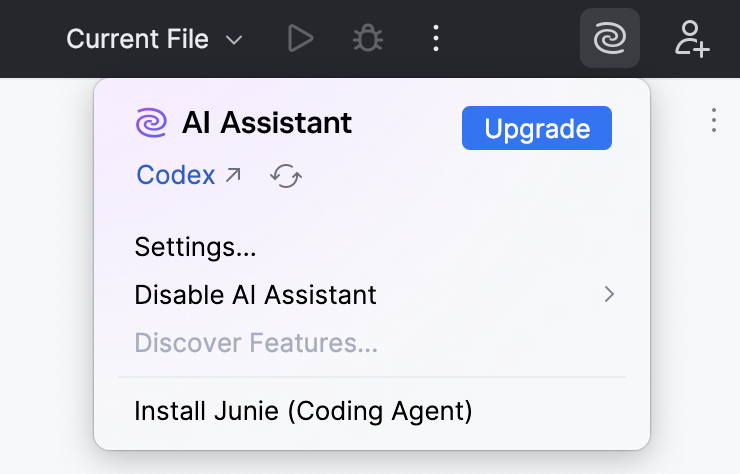
After completing these steps, you can start using the agent in AI Chat. To verify that your ChatGPT account is used, click the  JetBrains AI widget in the window header toolbar.
30 March 2026