教程:使用 AI Assistant 完成常见 Rails 任务
RubyMine 内置 AI Assistant ,可协助日常 Rails 开发任务。 可以使用 AI 优化现有代码、生成测试并直接在 IDE 中更快地实现小功能,而无需手动编写重复代码。
在本教程中,将使用 AI Assistant 完成若干基础 Rails 开发任务,以通过 Post 资源改进简单应用程序。
教程包括以下过程:
开始之前
从包含 Post 资源的简单应用程序开始。 这为后续步骤中借助 AI 扩展和优化打下了工作基础。
创建一个简单的 Rails 应用程序
请按 Ctrl 两次并输入
bin/rails generate scaffold Post title:string body:text。按输入以运行生成器。 RubyMine 会创建模型、控制器、视图、路由和测试文件。 可以在运行工具窗口中查看生成的输出。
请按两次 Ctrl 并输入
db:migrate。 在下拉菜单中选择 rake db:migrate 并按下 Enter。 按 Ctrl 两次,输入db :migrate,再按 Enter。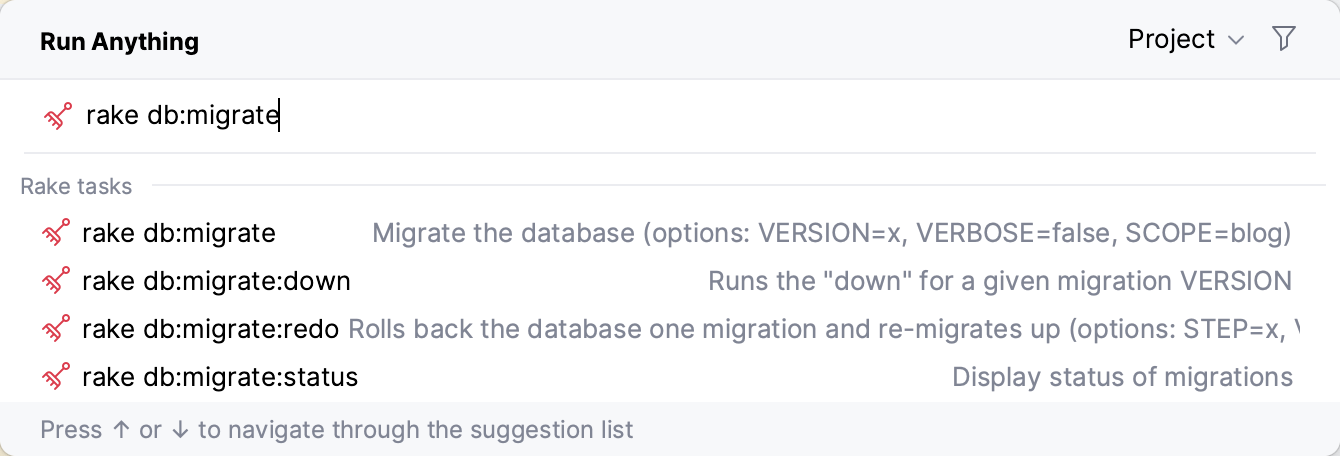
保持被调用的 执行 'db:migrate' 对话框中的默认设置,然后点击 确定。
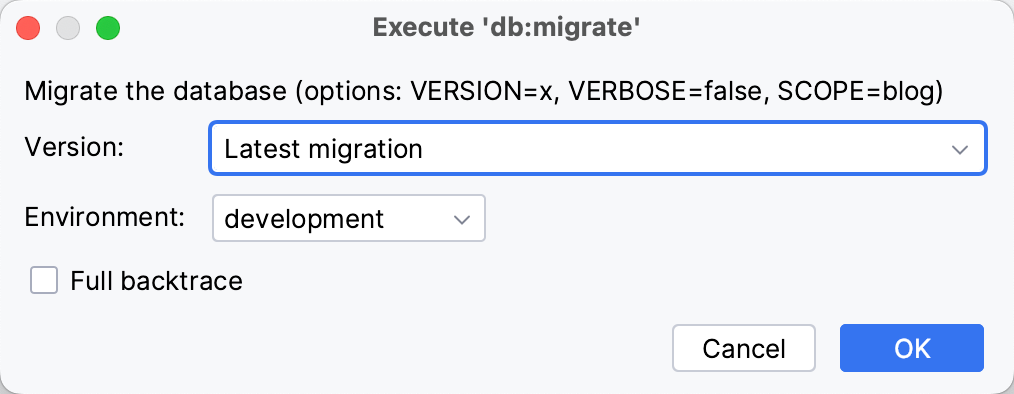
这将在 development.sqlite3 数据库创建在 数据库 文件夹中。
现在数据库已设置,可以运行应用程序了。
按 Ctrl 两次并开始输入应用程序名称。 在建议列表中选择运行配置选项。
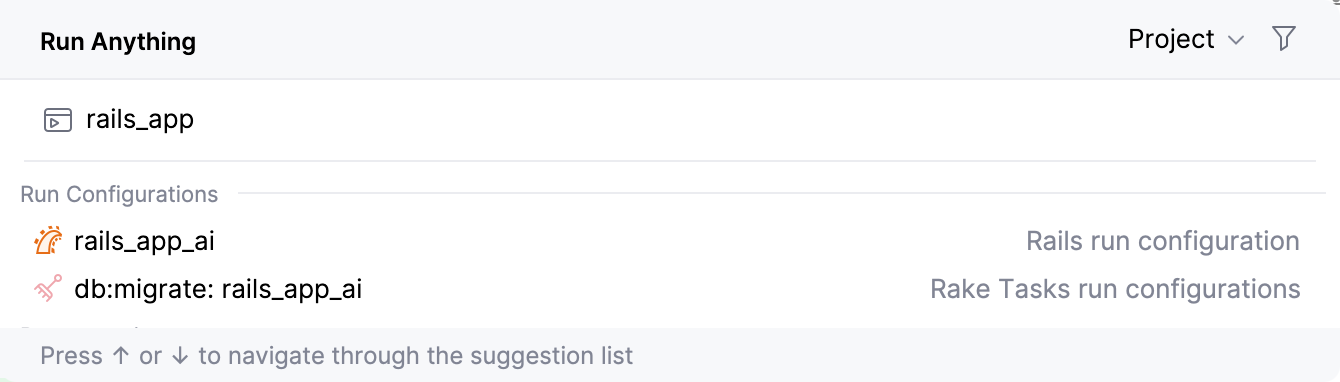
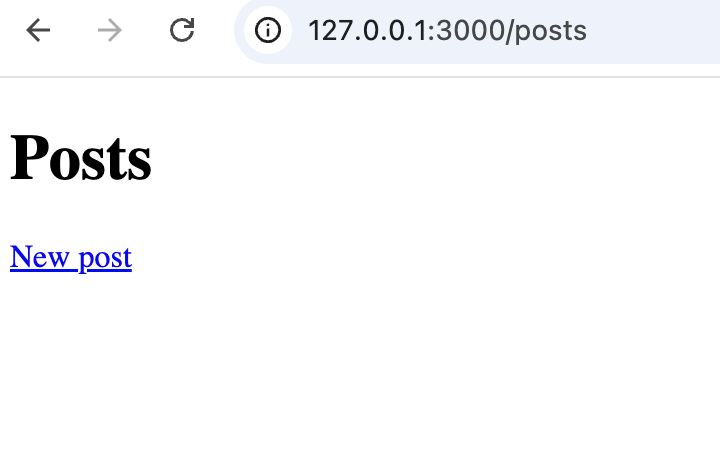
在浏览器中打开 http://127.0.0.1:3000/posts ,以验证生成的 posts 页面是否可用。
通过 AI 优化你的 Rails 应用程序
现在,我们继续完善该应用程序,并使用 AI Assistant 扩展其功能。
添加验证
生成的 Post 模型尚不包含任何自定义逻辑。 我们来添加验证并优化应用程序行为。
直接在文件中使用 AI Assistant
在 Project 视图(Alt+1 )中,在编辑器里打开 app/models/post.rb 文件。
将文本光标放在类中并调用 AI Assistant。
Ask AI 添加验证。 可以使用下面示例中的提示:
Add validations for title and body. Body should have a minimum length of 10.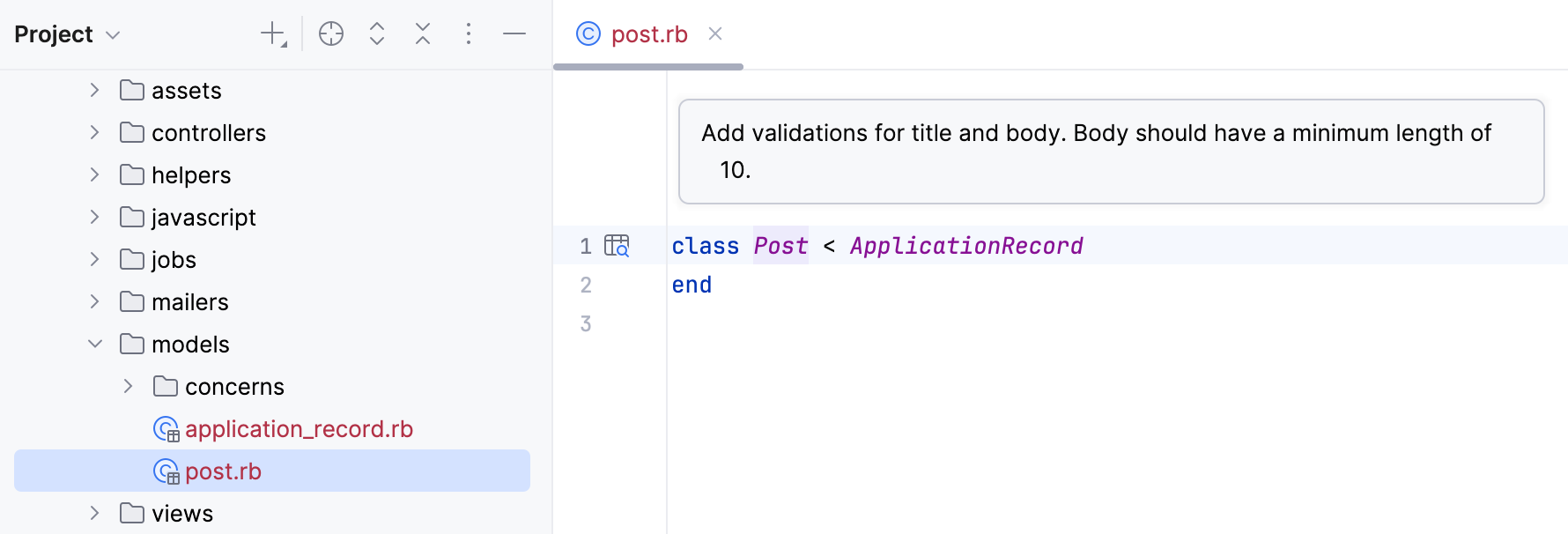
按输入并等待生成代码修改建议。
检查建议的更改。 更新后的模型大致如下:
class Post < ApplicationRecord validates :title, presence: true validates :body, presence: true, length: { minimum: 10 } end点击 全部接受 应用更改并更新文件。
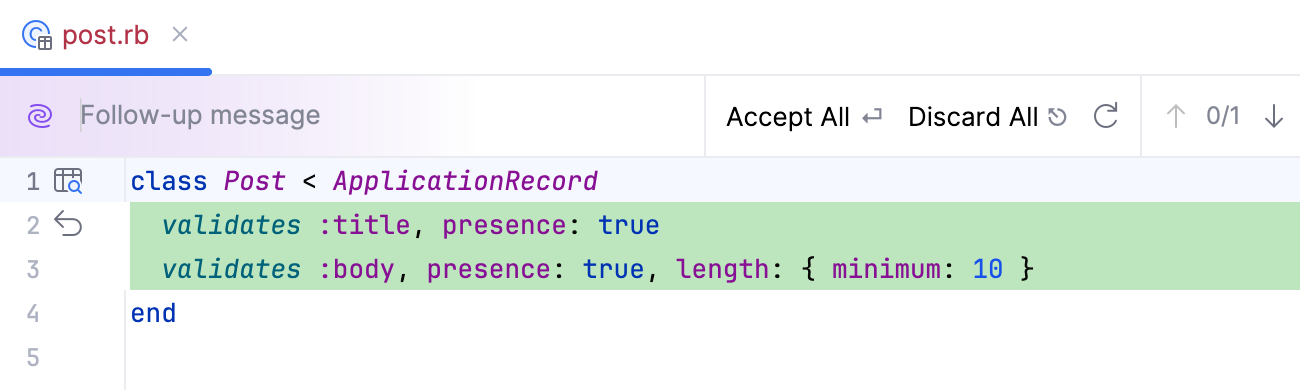
现在应用程序会在保存帖子前验证用户输入。
在浏览器中验证验证规则
使用项目的运行配置启动 Rails 应用程序,或运行
bin/rails server。在浏览器中打开 http://127.0.0.1:3000/posts/new 。
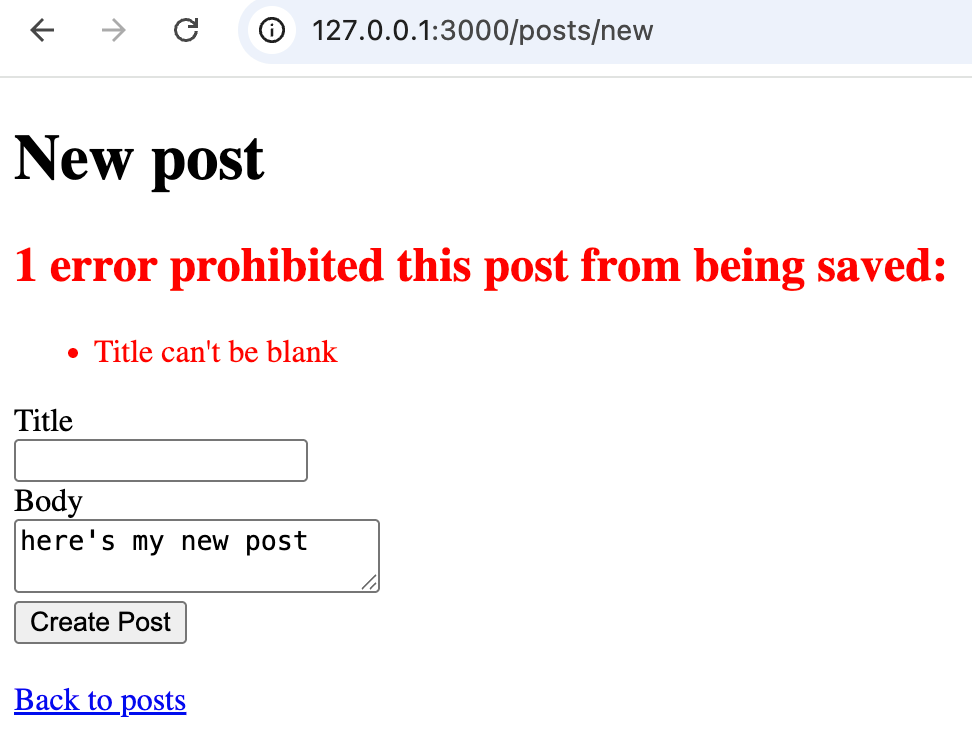
在 标题 和 主体 字段中输入无效数据。 例如,将某个字段留空。
点击 创建帖子。
应用程序会显示验证错误,只有输入的数据有效时才会保存帖子。
使用 AI 生成测试
在给 Post 模型添加验证后,可以用 AI Assistant 为其创建测试。 这次请通过 AI Chat,而不是直接在文件中调用 AI Assistant。
在 AI Chat 中生成测试
点击右侧工具栏的 AI 聊天室 图标。
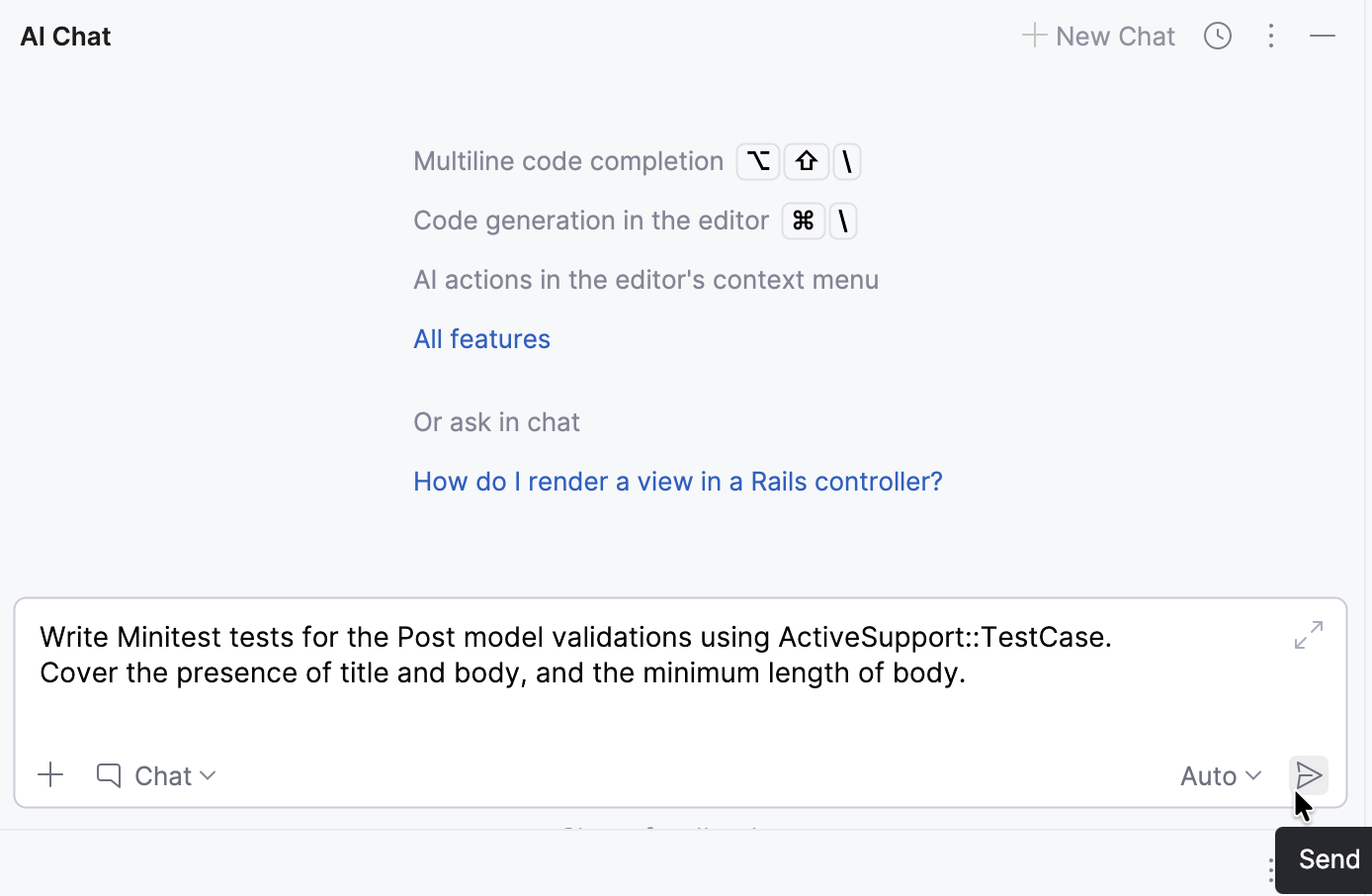
Ask AI 生成用于模型验证的 Minitest 测试。 例如:
Write Minitest tests for the Post model validations using ActiveSupport::TestCase. Cover the presence of title and body, and the minimum length of body.点击 发送 图标或按输入。
检查并复制生成的测试代码。
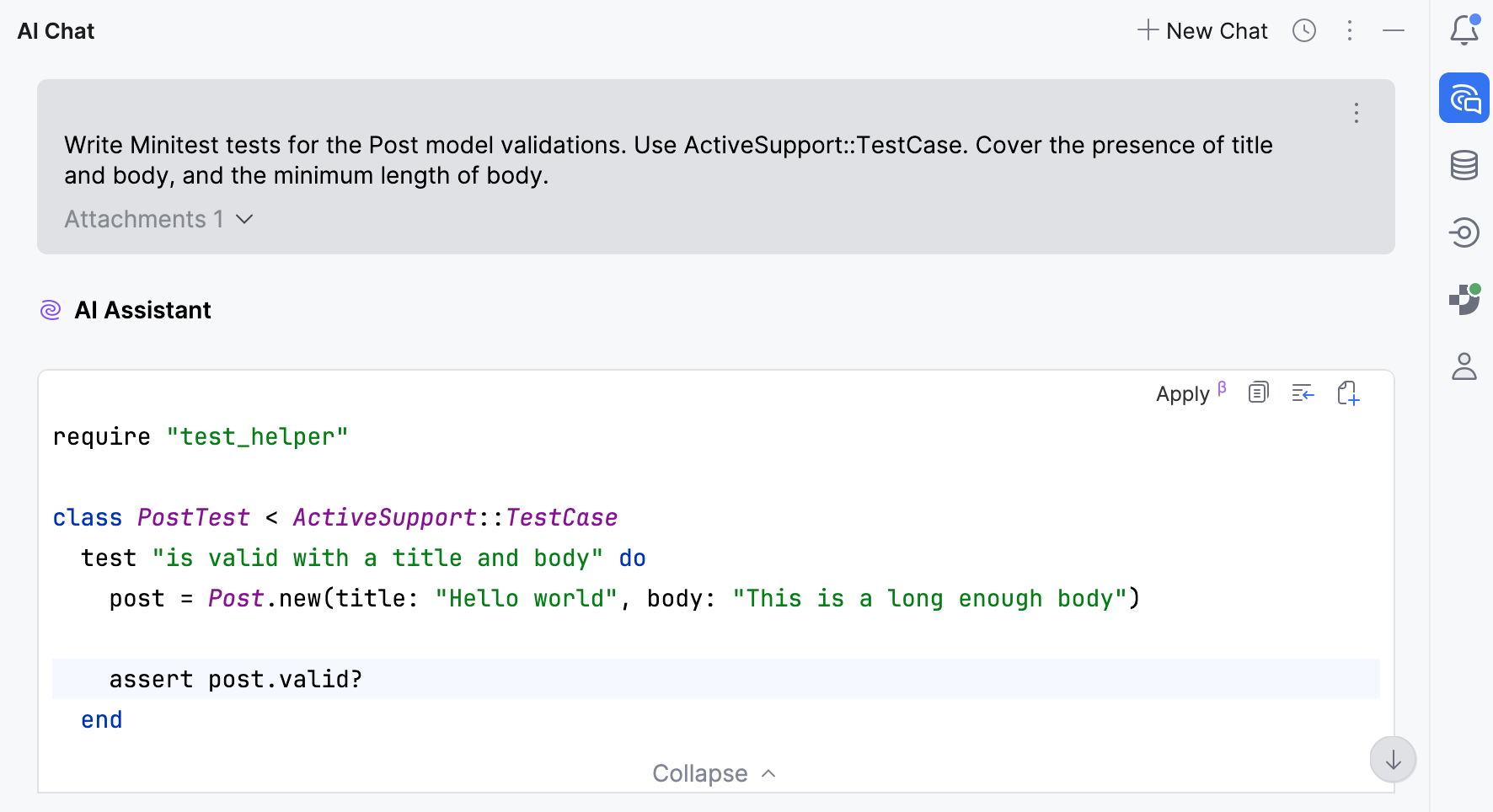
打开 Rails 创建的 test/models/post_test.rb 文件,并用生成的代码替换其内容。
结果大致如下:
require "test_helper" class PostTest < ActiveSupport::TestCase test "is valid with a title and body" do post = Post.new(title: "Hello world", body: "This is a long enough body") assert post.valid? end test "is invalid without a title" do post = Post.new(title: nil, body: "This is a long enough body") assert_not post.valid? assert_includes post.errors[:title], "can't be blank" end test "is invalid without a body" do post = Post.new(title: "Hello world", body: nil) assert_not post.valid? assert_includes post.errors[:body], "can't be blank" end test "is invalid when body is too short" do post = Post.new(title: "Hello world", body: "too short") assert_not post.valid? assert_includes post.errors[:body], "is too short (minimum is 10 characters)" end end
运行生成的测试
在编辑器中或在 Project 工具窗口中右键点击 test/models/post_test.rb 文件并选择 运行 'Minitest: post_test.rb'。
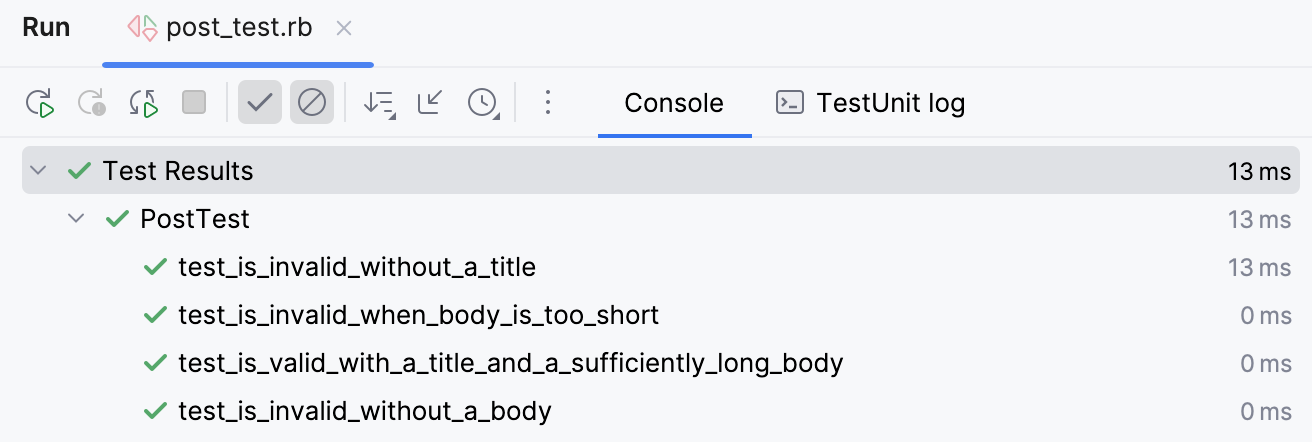
RubyMine 会运行测试并在 运行 工具窗口中显示结果。
扩展应用程序功能
现在,将在 AI Assistant 的帮助下扩展应用程序功能。 在此示例中,将在已创建的 posts 索引页面添加按标题搜索。
为页面添加搜索功能
在编辑器中打开 app/controllers/posts_controller.rb 文件。
打开 AI Chat。 确保将 app/controllers/posts_controller .rb 文件附加到 chat。 这将有助于 AI Assistant 更准确地生成代码。
给出添加按标题搜索到页面的提示。 请确保指定要同时更新控制器和视图。 例如:
Add search by title to the posts index page. Update: - the index action in the controller to filter posts by title using a query parameter - the index.html.erb view to include a search form with a text field and submit button Keep it simple and idiomatic Rails.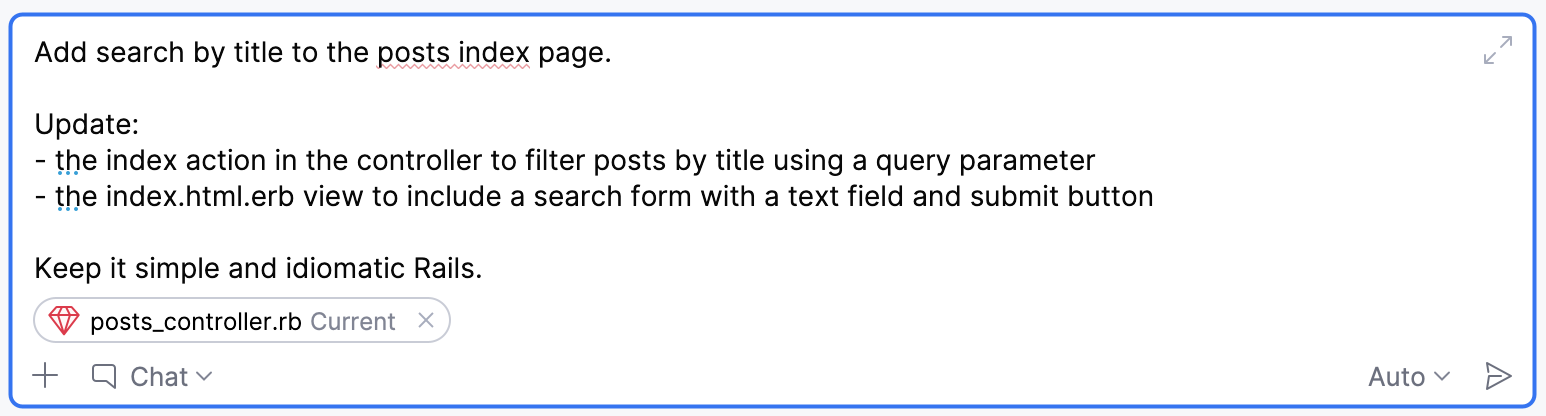
点击 发送 图标或按输入。
检查生成的代码。
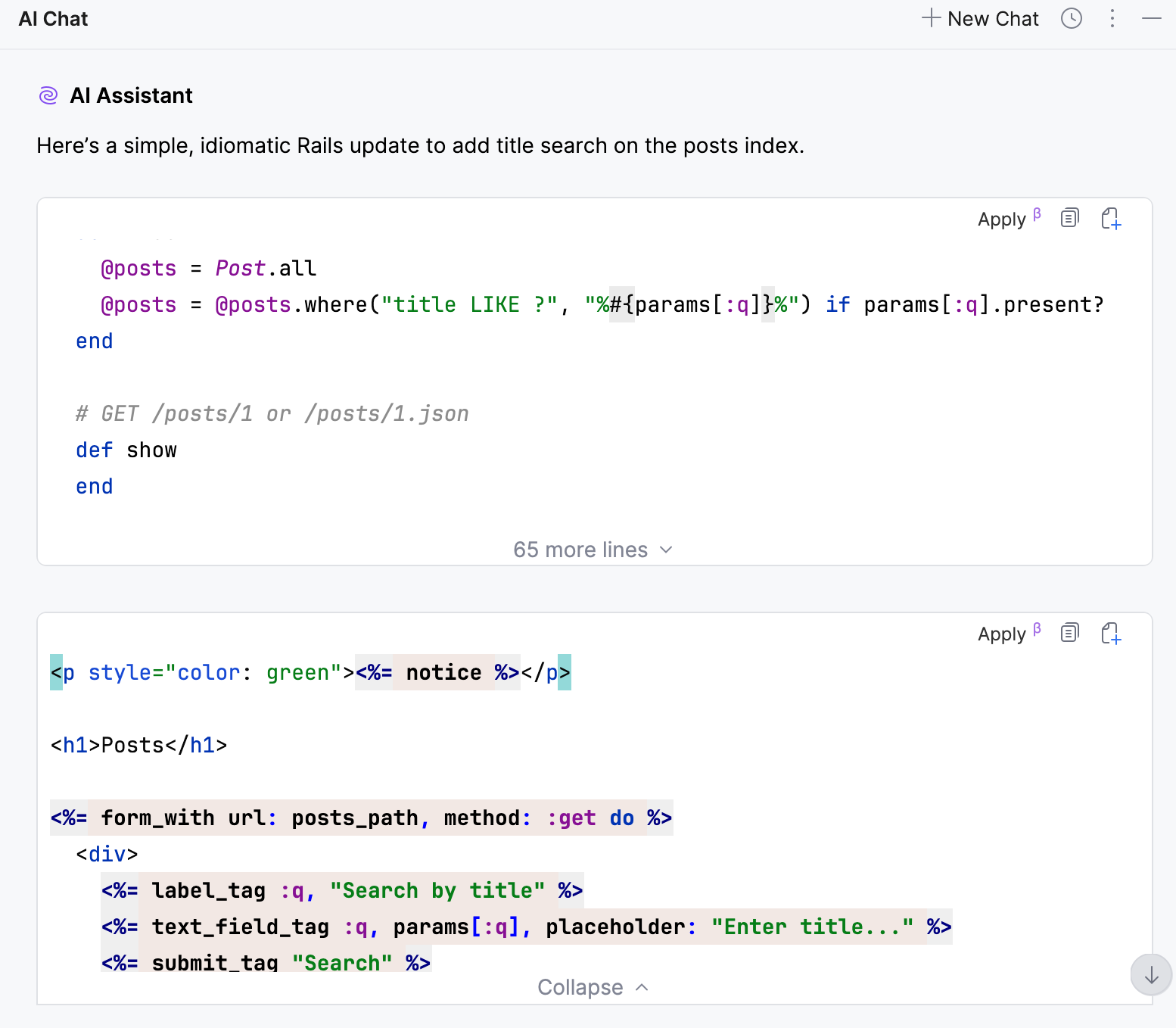
然后,在编辑器中打开相应文件并手动应用建议的更改。
在 app/controllers/posts_controller.rb 中,更新
index操作。 它大致如下:class PostsController < ApplicationController before_action :set_post, only: %i[ show edit update destroy ] # GET /posts or /posts.json def index @posts = Post.all if params[:q].present? query = "%#{params[:q].downcase}%" @posts = @posts.where("LOWER(title) LIKE ?", query) end end在 app/views/posts/index.html.erb 中,添加生成的搜索表单。 它大致如下:
<%= form_with url: posts_path, method: :get do %> <%= label_tag :q, "Search by title" %> <%= text_field_tag :q, params[:q] %> <%= submit_tag "Search" %> <% end %>
验证结果
运行应用程序.
在浏览器中打开 http://127.0.0.1:3000/posts 。
如有需要,请创建数个不同标题的帖子。
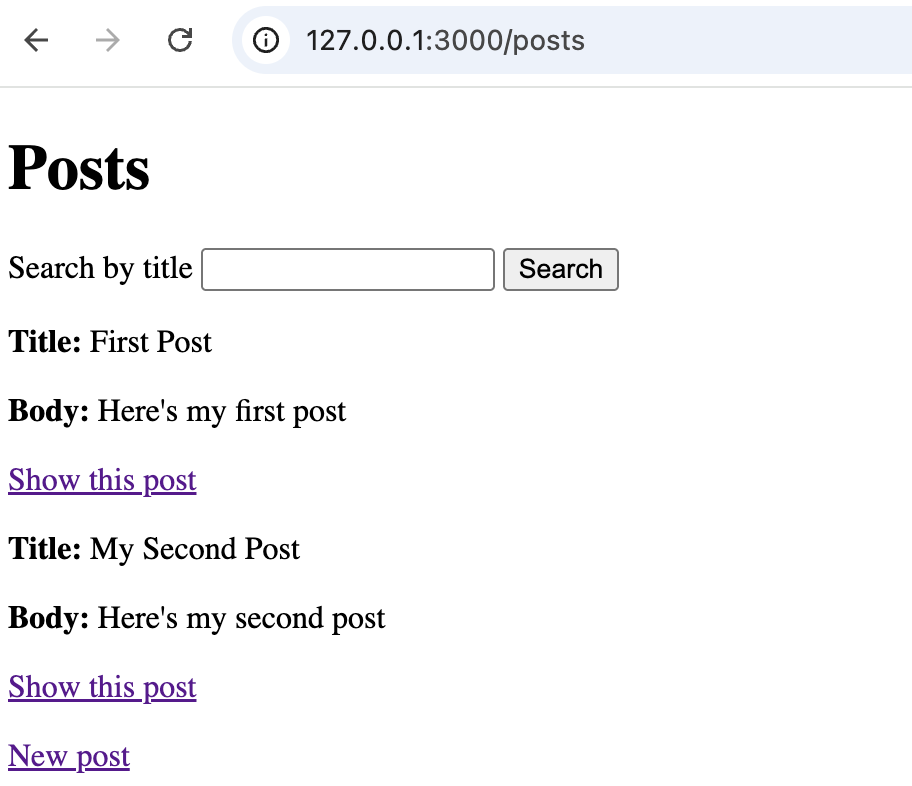
输入搜索查询并提交表单。 页面只会显示标题与查询内容匹配的帖子。
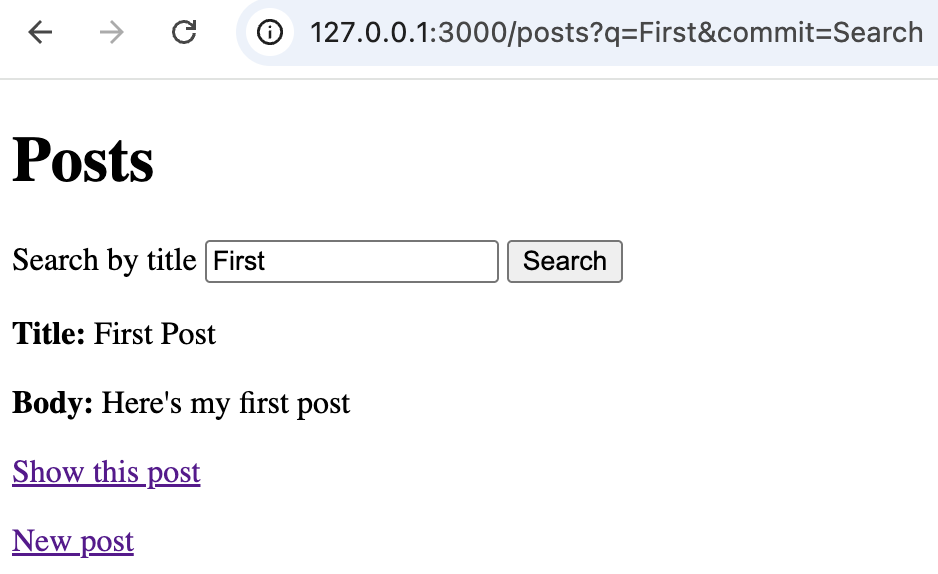
用 AI 导航代码库
AI Assistant 还能帮助你快速导航和查阅项目。 这在面对不熟悉的代码或大型代码库时尤其有用。
使用 AI Chat 查找相关代码
打开 app/models/post.rb 文件。
打开 AI Chat 并点击 新建聊天 图标。 确保当前文件已附加到聊天中。
让聊天查找此模型被使用的位置。 例如:
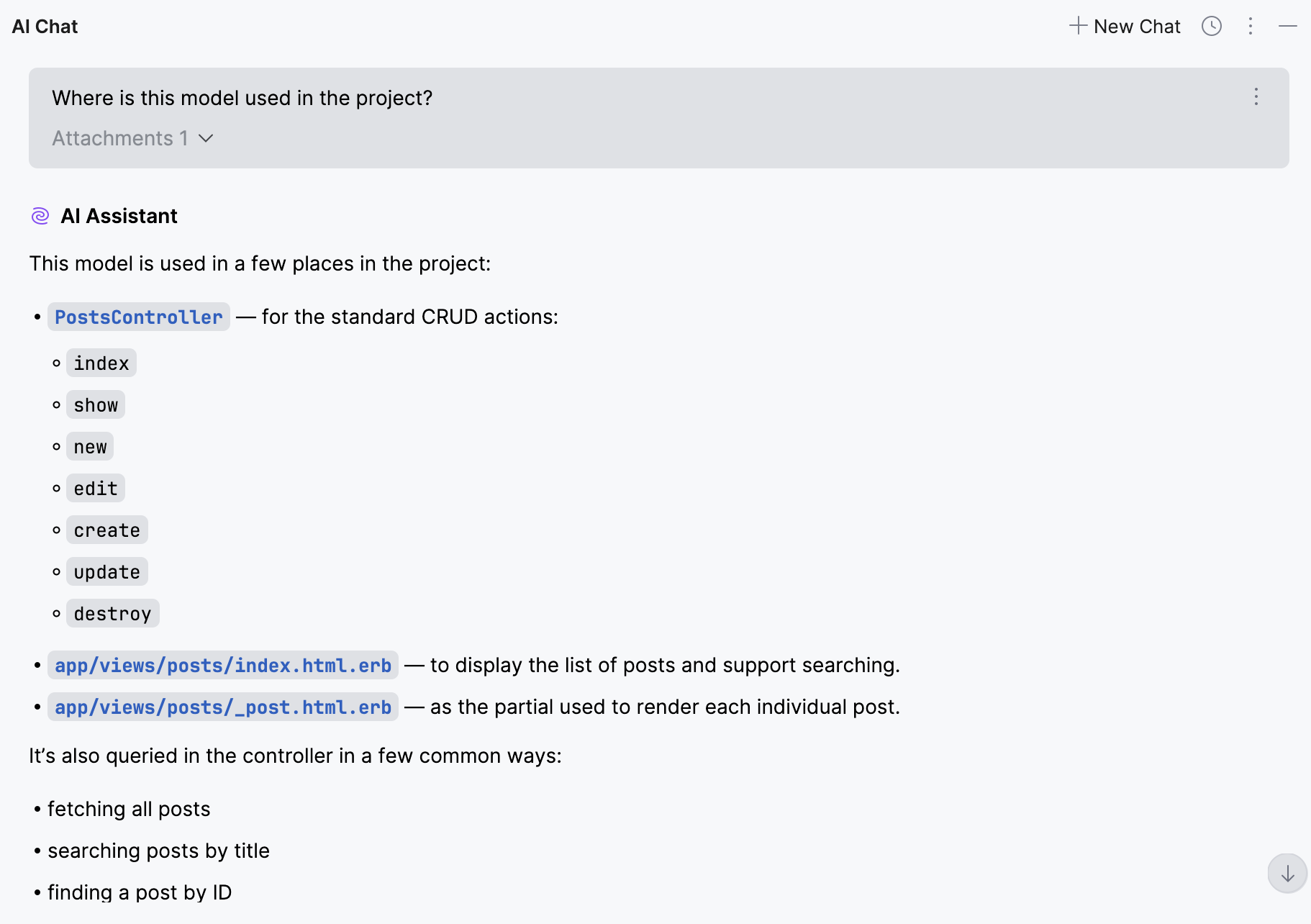
Where is this model used in the project?点击 发送 图标或按输入。
审查响应。 AI 可能会指向与
Post模型有关的控制器、视图和路由。可点击响应中列出的文件,在编辑器中打开。