Predict and generate text
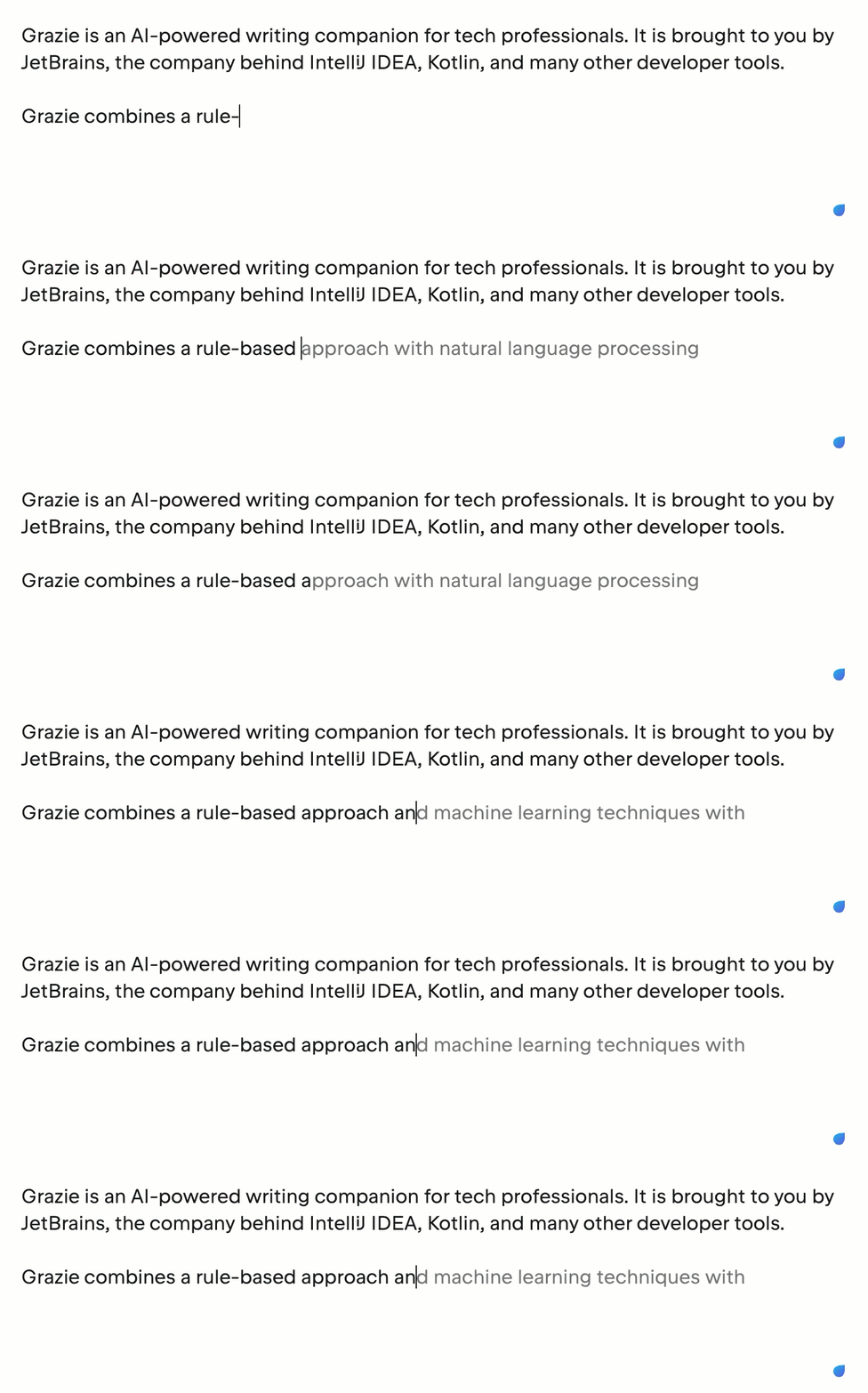
Grazie takes the context of what you are typing into account to predict and suggest words, phrases, or even whole sentences ahead of you. It works as a handy writing assistant and helps you remove writer's block or get an alternative view on the subject.
Press Shift+Tab to complete one word from the suggestion or Shift+Right to complete the whole phrase.
Completion profiles
Grazie provides several completion profiles that are used to show suggestions.

Profile | Description |
|---|---|
Disable | Turns off text completion suggestions. |
Moderate | Shows suggestions only when Grazie is confident that the suggested word or phrase fits the current context. |
Always | Always shows suggestions, even if sometimes they are not relevant. |
By default, Grazie always shows suggestions, even if they may not fit the context.
To change the completion profile:
Click the Grazie icon in the browser toolbar and select the Completion option.
Select one of the available completion modes.
Alternatively, set the profile on the General settings page.