Support for Datalore On-Premises
Learn how to contact support for assistance with your Datalore On-Premises installation or operational issues.
Datalore support resources
You can get support using one of the following options:
Create a support request by filling out the support request form.
Email the Datalore support team at datalore@jetbrains.com.
Alternatively, you can contact the Datalore community at the Datalore forum.
Find the Datalore On-Premises version
You can find the current version of your Datalore On-Premises:
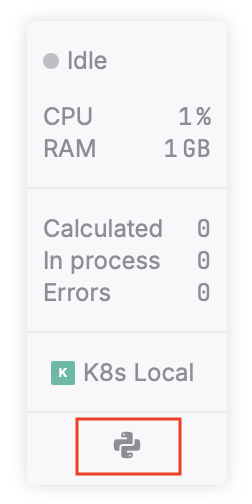
On the status panel
You can find the status panel at the bottom right of the notebook editor page. Hover over the language icon at the bottom of the panel.
In the Account settings menu
Click the avatar at the top right of the Home or the notebook editor pages.
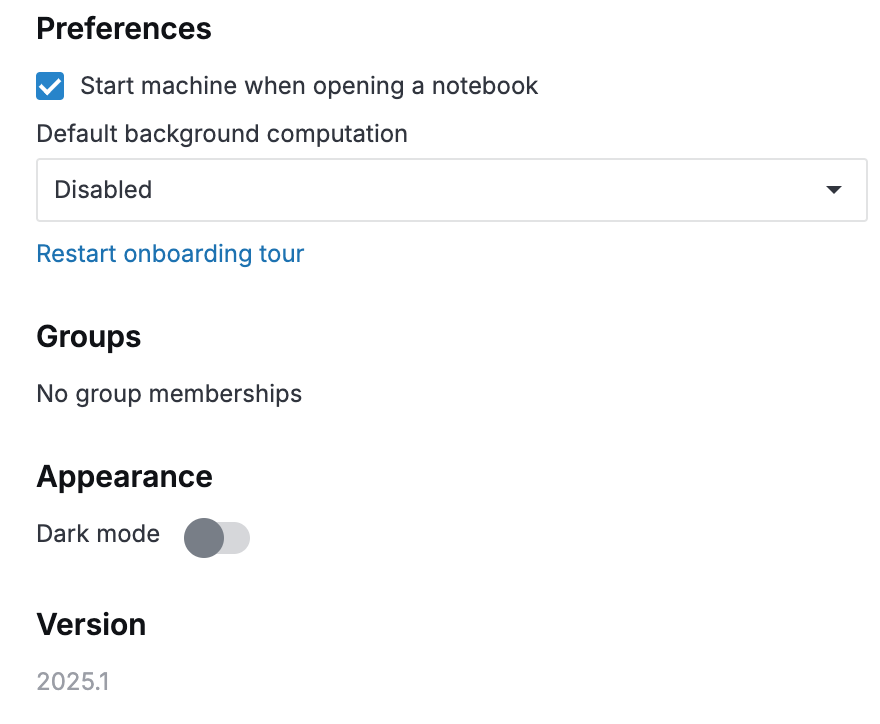
Select Account settings.
You can find the version at the bottom of the User settings tab.