API tokens
An API token authenticates requests you make to Datalore APIs, such as the Run API or Notebook API, so that you can interact with Datalore from external apps, scripts, and AI agents.
Include the token as a bearer token in the Authorization header of your requests.
- Scope
API tokens you create can have the following scopes:
Notebook API
Full user access
Admin access
- Expiration period
When creating an API token, you can select one of the expiration period options ranging from 30 minutes to one year.
Access the API tokens tab
From the Home page or the editor, click your avatar at the top right.
Select Account settings.
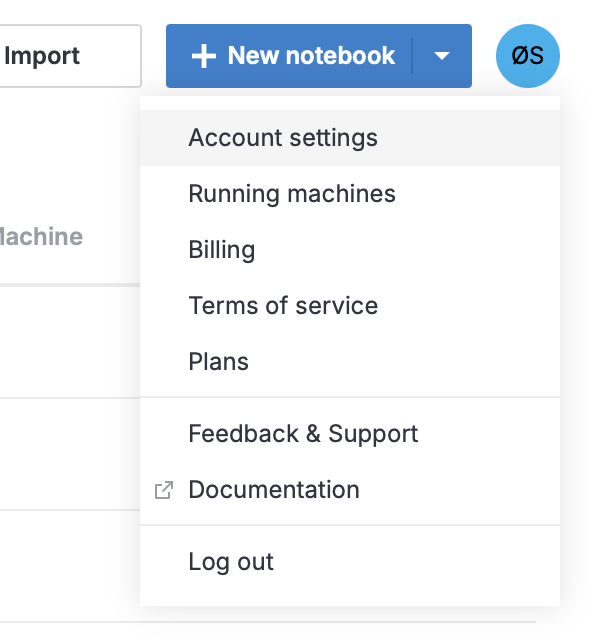
Switch to the API tokens tab.
The list contains all tokens you have created and not deleted, including expired ones.
Create an API token
On the API tokens tab, click Create token.
In the dialog, enter the token name.
Select the scope and expiration period for the token and click Create.
Copy the token and save it in a secure location.
Create an API token for one notebook
You can also create an API token that has a scope of only one notebook.
Open the notebook you want to create a token for.
In the main menu, select .
In the dialog, enter the token name.
Select the expiration period for the token and click Create.
Copy the token and save it in a secure location.
You can manage this token on the API tokens tab.
Revoke an API token
On the API tokens tab, find the token you want to revoke.
Click x (Delete) next to it and confirm deletion.