Manage your account
Use Account settings to update your profile, configure notification preferences, review billing information, and manage API tokens.
Open Account settings
From the Home page or the editor, click your avatar at the top right.
Select Account settings.
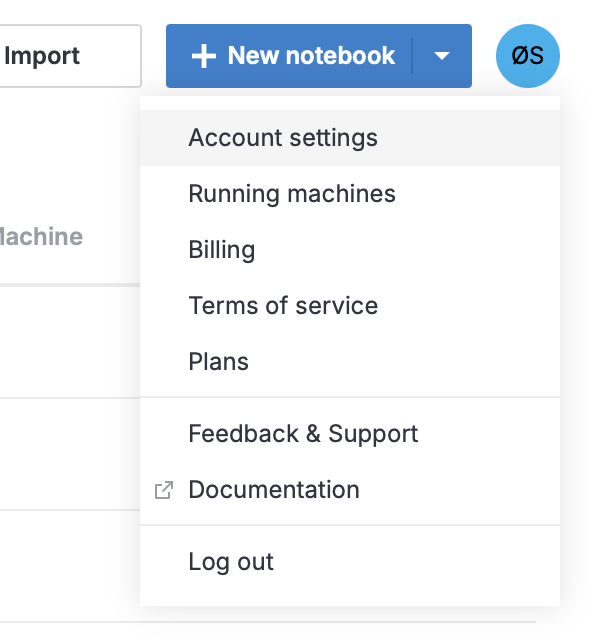
Account settings actions
You can perform the following actions in Account settings.
- User settings tab
Change your name, set a password, and customize your avatar color
Enable or disable dark mode
Choose whether to start a machine when opening a notebook
Choose whether reports are recalculated on open
Turn AI assistance on or off (Datalore Cloud only)
Choose whether background computation is enabled and whether it turns off after a period of inactivity
Control whether the Datalore support team can access your notebooks for quality assurance (Datalore Cloud only)
Restart the onboarding tour
Reset cookie settings (Datalore Cloud only)
Log out of all devices
- Notifications tab
Choose whether you receive email notifications for comments in notebooks and reports
- Billing tab
View your plan, credit balance, storage usage, and computation stats
Download balance and detailed reports
Redeem gift codes
- API tokens tab