Customize AI Chat
You can adjust several settings to customize how AI Chat behaves.
Change the chat response language
You can instruct AI Assistant to provide responses in a specific language.
Press Ctrl+Alt+S to open settings and then select .
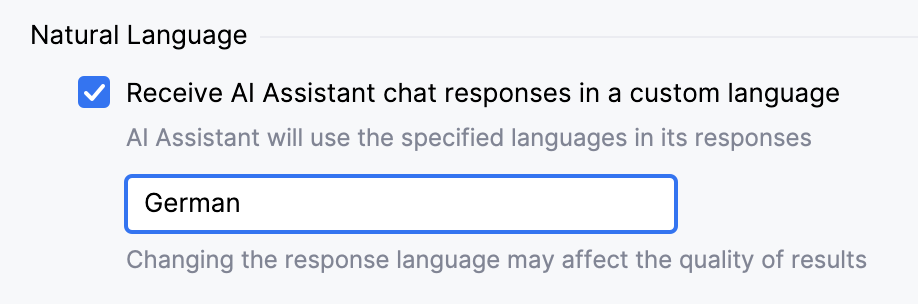
In the Natural Language section, enable the Receive AI Assistant chat responses in a custom language setting.
In the text field, specify the language in which you want to receive chat responses.
Click Apply.
After that, AI Assistant will use the specified language in its responses.
18 March 2026