Activate AI Assistant
AI Assistant provides flexible ways to access AI features and coding agents. You can use the JetBrains AI service, activate agents using different authentication methods, or connect external models using your own API key.
Activation options
After installation, you can choose how you want to use AI Assistant:
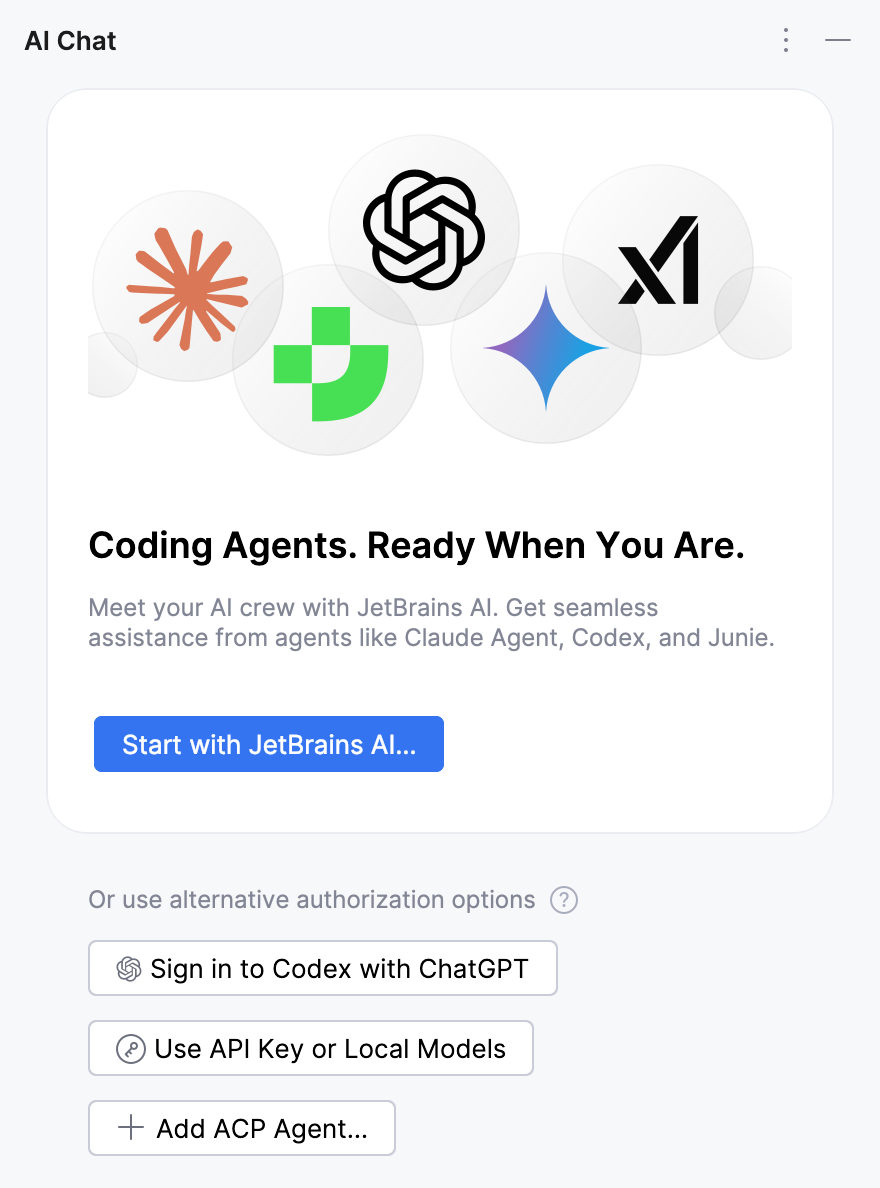
Start with JetBrains AI – use the JetBrains-managed service with full access to AI Assistant features and supported agents.
Activate an agent – use a specific integrated agent (Junie, Claude Agent, or Codex), or add a custom agent using the Agent Client Protocol (ACP). Other AI Assistant features are not available with this option.
Depending on the agent, activation may be available through a JetBrains AI subscription, a provider account (OAuth), or an API key.
Bring Your Own Key (BYOK) – use AI Assistant with models from a supported third-party provider by connecting your API key. Feature availability depends on whether the provider offers compatible models.
When you choose one of these options, the corresponding activation procedure starts. The option you select determines which features are available and how usage is billed.
You can use these options independently or combine them to create a custom setup.
Differences between activation options
The selected activation option determines which AI Assistant features are available and how usage is billed. The following table summarizes the differences:
Activation option | Requires JetBrains AI subscription | Available features | Billing |
|---|---|---|---|
JetBrains AI subscription | Yes | All features and all supported agents | JetBrains AI subscription |
API key (BYOK) | No | Most features[1], as well as agents that support API key authentication | Third-party AI provider |
Provider account (OAuth) | No | Specific agents that support authentication with a provider account | Provider account |
ACP-compatible agent | No | Specific external or custom agents | Agent provider (if applicable) |
Combined configurations
Multiple activation options can be enabled at the same time. When several options are active, AI Assistant selects a provider according to a predefined priority order.
Active options | Priority order | Behavior |
|---|---|---|
JetBrains AI | JetBrains AI | All features are available because the required models are provided by the JetBrains AI service. |
API key (BYOK) | BYOK | Features work only if compatible models are available from the configured third-party provider. Agents that support API key authentication are also available. |
Provider account (OAuth) | Provider account (OAuth) | The authorized agent uses the provider account. |
ACP-compatible agent | ACP agent | Requests to the ACP-compatible agent are handled by the agent provider. |
JetBrains AI + BYOK |
|
|
JetBrains AI + Provider account |
|
|
Provider account + BYOK |
|
|
JetBrains AI + BYOK + Provider account |
|
|
How data is handled in different scenarios
Depending on the selected activation scenario, data may be handled differently:
The IDE sends prompts and context to the JetBrains AI service, which coordinates the request but does not store or process the data. The request is then forwarded to the LLM provider, and the response returns along the same path.
Prompts and context are sent directly to the BYOK-configured LLM provider using the user's API key.
If the feature is supported by the models from a third-party provider, prompts and context are sent directly to the BYOK-configured LLM provider.
If the feature is not supported by the models from a third-party provider, prompts and context are sent to the JetBrains AI service, which coordinates the request but does not store or process the data. The request is then forwarded to the LLM provider, and the response returns along the same path.
Prompts and context are sent directly to the agent provider.
Prompts and context are sent directly to the ACP agent provider using the user's API key (if applicable).
Choose your setup
Pick the option that best matches your needs:
JetBrains AI subscription – if you want full feature access with a ready-to-use setup.
Bring Your Own Key (BYOK) – if you want to use your own API keys and external models.
Activate an agent – if you want to use supported integrated agents with your provider account.
ACP-compatible agents – if you want to connect custom or external agents.