About AI Assistant
AI Assistant is a collection of AI-powered features and coding agents integrated into JetBrains IDEs. It helps you work with code in AI Chat, directly in the editor, and through coding agents that can handle multi-step development tasks.
AI Assistant connects your IDE to AI models and agents that help you write, understand, and improve code by generating snippets, explaining existing logic, suggesting improvements, and automating routine development tasks.
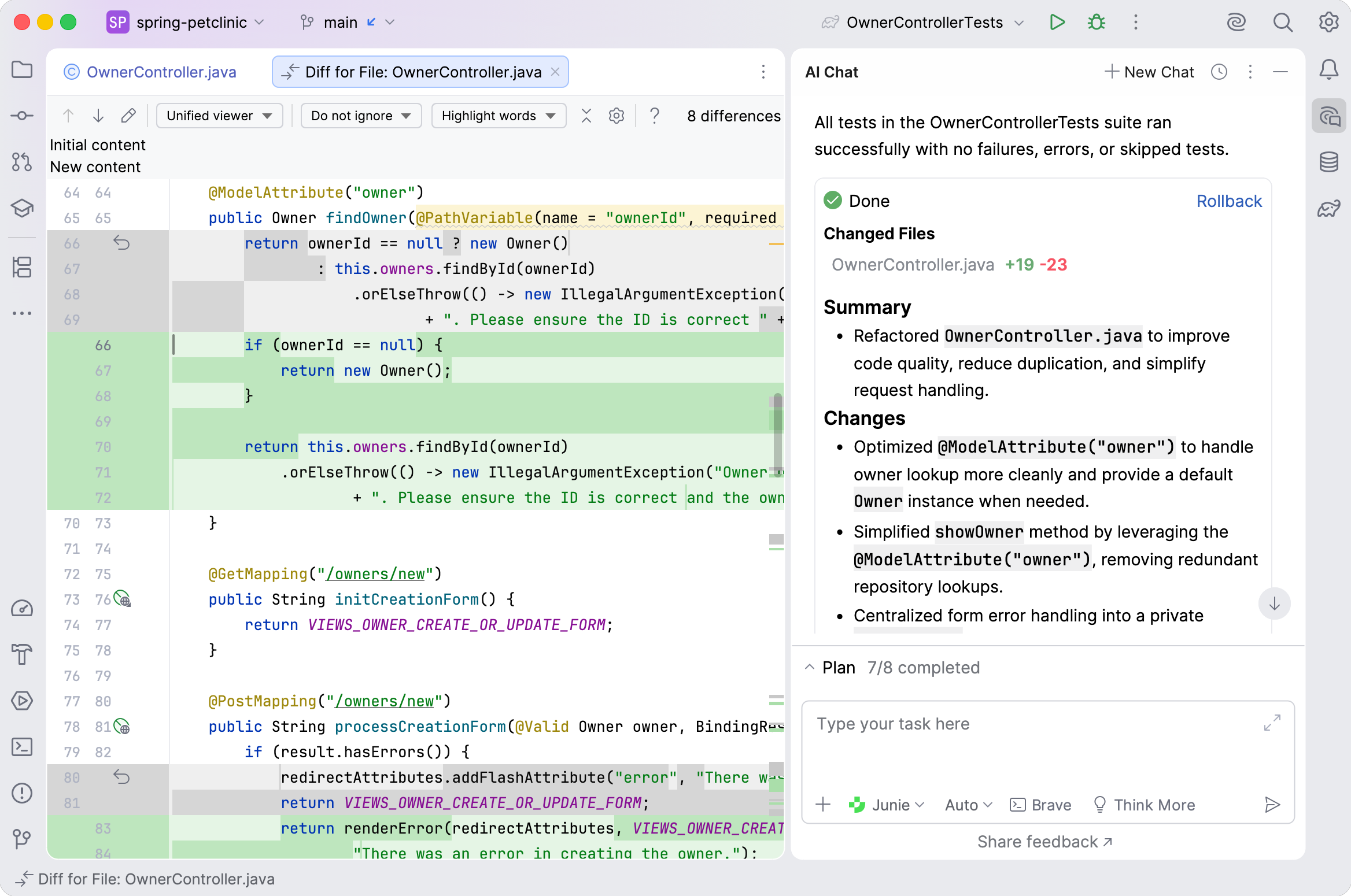
Key capabilities
AI Assistant provides a range of AI-powered features designed to support your development workflow:
 Context-aware AI Chat
Ask questions about your code, navigate your project structure, and get relevant insights based on your current context.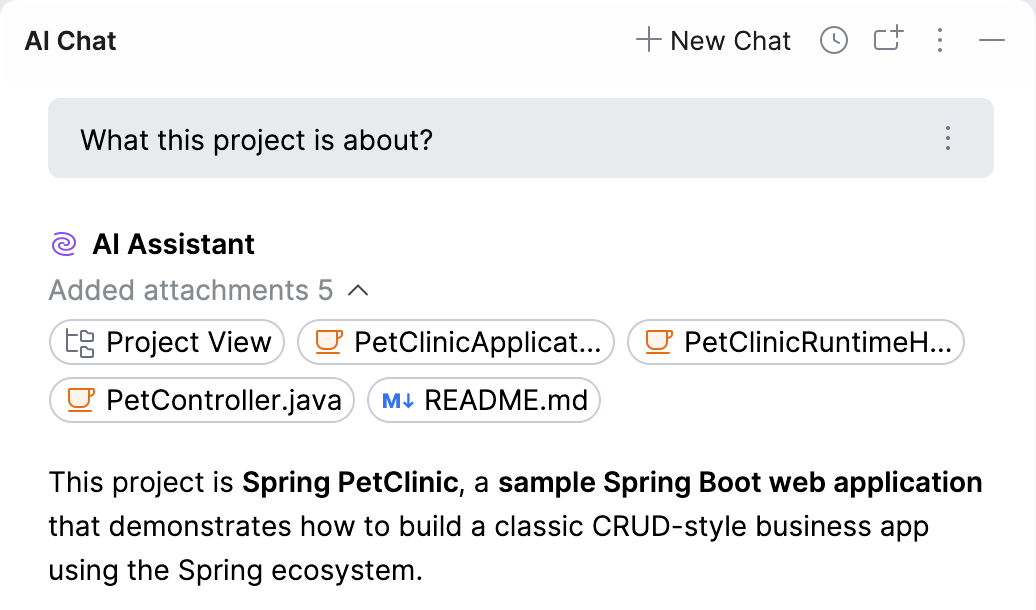
 Coding agents
Delegate complex, multi-step tasks to AI-powered agents that can work across multiple files and handle larger changes.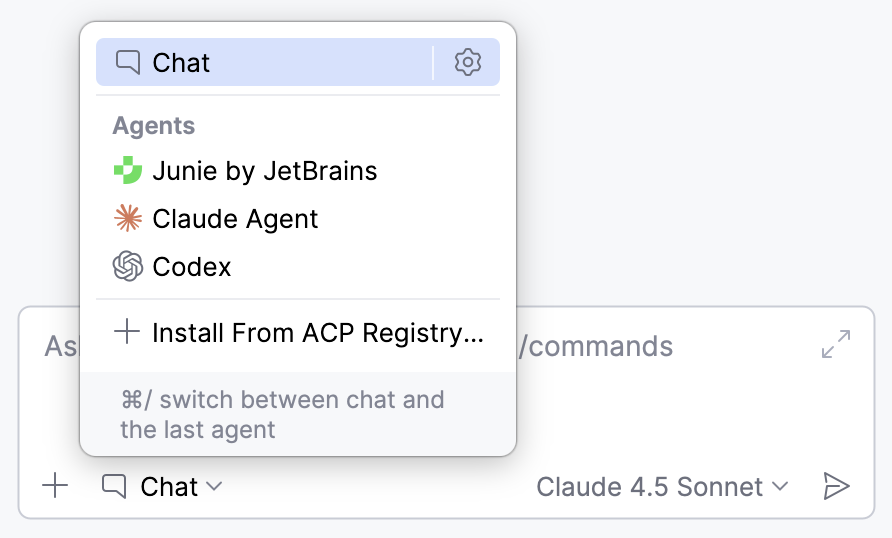
 In-editor AI assistance
Generate or update code from natural language prompts and receive inline code completion and next edit suggestions.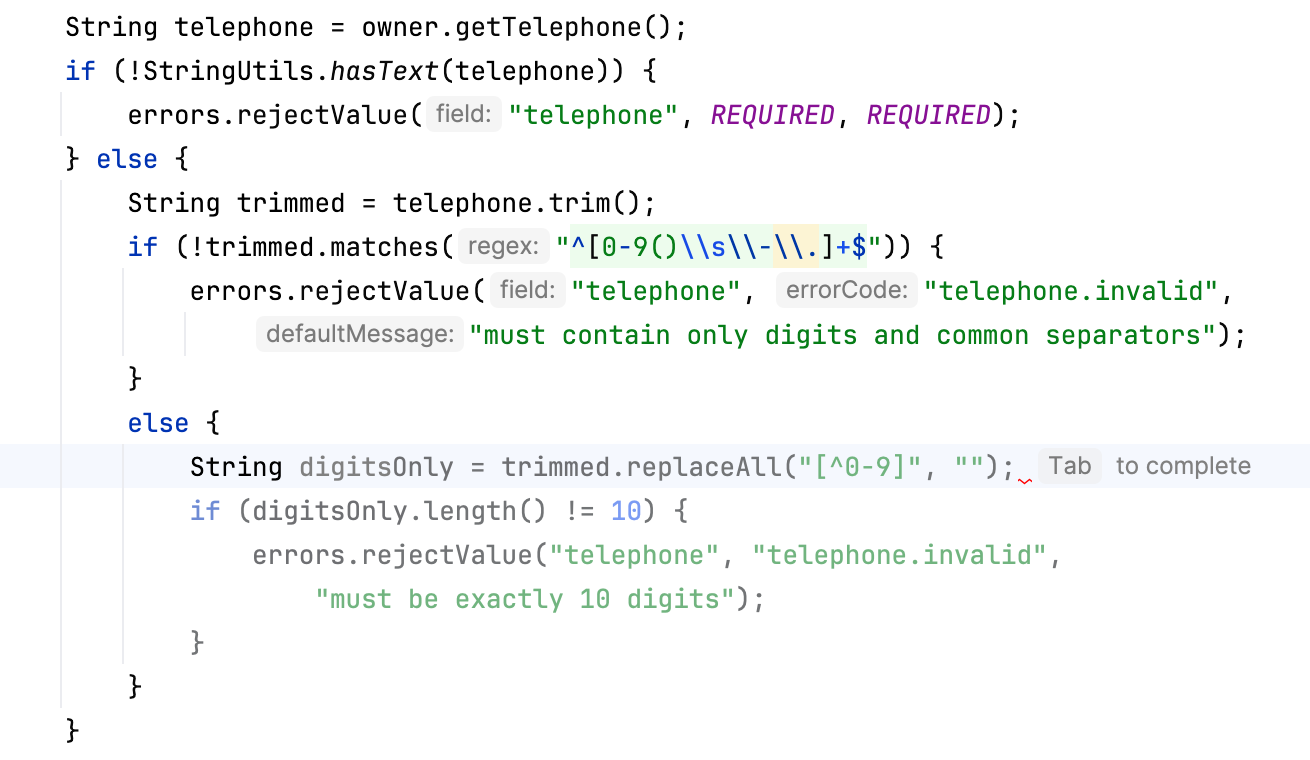
 Code insights
Ask AI to explain code, suggest improvements, assist with refactoring, and identify potential issues.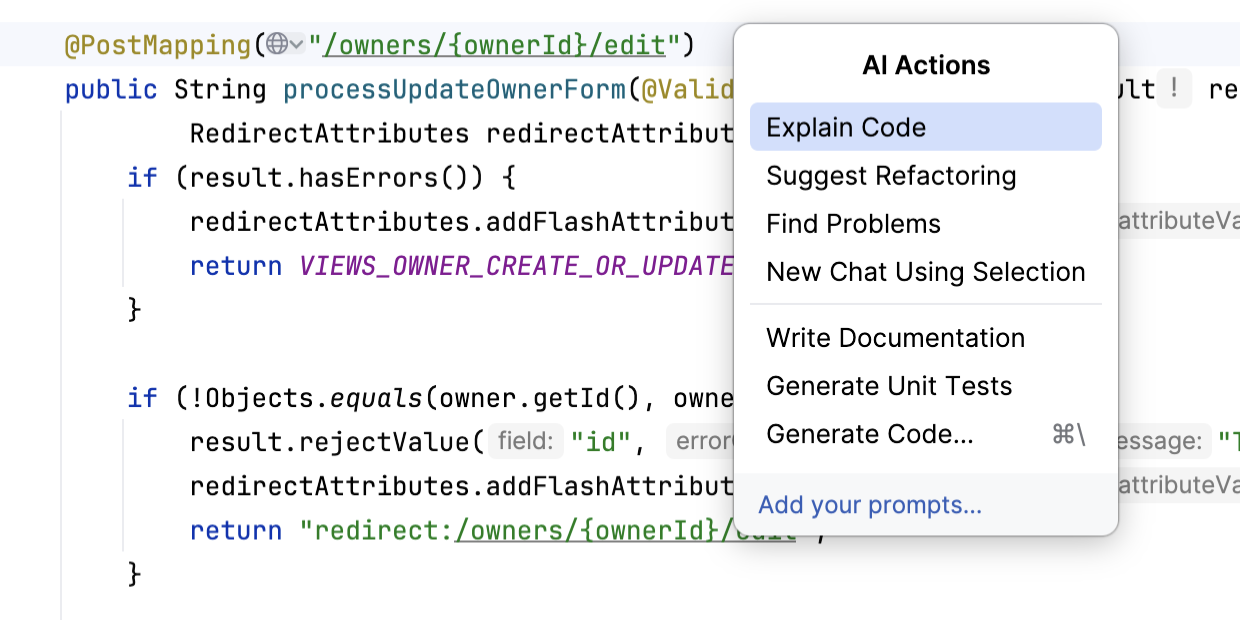
 Routine automation
Reduce manual work by generating documentation, unit tests, commit messages, and pull request summaries.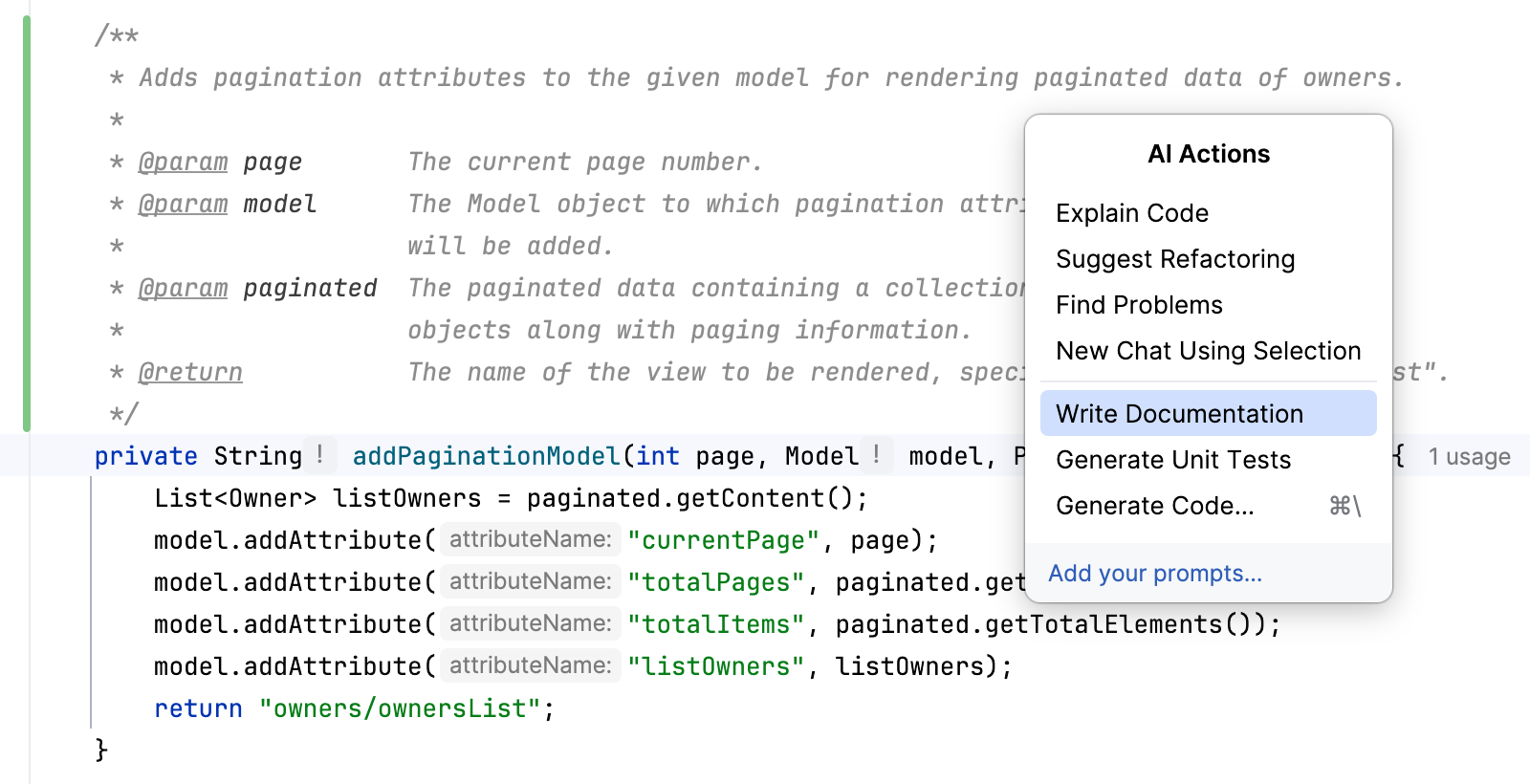
Flexible AI configuration
AI Assistant can be set up in different ways to match your needs. You can use it with a JetBrains AI subscription, provide your own API keys, authorize integrated agents with provider accounts, or install external coding agents.
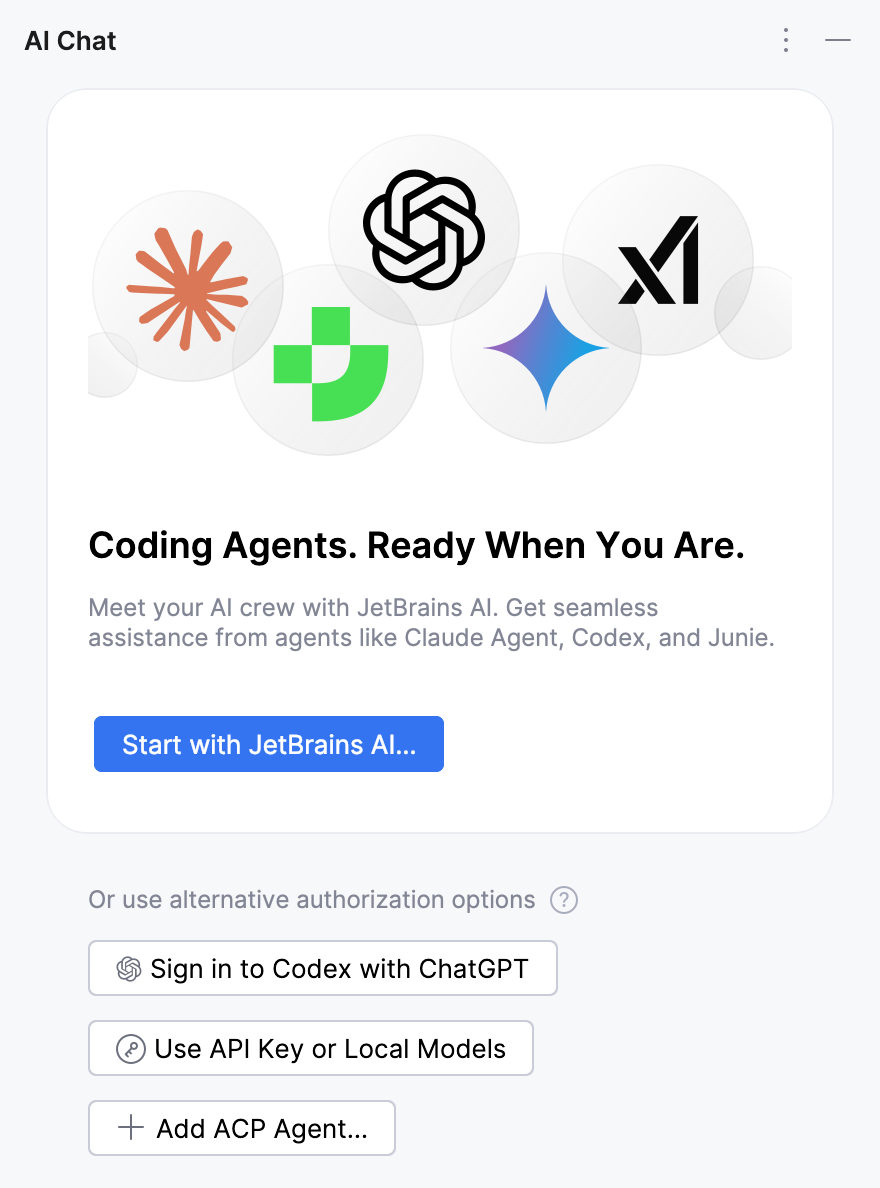
This flexibility allows you to choose the AI models and services that best fit your development workflow.
How AI Assistant works
AI Assistant integrates AI-powered capabilities directly into JetBrains IDEs. It uses relevant context from your project, such as the currently open file, selected code, or recent changes, to generate useful suggestions and responses.
When you use AI Assistant features, your request and relevant context are sent to an AI model, which processes them and returns results to the IDE as code suggestions, explanations, or other assistance.
The workflow typically looks like this:
You trigger a feature – for example, by asking a question in AI Chat or invoking an AI-powered action in the editor.
AI Assistant gathers relevant context from your project, such as selected code or the current file.
The request and context are sent to an AI model, which processes the request.
The response is returned to the IDE, where it appears as code suggestions, explanations, or other assistance in the editor or tool windows.
- Typical AI Assistant workflow
IDE compatibility
AI Assistant can be installed in the following JetBrains IDEs:











In addition, you can use AI Assistant in other environments:
Android Studio – the official IDE for Android development, created by Google and based on IntelliJ IDEA by JetBrains.
ReSharper – available as a separate product that can be installed together with the ReSharper extension for Visual Studio.
Next steps
To start using AI Assistant, explore the following topics:
Install AI Assistant in your IDE – install the plugin in a supported IDE.
Activate AI Assistant – choose one of the supported activation options: use a JetBrains AI subscription, your own API keys, authorize integrated agents with a provider account, or add external agents.
Feature availability – explore the main capabilities of AI Assistant and their availability across JetBrains IDEs.
Supported models – review the AI models available for use.