提取部分
提取部分 重构允许您通过将其片段提取到部分视图中来消除视图中的重复。 您可以将此重构应用于 .html.erb 和 .html.haml 文件。
要将视图片段提取到部分视图,请执行以下操作:
在编辑器中打开视图并选择有效的代码片段。 例如,对于 HTML,您的选择必须包含匹配的起始和结束标签。
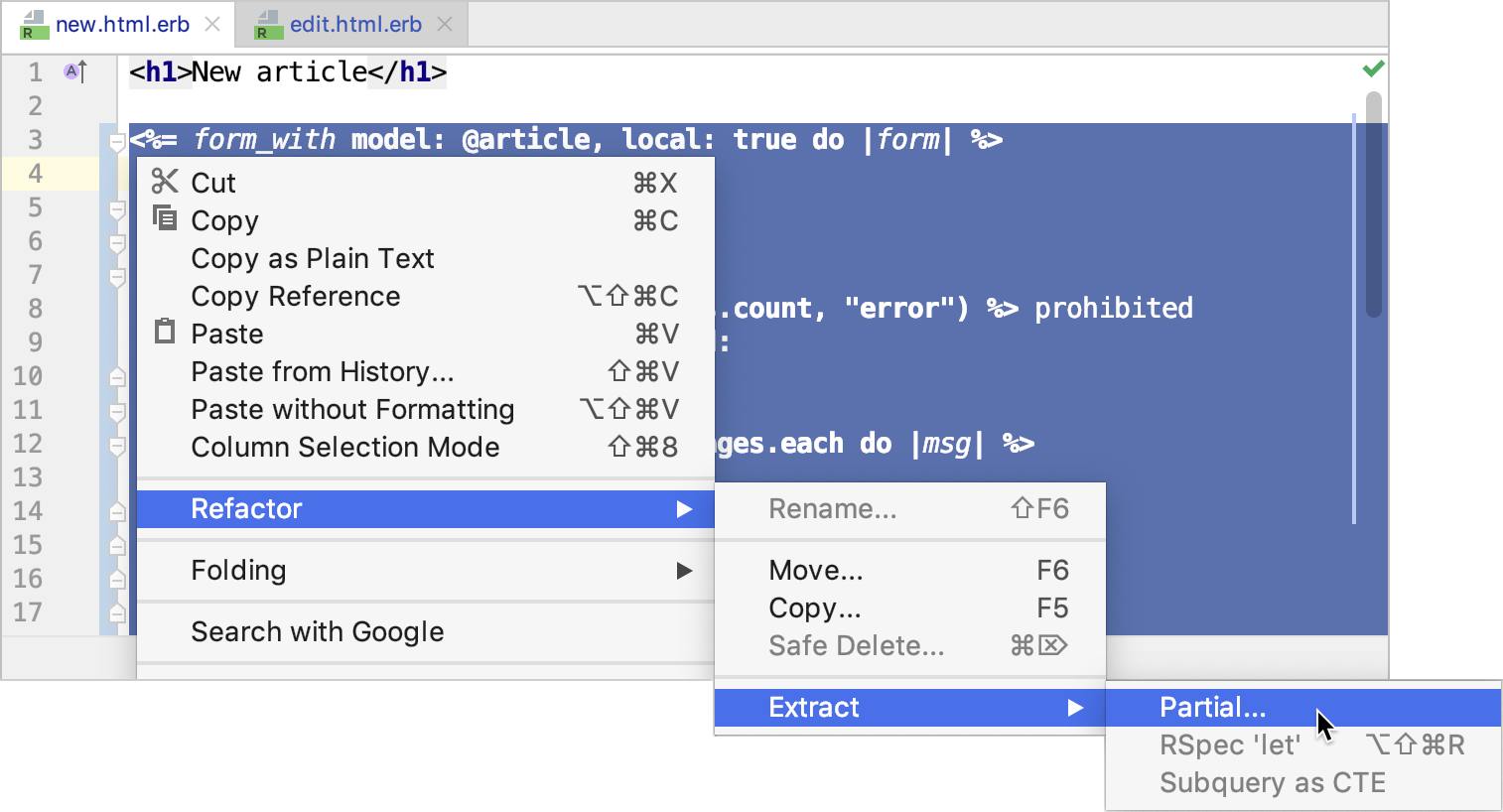
从主菜单或选择内容的上下文菜单中选择 。
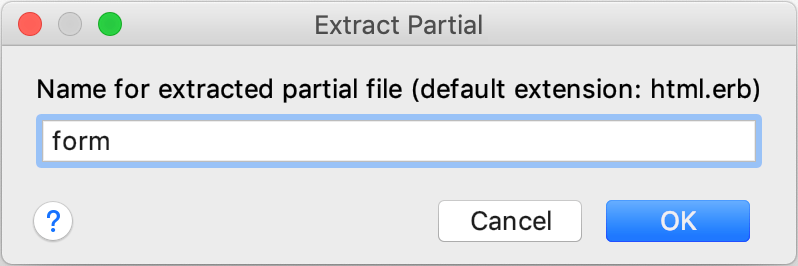
在 提取部分 对话框中,指定所需的部分视图名称(不带扩展名和前导下划线),然后单击 确定。
RubyMine 将移动所选的代码片段,并用相应的调用替换它。
示例
<!--'new.html.erb' file-->
<h1>New article</h1>
<%= form_with scope: :article, local: true do |form| %>
<p>
<%= form.label :title %><br>
<%= form.text_field :title %>
</p>
<p>
<%= form.label :text %><br>
<%= form.text_area :text %>
</p>
<p>
<%= form.submit %>
</p>
<% end %>
<%= link_to 'Back', articles_path %>
<!--'new.html.erb' file-->
<h1>New article</h1>
<%= render 'form' %>
<%= link_to 'Back', articles_path %>
<!---->
<!--'_form.html.erb' file-->
<%= form_with scope: :article, local: true do |form| %>
<p>
<%= form.label :title %><br>
<%= form.text_field :title %>
</p>
<p>
<%= form.label :text %><br>
<%= form.text_area :text %>
</p>
<p>
<%= form.submit %>
</p>
<% end %>
2026年 7月 14日