Change your Code Font Weight
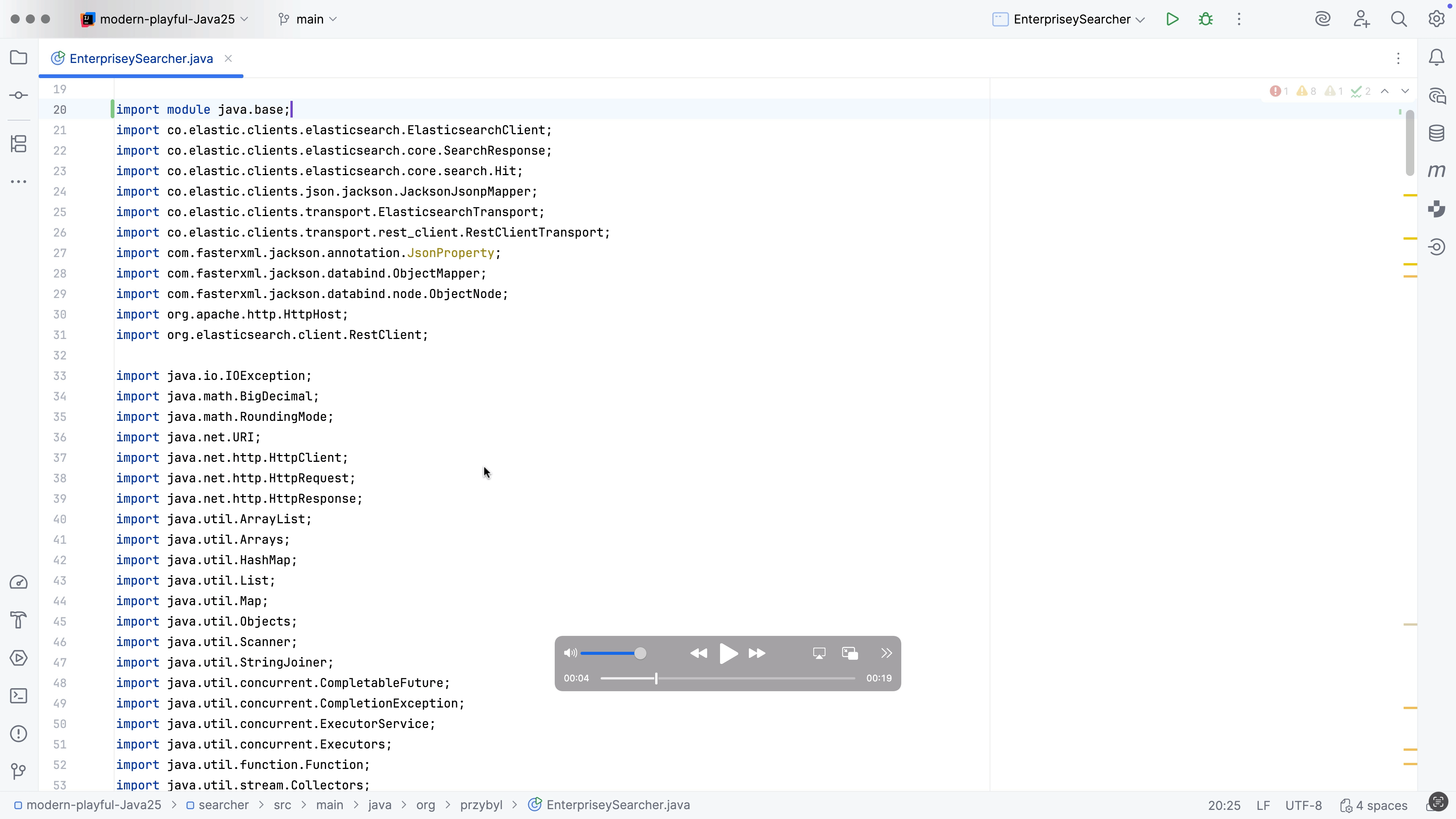
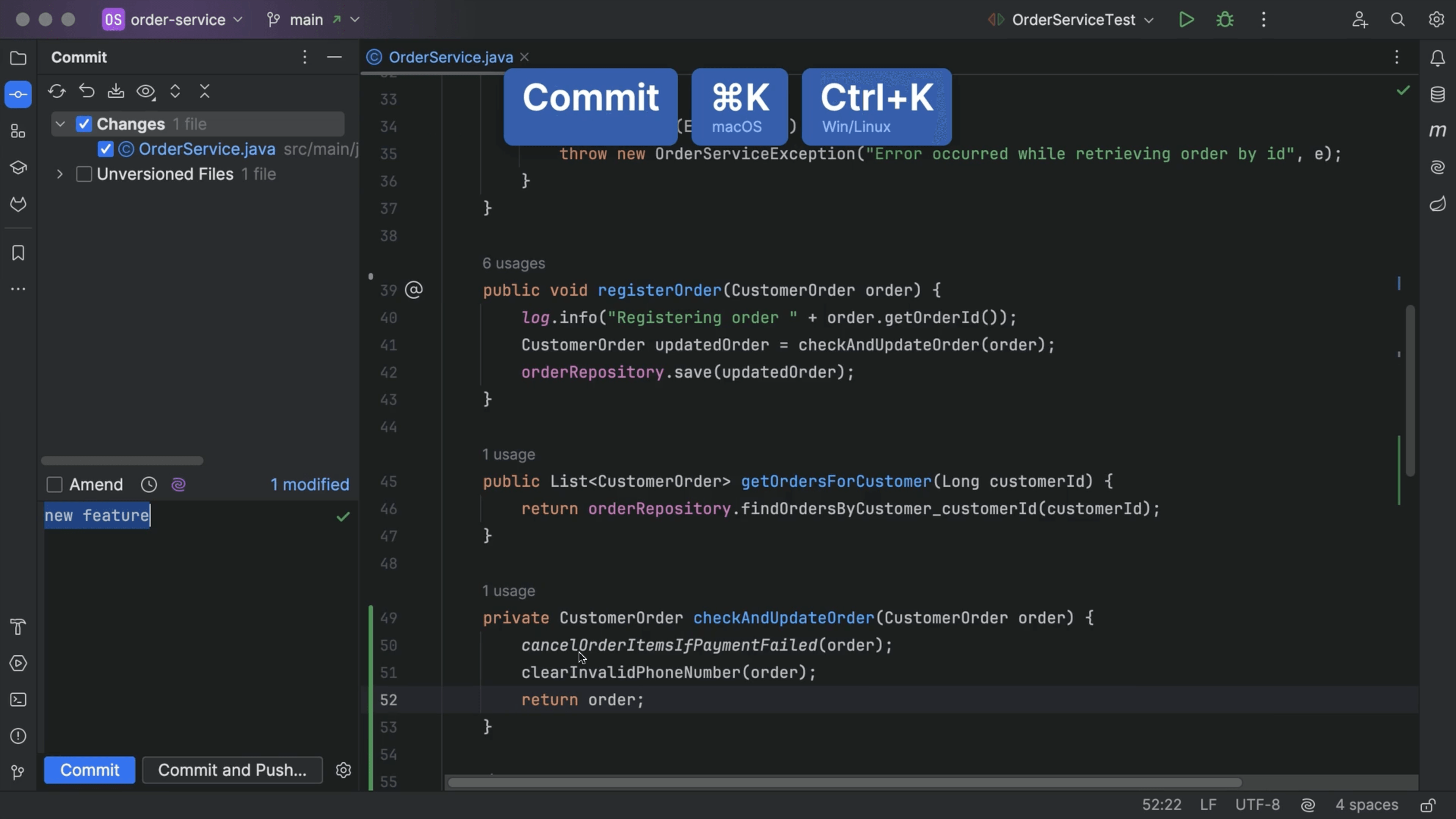
We spend hours looking at our code so let's make it as pleasant as possible.
You can change the font weights for your code. In settings or preferences, ⌘, (macOS) / Ctrl+Alt+S (Windows/Linux), go to Editor -> Font. Open the section Typography Settings, choose a different weight for the main code, and for the bolder sections. If the font you are using has ligatures, you can Enable ligatures here. There's a preview area on the right, so you can see the effect of your changes. Click Revert changes if you want to undo the changes you made.