Running

Running

Run your code in our configurable, visual run tool.

Writing applications means running code. Our IDEs help with launching our applications! Code executes in our run tool window, driven by configurations you can edit.

See Also

Azure Functions

Tutorial

Azure Functions
Build serverless applications with Rider
Adding Azure Functions to the Project

Part of tutorial

Adding Azure Functions to the Project
Implement HTTP, Timer, and Queue triggers
Deploying Azure Functions

Part of tutorial

Deploying Azure Functions
Publish to Azure and automate with CI/CD
Installing and Configuring the Azure Toolkit

Part of tutorial

Installing and Configuring the Azure Toolkit
Prepare your development environment
Running and Debugging Azure Functions

Part of tutorial

Running and Debugging Azure Functions
Test and debug locally with Rider
Setting up an Azure Functions Project

Part of tutorial

Setting up an Azure Functions Project
Create your first serverless project
Troubleshooting Azure Functions in Production

Part of tutorial

Troubleshooting Azure Functions in Production
Debug and monitor live applications
What are Azure Functions?

Part of tutorial

What are Azure Functions?
Efficient Event-Driven Code Execution Without Managing Servers.
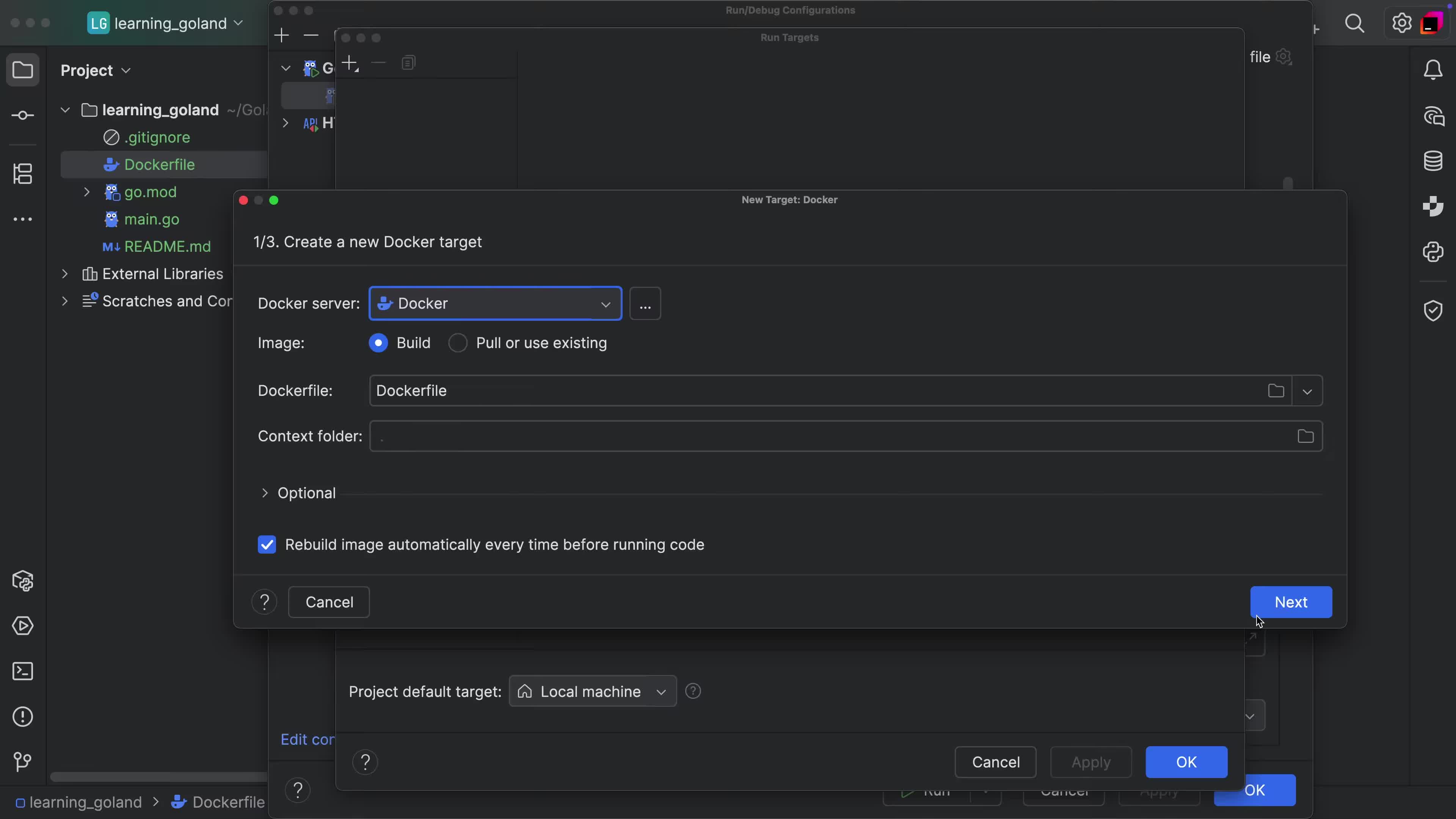
Run Target support via Docker

Tip

Run Target support via Docker
Run your application or tests in Docker Container with ease.
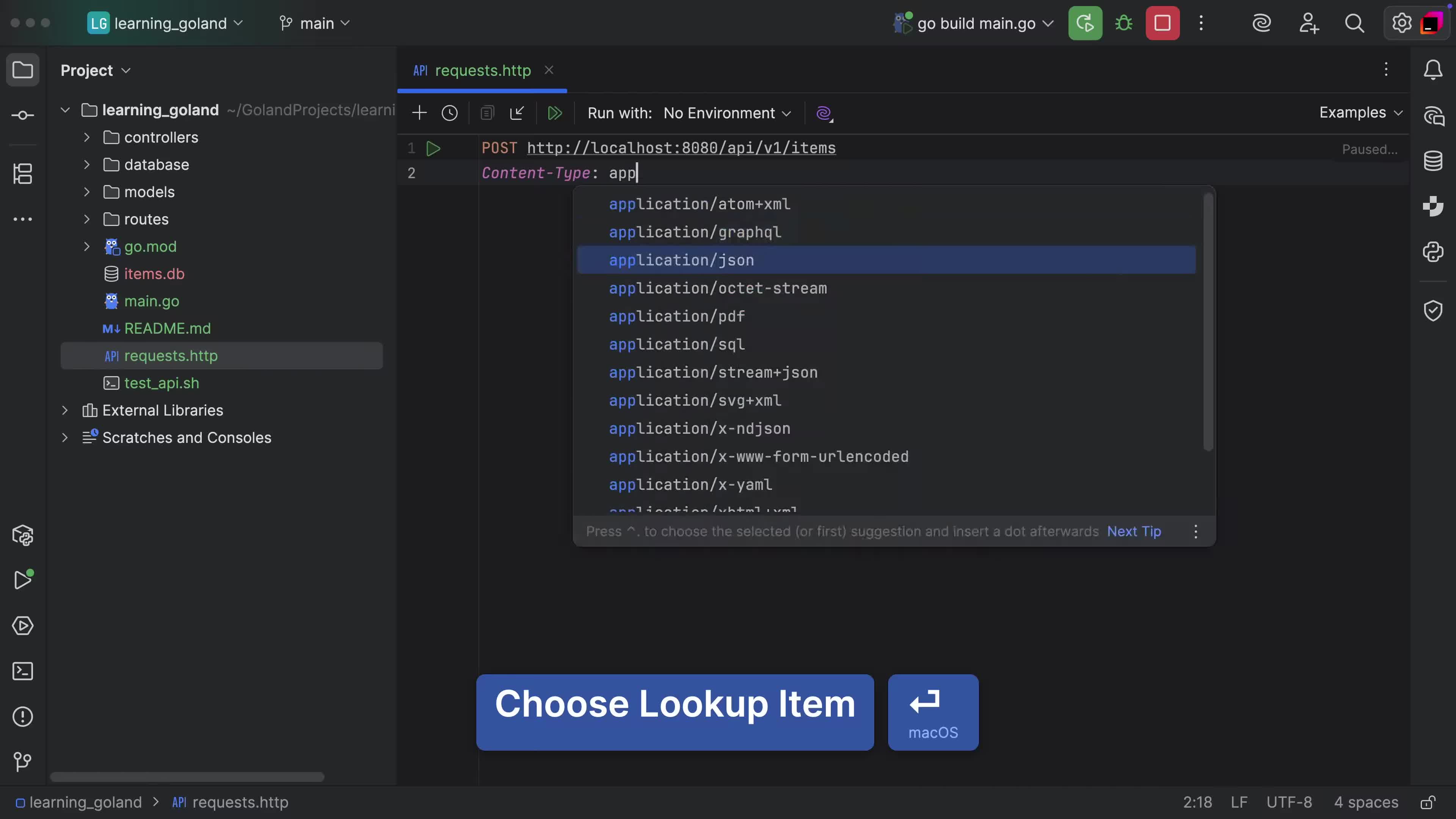
Check APIs from the Comfort of your IDE
Tip

Check APIs from the Comfort of your IDE
Quickly inspect APIs and make HTTP requests to services in a reusable manner.
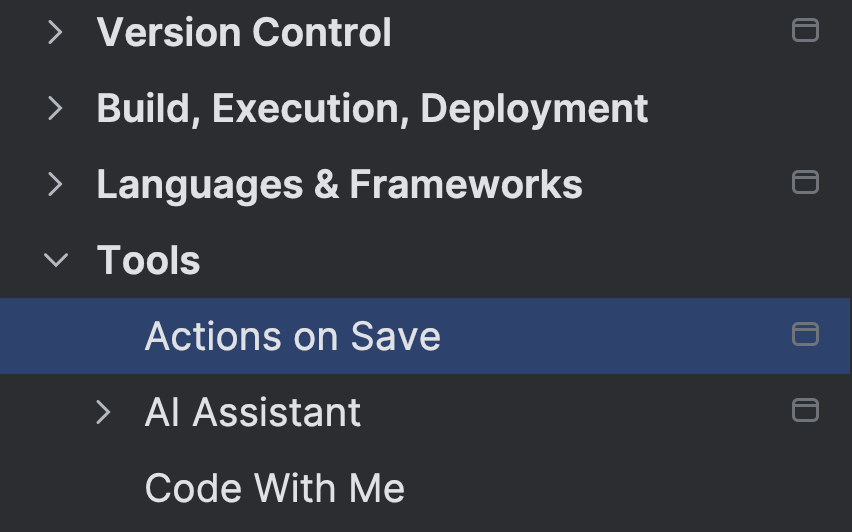
Run actions on save

Tip

Run actions on save
Perform various tasks after you save the files you work on
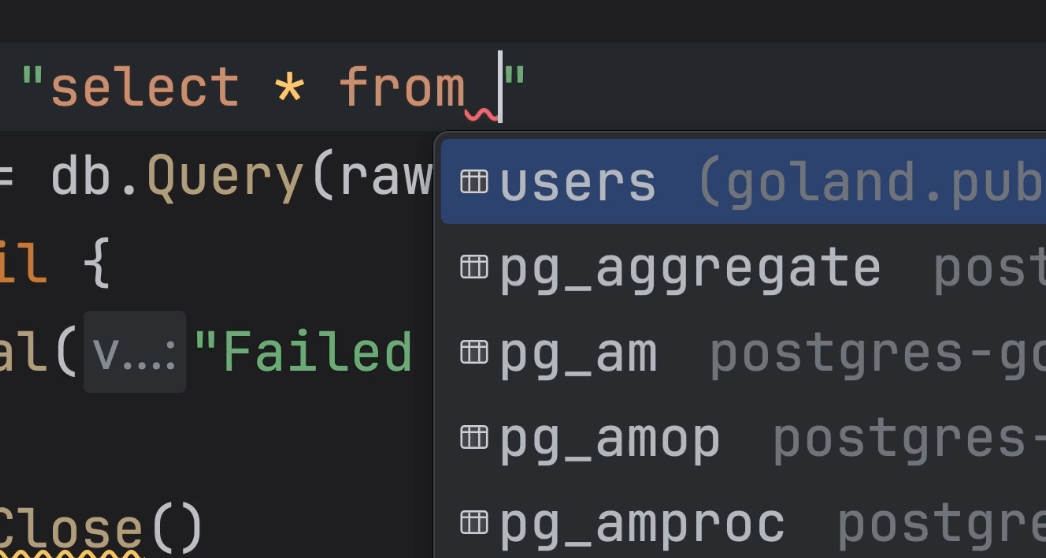
Write SQL queries using popular database packages
Tip

Write SQL queries using popular database packages
Work with SQL queries and get completion and other features automatically.
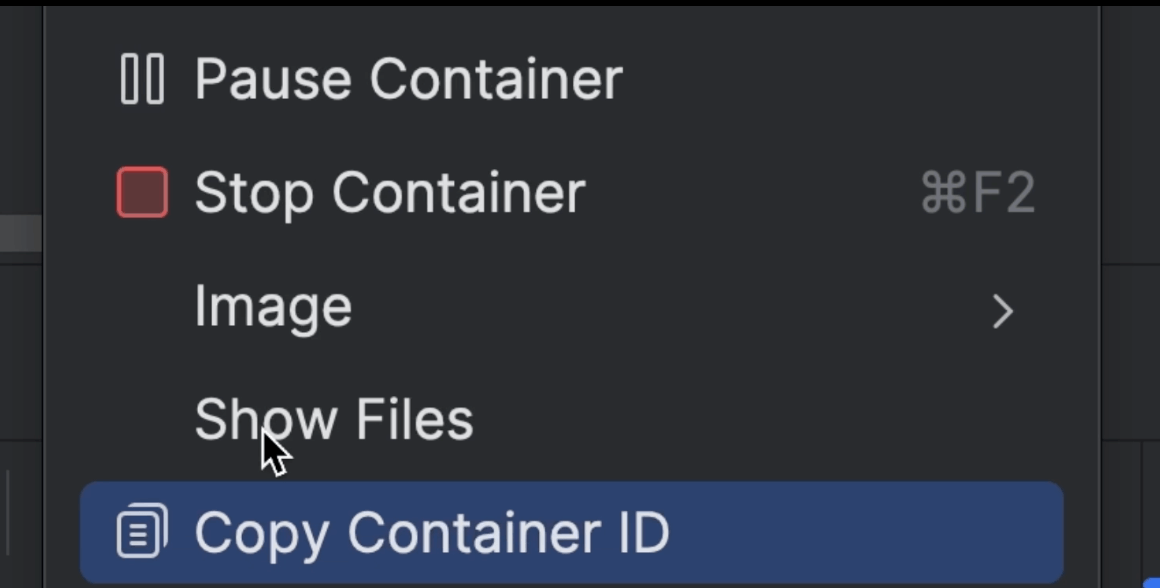
Pause and Unpause Containers

Tip

Pause and Unpause Containers
Test what happens to microservices when they try to talk with an unavailable service.
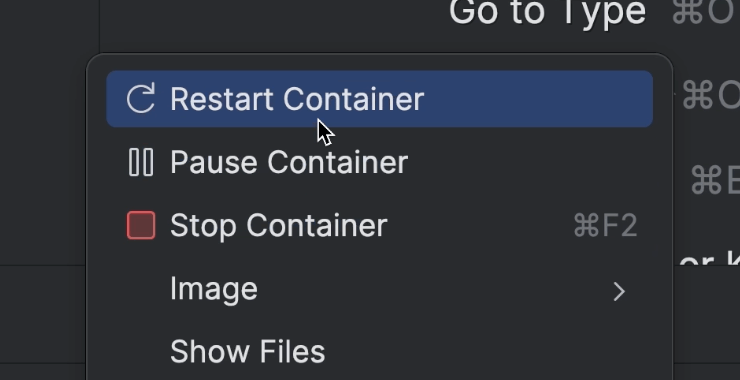
Restart a Running Container

Tip

Restart a Running Container
Start with a container from zero, faster.
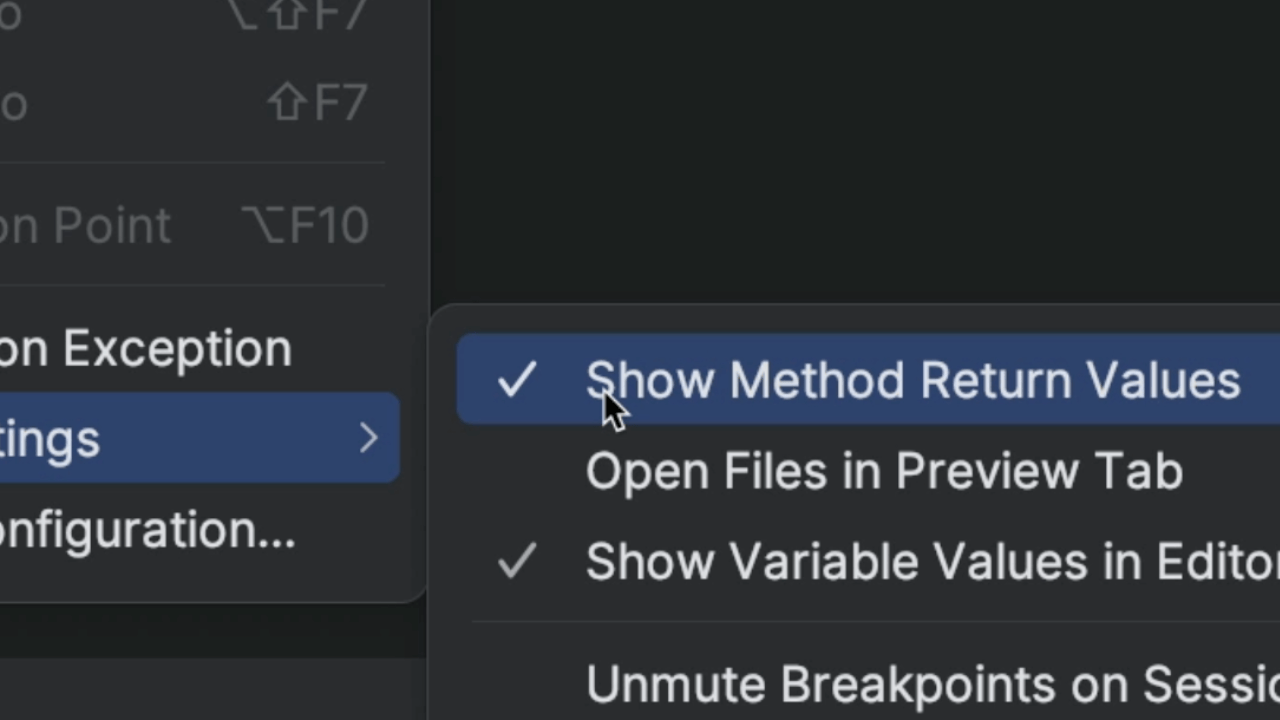
See Return Values in Variables View

Tip

See Return Values in Variables View
See what value a method returns.
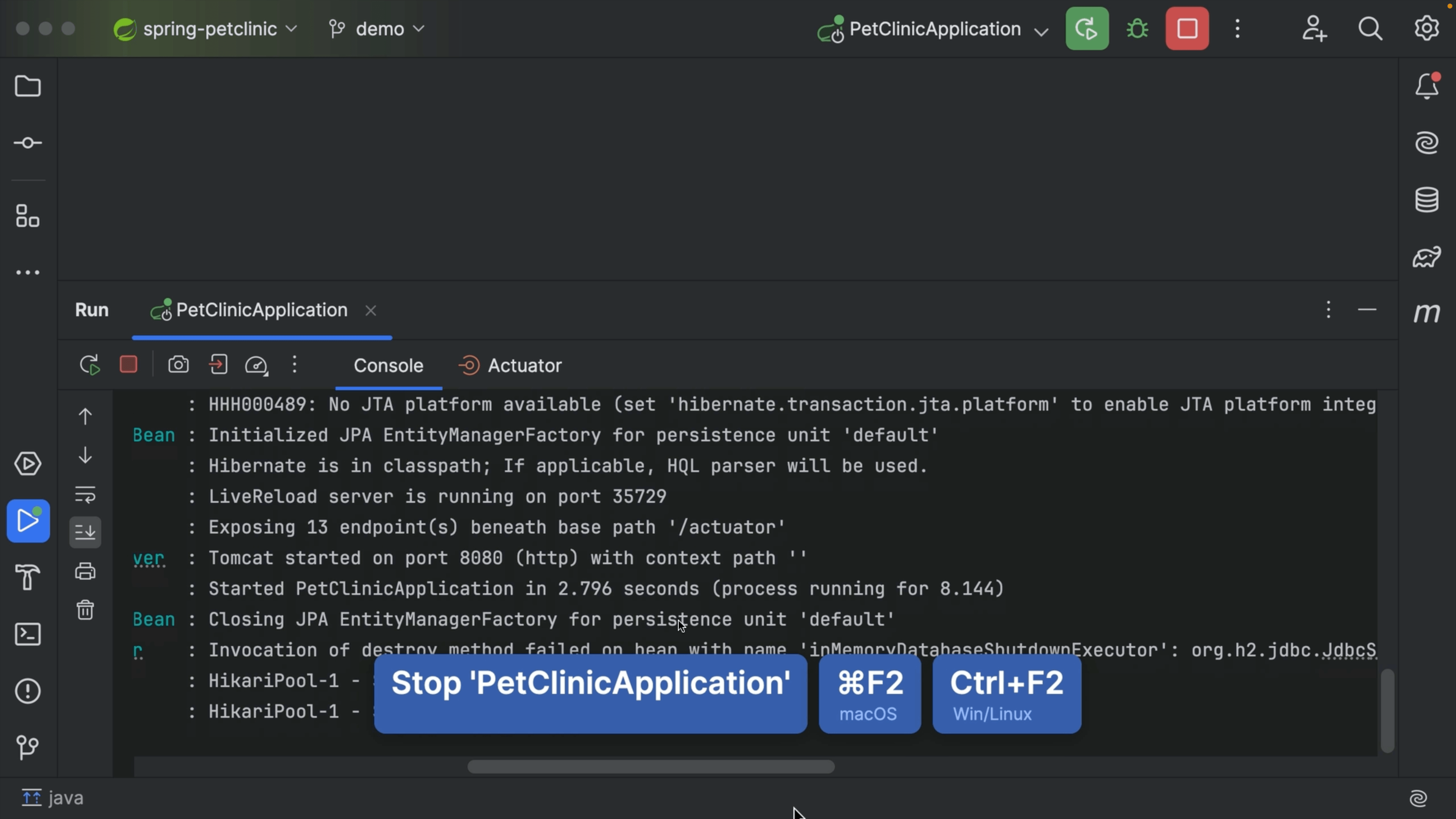
Running and Stopping a Process

Tip

Running and Stopping a Process
How to run and terminate/stop a process from your toolbar.
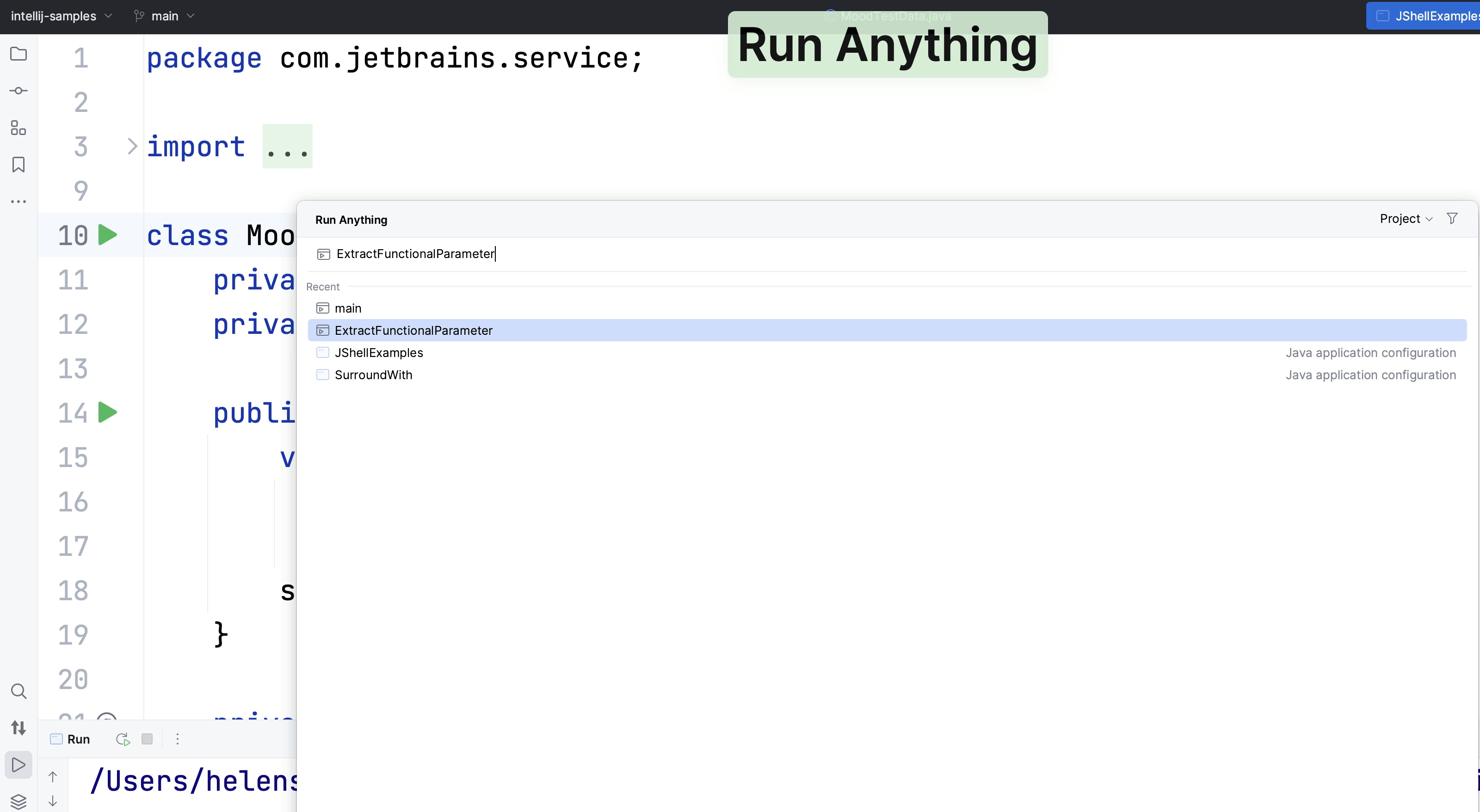
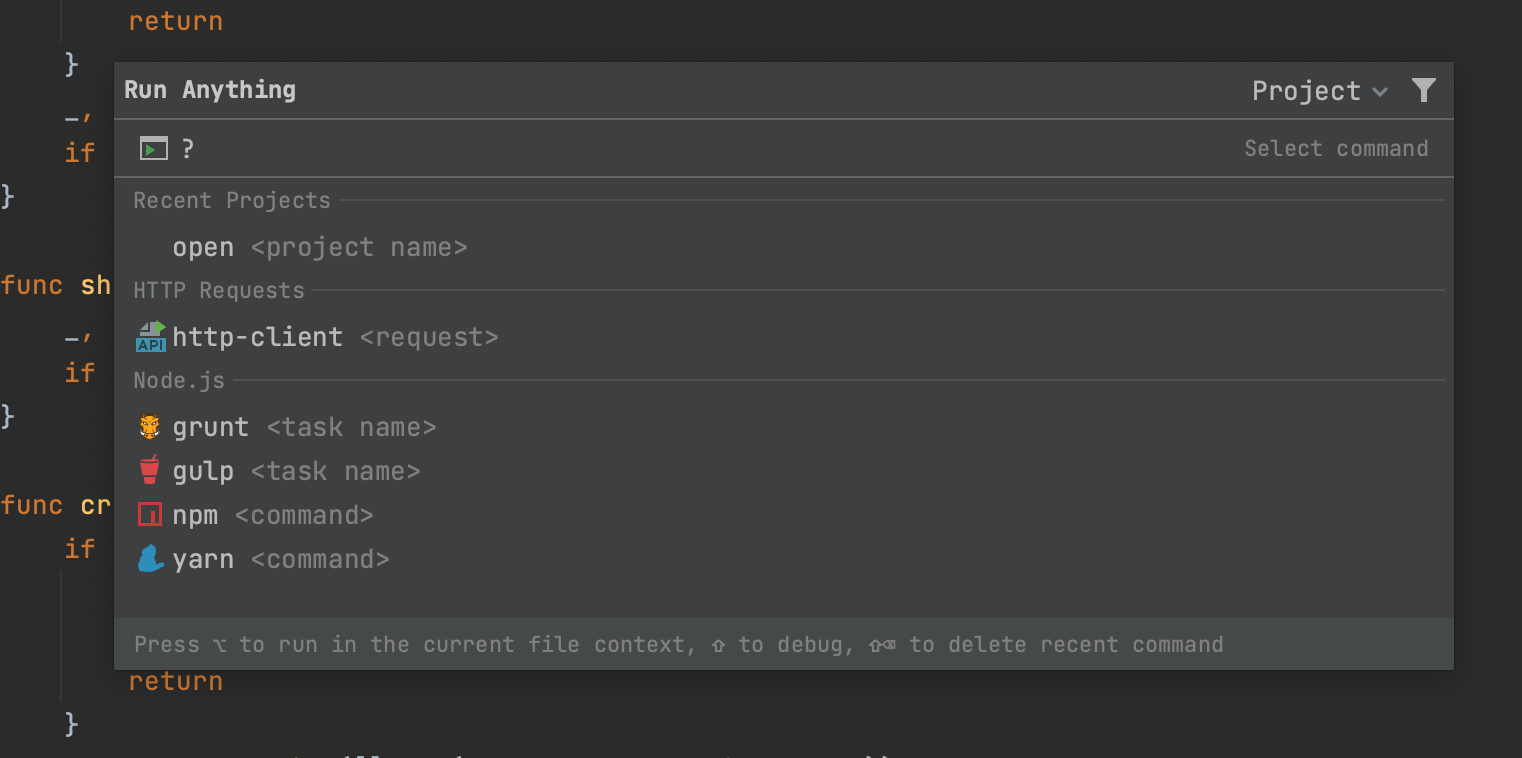
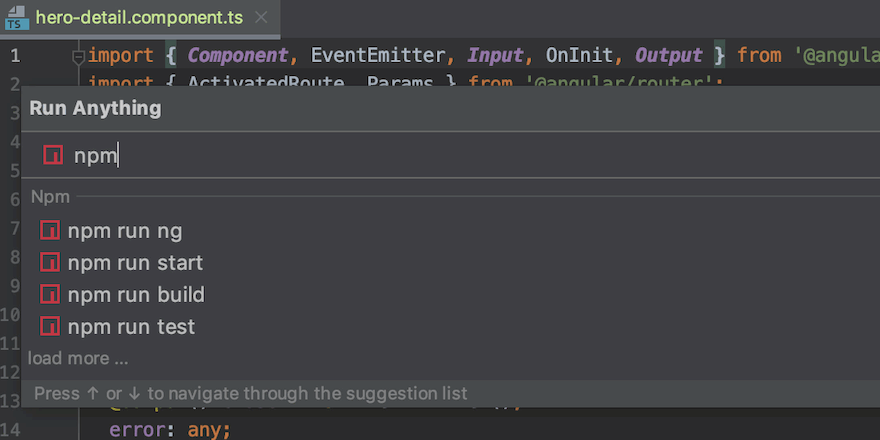
Run Anything

Tip

Run Anything
How to use the Run Anything dialog to run, well, anything!
Share Run Configurations

Tip

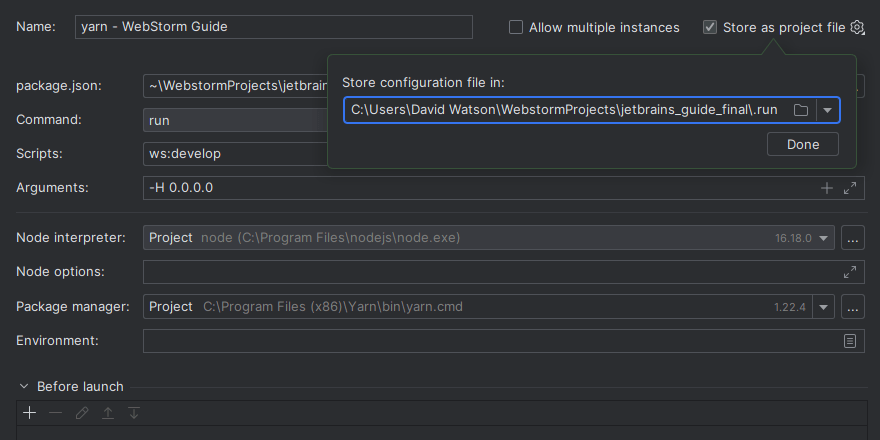
Share Run Configurations
How to export and share your project’s run configurations in WebStorm.
Add and Remove Breakpoints Quickly

Tip

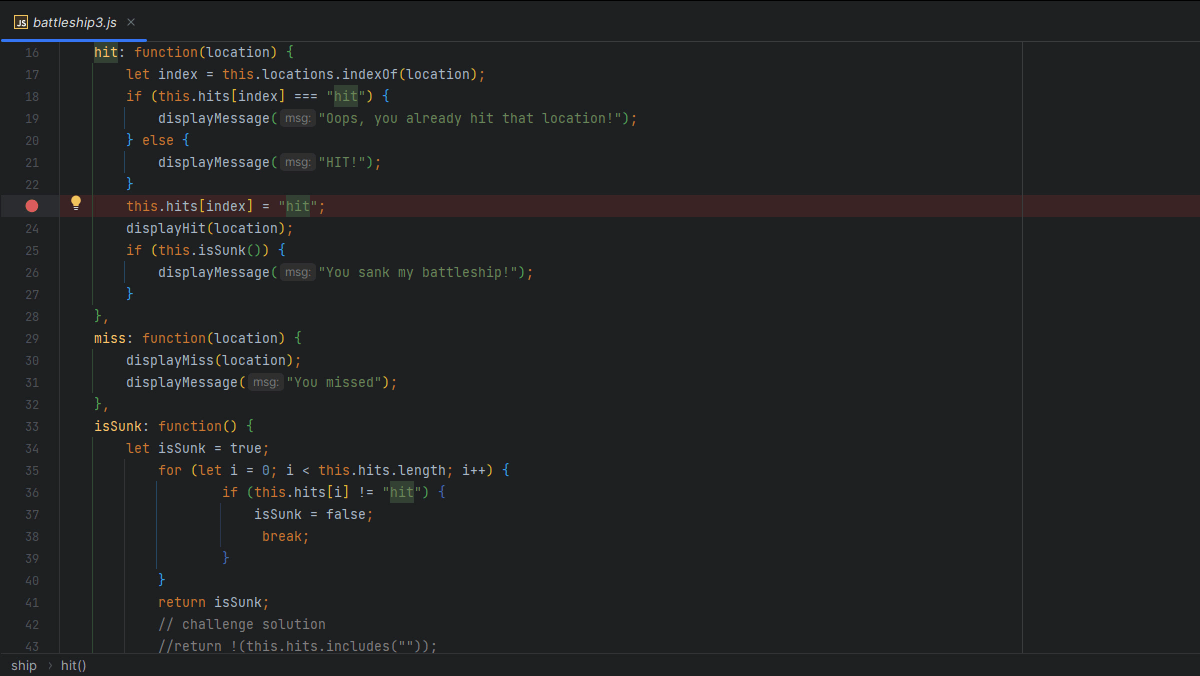
Add and Remove Breakpoints Quickly
How to toggle breakpoints without even touching the mouse.
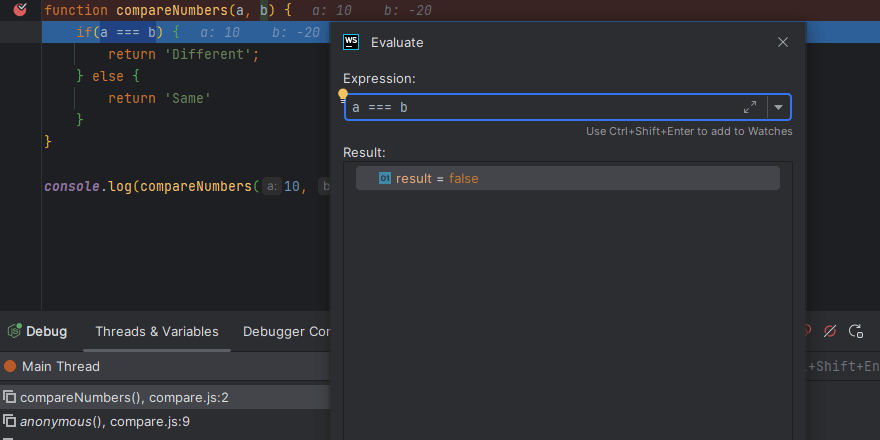
Evaluate Expressions When Debugging

Tip

Evaluate Expressions When Debugging
How to check the value of an expression in WebStorm.
Integrated Go Playground

Tip

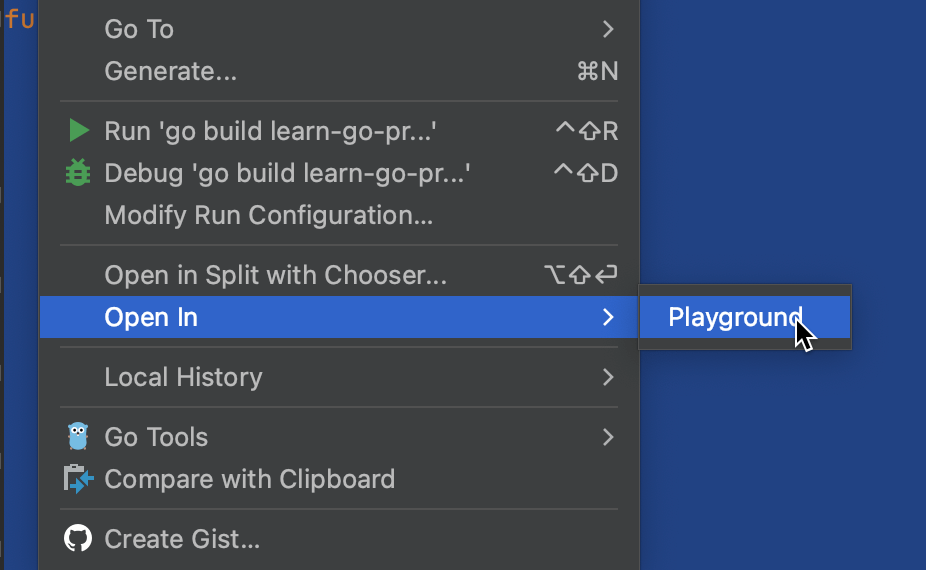
Integrated Go Playground
You can format and share your code, change the Go version, and run your code using the Go playground server.
Run Anything

Tip

Run Anything
Launch run/debug configurations, applications, scripts, commands, tasks, and open recent projects.
Running code

Part of tutorial

Running code
How to run your code and see the results? Let's explore.
Getting Helpful Suggestions

Tip

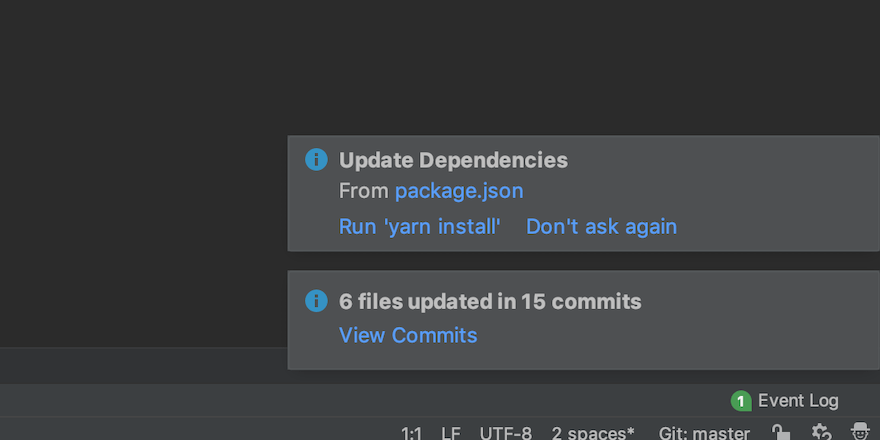
Getting Helpful Suggestions
Look out for suggestions from WebStorm! They can help you not to forget about an important thing.
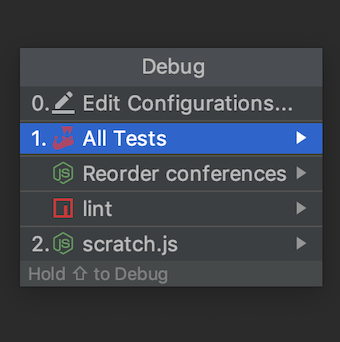
Access Run Configurations Quickly

Tip

Access Run Configurations Quickly
Learn a quick way to access all your run configurations.
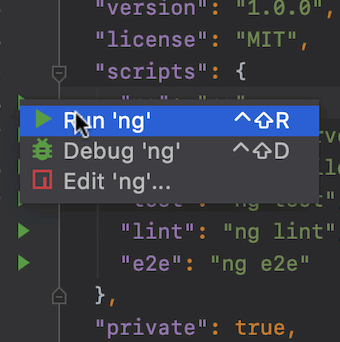
Run npm Scripts Swiftly

Tip

Run npm Scripts Swiftly
WebStorm lets you run npm scripts right from the gutter.
Run Tools and Configurations from One Place
Tip

Run Tools and Configurations from One Place
Use a single action to run configurations, tools, and open recent projects.
Unity Support

Tip

Unity Support
Write smarter C# for Unity!