Latest

All the resources in the Guide, starting with most recent.

Spot Coverage Gaps Using the Gutter

Tip

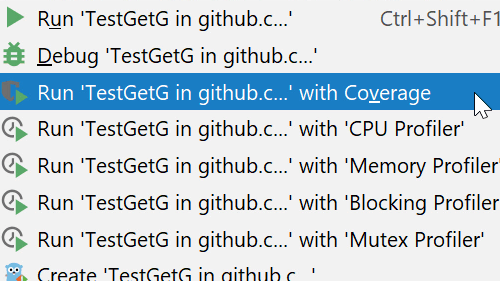
Spot Coverage Gaps Using the Gutter
Let the IDE help you spot coverage gaps in your testing.
Rename a File and its References

Tip

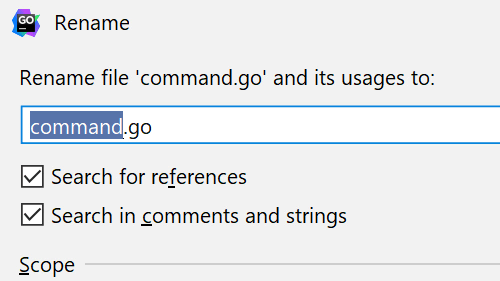
Rename a File and its References
Change your mind on a file name, and the IDE makes all the changes for you.
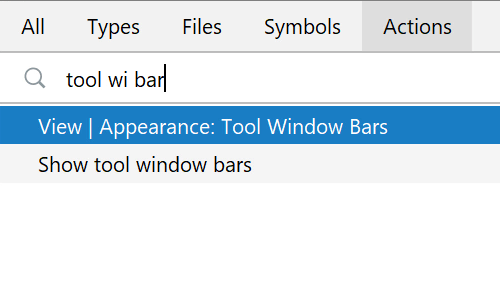
Reduce Clutter by Disabling Tools

Tip

Reduce Clutter by Disabling Tools
Save space by turning off various toolbars.
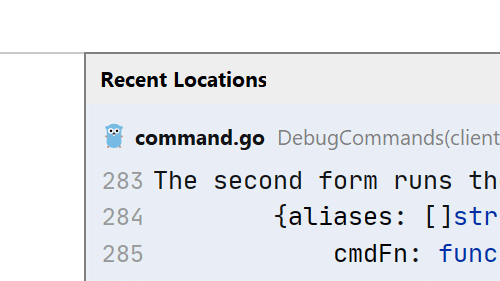
Recent Locations

Tip

Recent Locations
Jump back and forth between files using code snippets you've recently seen.
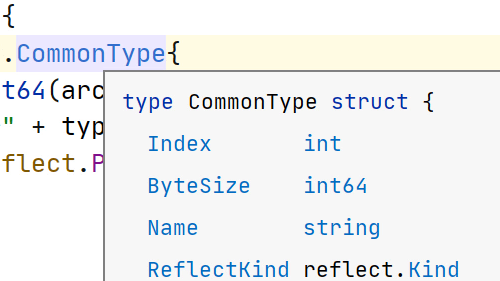
Quick Documentation

Tip

Quick Documentation
View arguments and documentation without interrupting your flow.
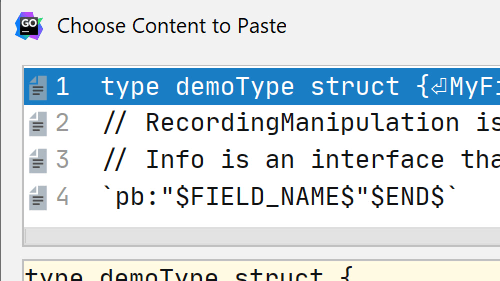
Paste from History

Tip

Paste from History
Paste from the clipboard even if it's not the last item you copied into it
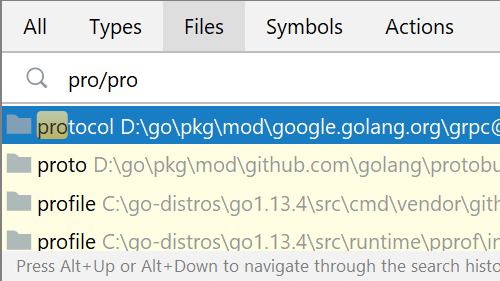
Navigate to File

Tip

Navigate to File
Jump to a file without using the Project Tool Window, and your mouse
Navigate Between Open Files

Tip

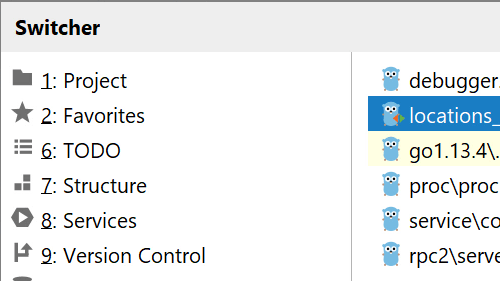
Navigate Between Open Files
Don't use the mouse to quickly move between multiple files, use the switcher instead.
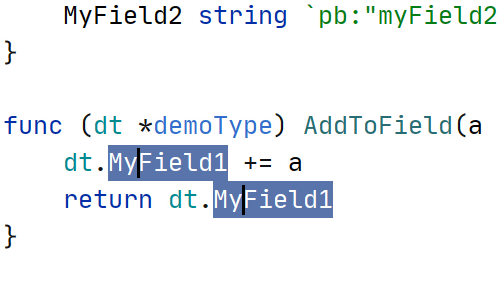
Multiple Selections

Tip

Multiple Selections
Select multiple items faster with multiple carets.
Complete Current Statement

Tip

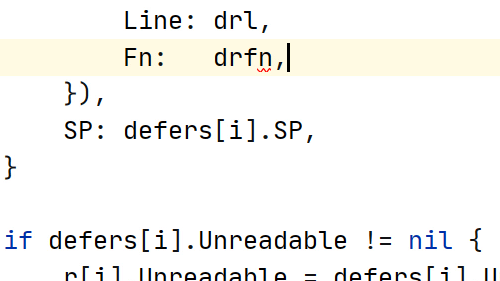
Complete Current Statement
Add trailing commas or braces and move the cursor to the right place with a single keystroke.

LLM Course – Build a Semantic Book Recommender (Python, OpenAI, LangChain, Gradio)

YouTube

LLM Course – Build a Semantic Book Recommender (Python, OpenAI, LangChain, Gradio)
Build an intelligent book recommendation system using the power of large language models and Python.
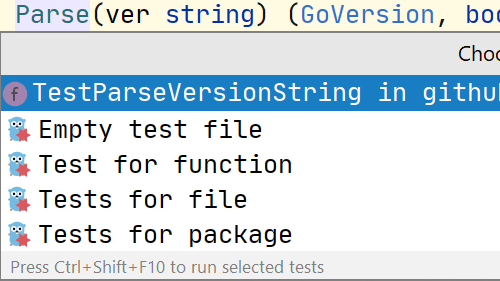
Go To or From a Test

Tip

Go To or From a Test
Navigate to and from a test subject like a method or function.