
JetBrains Blog
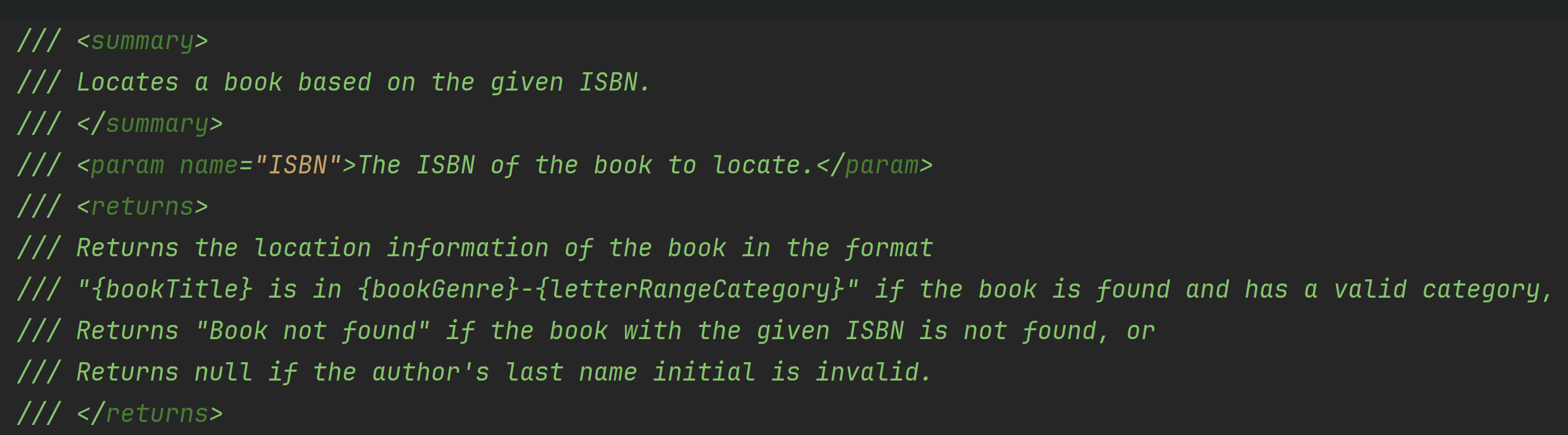
dotCover Command Line Tools for Automation Testing Code CoverageLearn when and how to install the dotCover command line tools, and add code coverage to your CI/CD workflows.
Tip
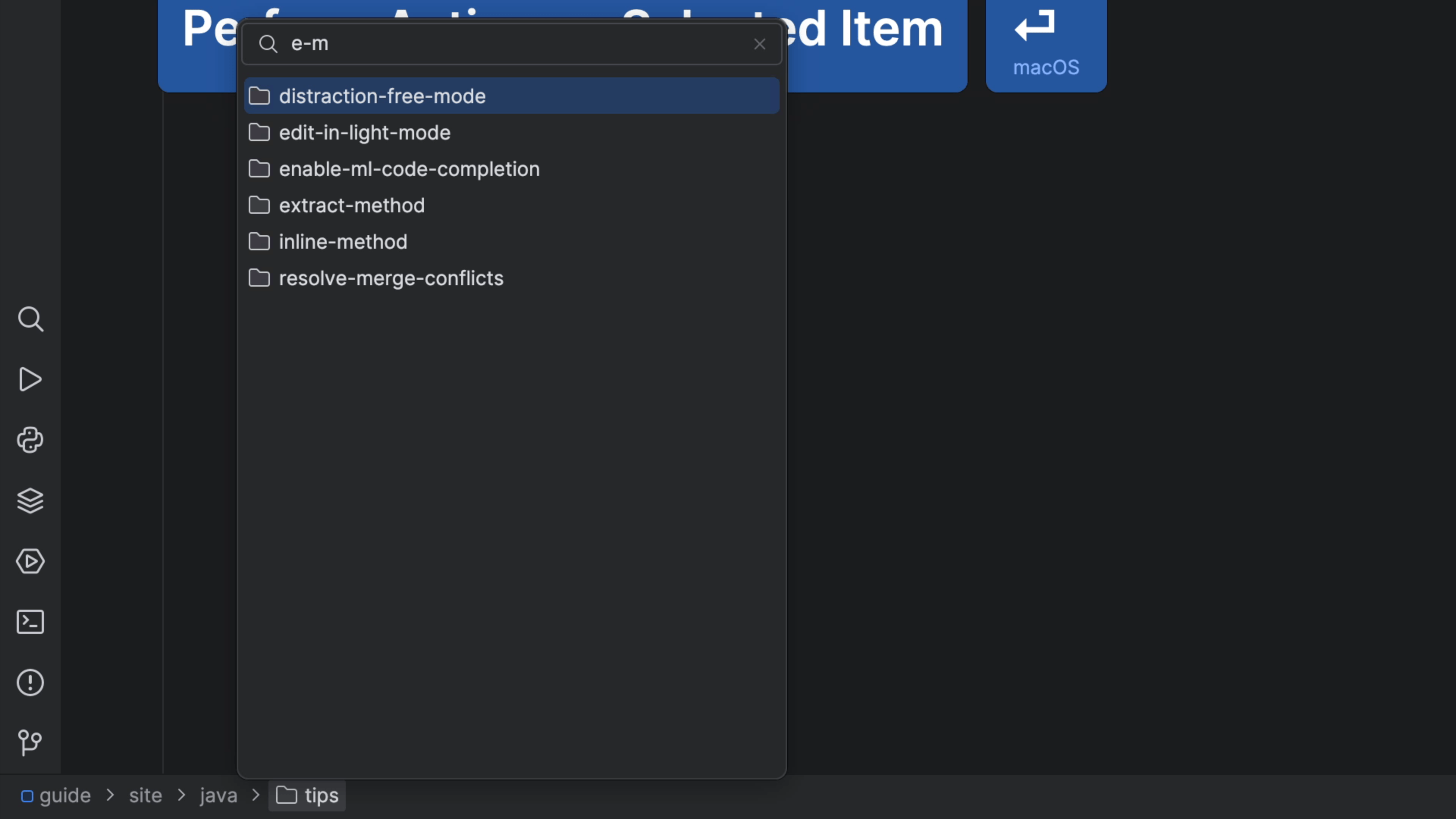
Speed search with the Navigation BarUse the keyboard abbreviations to quickly find what you're looking for in the Navigation bar.
Tip
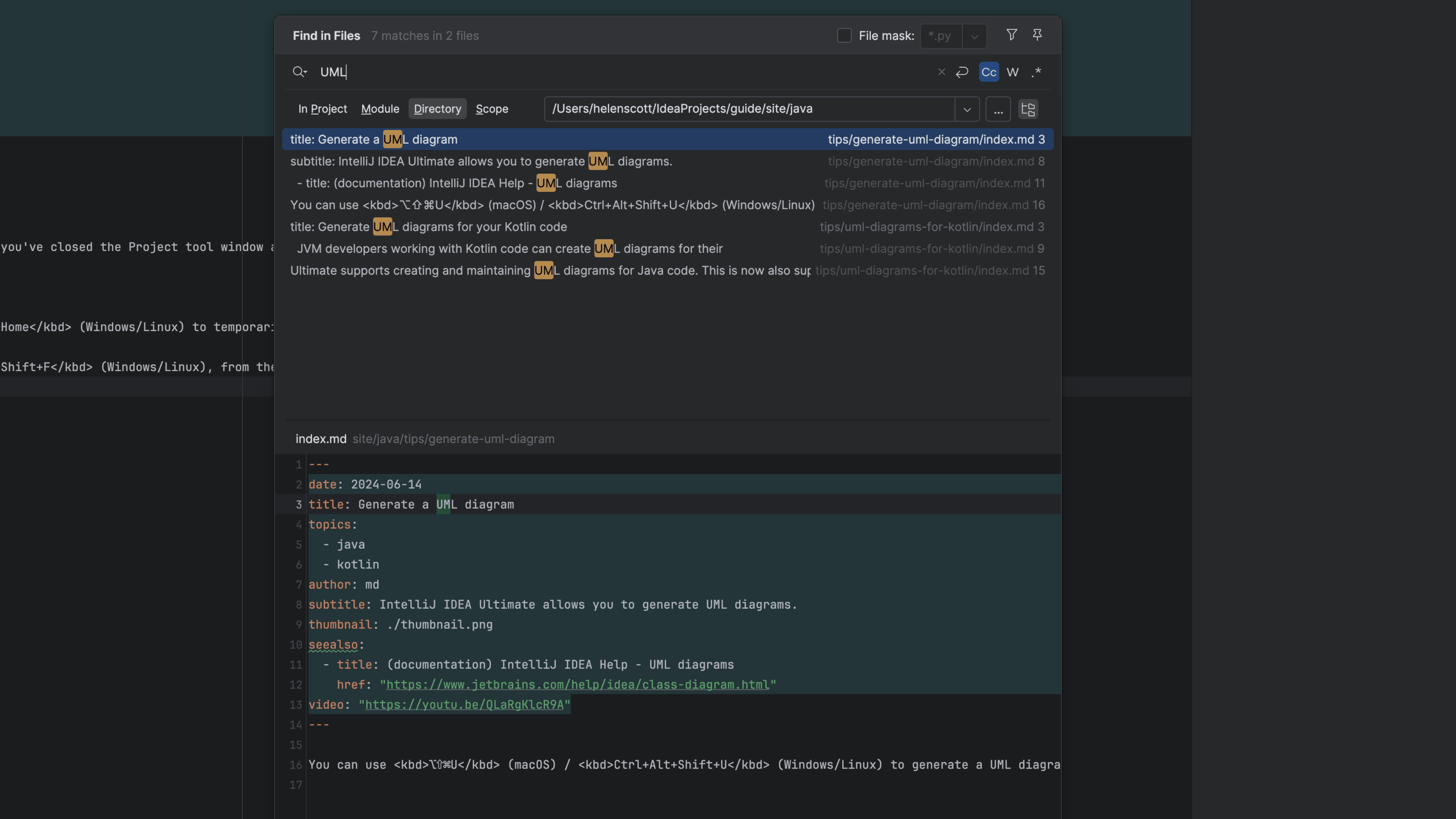
Find in Path with the Navigation BarUse the Navigation bar and Find in File together and be faster than all of your team members.

Tip
Open any file from the Navigation BarUsing just the keyboard, browse and open files in your project.
Tip
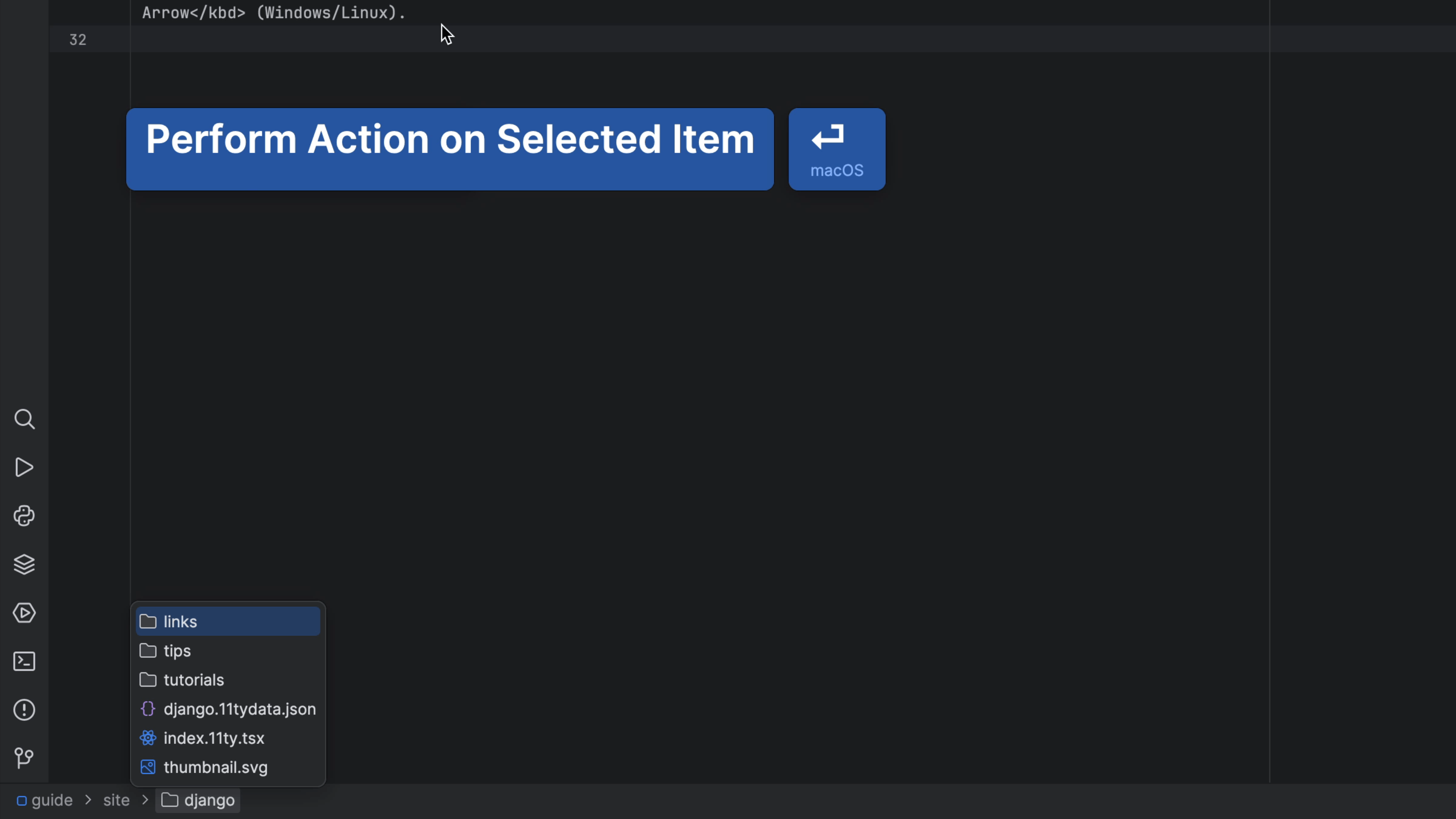
Navigate files with the Navigation BarNavigate to project files from the navigation bar. No mouse! 🐁
Tip
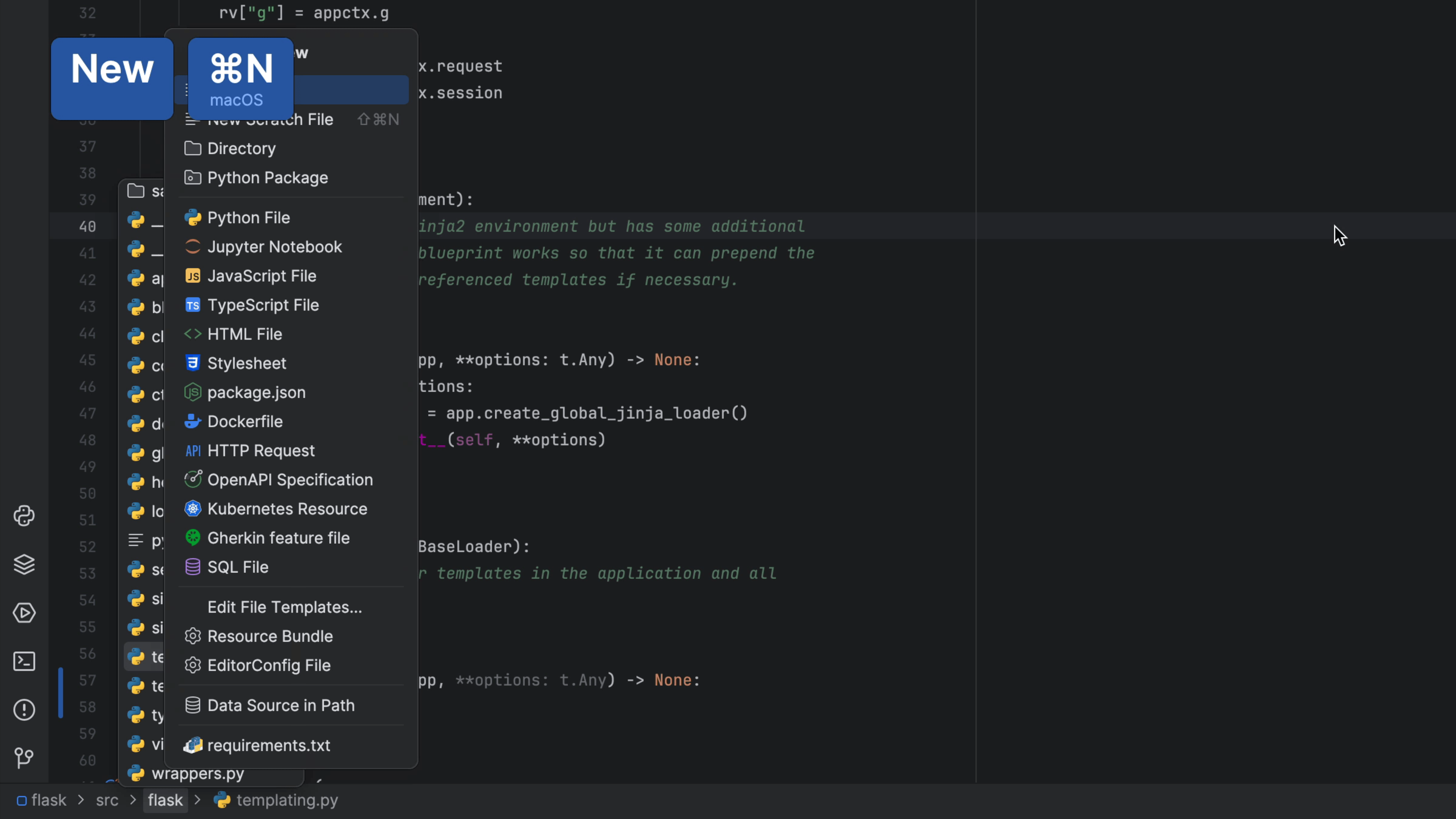
Create a new File from the Navigation BarA fast way to add a new file to your project, without touching the mouse.

Tip
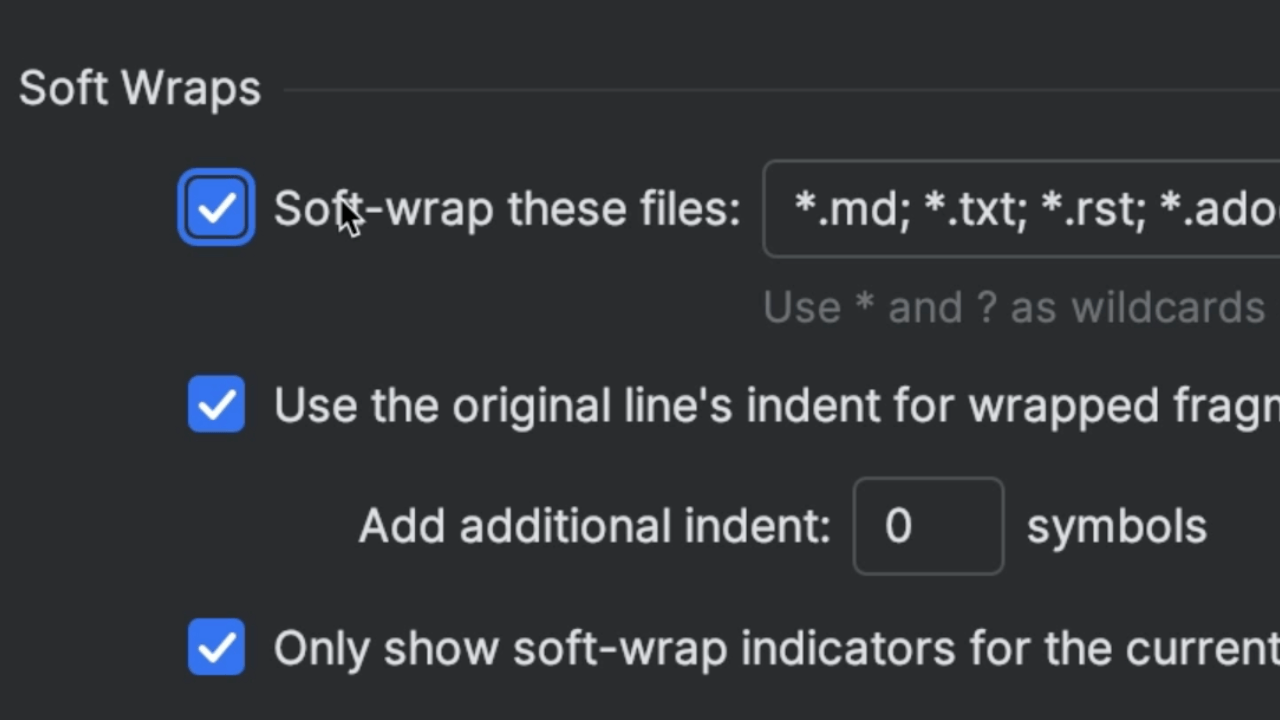
Enabling Soft WrapsWrap lines to eliminate the need of scrolling horizontally in order to see overly long lines.

Tip
Activate the Navigation BarTurn the navigation bar on when you need it and dismiss it when you're done.
