Latest

All the resources in the Guide, starting with most recent.

Presentation Assistant

Tip

Presentation Assistant
Use Presentation Assistant to display shortcuts being used.
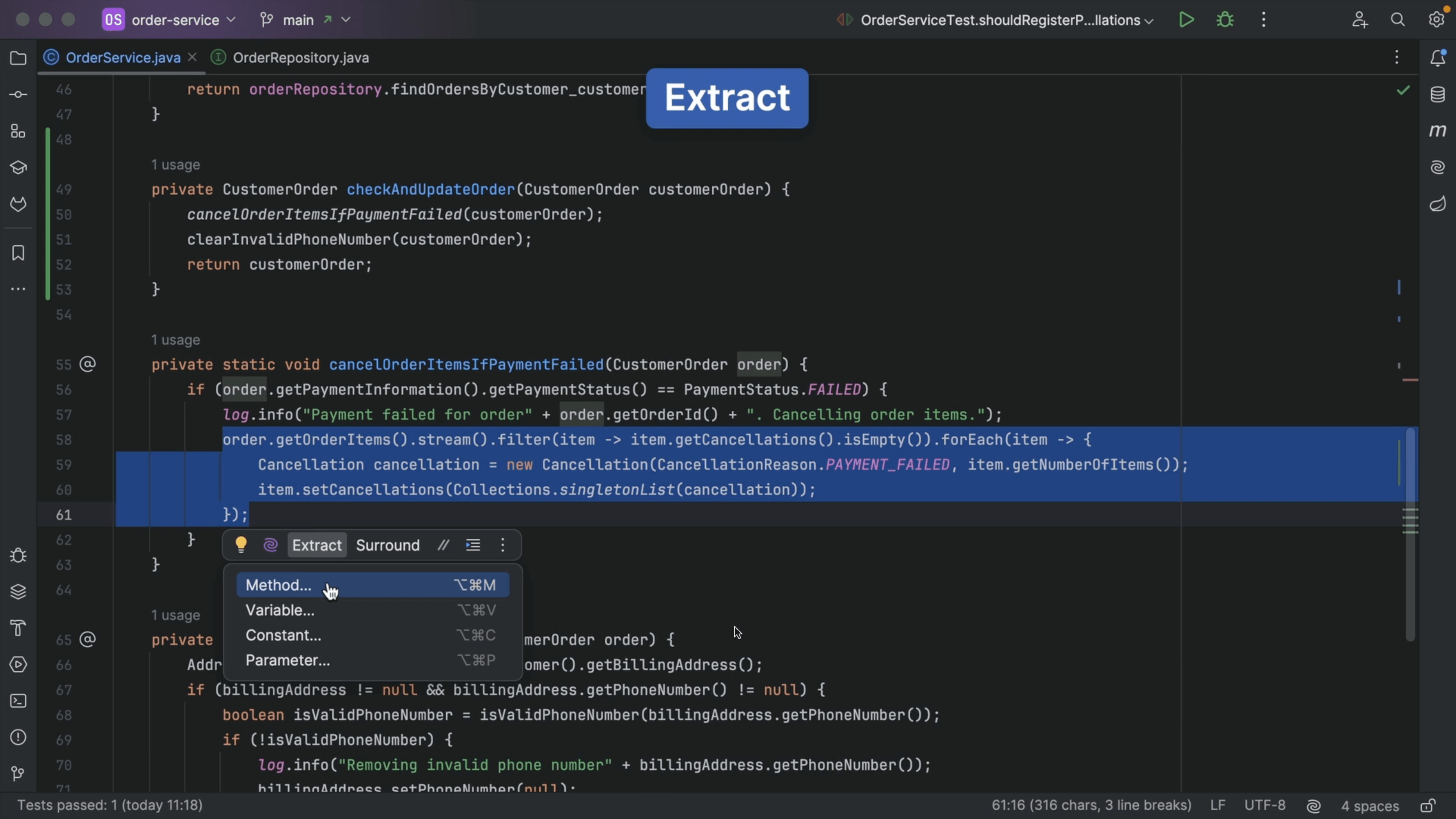
Extract Method

Tip

Extract Method
Extract code to a new method.
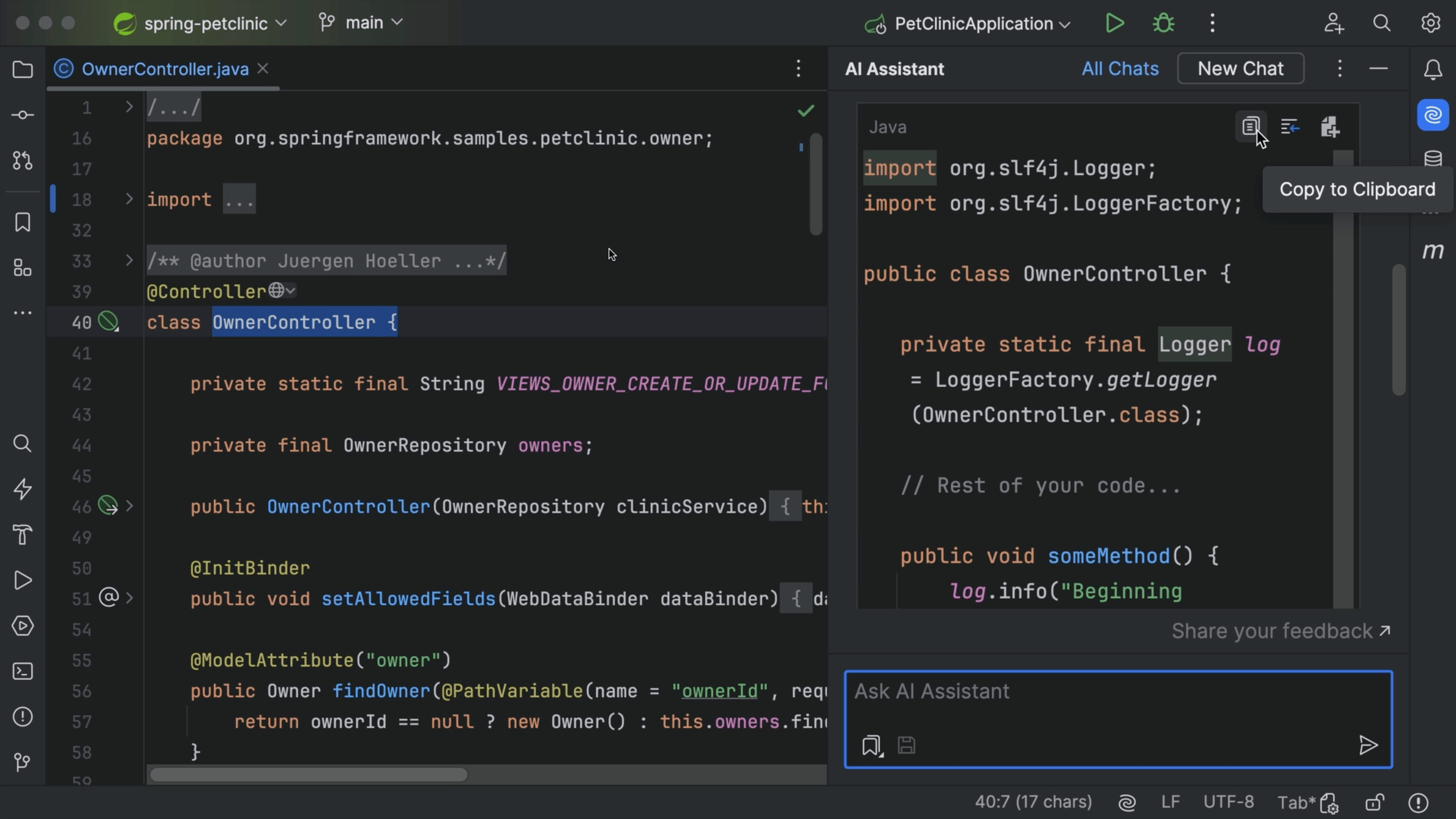
Use code from chat

Tip

Use code from chat
Apply code snippets from the AI Assistant chat window to your project.
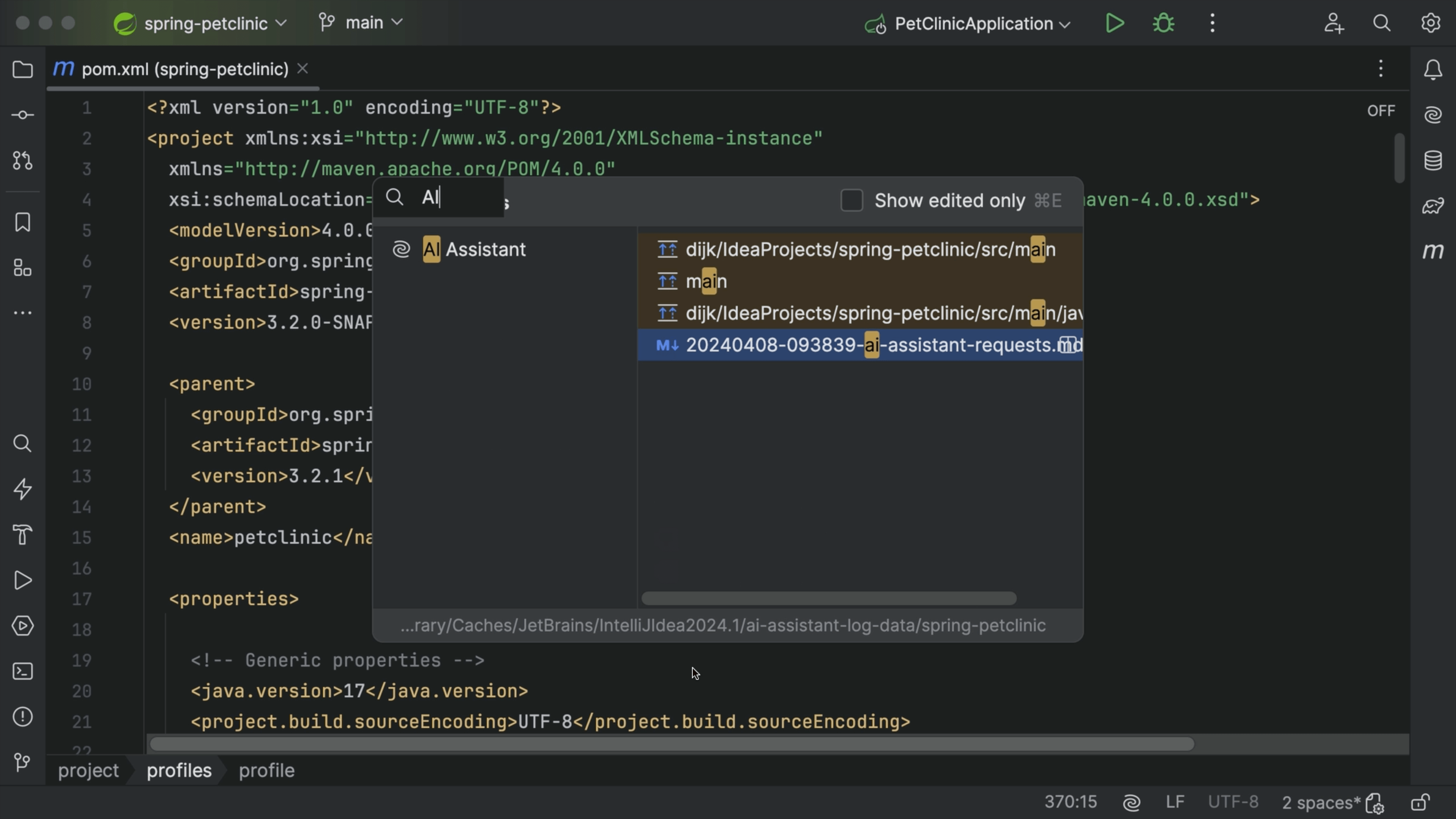
Open the AI Assistant chat window

Tip

Open the AI Assistant chat window
Open the AI Assistant chat window from Recent Files.
Custom prompts

Tip

Custom prompts
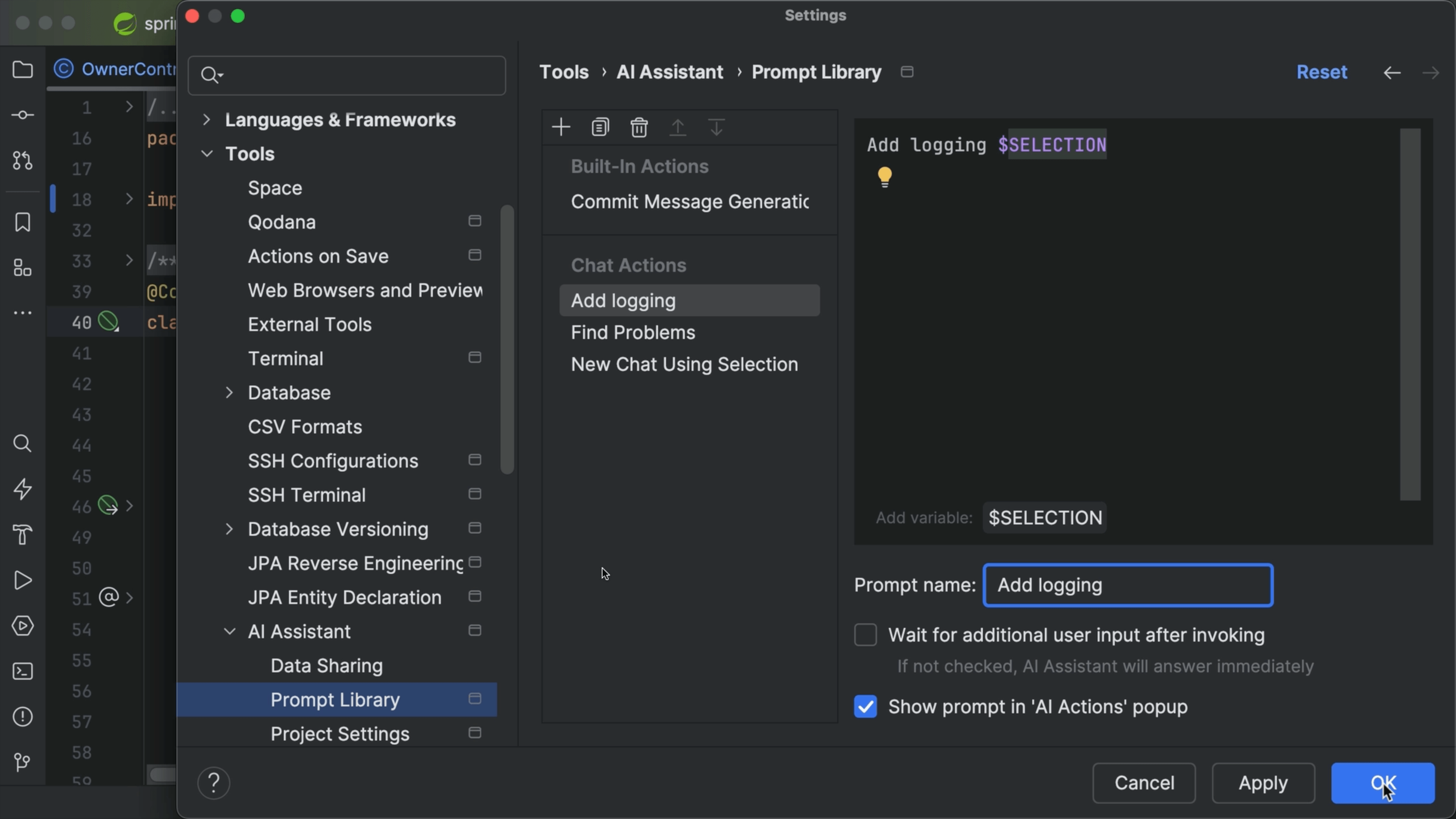
Use a custom prompt to let AI Assistant help you.
Refactor Code with AI Assistant

Tip

Refactor Code with AI Assistant
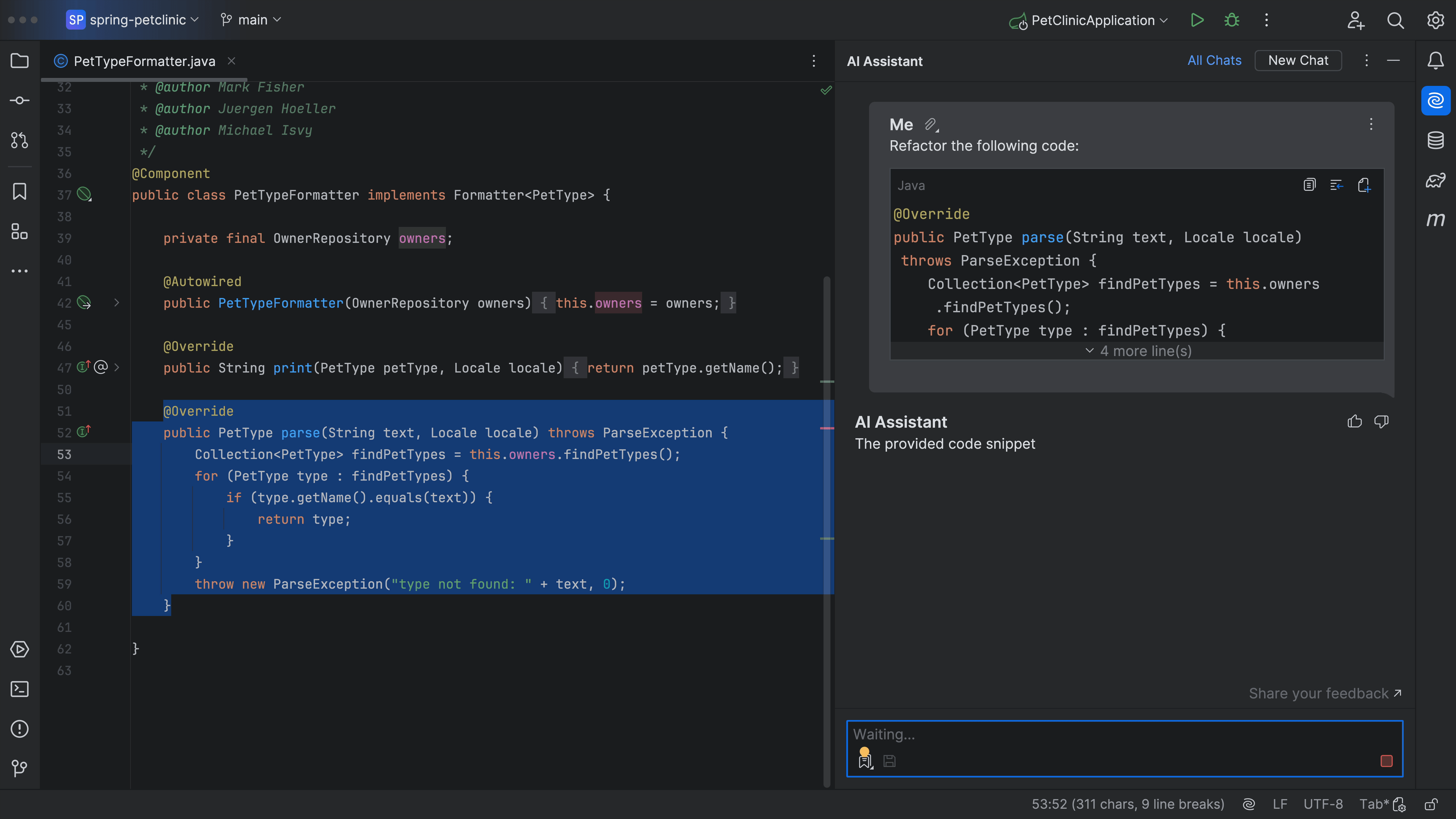
How AI Assistant can help you refactor code.
Params collection in C#

Tip

Params collection in C#
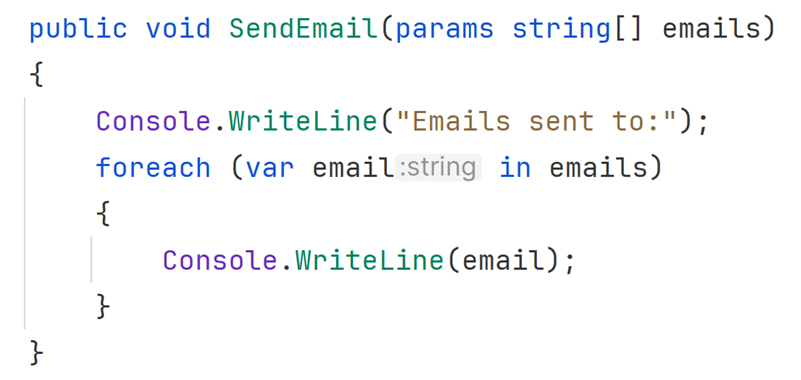
Use the params collection in C# so methods can accept a dynamic number of parameters.
Testing for Exceptions

Part of tutorial

Testing for Exceptions
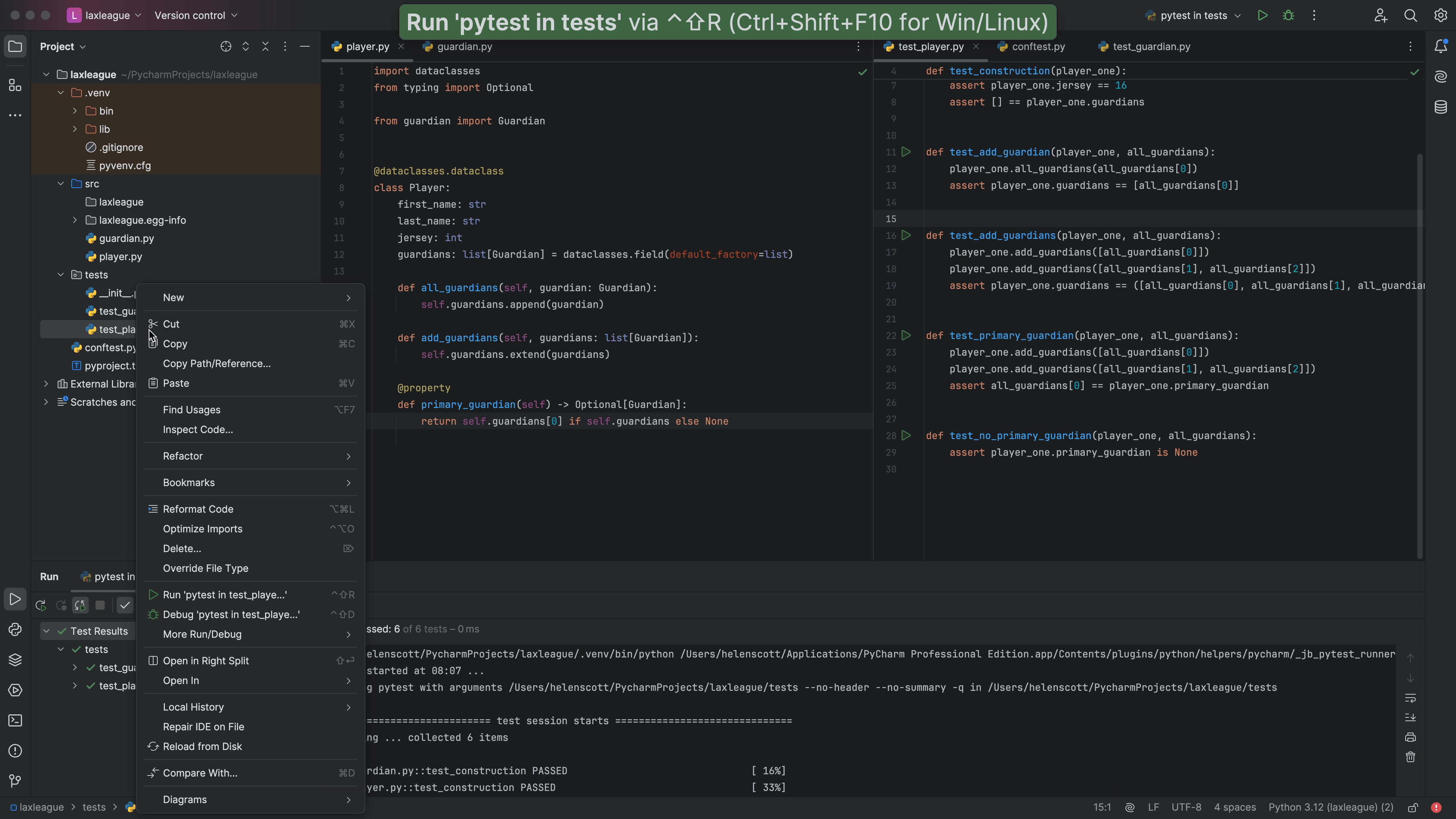
Write tests which ensure exceptions are raised when expected.
Getting Into the TDD Flow

Part of tutorial

Getting Into the TDD Flow
Setup your PyCharm project to help get into the flow of Test-Driven Development (TDD).
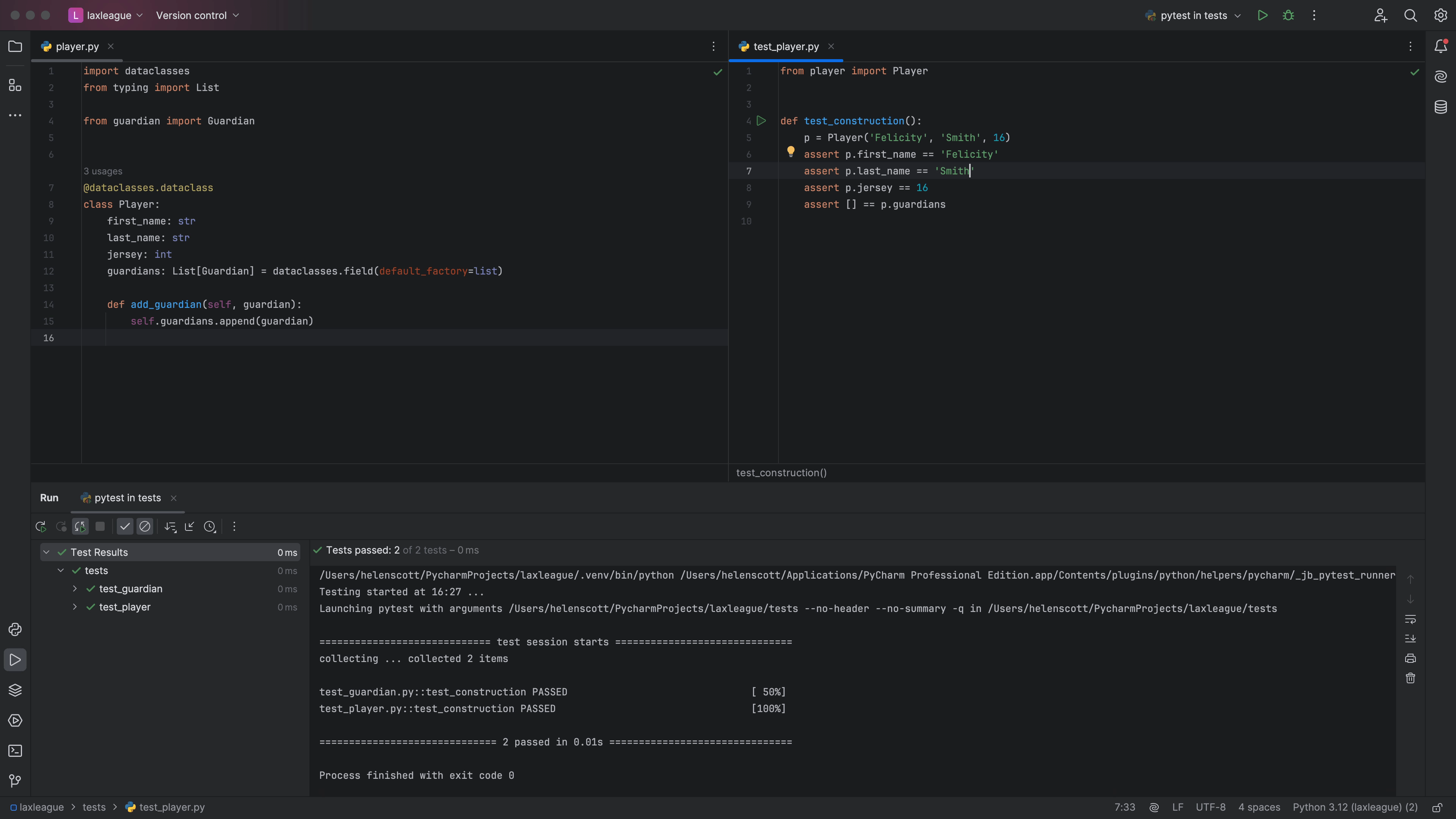
Skipping Tests

Part of tutorial

Skipping Tests
During refactoring, use pytest's markers to ignore certain breaking tests.
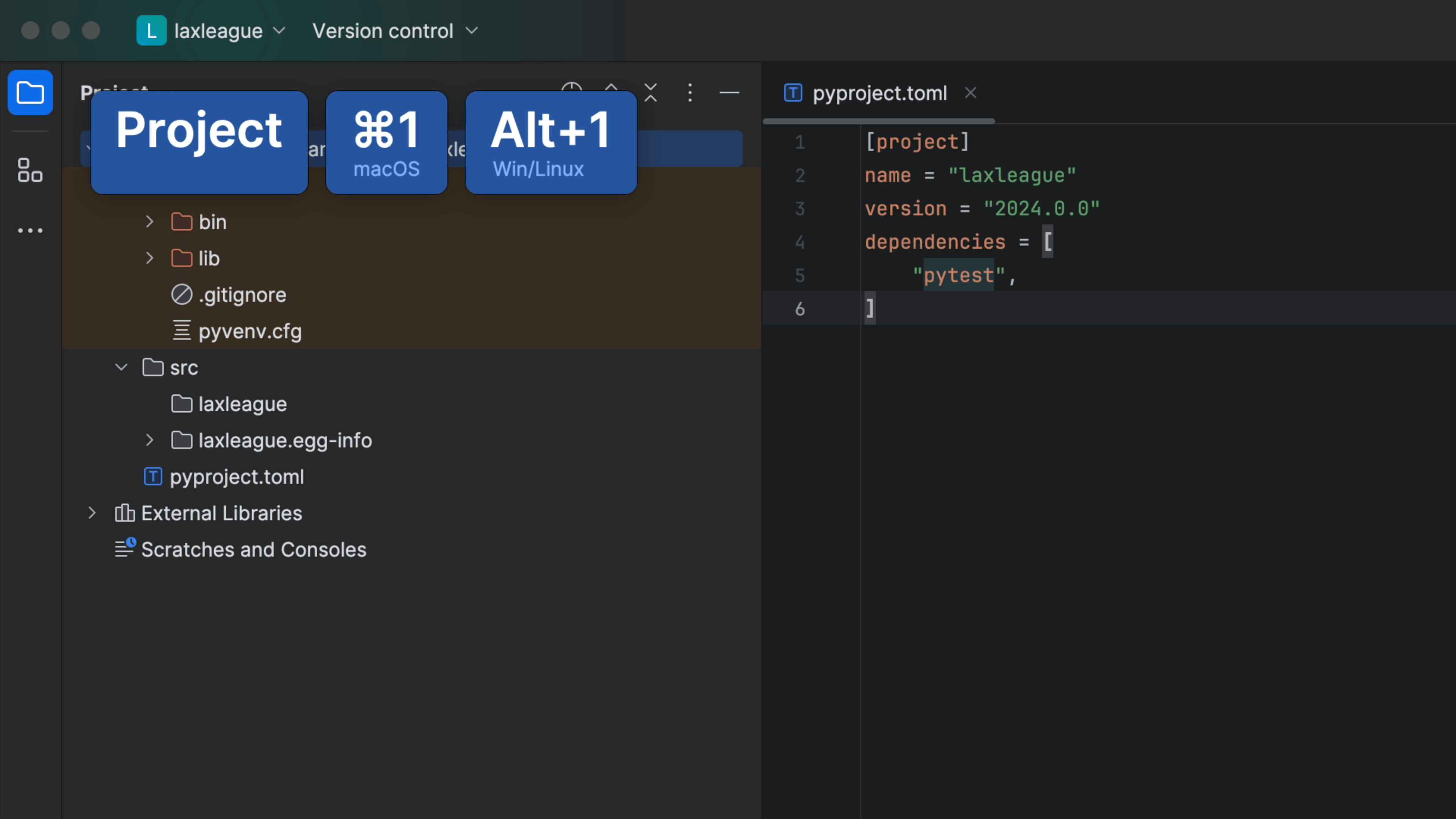
Project Setup

Part of tutorial

Project Setup
Make a PyCharm project and virtual environment with dependencies, and configure PyCharm to use pytest.
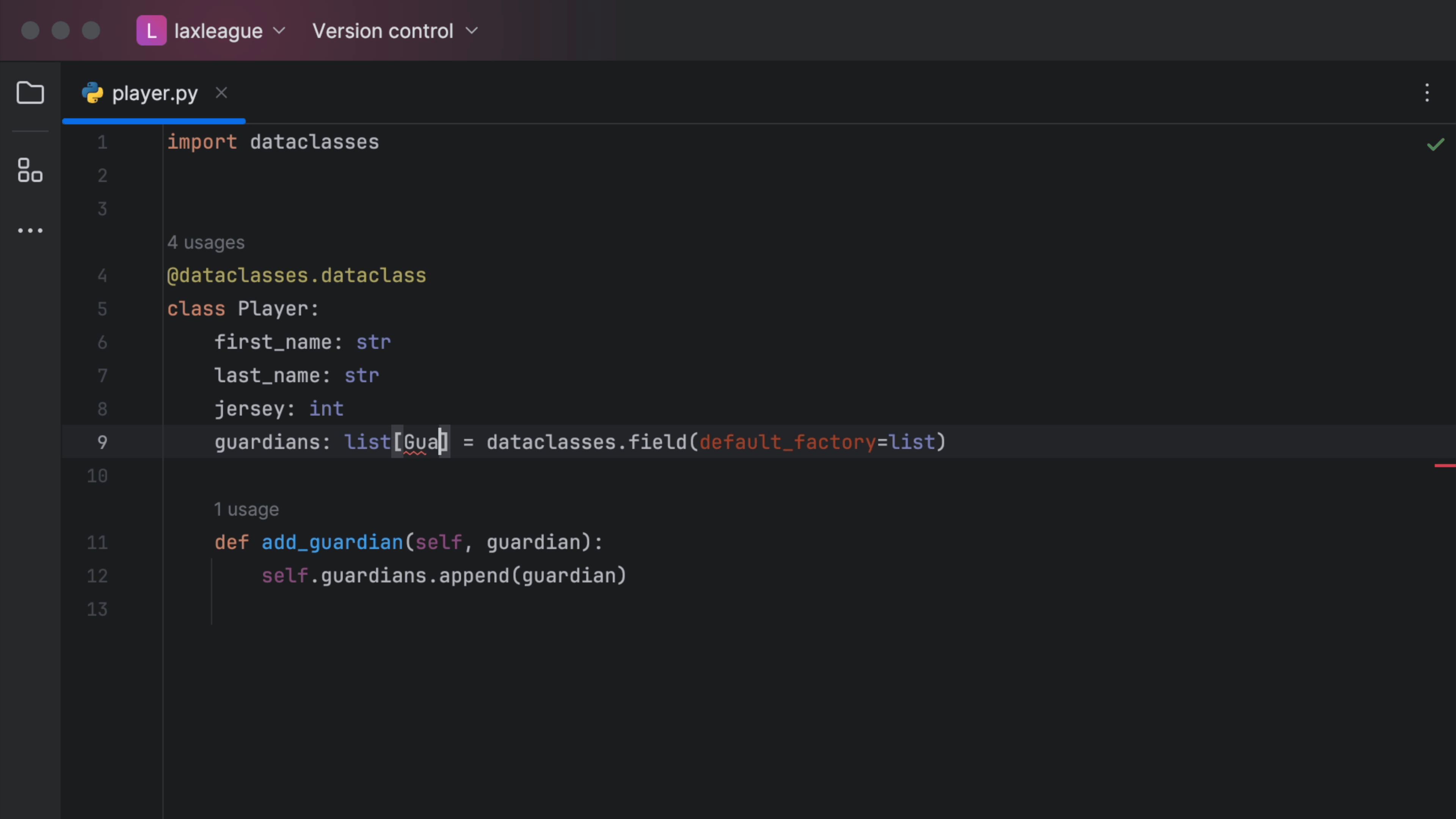
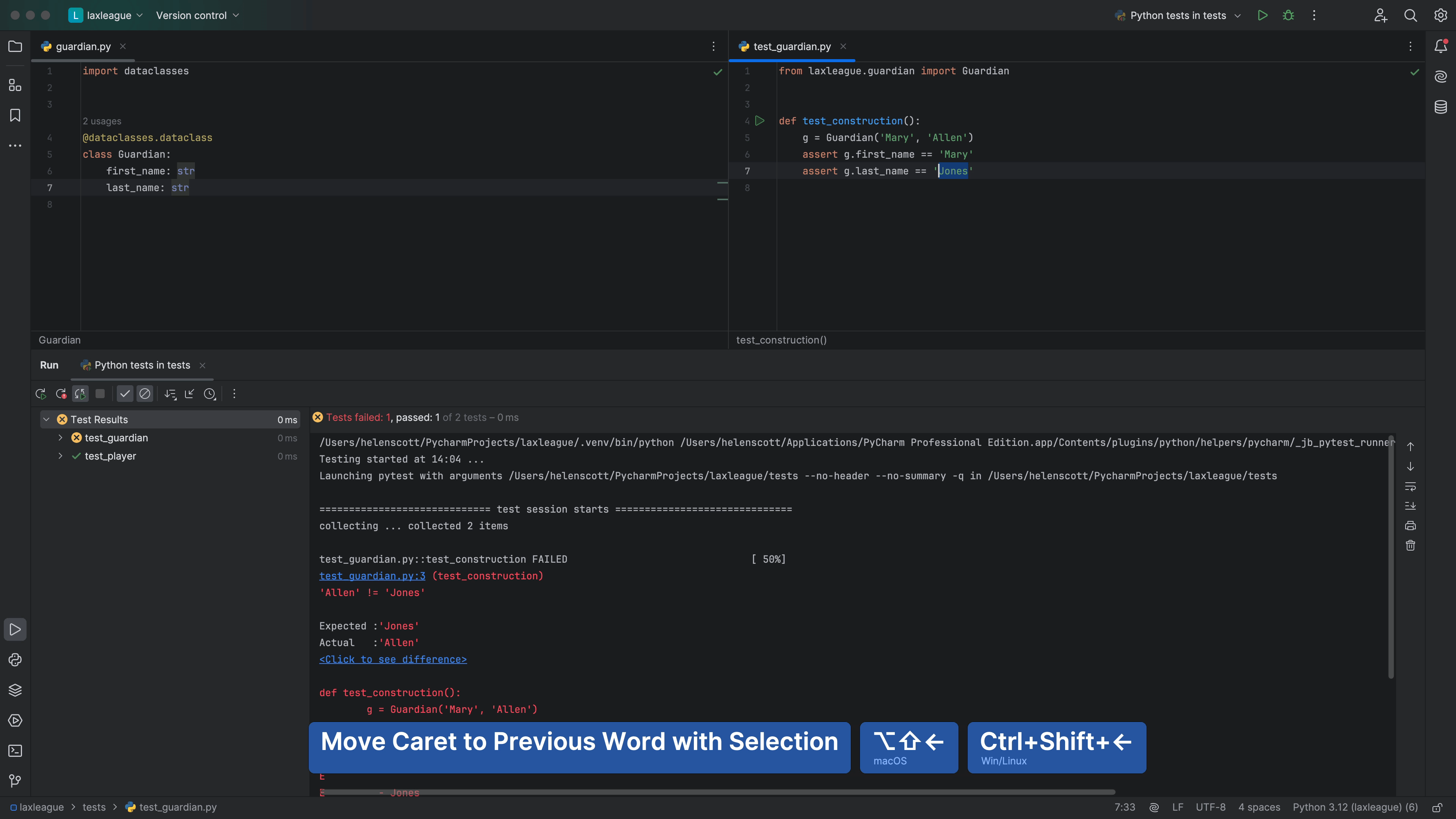
Jump to Error

Part of tutorial

Jump to Error
Writing code means writing broken code. Click a link in a traceback to open a file on the line of the error.