Part of tutorial
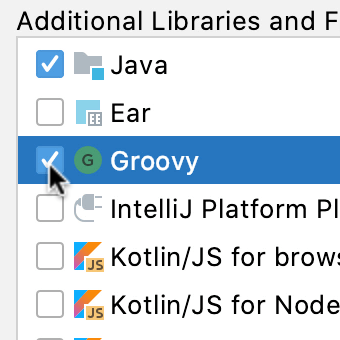
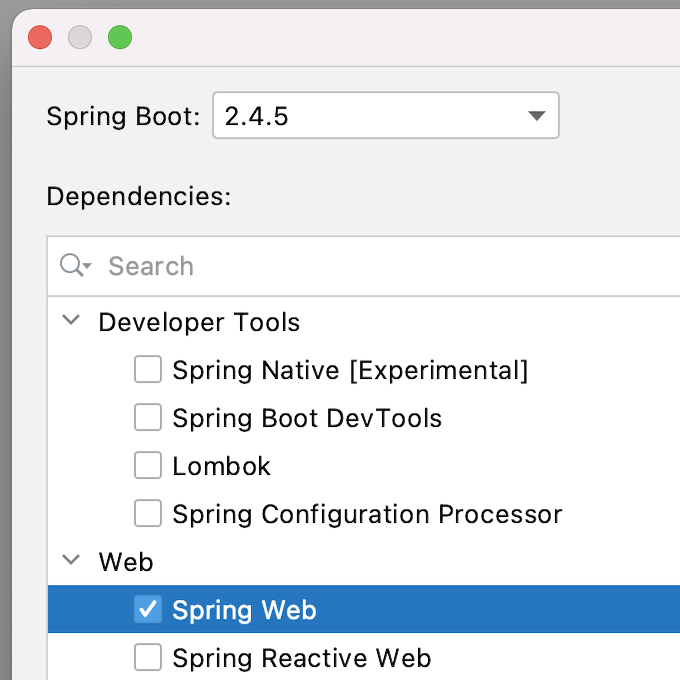
Creating your Spring Boot ProjectUsing the IntelliJ IDEA New Project Wizard to create your Spring project and select dependencies.
Part of tutorial
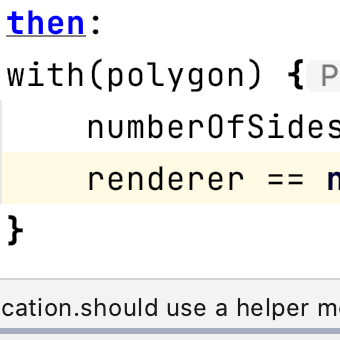
WithSometimes we want to check more than one value on an object. We can use `with` to do this.
Part of tutorial
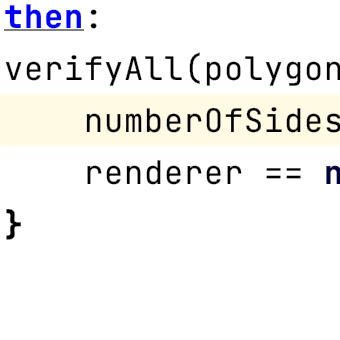
Verify AllTest frameworks often stop the test at the first failure. Find out how to run all conditions to see which pass and which fail.
Part of tutorial
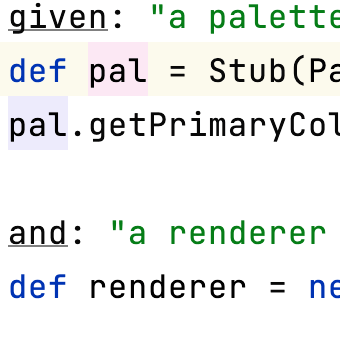
StubsStub can provide simple interfaces, so we don't have to initialise the whole application to test a section.
Part of tutorial
Spock IntelliJ IDEA PluginAdd the Spock plugin to IntelliJ IDEA to get some extra help in the IDE.
Part of tutorial
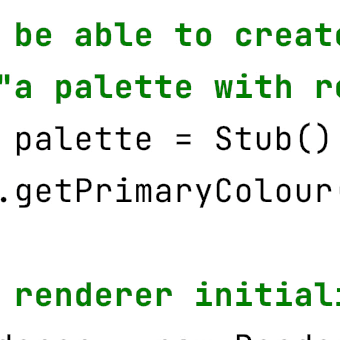
Specifications as DocumentationSpock tests don't just tell the computer how to test the application, they can help developers understand what the application is supposed to do.
Part of tutorial
Shortcuts usedFinally, let's summarise the shortcuts we've learnt and see links to further information.
Part of tutorial
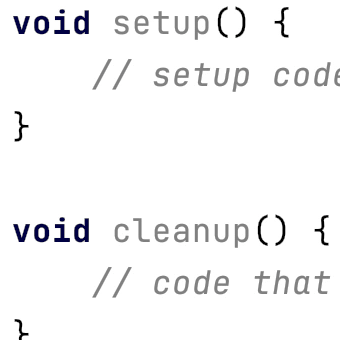
Setup and TeardownSee how to set up, or clean up, test classes and methods in Spock.
Part of tutorial
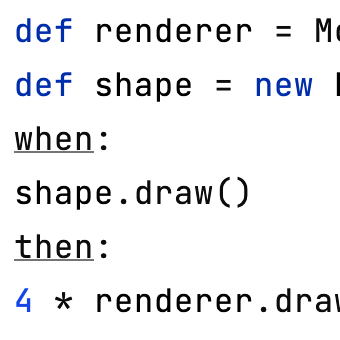
MocksWe can provide "empty" objects, so we don't have to initialise the whole application to test a section, and we can use mocks to check our code is making the calls we expect.
Part of tutorial
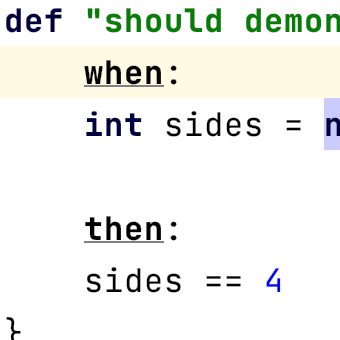
Label FlexibilitySpock supports a range of different test labels to help you write the most readable tests.