Latest

All the resources in the Guide, starting with most recent.

Pasting code from the editor into your terminal

Part of tutorial

Pasting code from the editor into your terminal
Running command line processes inside the IDE keeps us in the flow of coding.
Opening the IntelliJ IDEA Terminal window

Part of tutorial

Opening the IntelliJ IDEA Terminal window
How to open a new terminal window with keyboard shortcuts.
Naming your IntelliJ IDEA terminal tabs

Part of tutorial

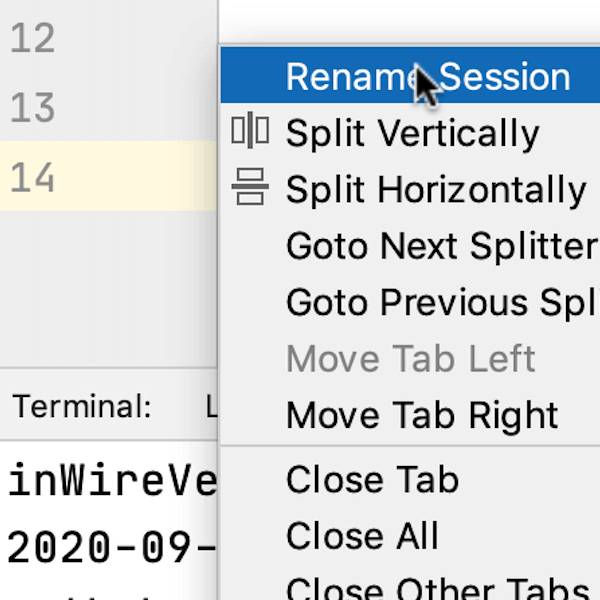
Naming your IntelliJ IDEA terminal tabs
Helpful labels will help you to identify each terminal session at a glance.
Opening more terminal sessions

Part of tutorial

Opening more terminal sessions
You can run more than one terminal inside your IDE.
Introduction

Part of tutorial

Introduction
Let's take a tour of the Terminal Window in IntelliJ IDEA.
Using the Terminal in IntelliJ IDEA

Tutorial

Using the Terminal in IntelliJ IDEA
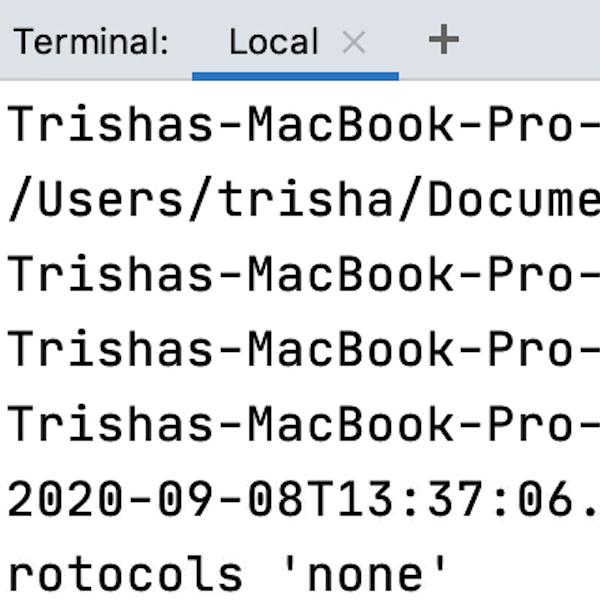
IntelliJ IDEA has a built-in terminal that you can use to perform a number of functions inside your IDE.
Using inspections

Part of tutorial

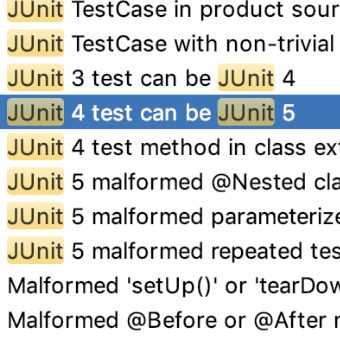
Using inspections
Using JUnit 5 Inspections to migrate.
Shortcuts

Part of tutorial

Shortcuts
A list of shortcuts used in the tutorial.
Overview of JUnit 4 Structure

Part of tutorial

Overview of JUnit 4 Structure
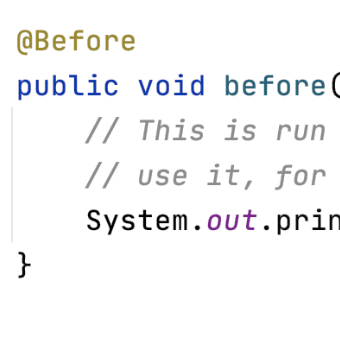
An overview of what a typical JUnit 4 test suite might contain.
Other approaches to consider

Part of tutorial

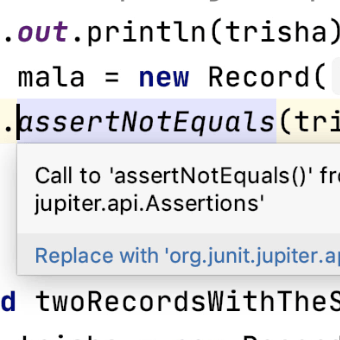
Other approaches to consider
There are other approaches that you can consider for migration.
Manual migration for more complex cases

Part of tutorial

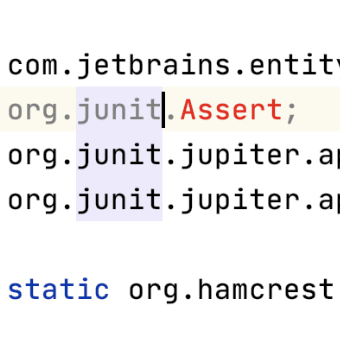
Manual migration for more complex cases
Migrating more complex uses cases from JUnit 4 to JUnit 5.
Introduction

Part of tutorial

Introduction
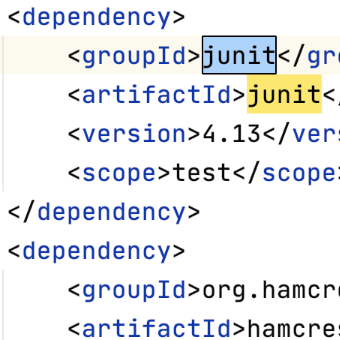
Introduction to Migrating JUnit 4 to JUnit 5.