The JetBrains Guide is shutting down on March 30, 2026. more...

Put Kotlin Arguments on Separate Lines

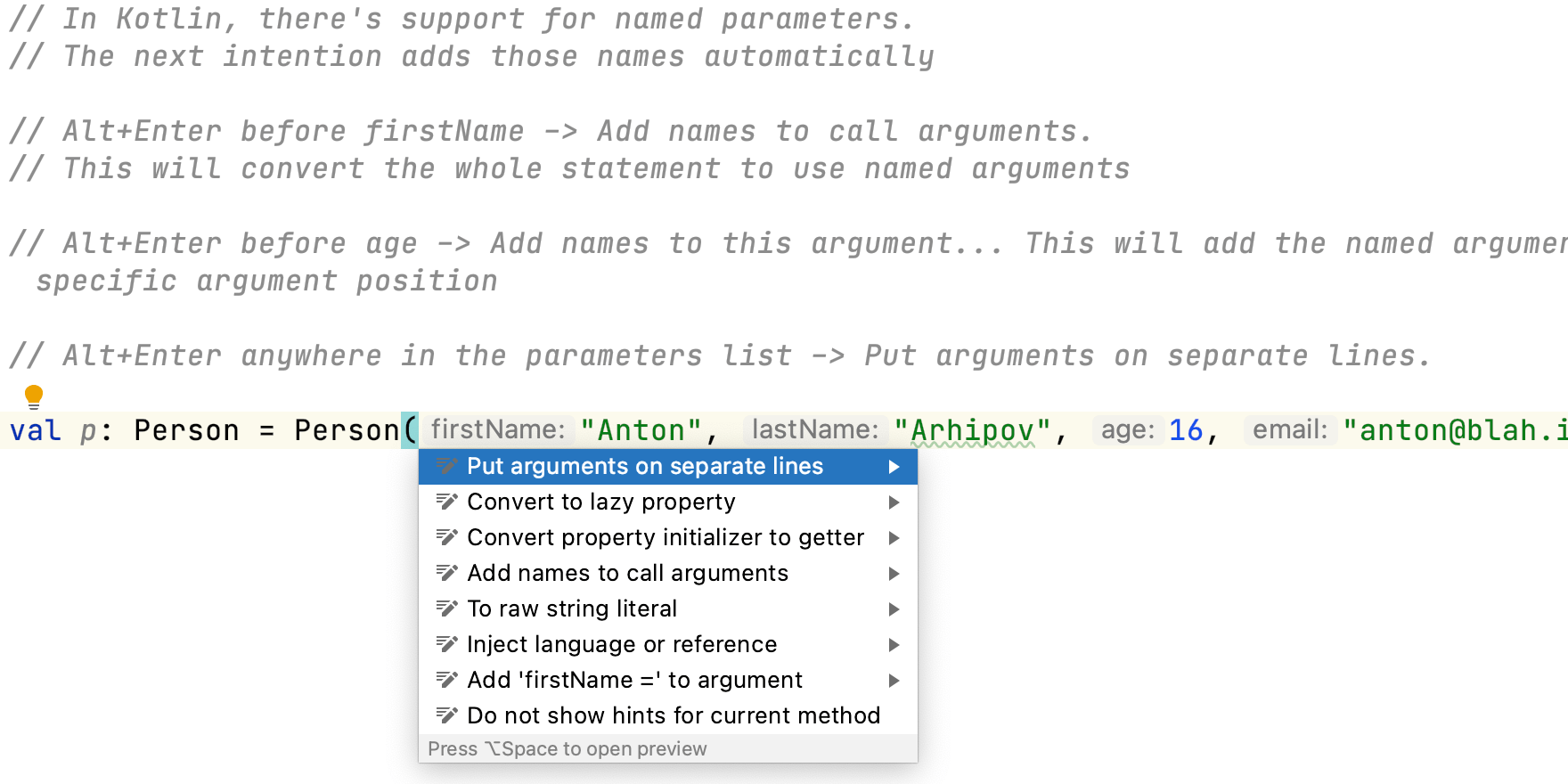
Use quick intentions to improve the readability of your code by putting arguments on separate lines.

If you have a method with a long signature, or a Kotlin class with a lot of properties, you can press ⌥⏎ (macOS) / Alt+Enter (Windows/Linux), and select Put Arguments on Separate Lines to make it more readable.
Related Resources

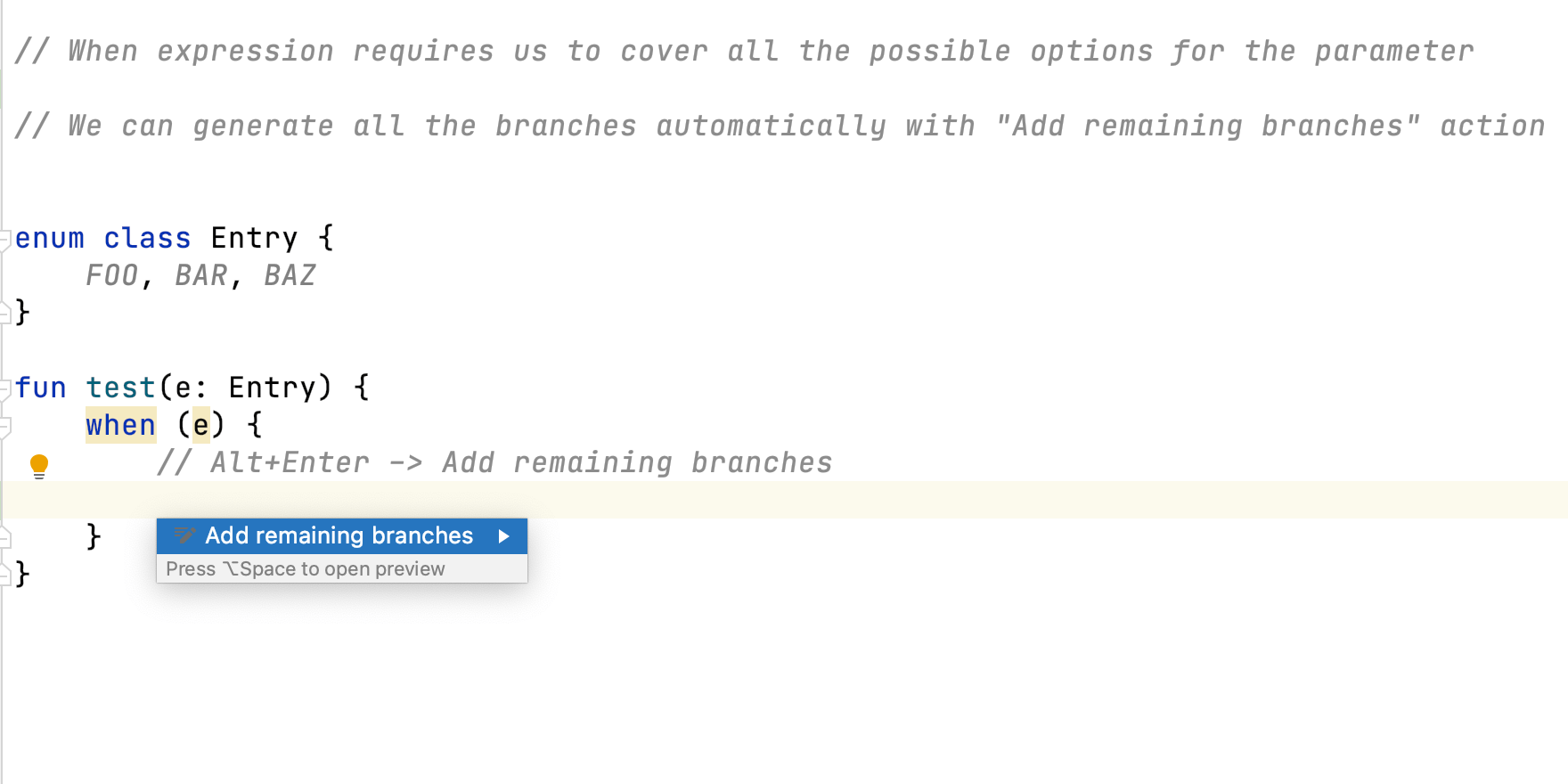
Add Remaining Branches in Kotlin
Use quick intentions to generate code automatically and save you typing.
Add Names to Call Arguments in Kotlin
Use quick intentions to add names to call arguments.
Remove Explicit Type in Kotlin
Use quick intentions to remove explicit types.