Mouse Zoom
How to enable mouse zoom.
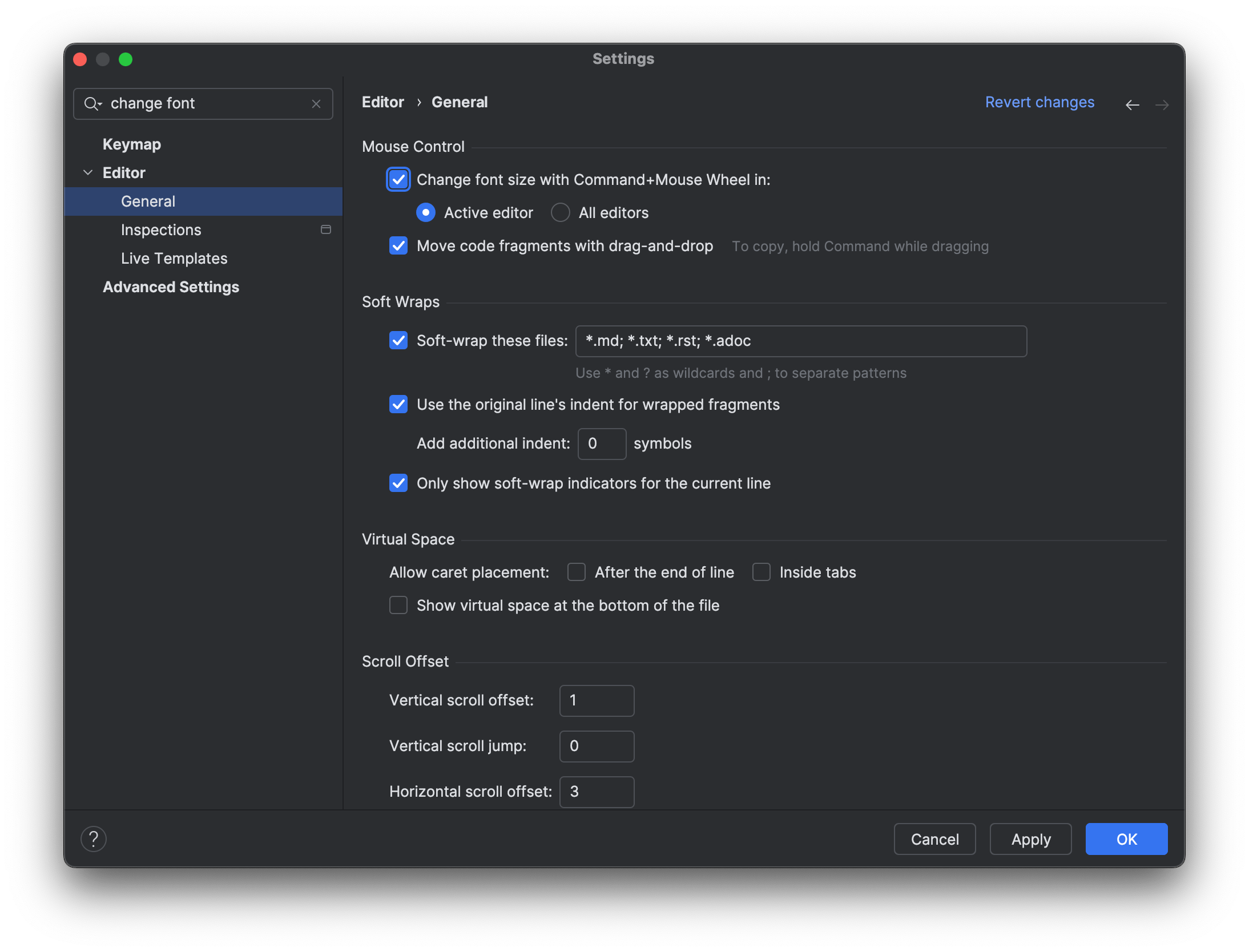
To enable mouse zoom, you need to turn it on explicitly. Go to your Preferences with ⌘, (macOS) / Ctrl+Alt+S (Windows/Linux) and select Editor | General and select Change font size with Command+Mouse Wheel (on Mac) or Change font size with Control+Mouse (on Windows/Linux). Click OK to apply the changes and close the dialog.
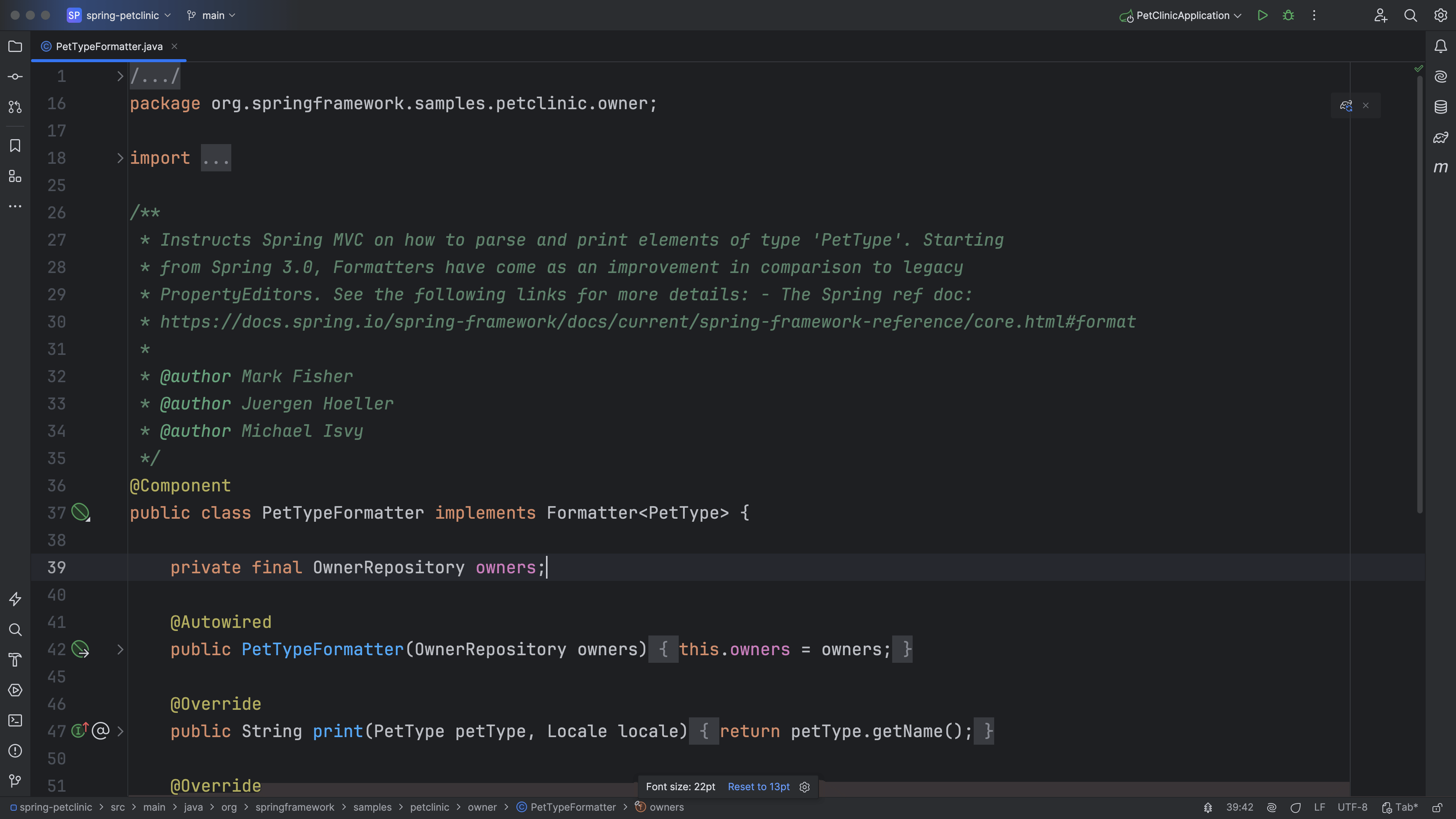
Now we can use ⌘ (macOS) / Ctrl (Windows/Linux) with the mouse wheel to zoom in or out. While we are using mouse zoom, a popup appears containing in the middle-bottom screen with the current font size on the left and a link to reset to the original font size on the right. Click the link to reset the font size.