The JetBrains Guide is shutting down on March 30, 2026. more...

Structure Tool Window

Quickly get an overview of your class and jump to the relevant code.

Open the Structure tool window using ⌘7 (macOS) / Alt+7 (Windows/Linux) to get a quick overview of the methods and fields in the current file. Select the relevant section to jump straight to it.
Related Resources

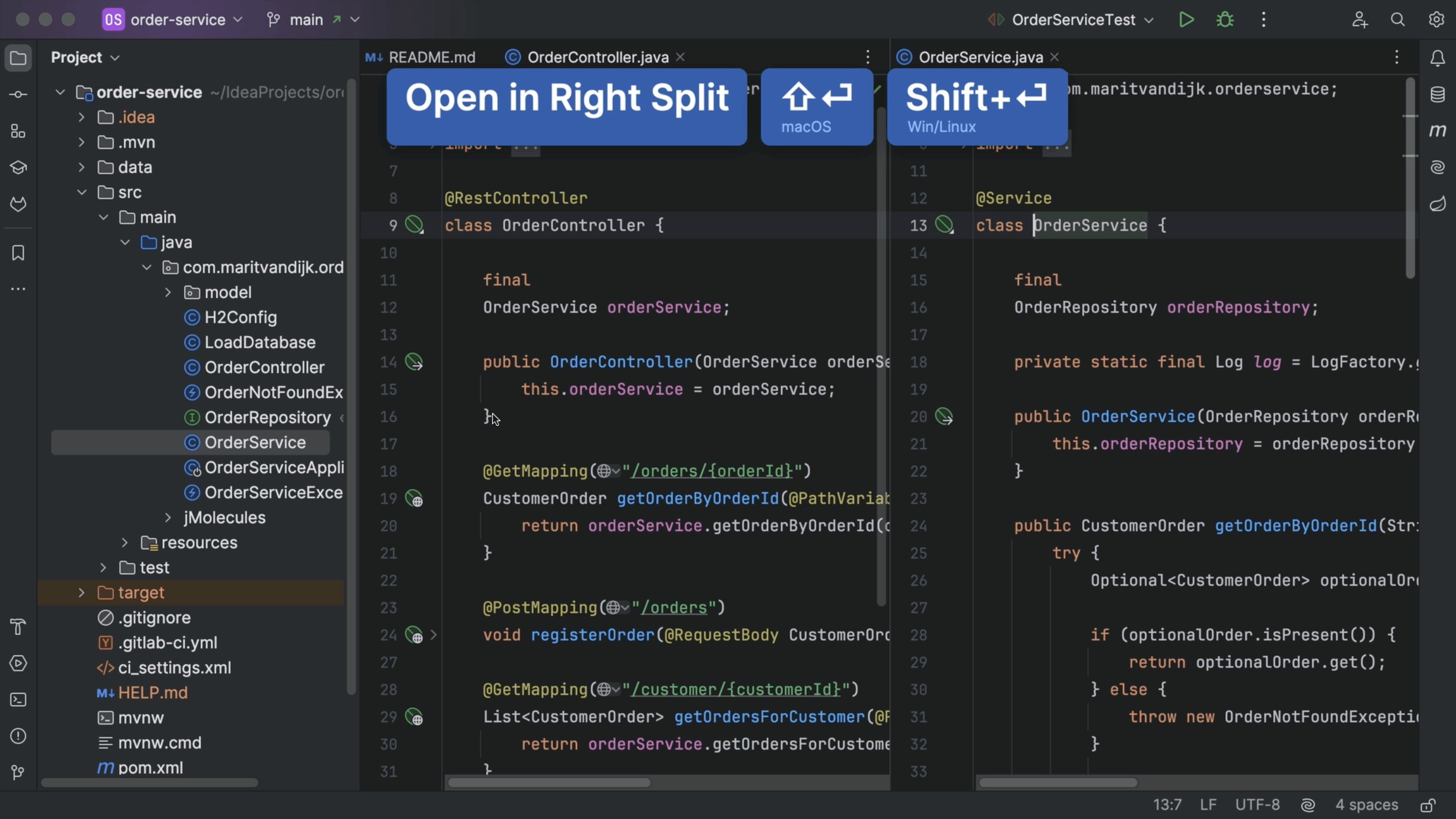
Open File
Open File
Open a file from the Project tool window.
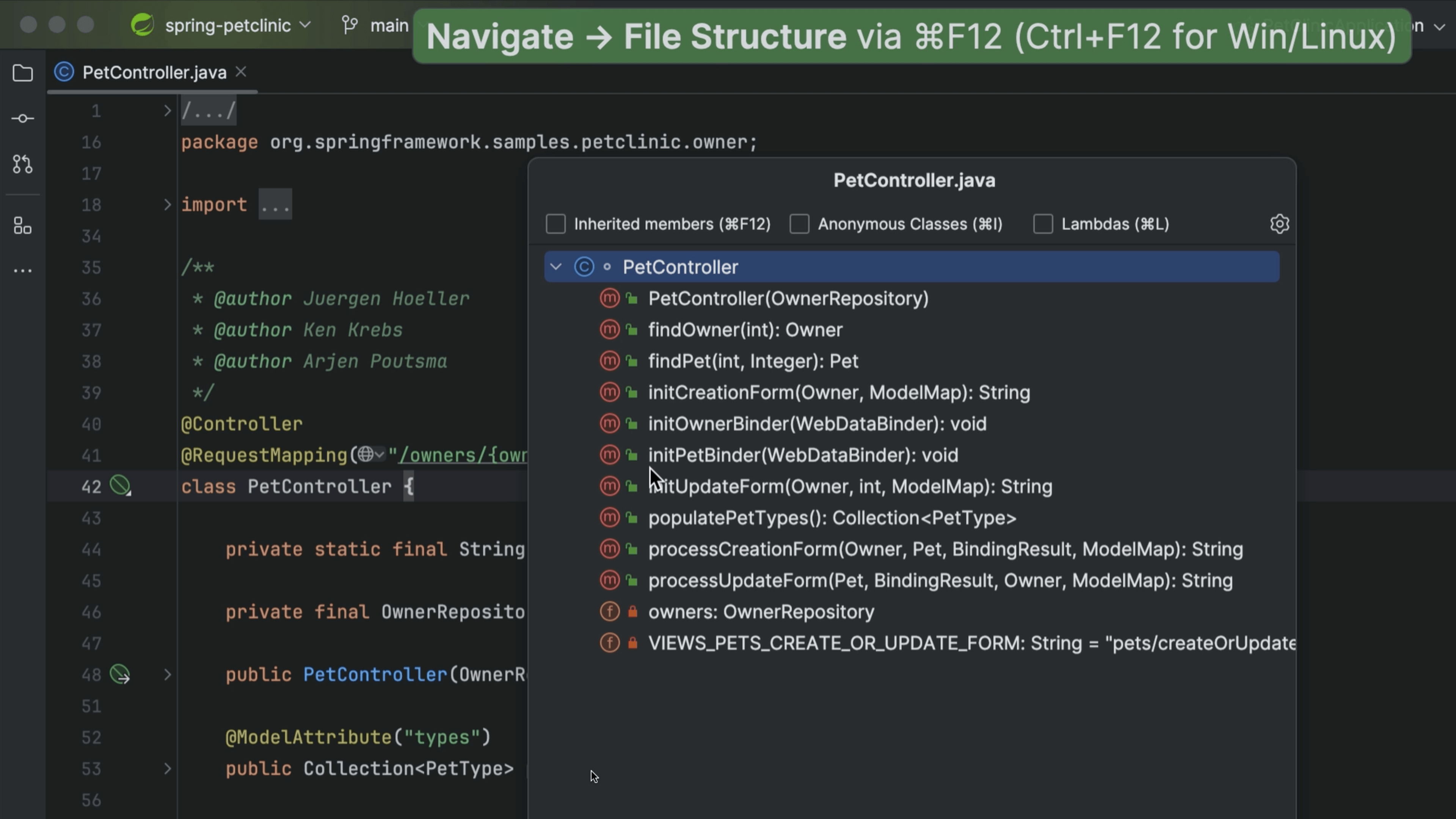
File Structure
File Structure
Get a quick overview of the structure of your class file.
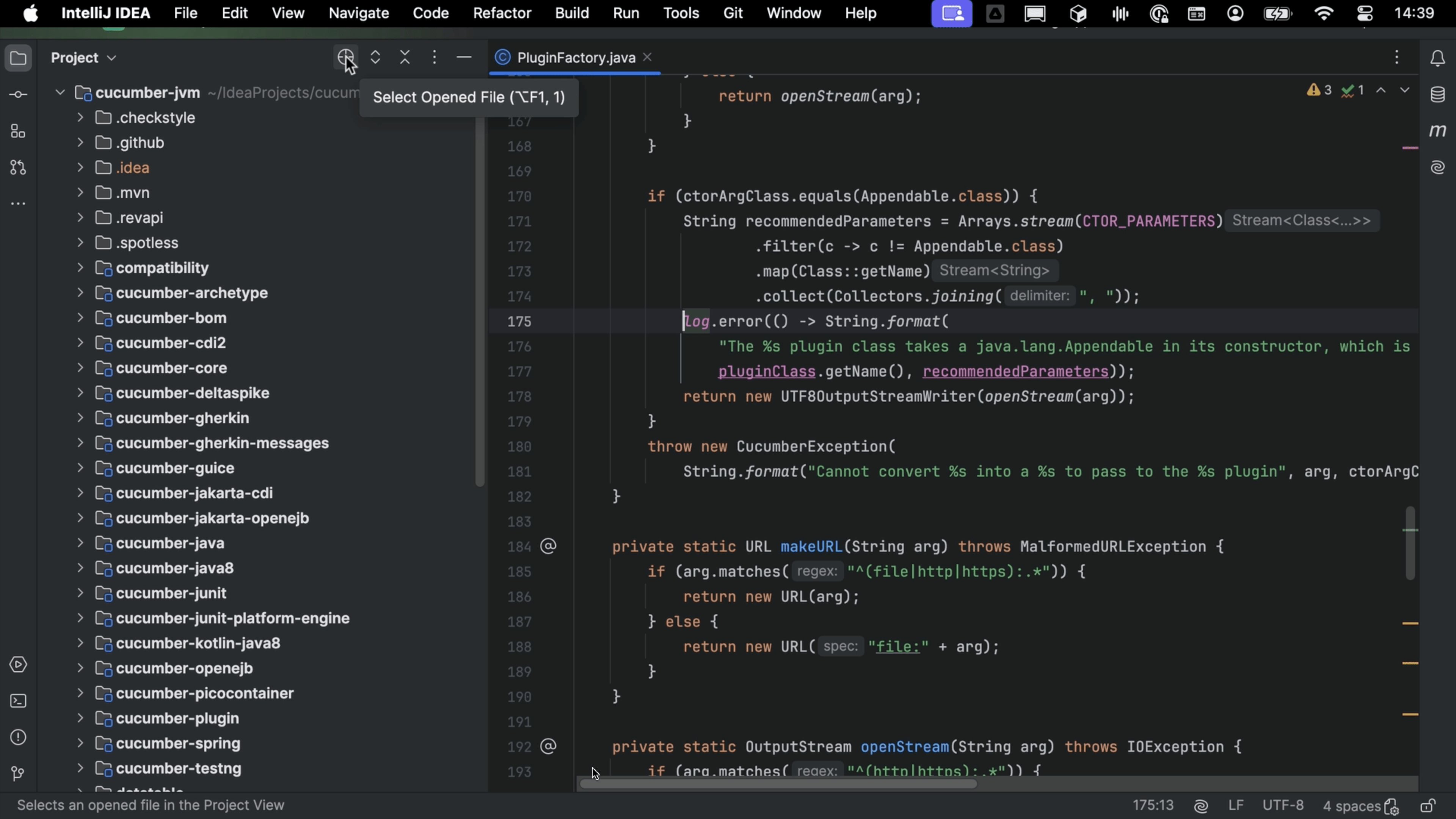
Select Opened File
Select Opened File
Locate an opened file in the project structure.