Java Compact File
Create a compact source file in IntelliJ IDEA.
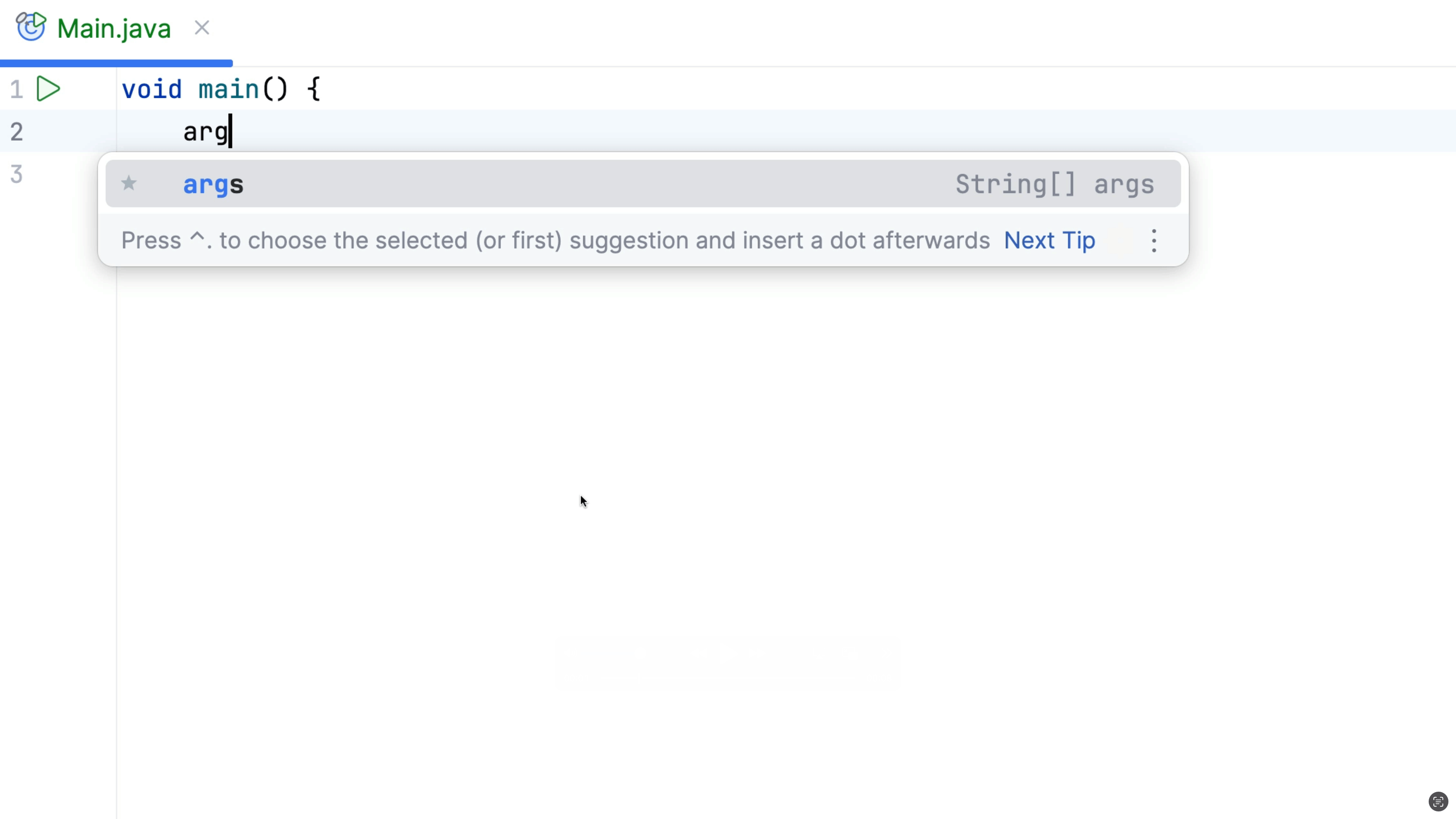
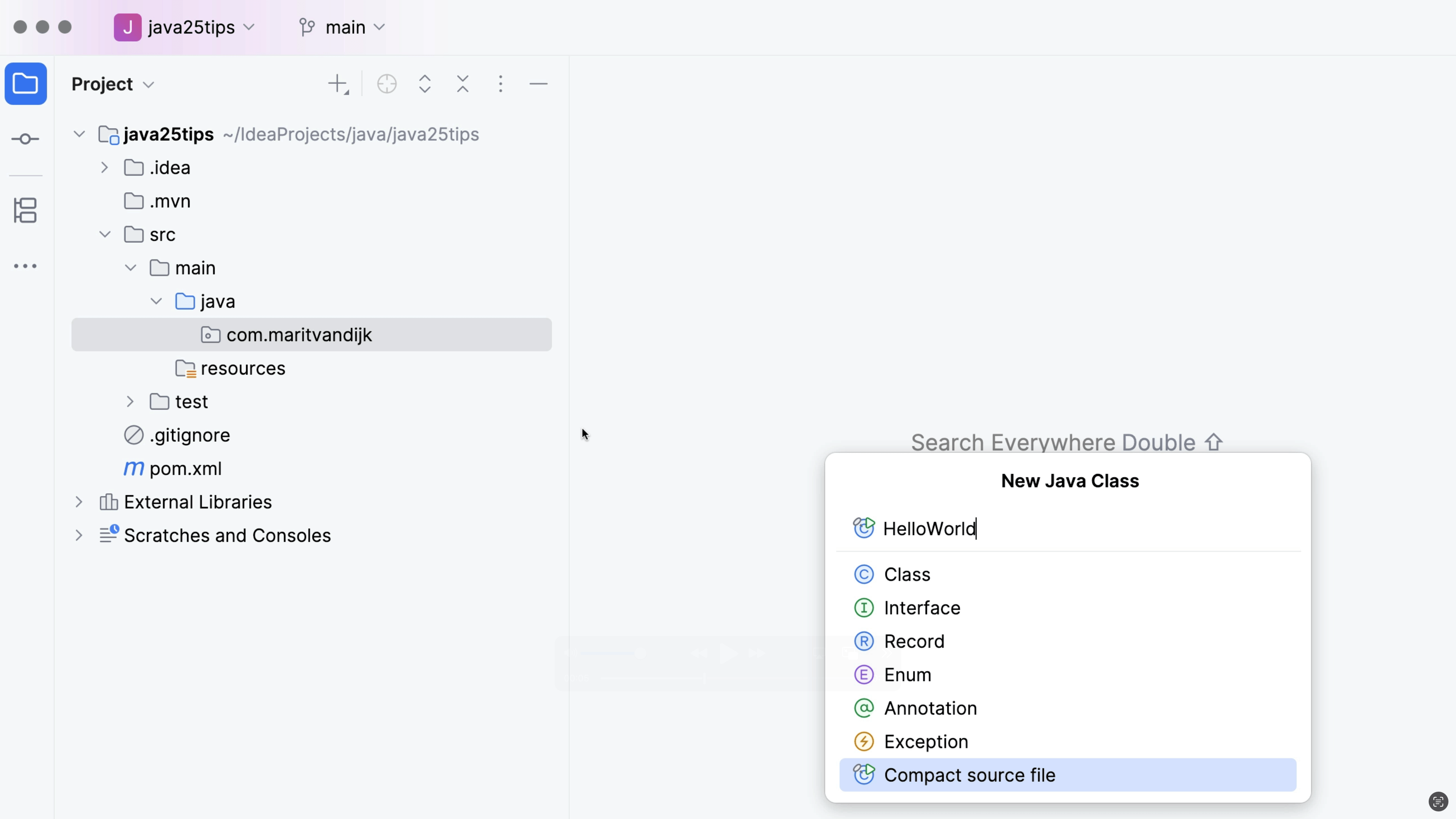
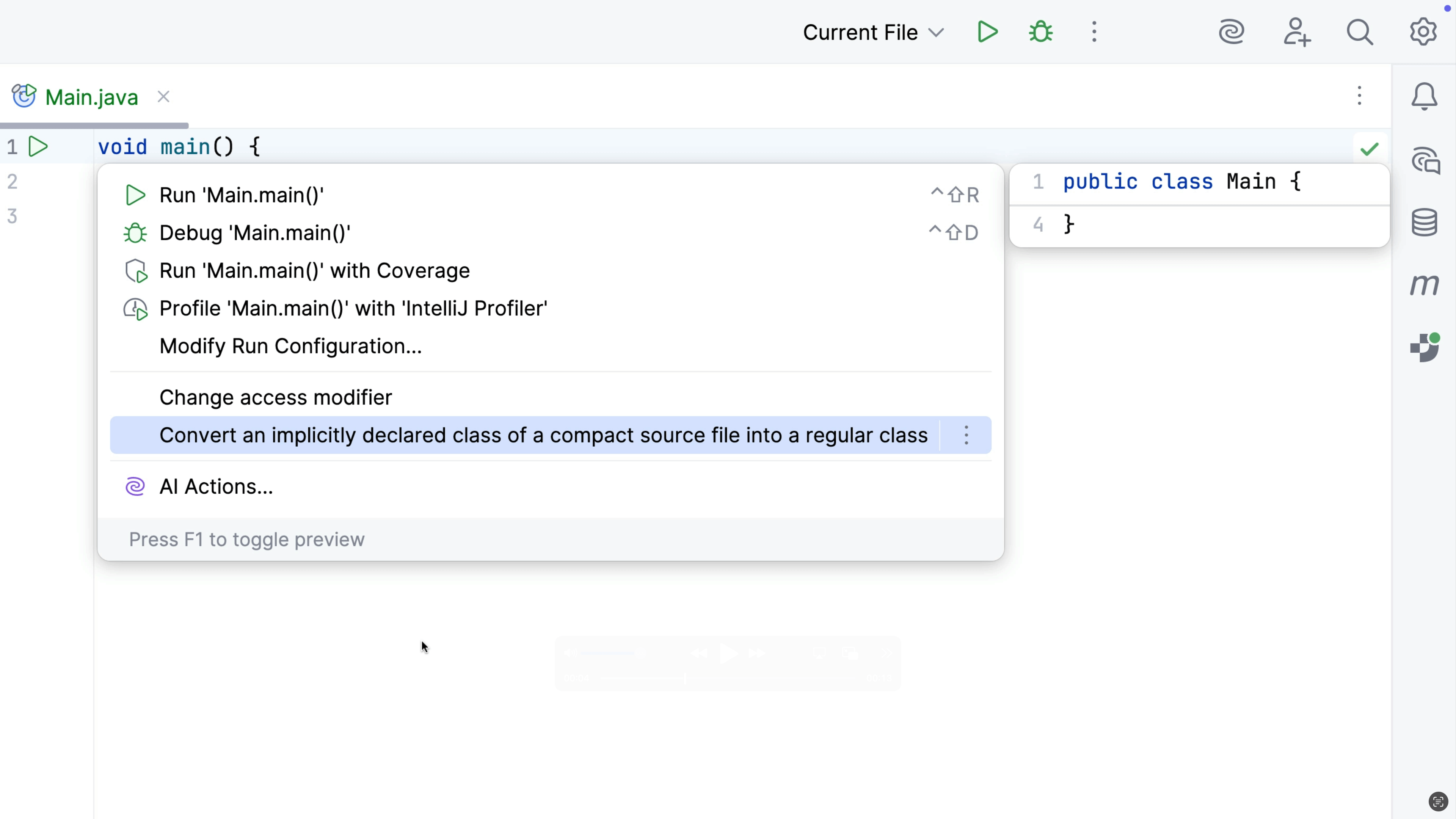
To create a Java Compact File, introduced in Java 25, right-click the src/main/java directory in the Project tool window and select New | Java Compact File. IntelliJ IDEA will provide a default name for the file, so your thought process is not disrupted when you want to quickly try something out. IntelliJ IDEA automatically adds an instance main method void main() to the file.