The JetBrains Guide is shutting down on March 30, 2026. more...

Hide Tool Windows

Hide or restore all tool windows so you can keep your IDE exactly how you like it.

Hide All Windows ⌘⇧F12 (macOS) / Ctrl+Shift+F12 (Windows/Linux) to focus on the code.

Open individual windows, like the Project tool window ⌘1 (macOS) / Alt+1 (Windows/Linux), or Git tool window ⌘9 (macOS) / Alt+9 (Windows/Linux).

Or Restore Windows ⌘⇧F12 (macOS) / Ctrl+Shift+F12 (Windows/Linux) when you need them again.

Interested in JVM Development?

call to action image

Do you want to take your JetBrains IDE to the next level with a 'lean UI'?

Learn More

Related Resources

Complete Statement
Complete Statement
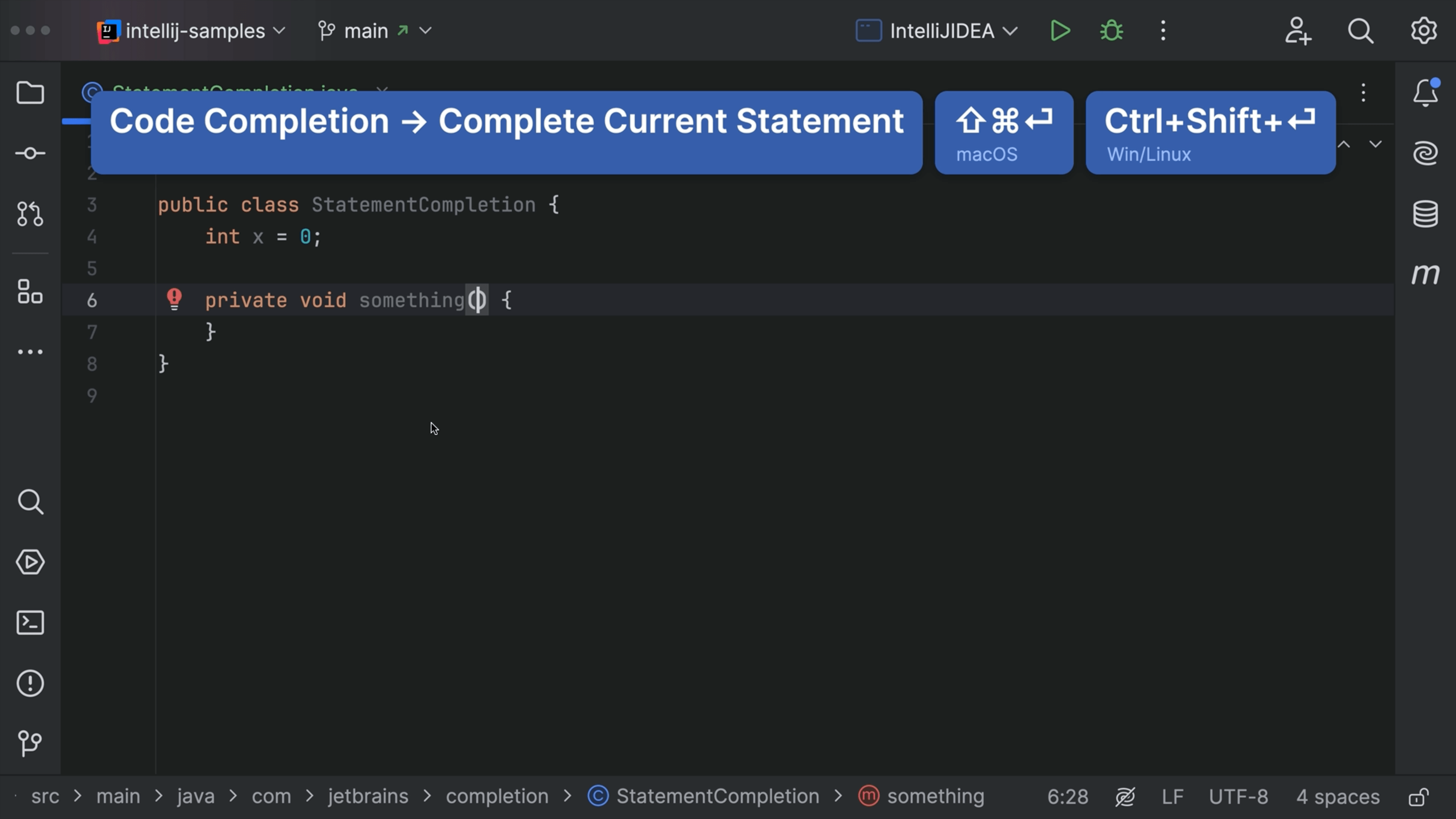
Complete statement can add your semicolons, brackets and manage caret placement for you.
Create a new class
Create a new class
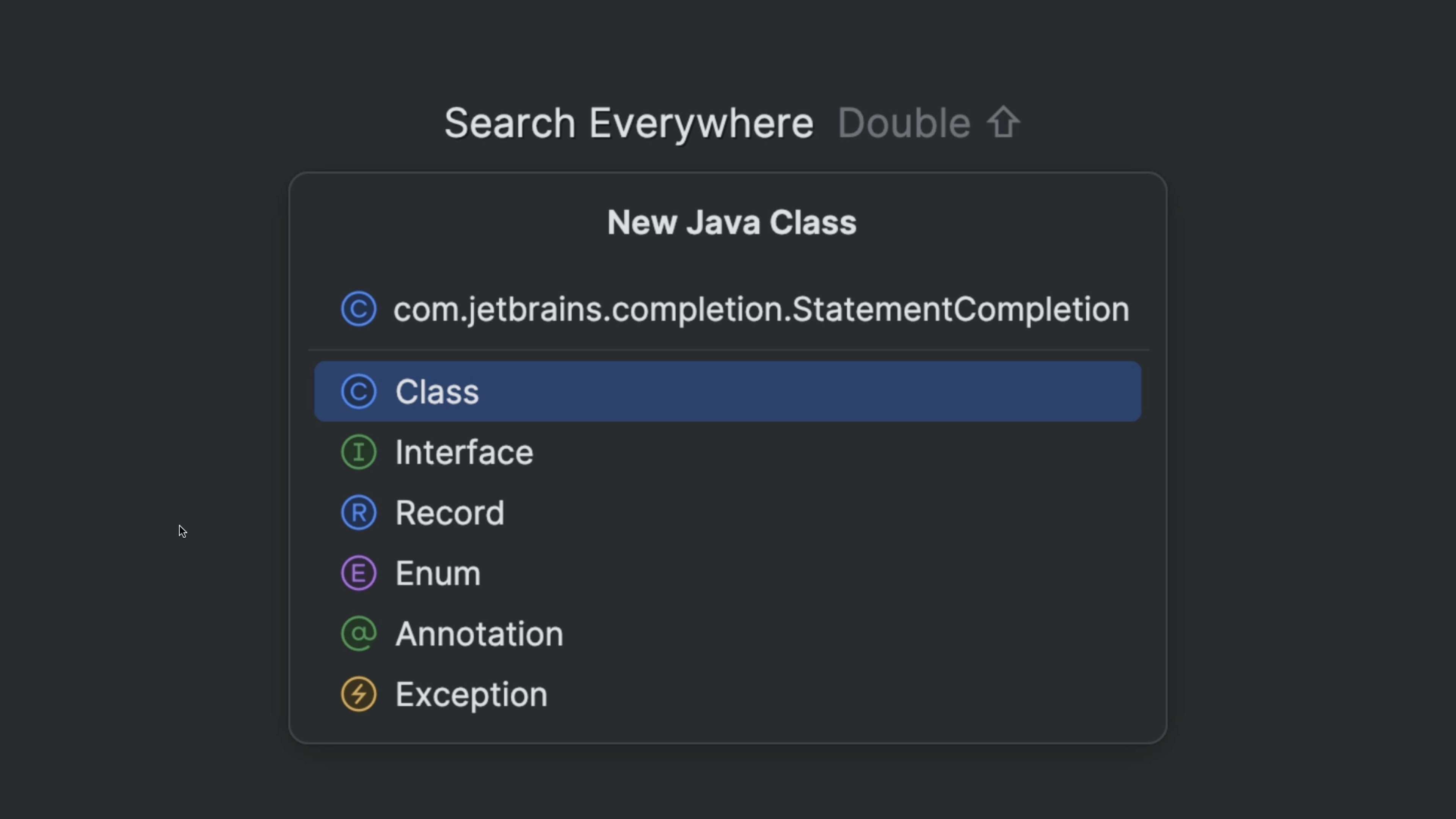
Create a new class and a new package.
JShell
JShell
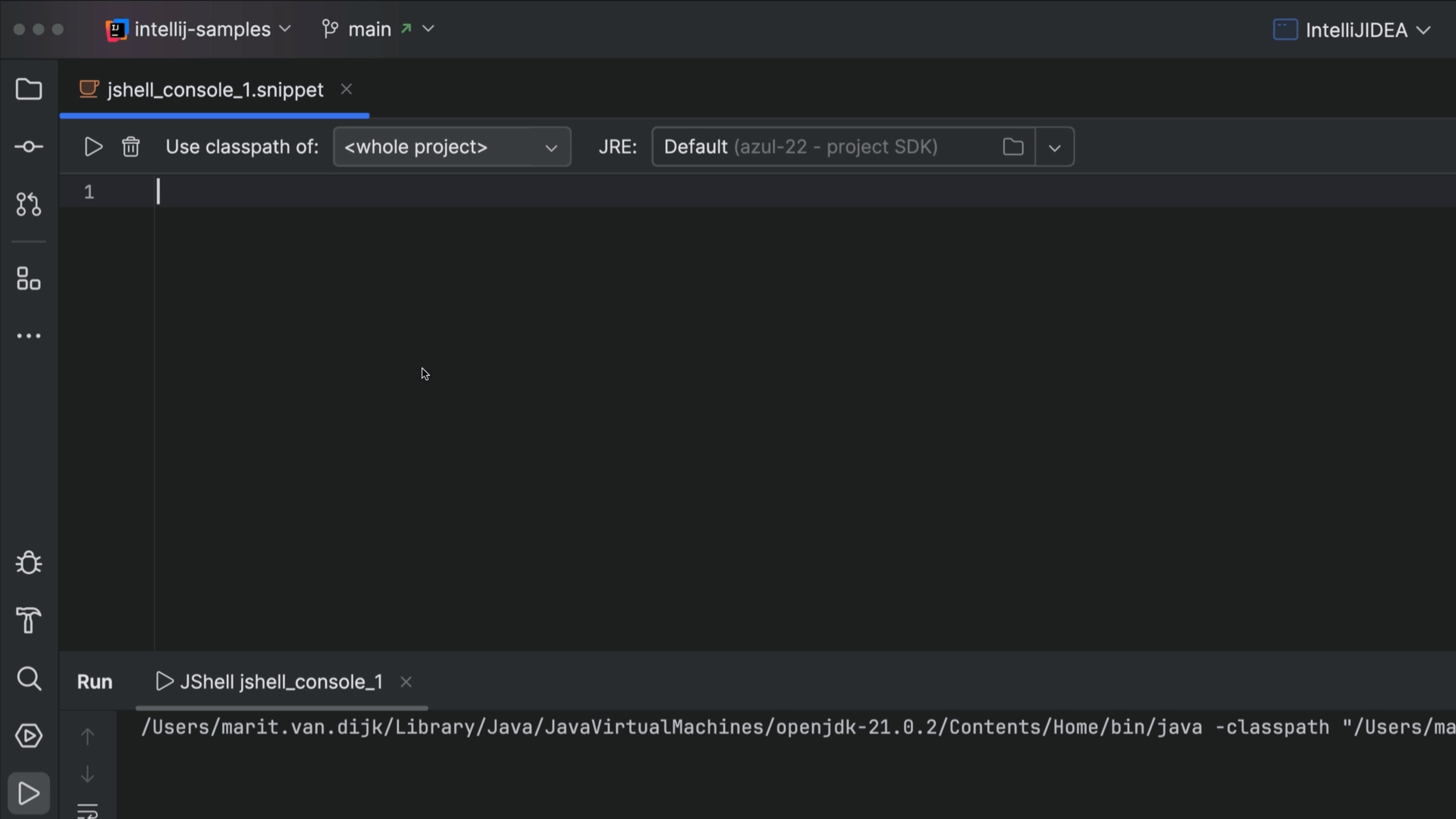
Use JShell in IntelliJ IDEA to quickly evaluate Java expressions.