Group projects
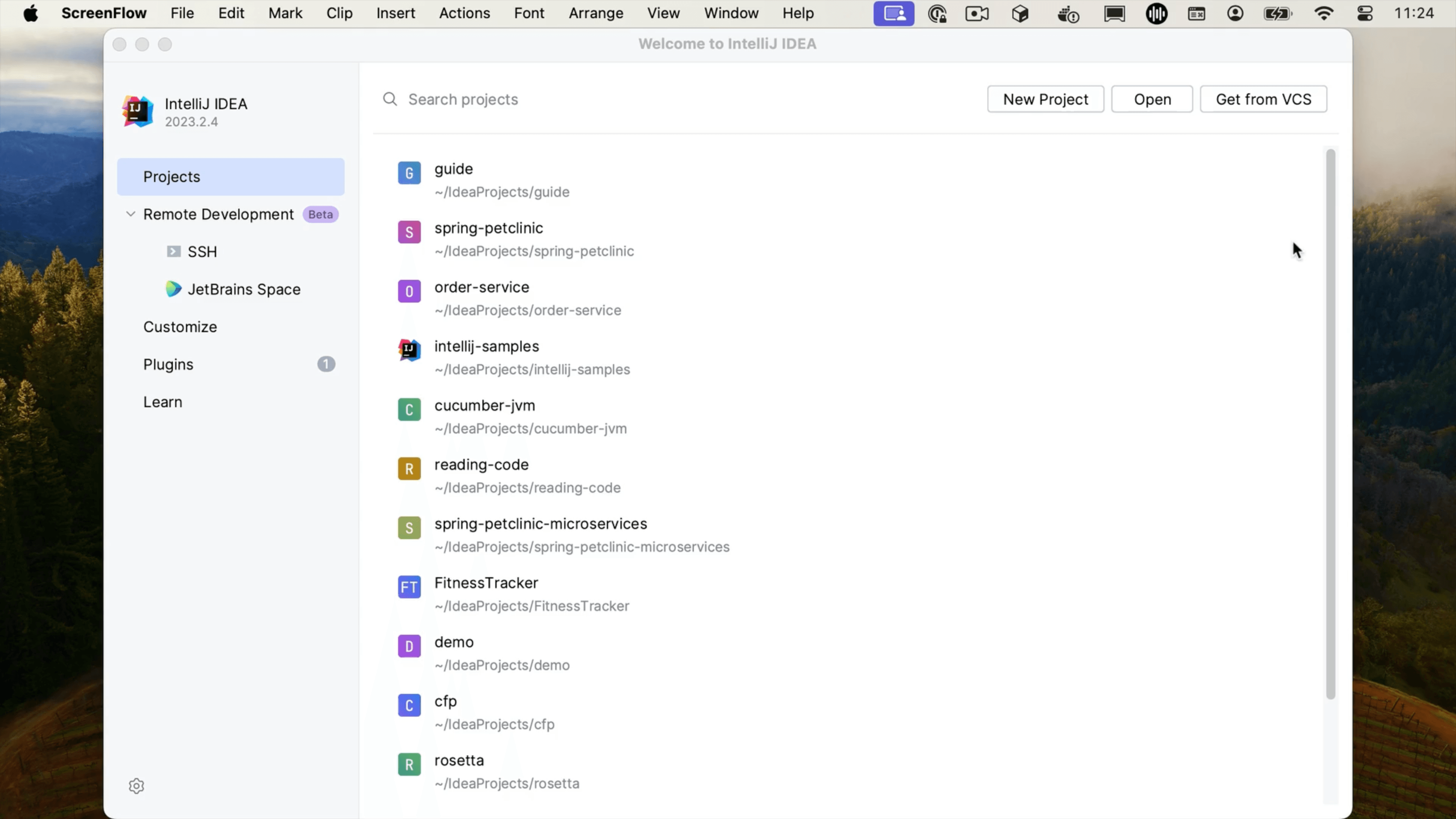
Group your projects together in the Welcome Screen.
Group projects in your Welcome Screen, so you can quickly find related projects. Right-click the Welcome Screen and select New Project Group from the context menu to create the group. Right-click a project you want to add to a group, select Move To Group and select the group you want to add this project to.