Code Completion
Code completion in your IDE means you can focus on solving the problem at hand.
IntelliJ IDEA offers various types of code completion:
- Basic completion
- Smart or type-based completion ⌃⇧␣ (macOS) / Ctrl+Shift+Space (Windows/Linux) suggests the right type
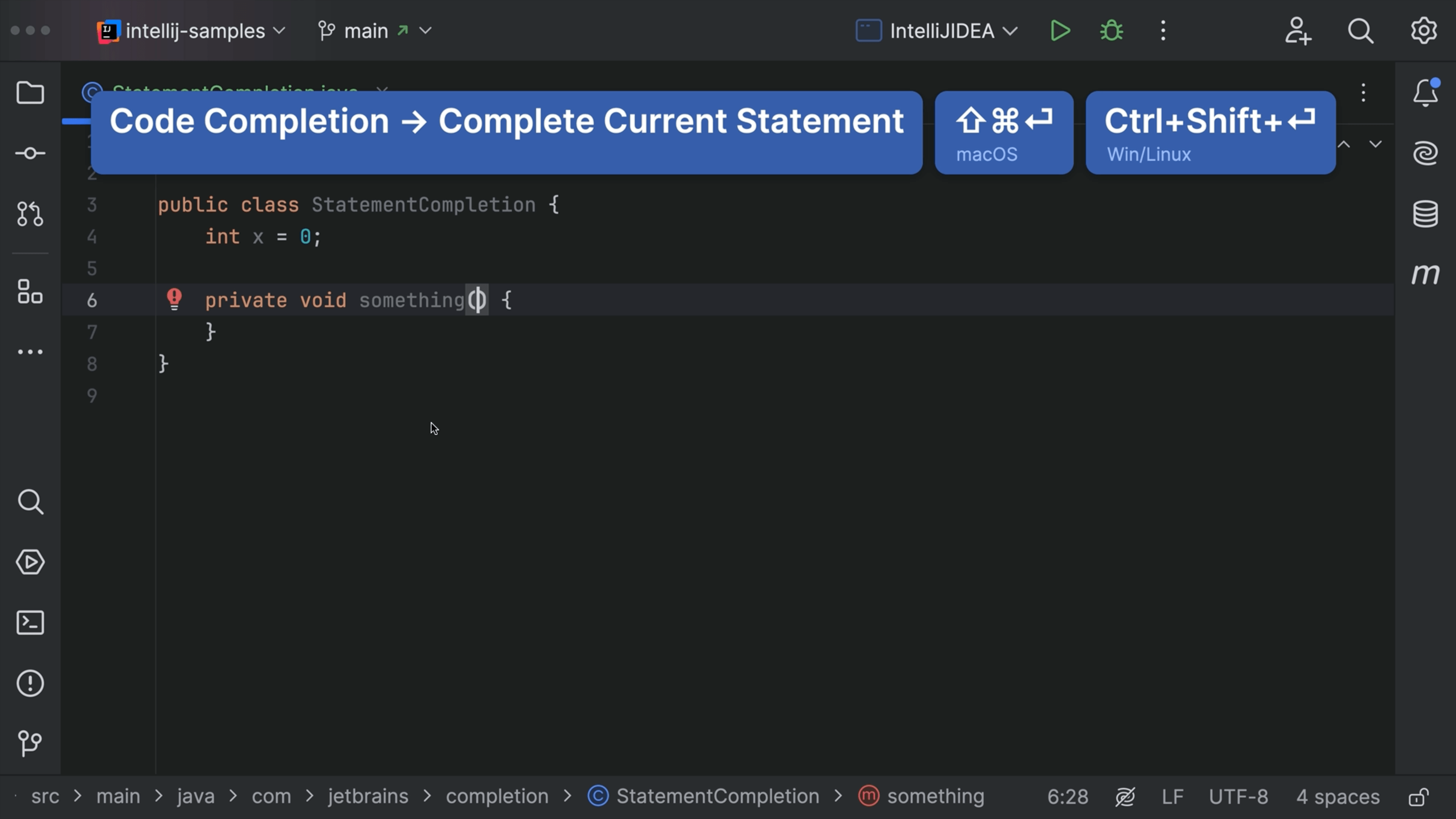
- Statement completion ⌃⇧⏎ (macOS) / Ctrl+Shift+Enter (Windows/Linux) completes the statement
- Postfix completion allows you to keep typing forward