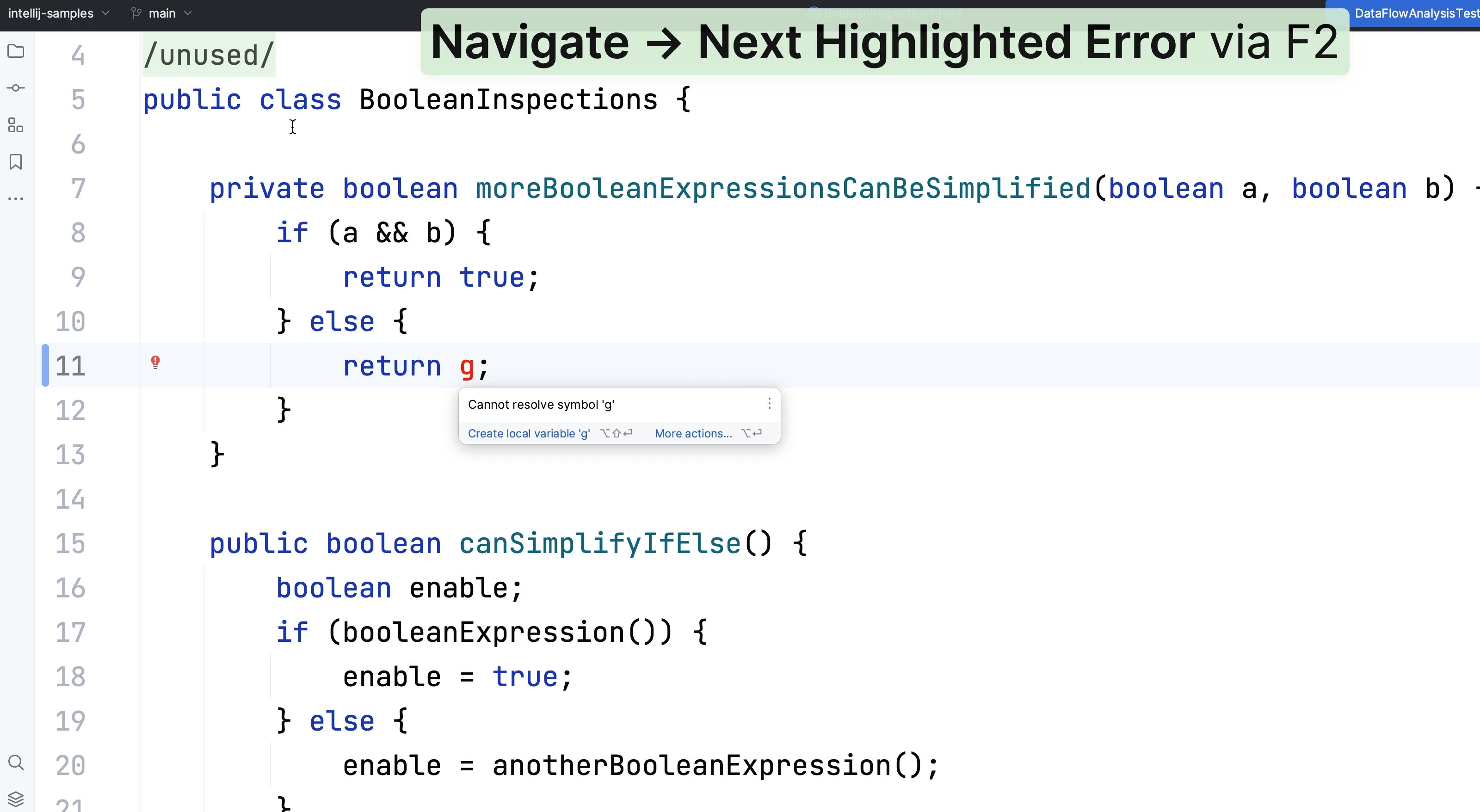
Context Actions
There are numerous ways to use Context Actions, let's explore some of them.
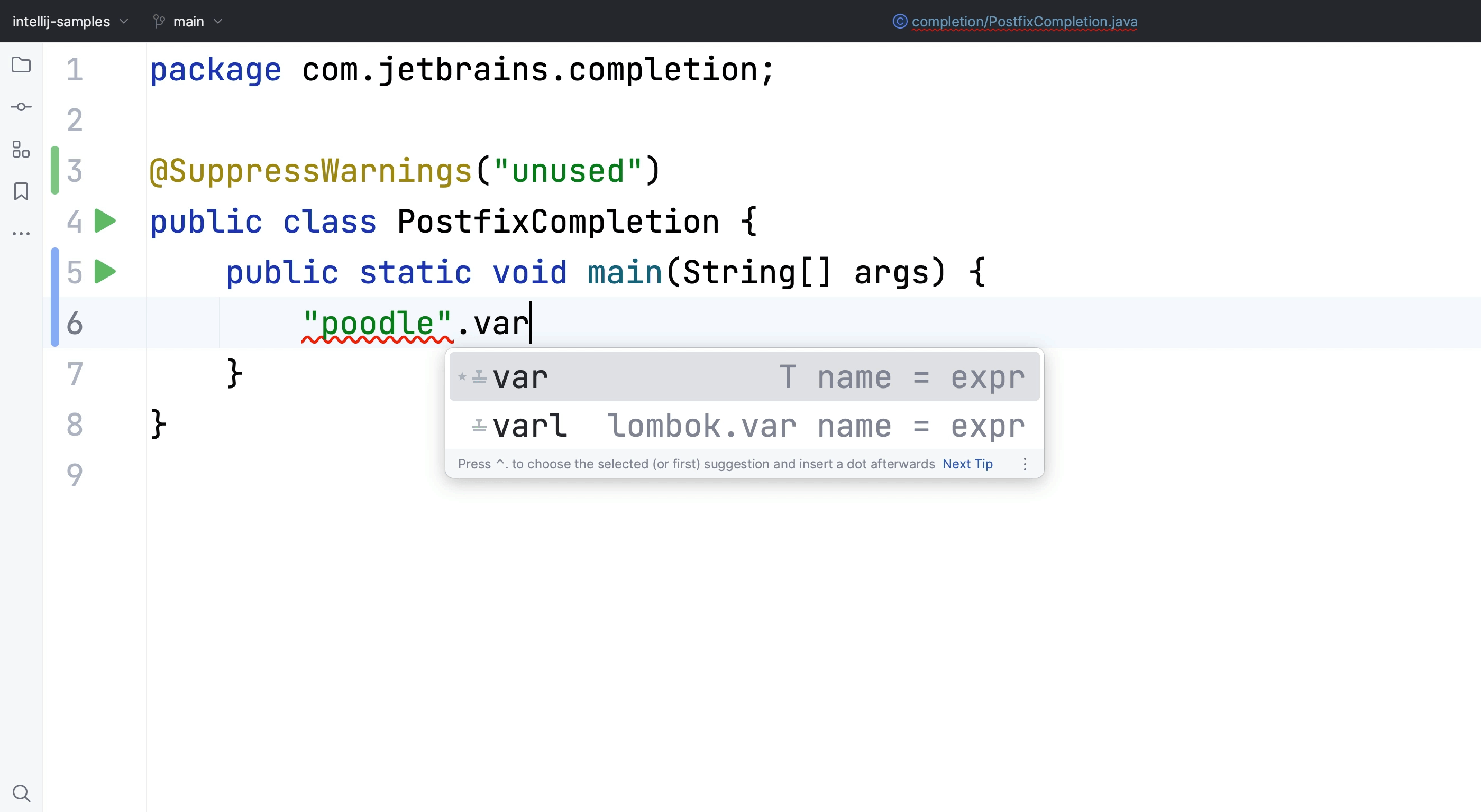
Code Completion
Code completion in your IDE means you can focus on solving the problem at hand.
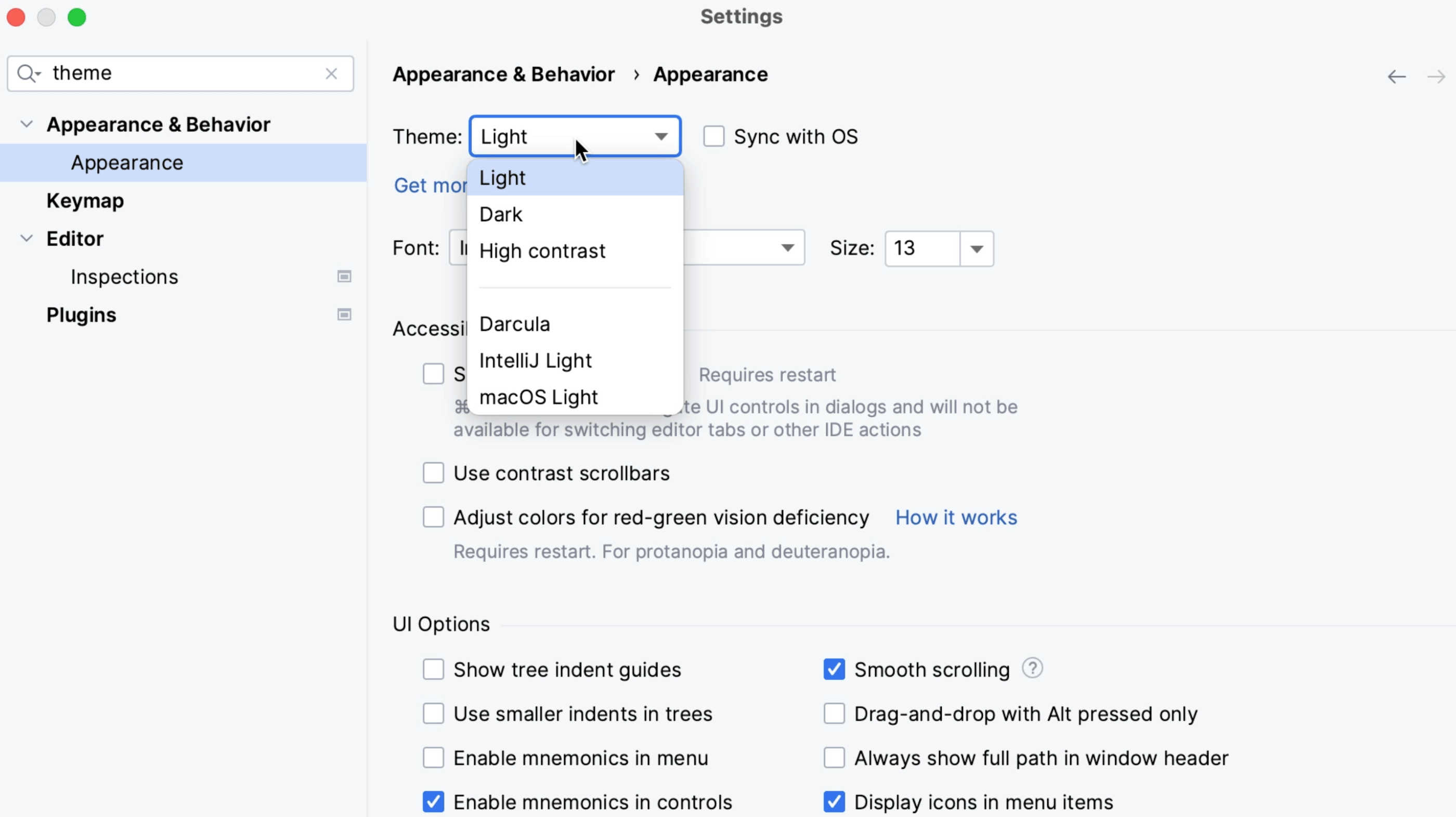
Themes and Plugins
How to find themes and install plugins.
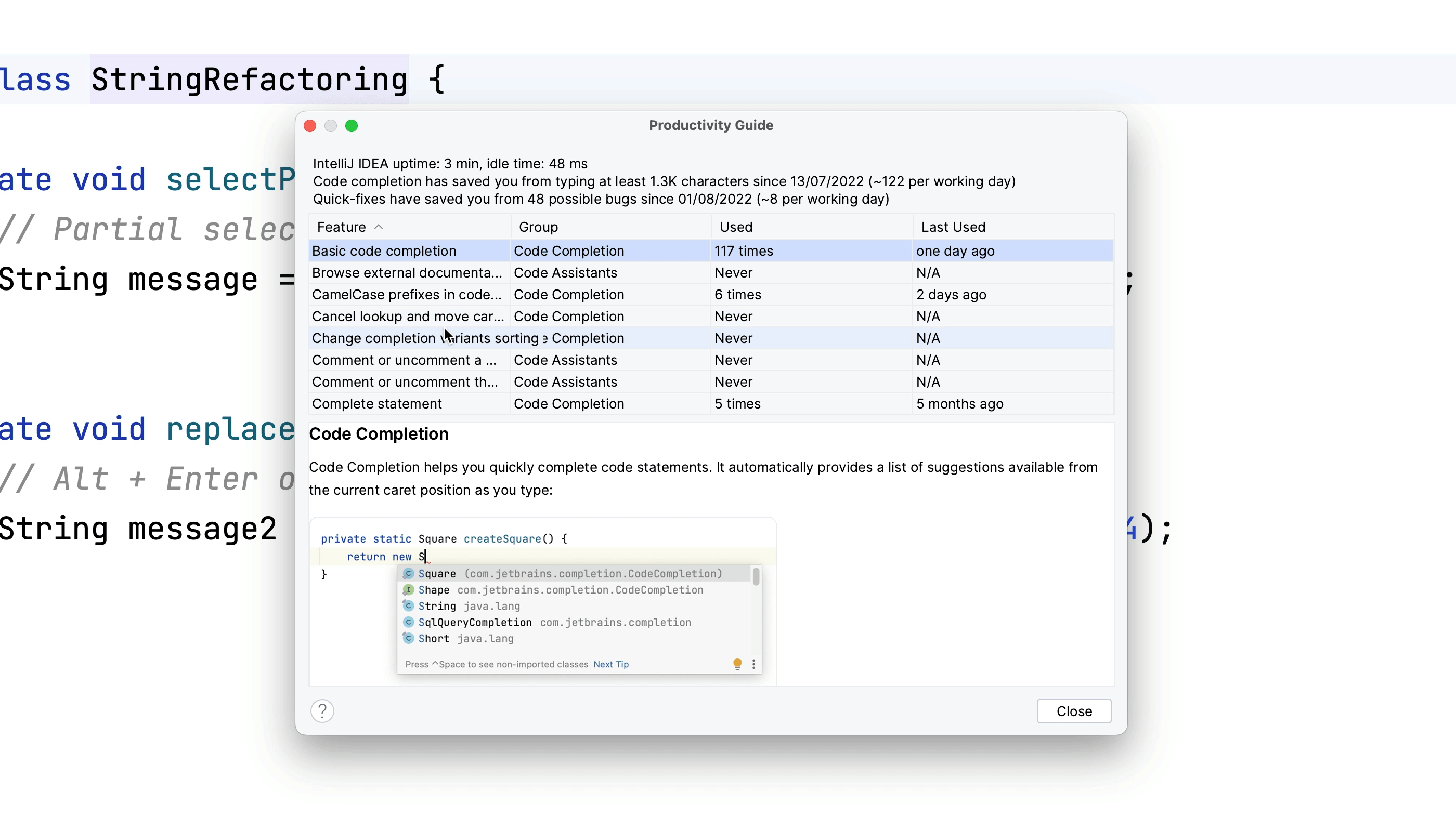
Productivity Guide
Ever wandered which features of IntelliJ IDEA you use the most?
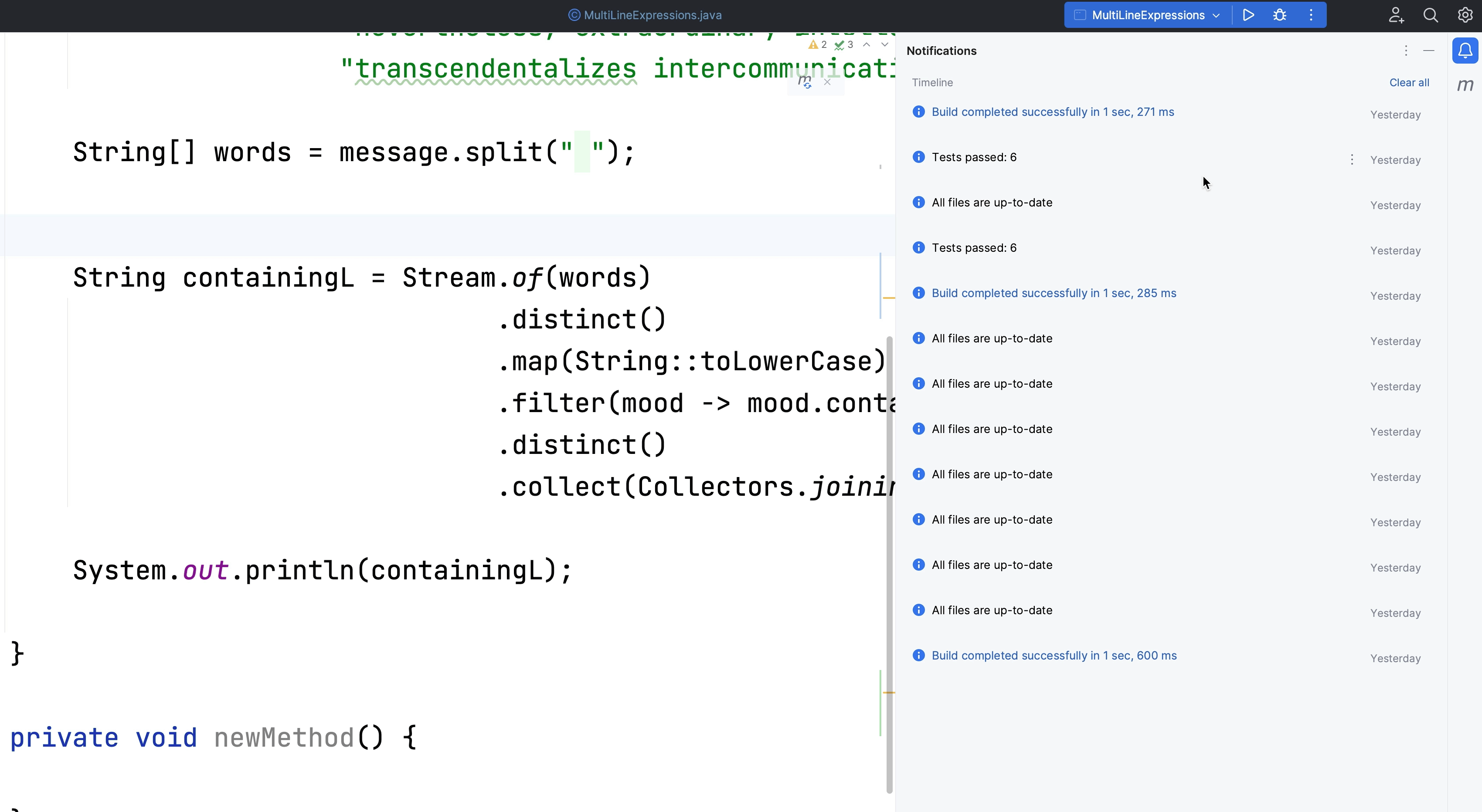
Notifications
Use the Notifications tool window to see what's happening with your project.
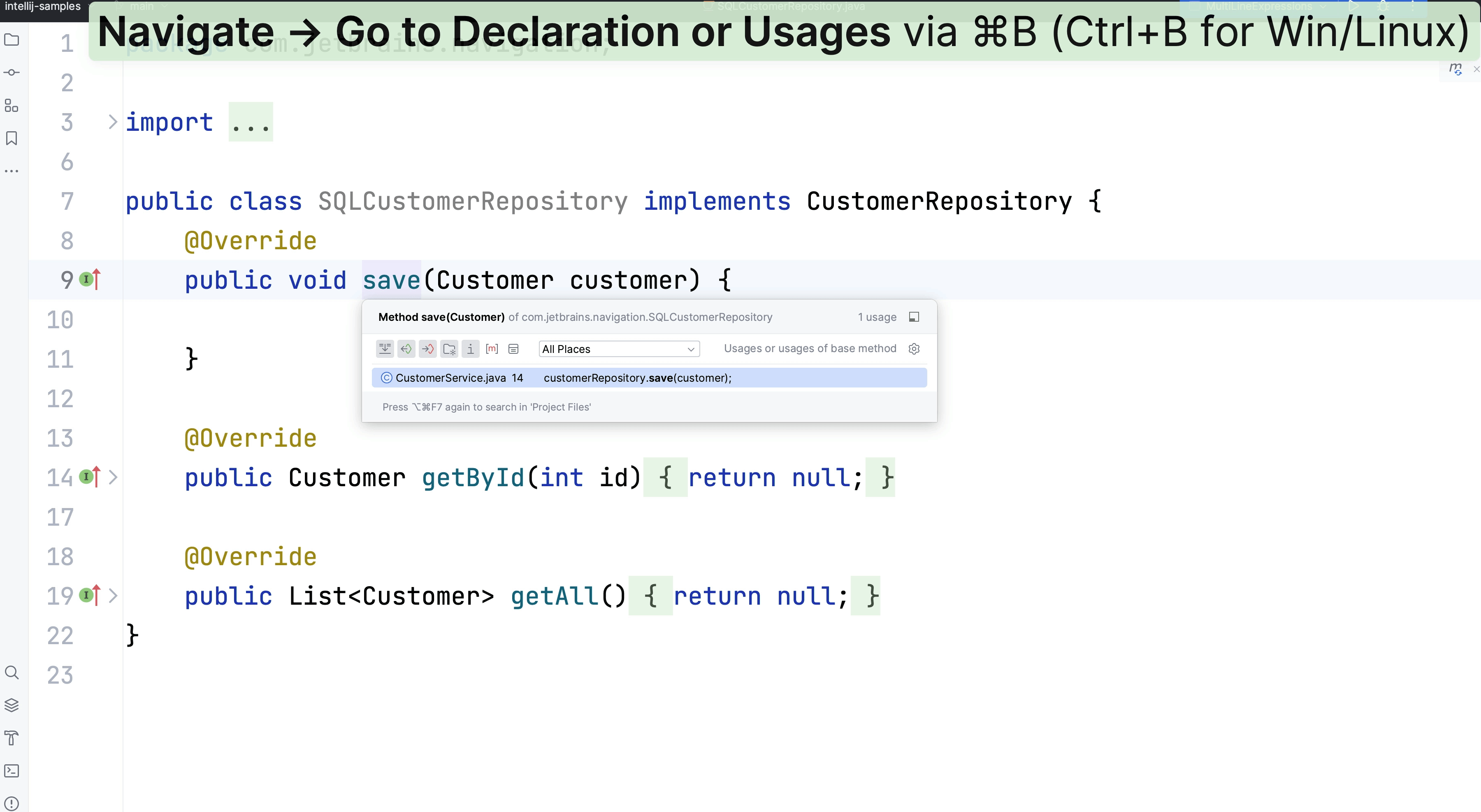
Go to Declaration or Implementation
Use Go to Declaration or Usages, and Go to Implementation to navgiate around your codebase.
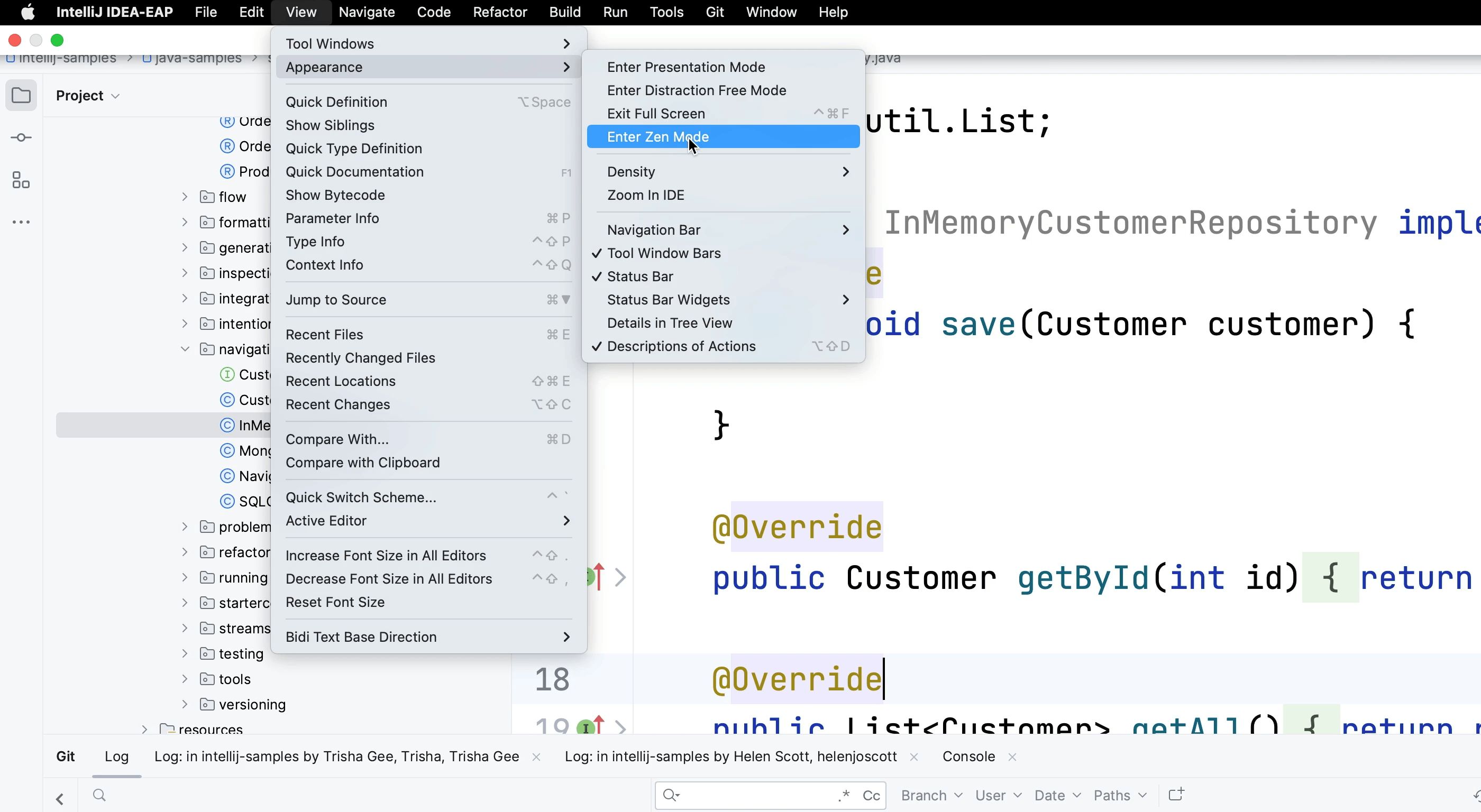
Focus on your code
Focus on your code window
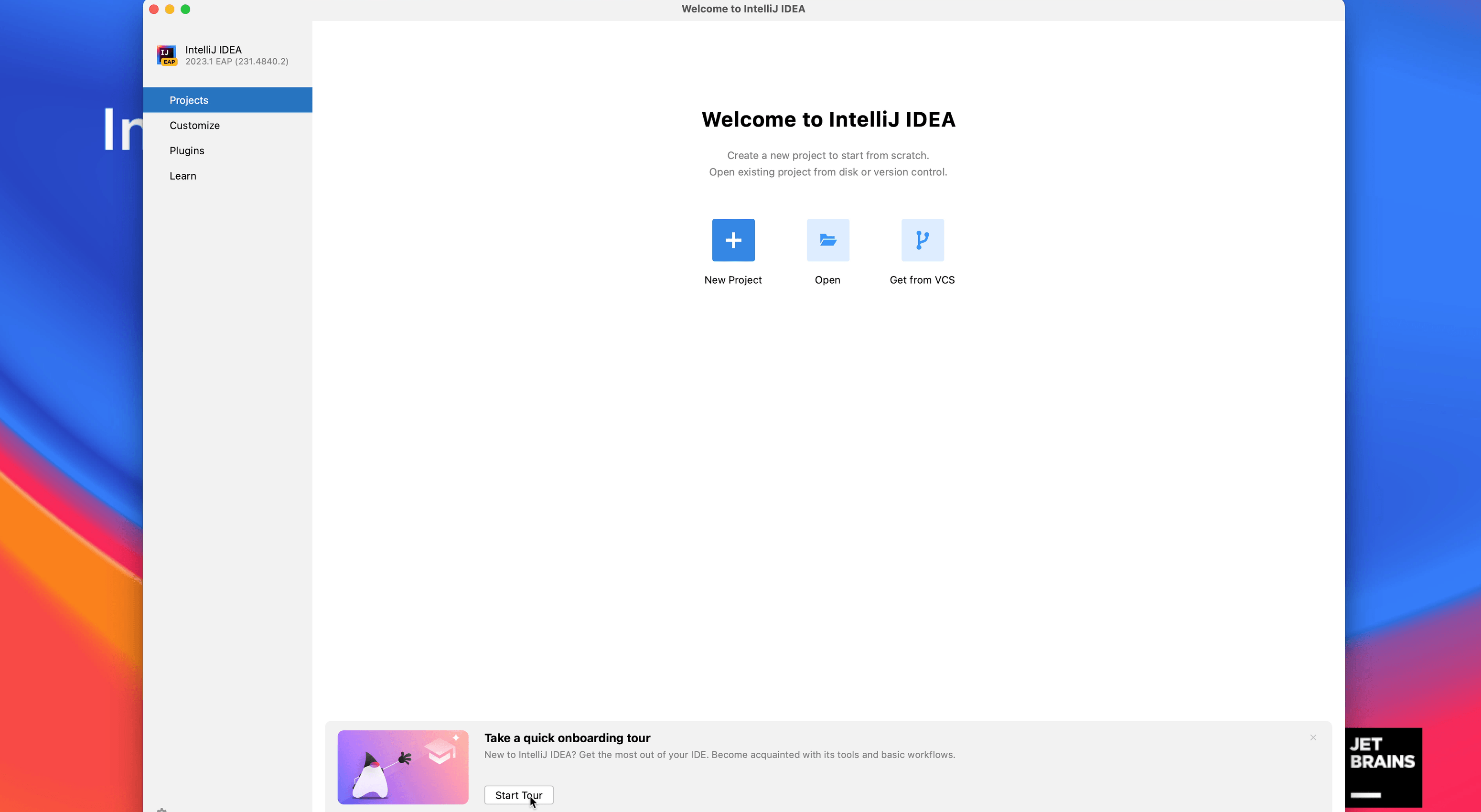
Feature Trainer
Learn IntelliJ IDEA features using the Feature Trainer.
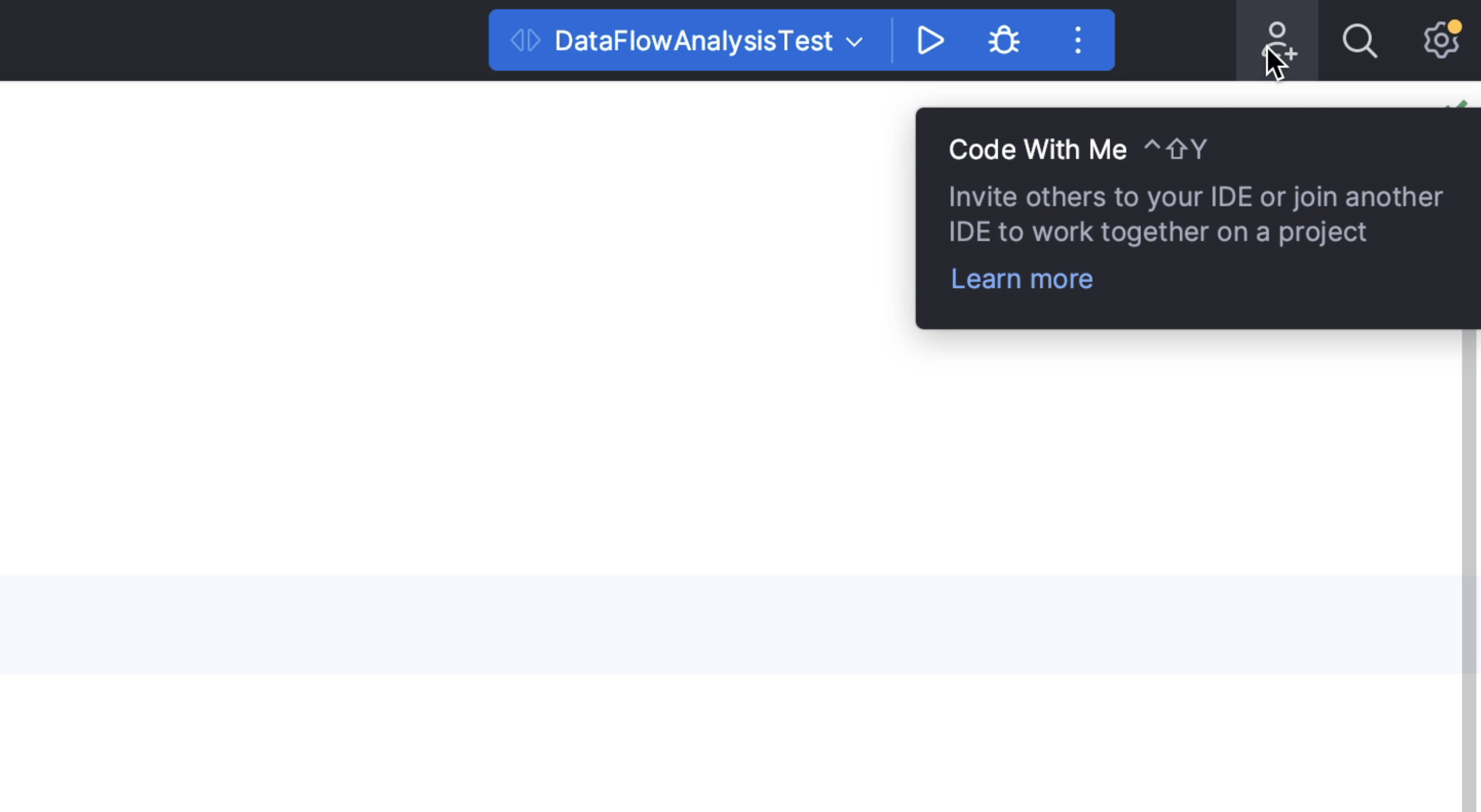
Code With Me
Collaborate with your friends and colleagues remotely by using Code With Me.
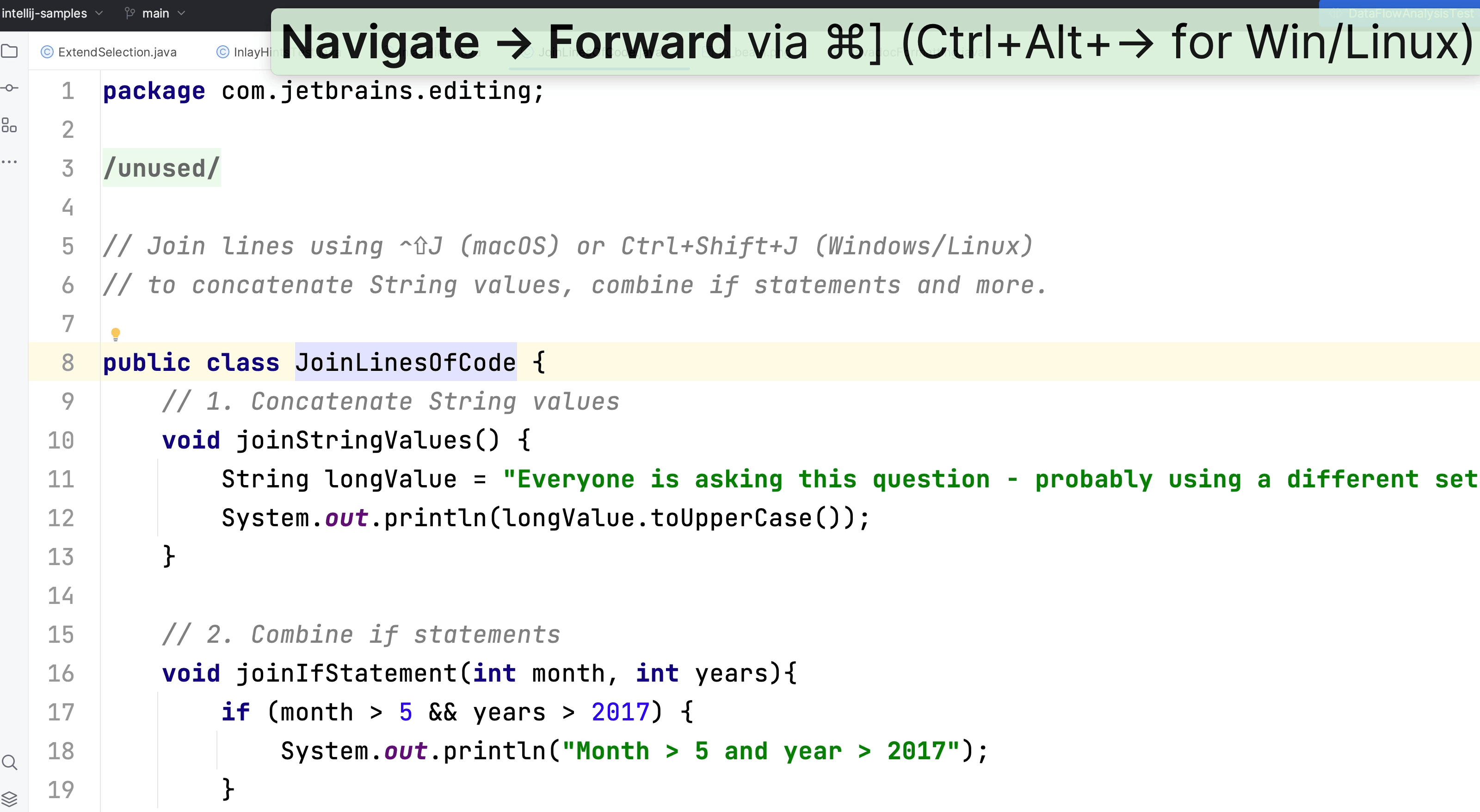
Navigating Forward & Backward
Move forward and backward between your locations in the code so you don't need to have tabs open.
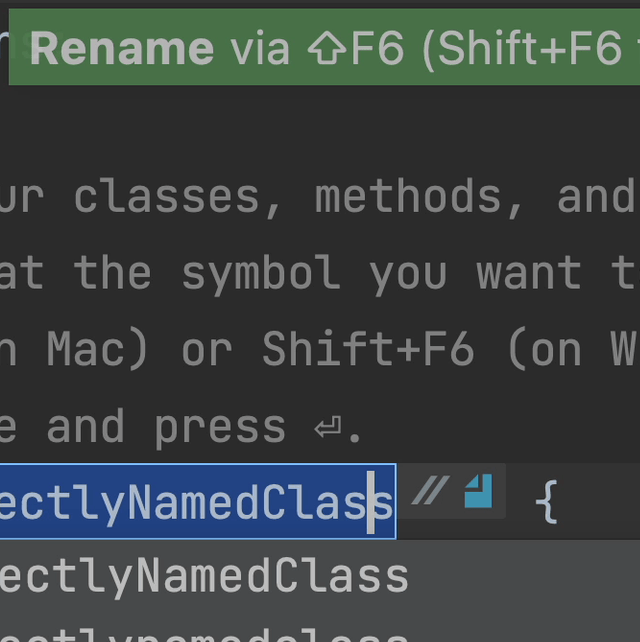
Refactor Rename
Quickly renaming classes, methods, and variables in IntelliJ IDEA.
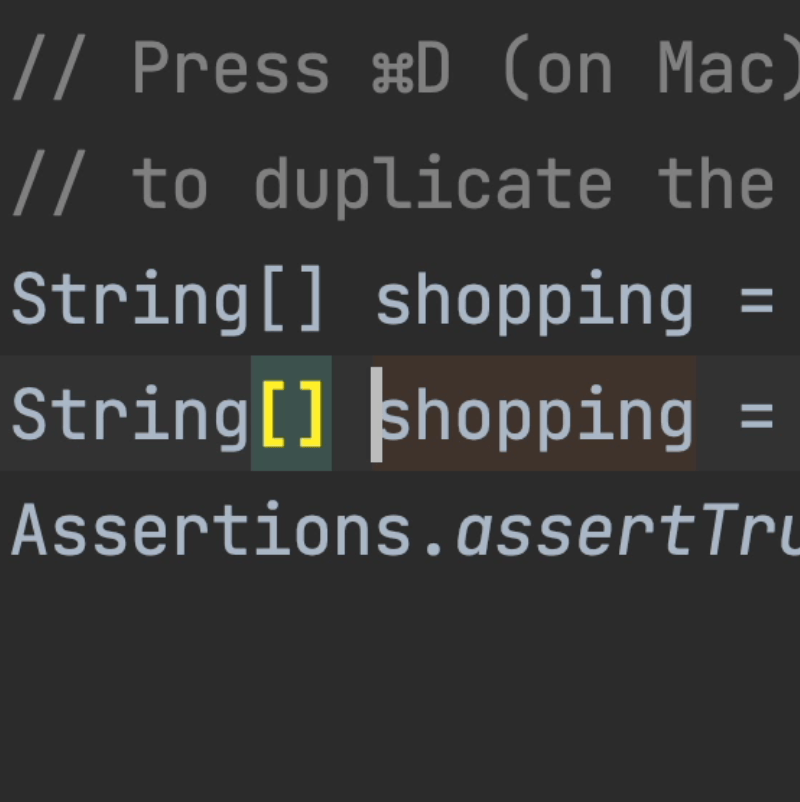
Duplicate Lines
Sometimes you want to duplicate the current line or a selected block of code.