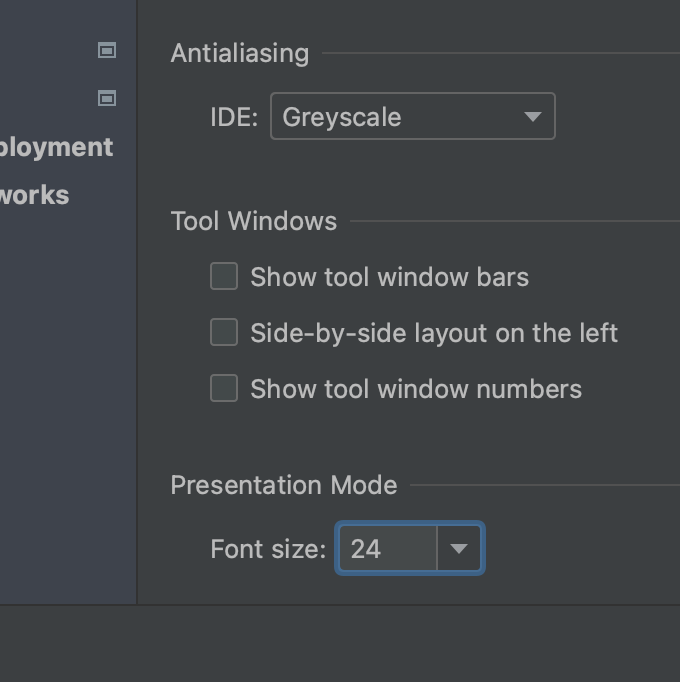
Presentation Mode Font Size
Configure font size for Presentation Mode to suit your audience.
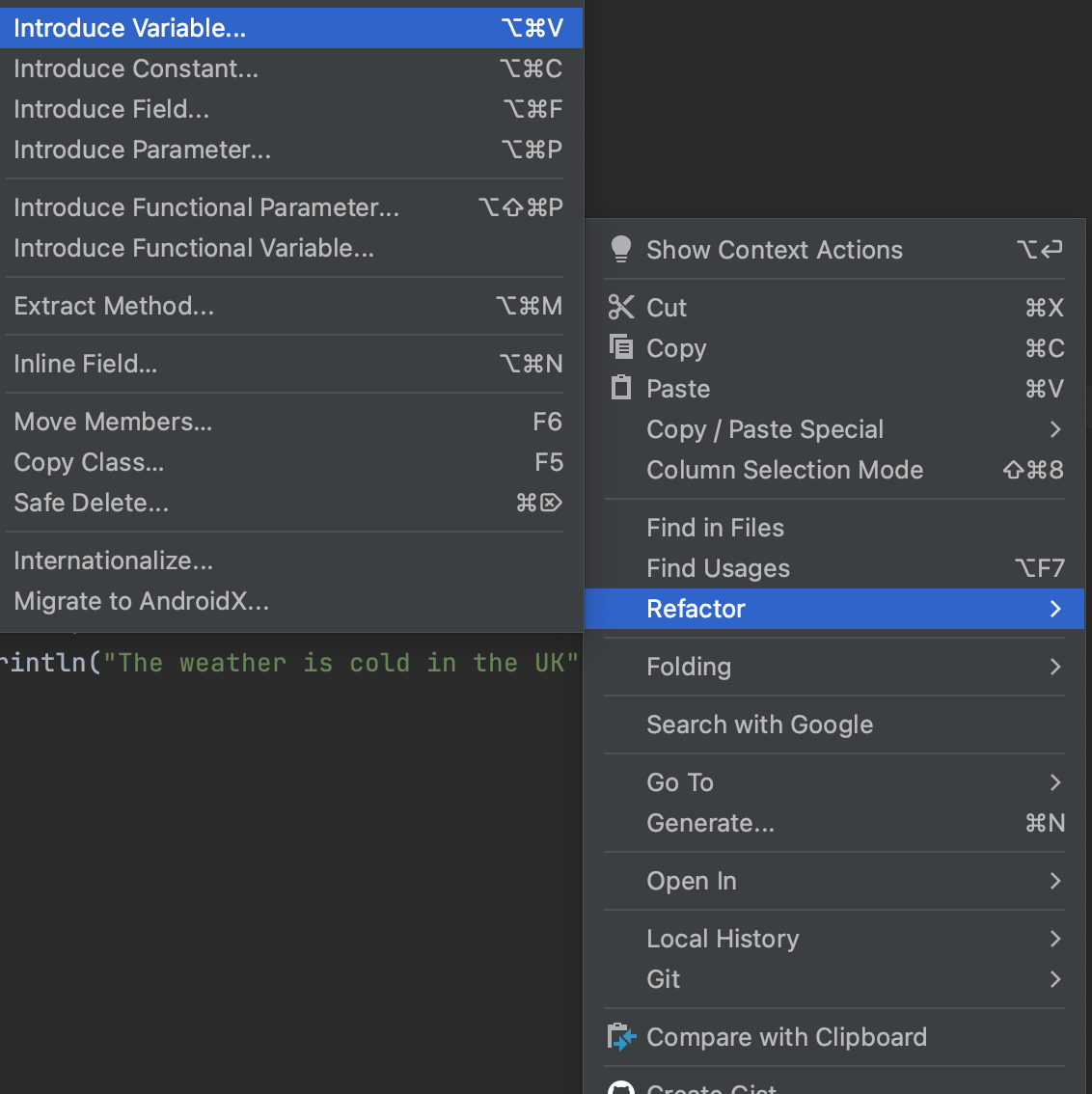
Extract Variable
Extract code to a variable
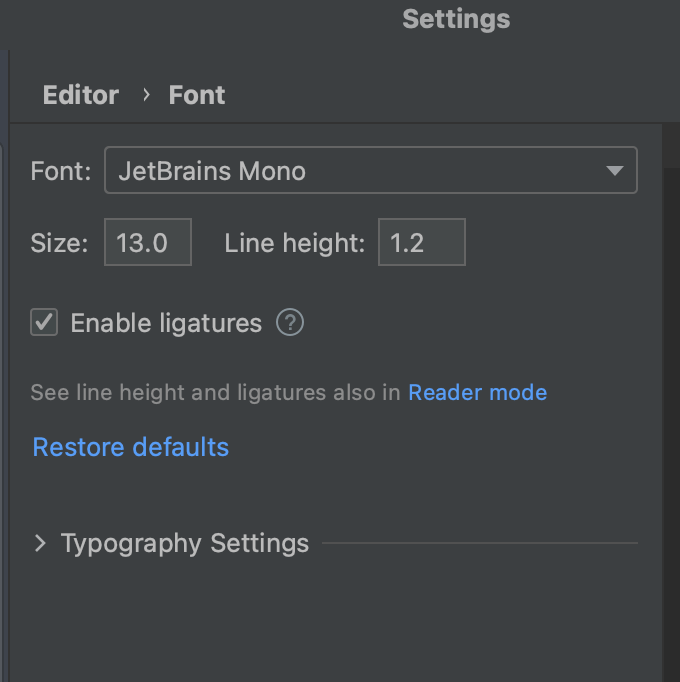
Font
Configure your font, font size, and more so your IDE works for you.
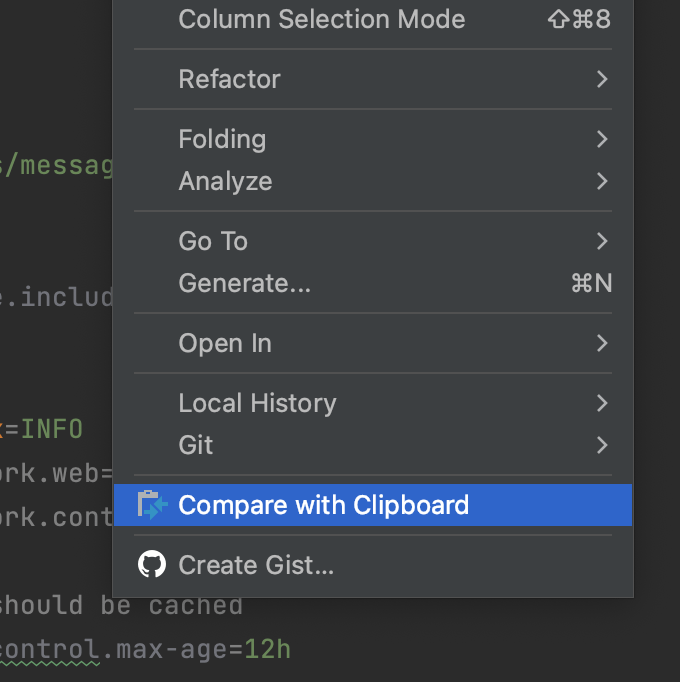
Compare with Clipboard
Quickly compare two files right inside your IDE.
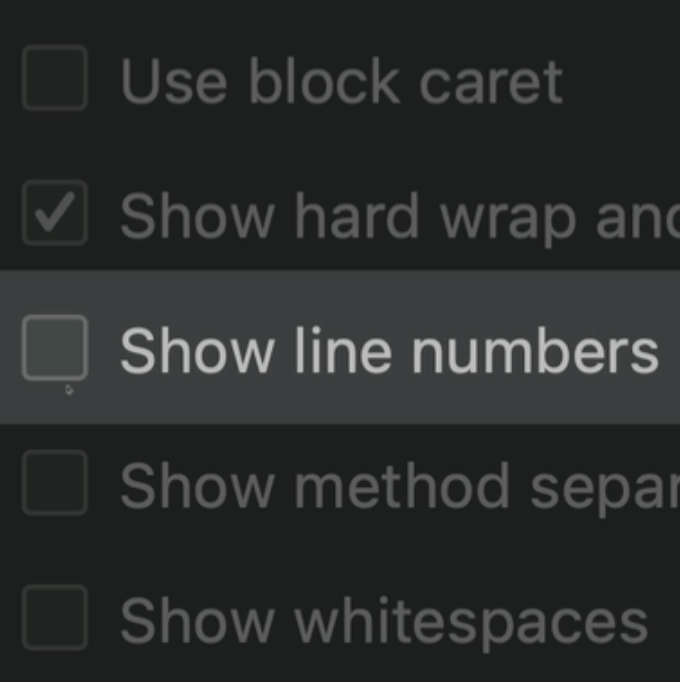
Show Line Numbers
Turn show line numbers off and on as required.
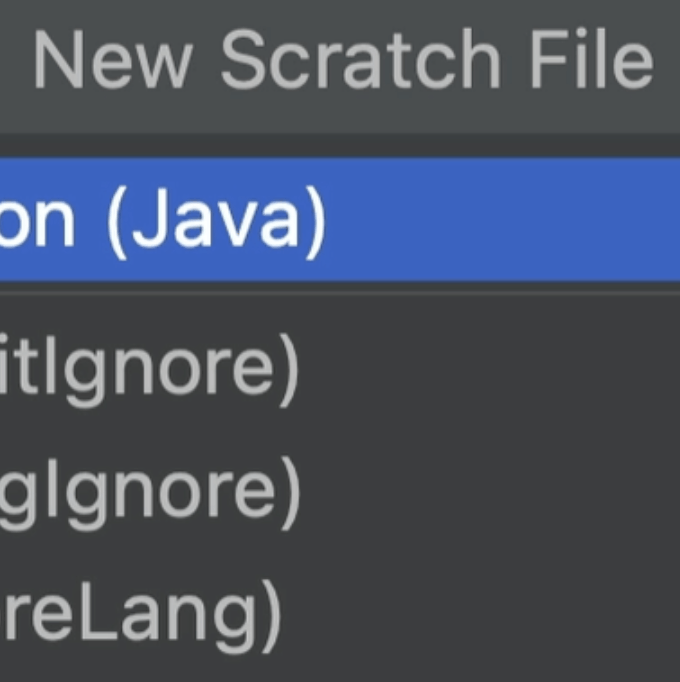
Create scratch files
Turn show line numbers off and on
Refactor This
You can use one keyboard shortcut for all refactoring options inside your IDE.
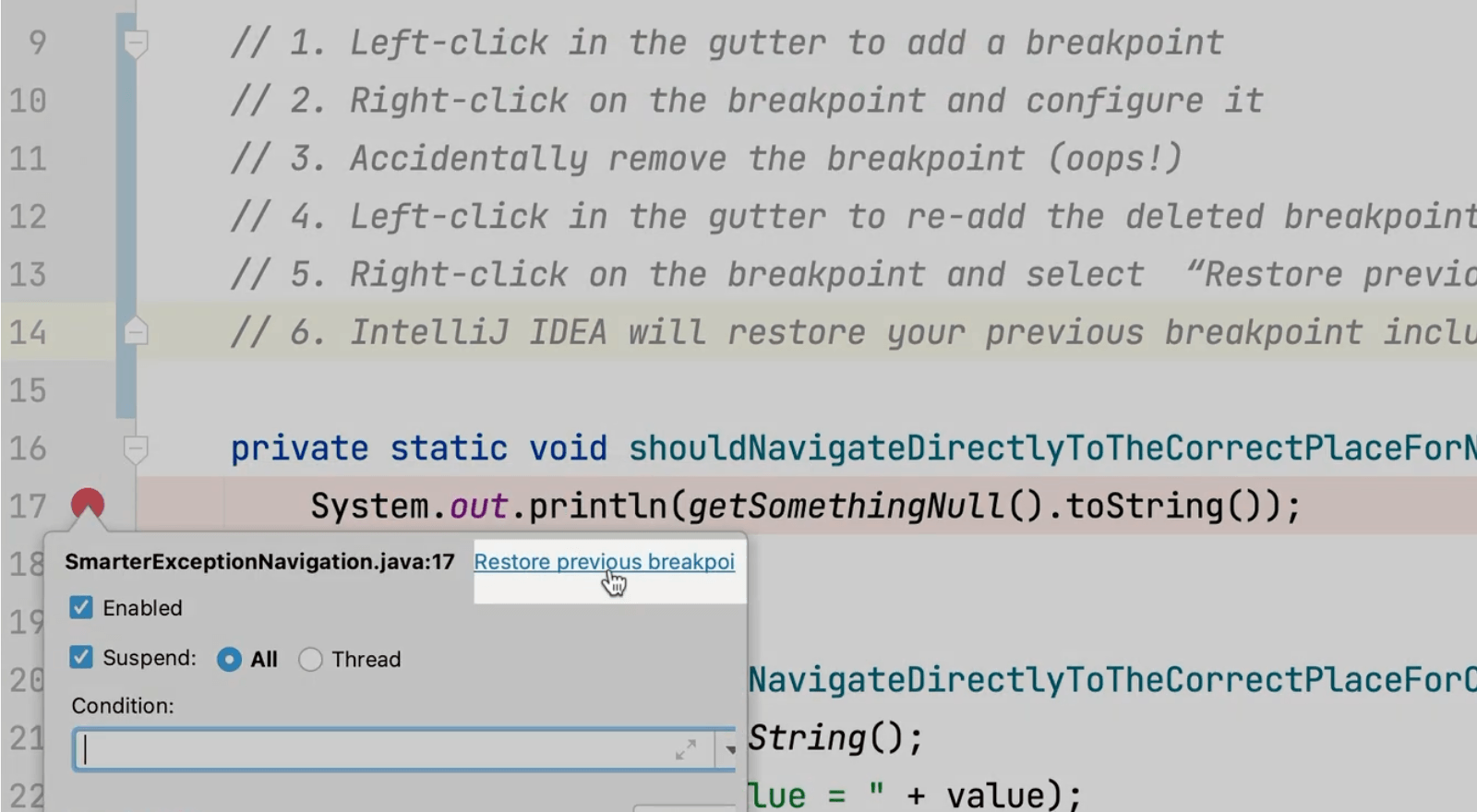
Restore a Deleted Breakpoint
You can restore previously configured breakpoints if you accidentally delete them.
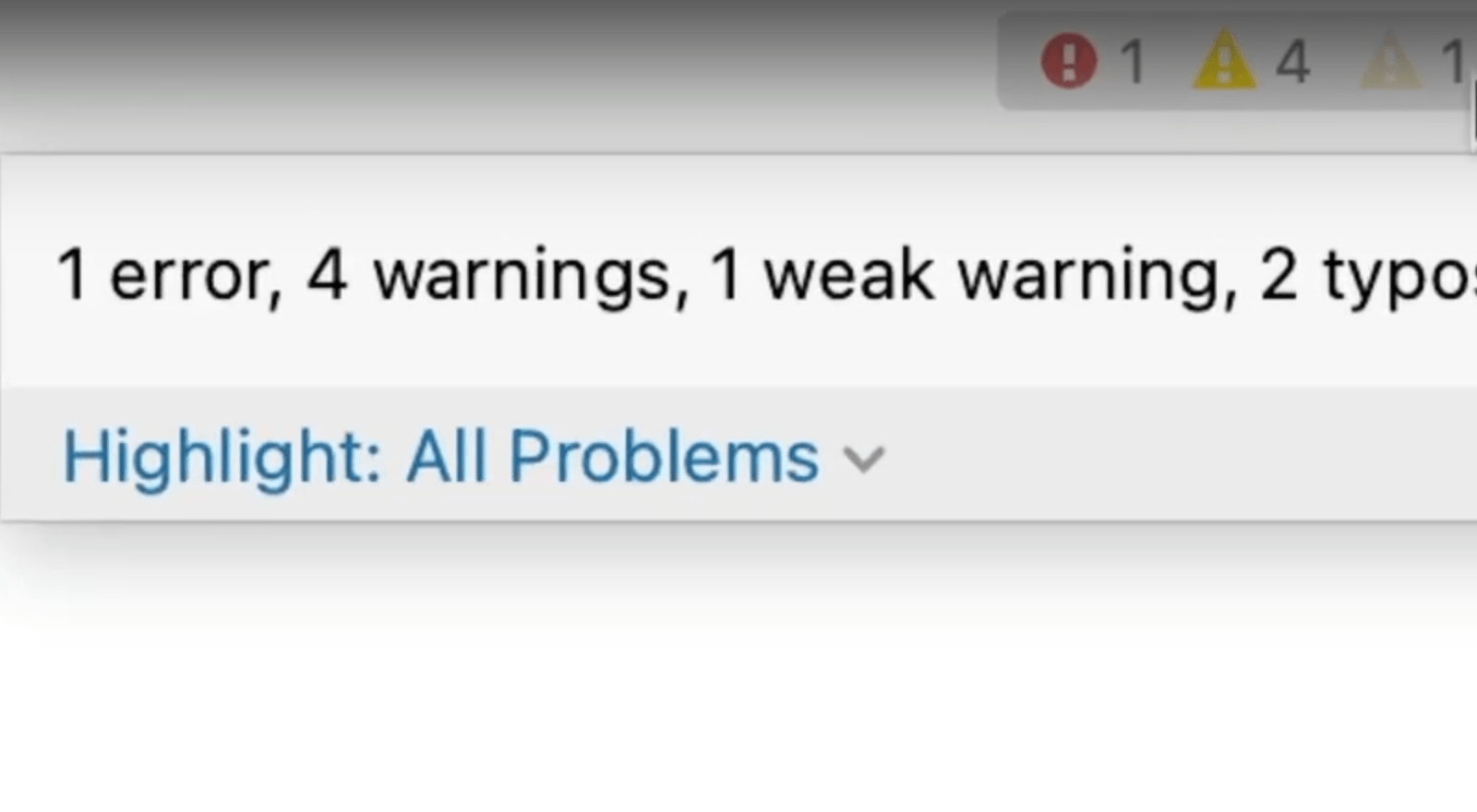
Inspections Widget
The top-right corner of your editor shows you information about the state of your class at a glance.
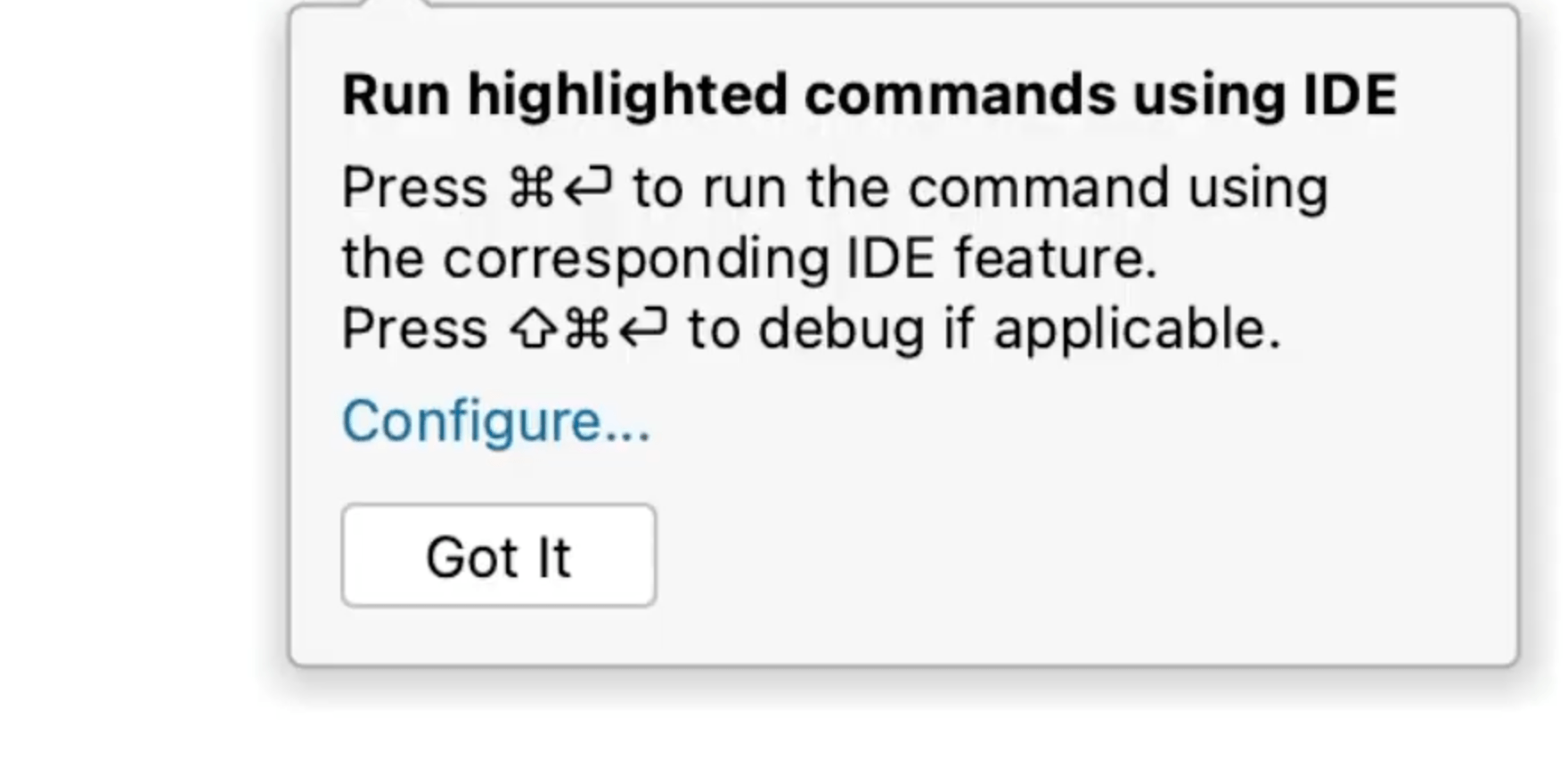
Highlighted Commands in the Terminal
Have you ever wondered which IntelliJ IDEA terminal commands you can run in IntelliJ IDEA?
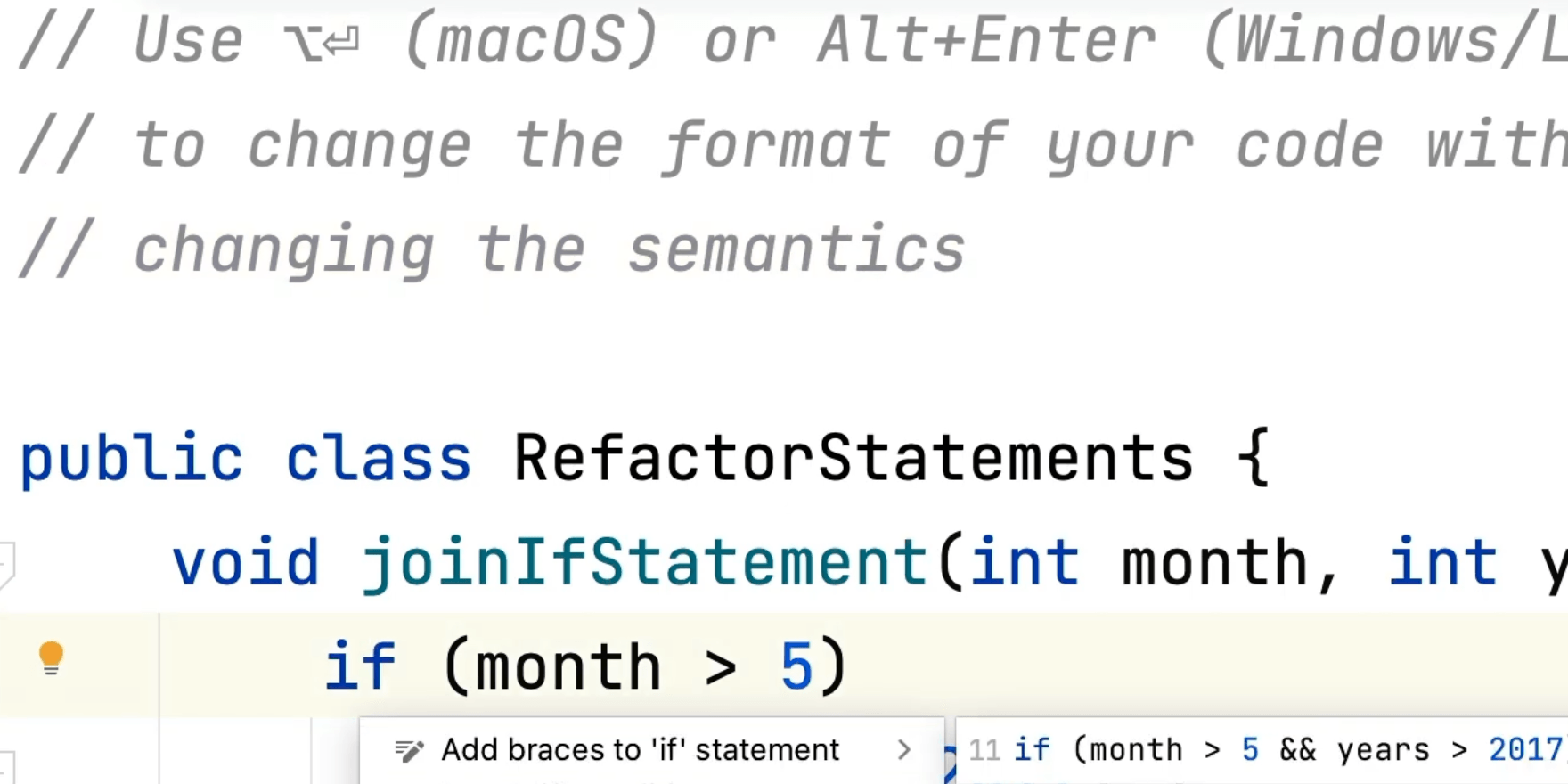
Merge/Unmerge If Statements
Experiment with your code without changing the semantics.
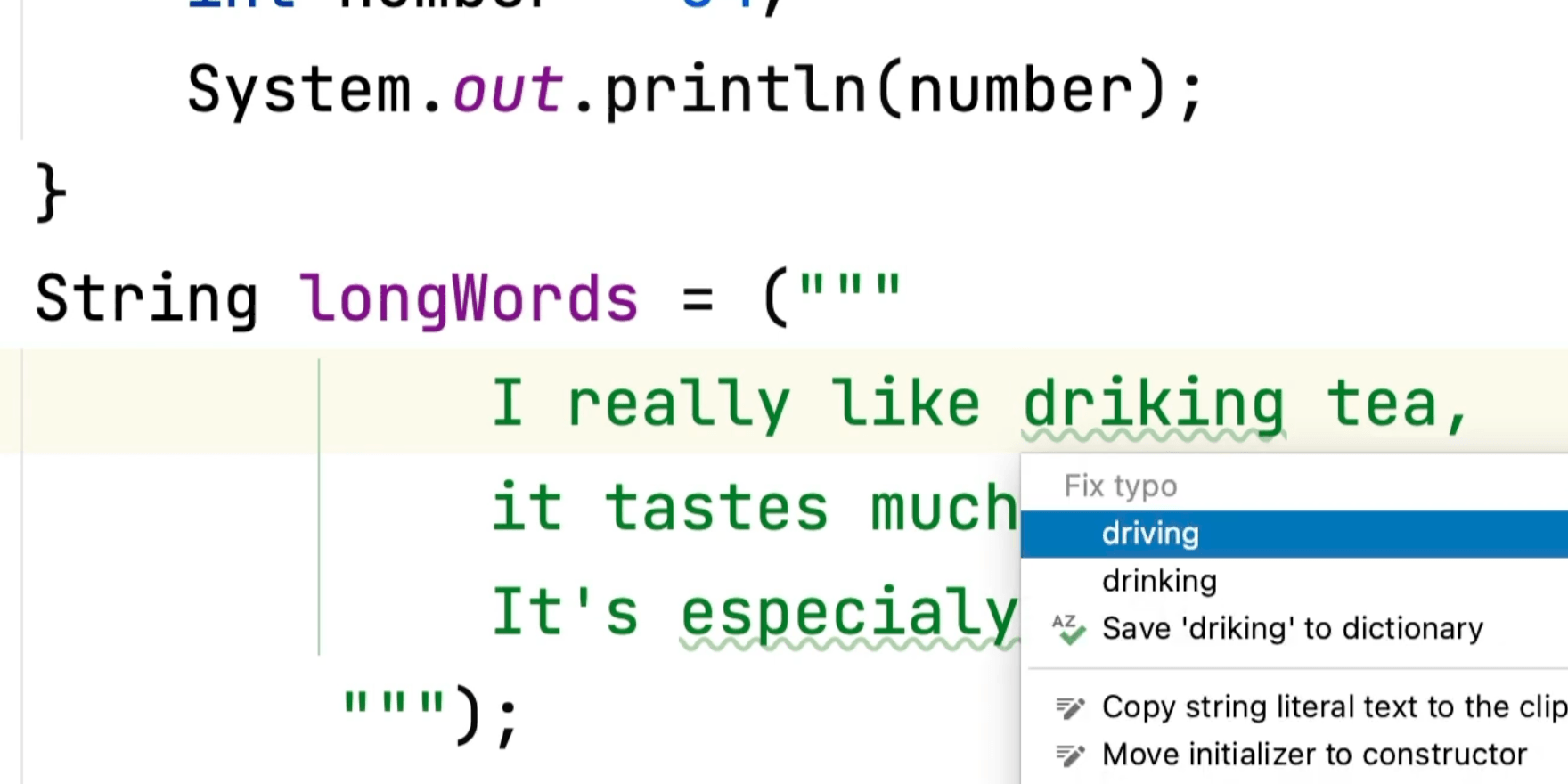
Built in Spell Checking
IntelliJ IDEA can spell check and fix errors for you allowing you to focus on problem solving.