The JetBrains Guide is shutting down on March 30, 2026. more...

Search Text or Files in Local History

Find exactly what you are looking for, even if you removed it

With the new Search field to the Local History dialog, you quickly get to the necessary text or files in your revisions.

Invoke Local History on a file, then press the Find shortcut, ⌘F (macOS) / Ctrl+F (Windows/Linux).
Related Resources

Put New Project Under Version Control
The fastest way to register a new project directory under local version control.
Sign Git Commits with GPG Keys
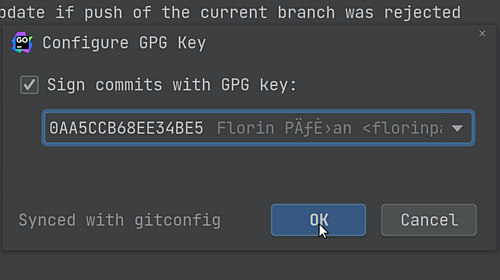
Improve the security of your commits by using GPG keys.
Run Inspections Before Commit
Catch all issues before your code before you commit it.