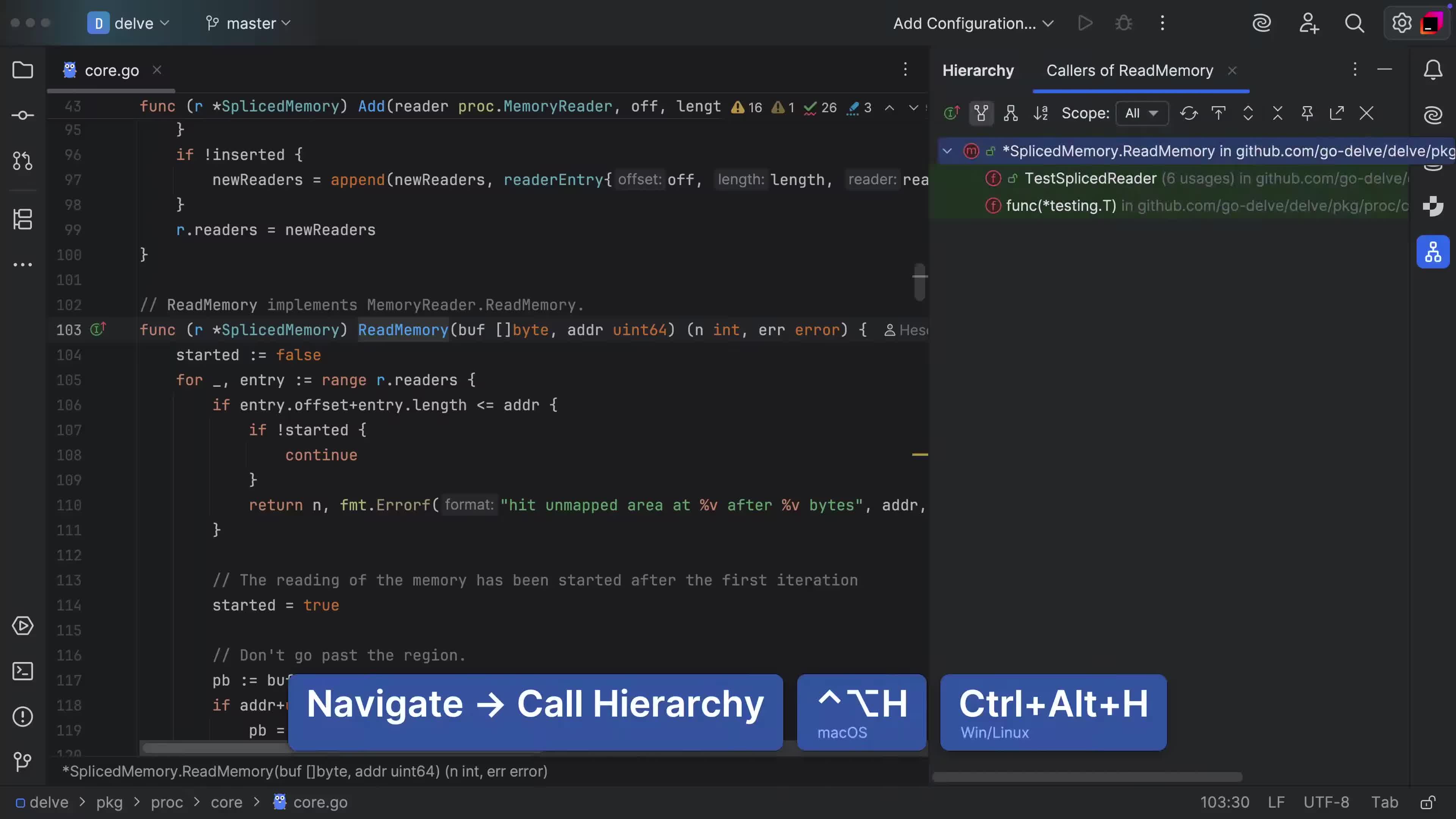
Show /usages
Quickly discover the usages of the element your cursor is at
The Show usages feature allows you to quickly answer the question "Where's this element used?"
It will open a pop-up that you can quickly use to navigate/filter or otherwise dismiss with the results you are looking for.
Press ⌥⌘F7 (macOS) / Ctrl+Alt+F7 (Windows/Linux).