Preview File Contents
Have a look at what's in the file without opening it.
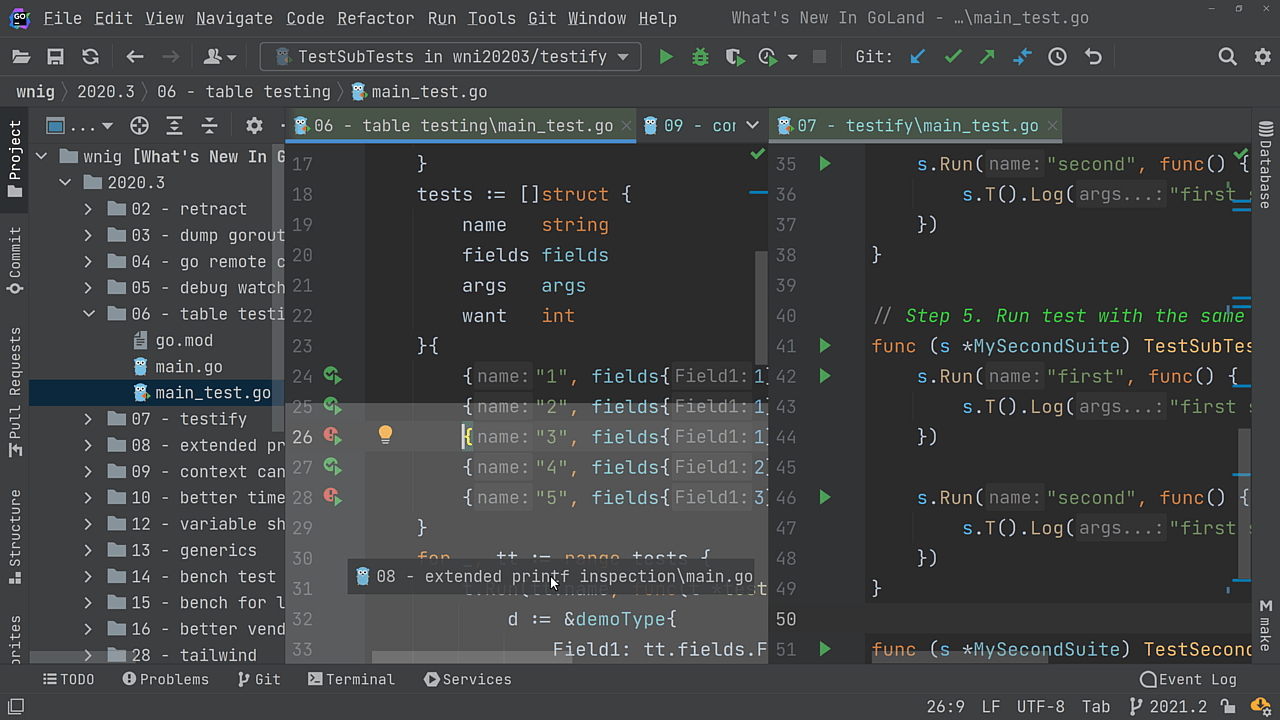
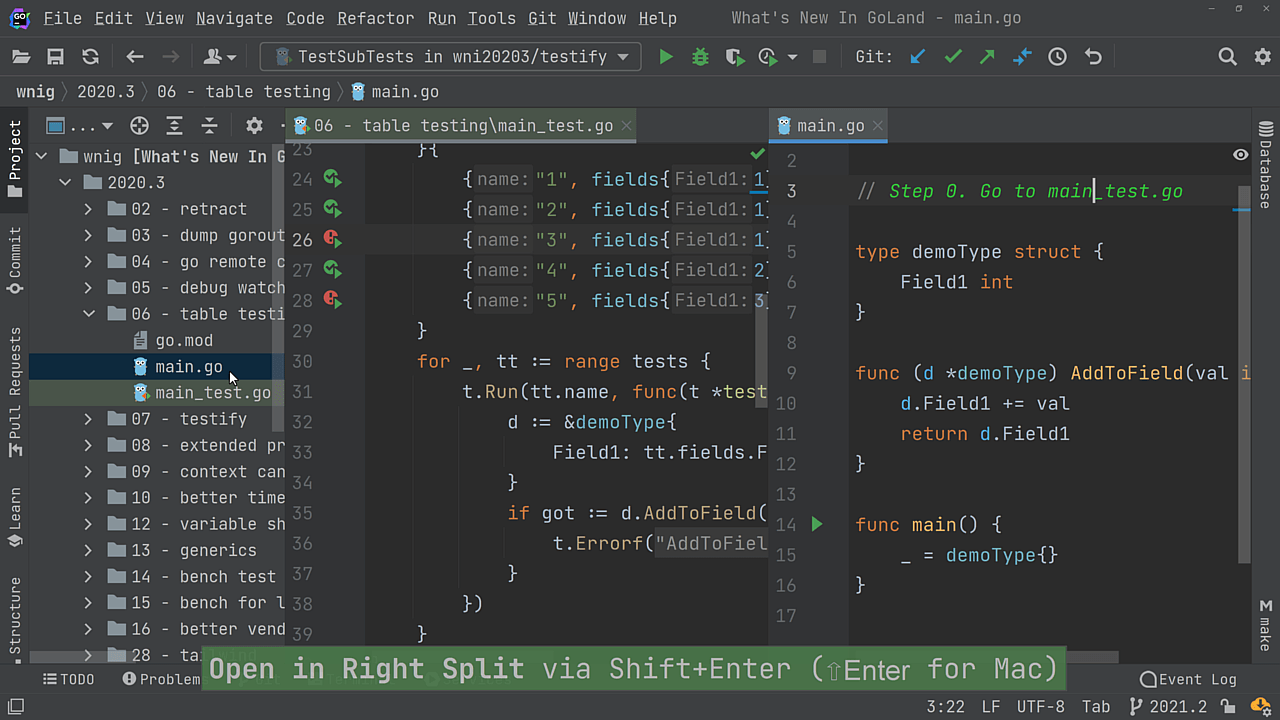
On the Project View tool window, locate the gear icon, then click on it and select Enable Preview Tab option. After that, click on a file in the Project View, and it will allow you to preview its contents without creating a new tab that you then need to close.
You can also locate the Enable Preview Tab option using ⇧⇧ (macOS) / Shift+Shift (Windows/Linux), and turn it on.