Postfix Completion
Transform an expression into another one.
Postfix Completion lets you transform an expression into another one, based on the postfix you specify after the dot, the current context, and the expression type.
For example, you can turn a bool expression into an if statement, or create a pointer to an expression. If anything goes not as planned, everything can be reverted via simple ⌘Z (macOS) / Ctrl+Z (Windows/Linux).
Open the Postfix Completion page via Settings/Preferences | Editor | General to see the complete list of supported templates.
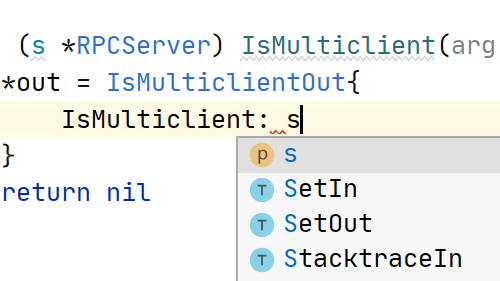
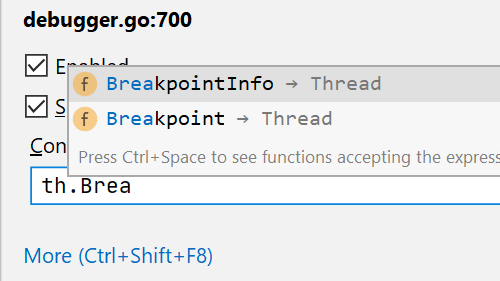
- Postfix Completion options are displayed as a part of the
Basic Completionsuggestions list. Press Ctrl+J on Windows/Linux, or ⌘J on macOS to see a full list of the Postfix Completion templates applicable in the current context. - You can change the names of all Postfix Completions in the Settings/Preferences dialog.
- In the same dialog, you can also disable the templates you don't need, or even turn off Postfix Completion completely.