Open Shell in Kubernetes
Run an interactive shell for the container in the selected pod.
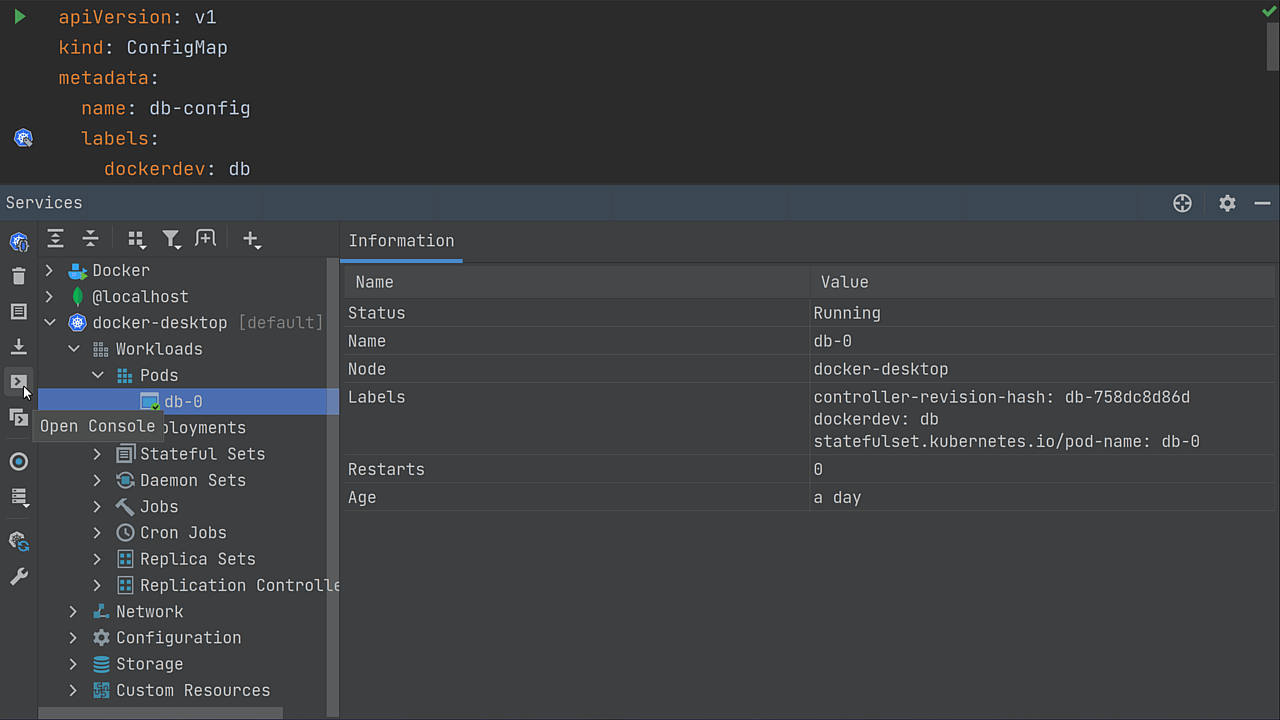
Select the pod you want from the Kubernetes view in the Services tool window, then click on the Run Shell button. A new tab will open and a terminal will be attached to the running pod.
By default, the IDE runs /bin/bash as a shell. To run a different one, click Show Settings or open Settings/Preferences | Build, Execution, Deployment | Kubernetes and specify the shell that your pods use.