Multiple Projects in one IDE Window

Work with multiple projects at once from the same IDE window.

Stop switching between IDE windows. Keep all projects in the same window.

Switch easily using the keyboard:

  • Activate Previous Window — ⇧⌘` (macOS)
  • Next Project Window — ⌥⌘` (macOS) / Ctrl+Alt+] (Windows/Linux)
Related Resources

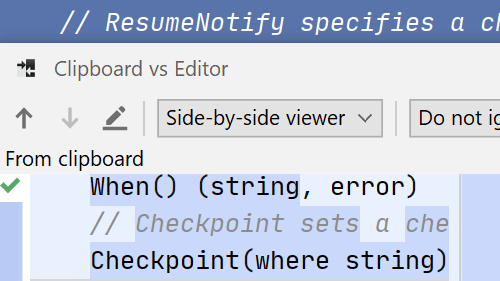
Compare With Clipboard
Compare text, files or directories and even use the clipboard contents.
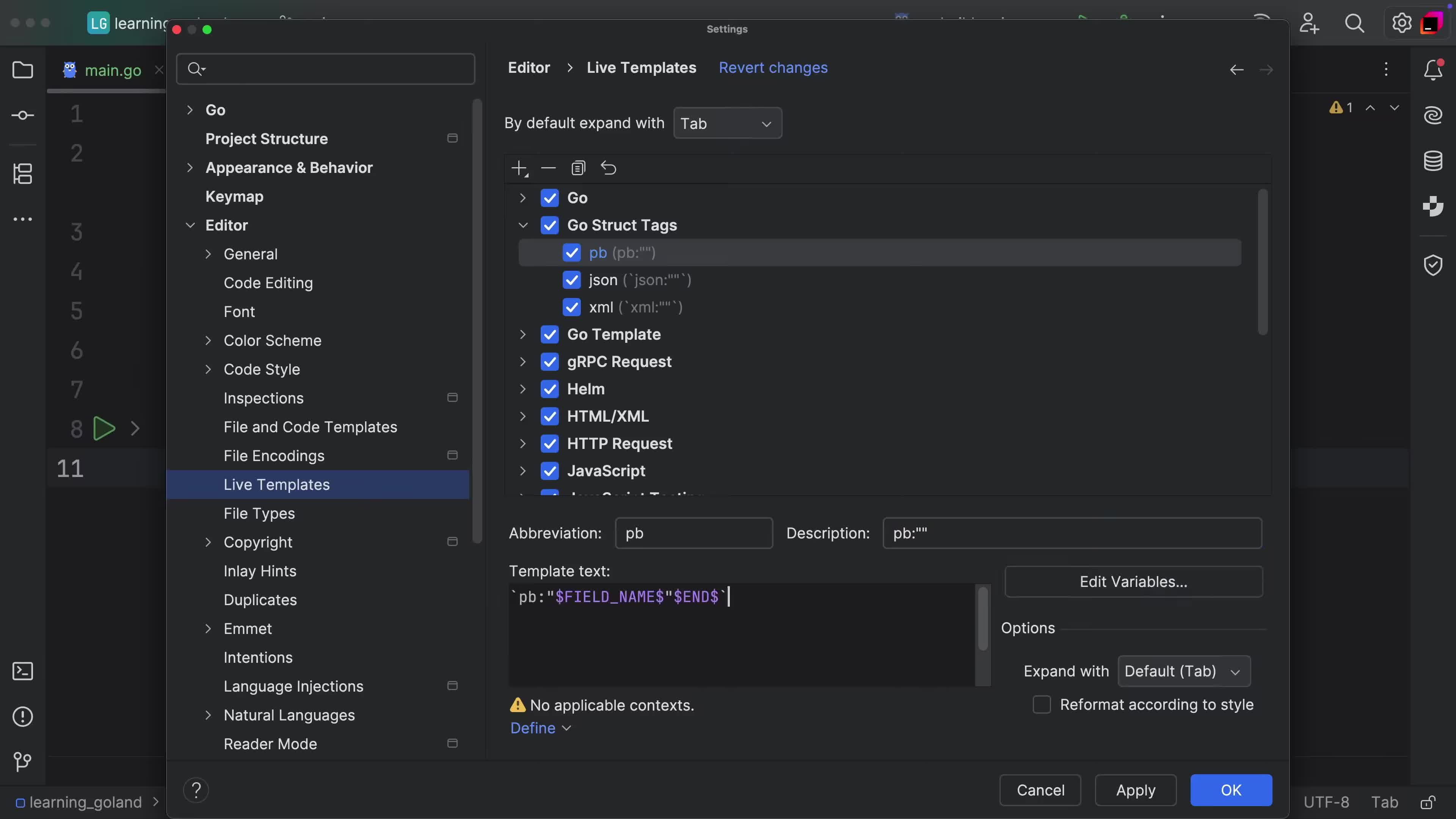
Custom Structure Tags
Add custom tags to any fields from structures.
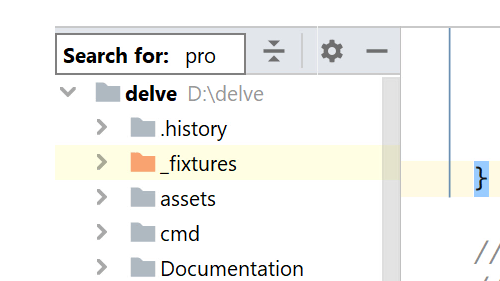
Speed Typing
Speed Typing
Quickly navigate to or filter any list of items in the IDE