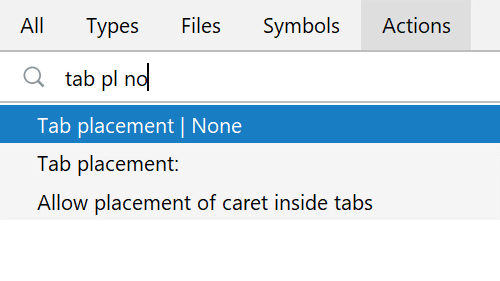
Disable Tabs
Save space and stay keyboard-centric by turning off the tabs.
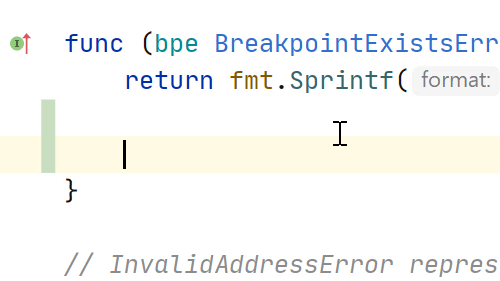
Add Line After/Before
Smart-add a line either from the middle of a line, after or before the current line.

Split Screen Without Tabs
Get your code and tests side-by-side without using tabs.
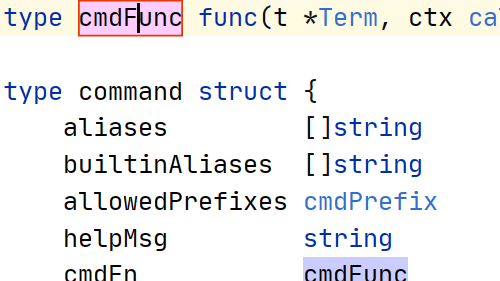
Rename Symbol
Change a variable name, class name, or other symbol, across the project.
Hide all Tool Windows
When you want just your code you can hide all the tool windows in the IDE.
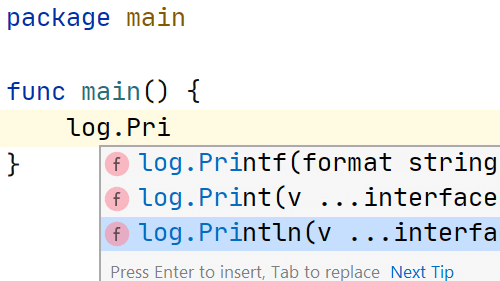
Generate Imports While Typing
Avoid interruption by letting GoLand generate your imports as you type.
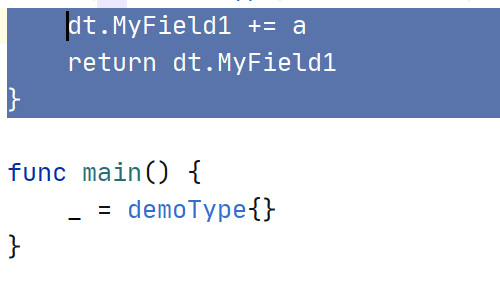
Expanding/Shrinking Selection
Use your keyboard to quickly select the portions of code that you need.
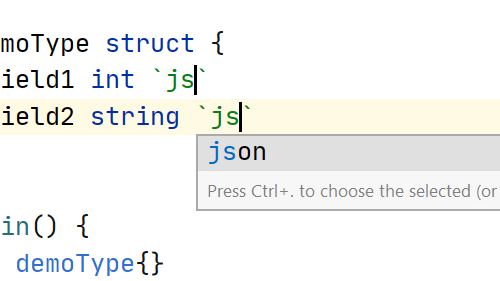
Structure Tags
Quickly add tags to any fields from structures.
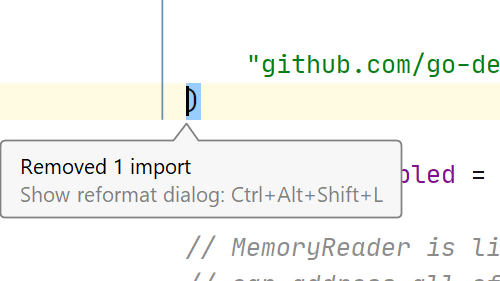
Optimize Imports
Automate the organizing and cleaning up of your Go imports with Optimize Imports.
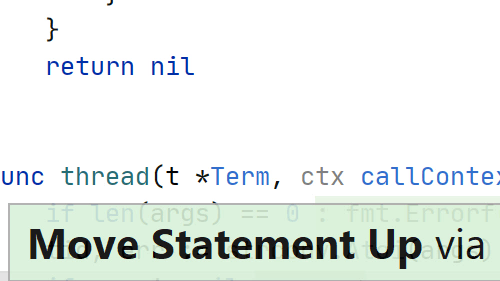
Move Block Up/Down Using Keyboard
Use the keyboard to move a line or selection up or down in your file.
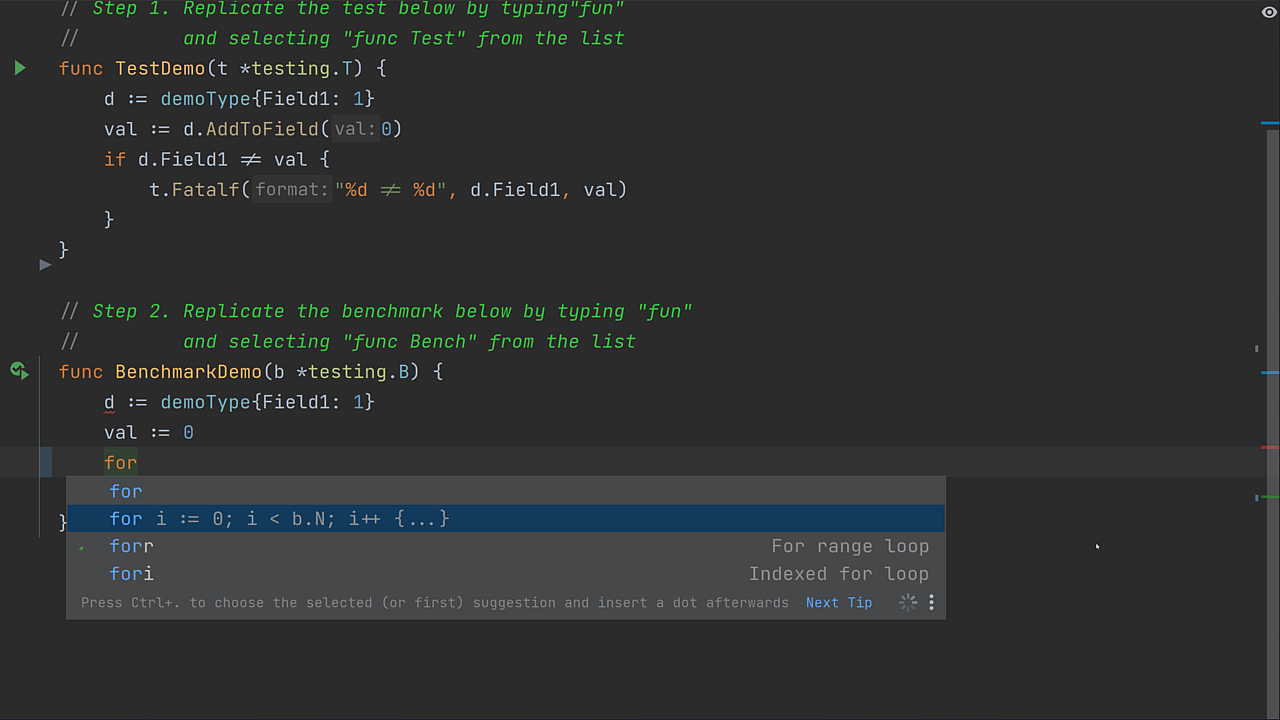
Live Template to Create a for Loop
Benchmark loops are repetitive, so let the IDE handle this for you.
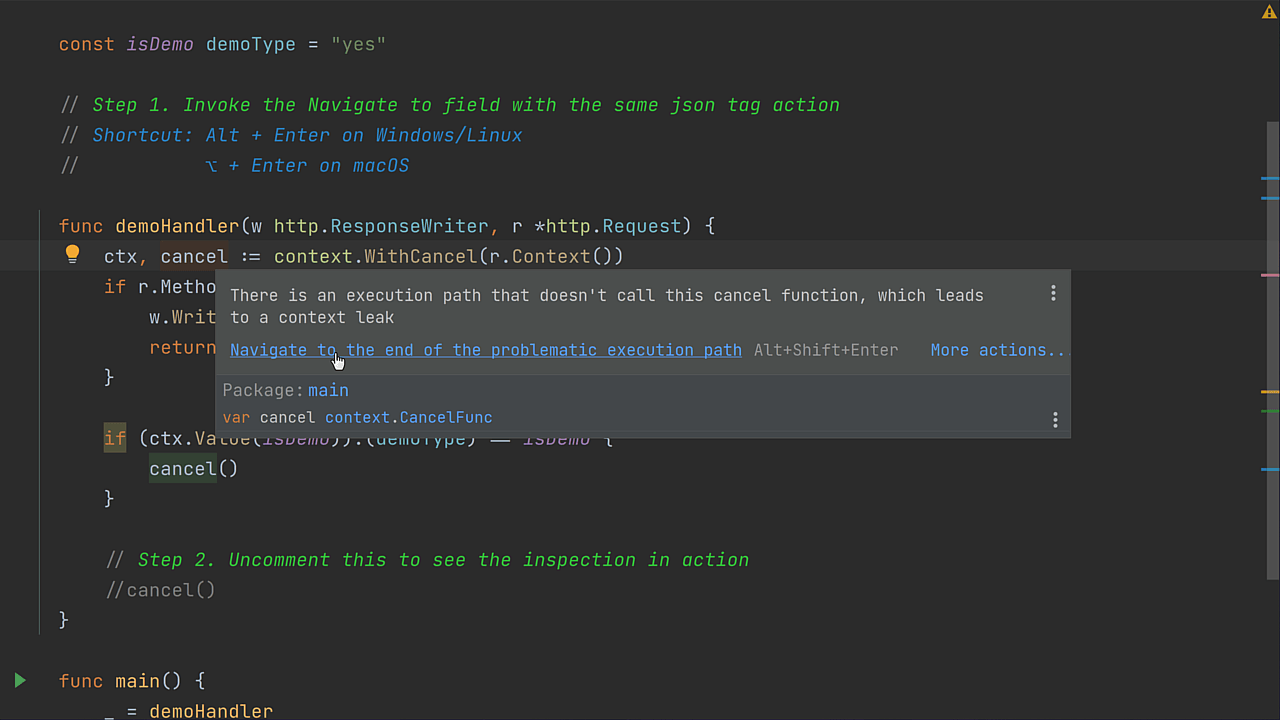
Check context.CancelFunc Usage
Ensure that the cancel function is always called.