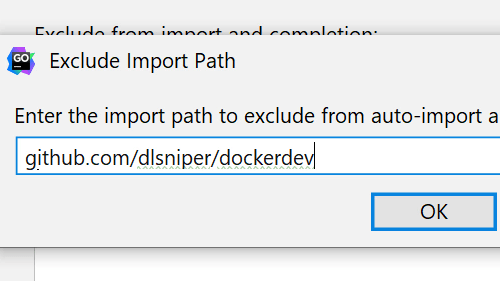
Exclude Items from Auto-imports and Completion
Exclude certain paths from auto-import and completion.
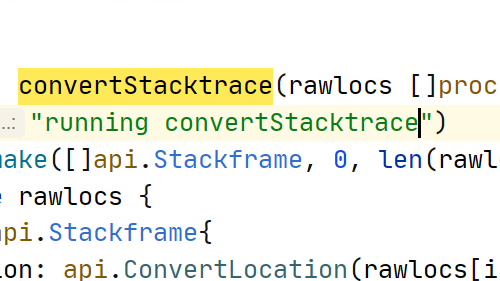
Cyclic Expand Word - Hippie Completion
Complete any word any from the current open files.
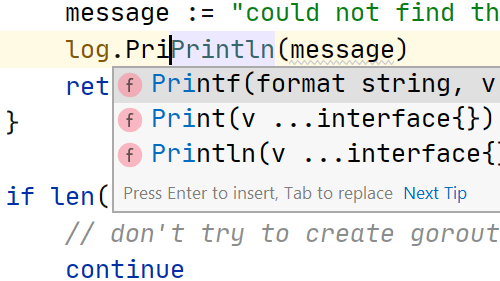
Completion with the Tab key
A small, but handy feature that makes it a little easier to complete symbol names.
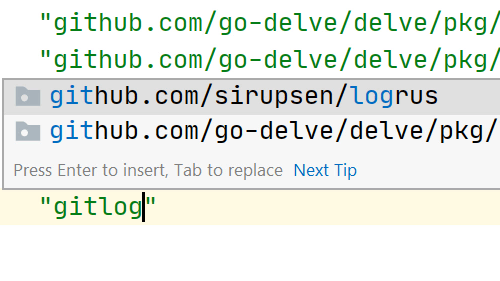
Completion for non-imported Go Modules
Import a module in to your project.
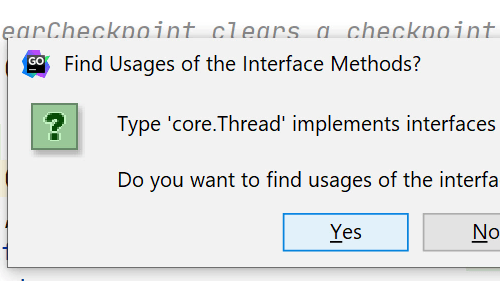
Show /usages
Quickly discover the usages of the element your cursor is at
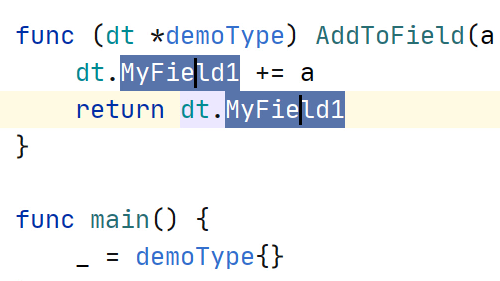
Select all Occurrences in a File
Quickly select all occurrences of a piece of text in the current file
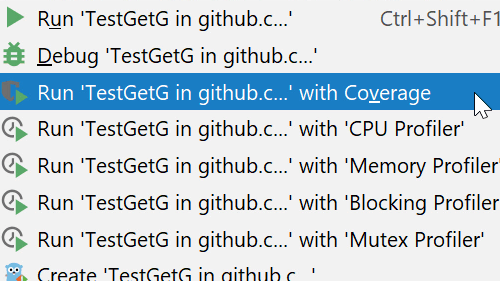
Spot Coverage Gaps Using the Gutter
Let the IDE help you spot coverage gaps in your testing.
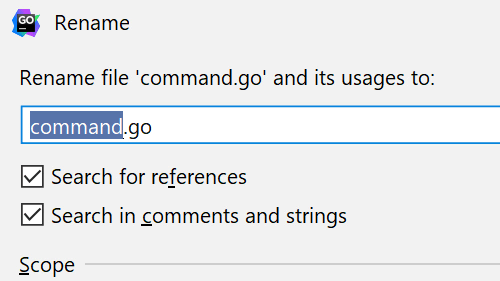
Rename a File and its References
Change your mind on a file name, and the IDE makes all the changes for you.
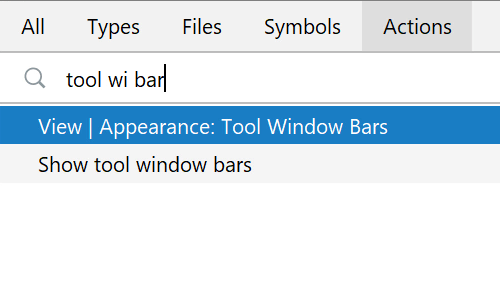
Reduce Clutter by Disabling Tools
Save space by turning off various toolbars.
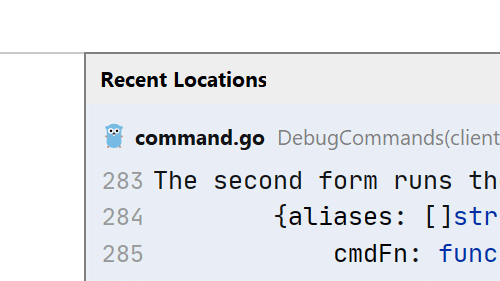
Recent Locations
Jump back and forth between files using code snippets you've recently seen.
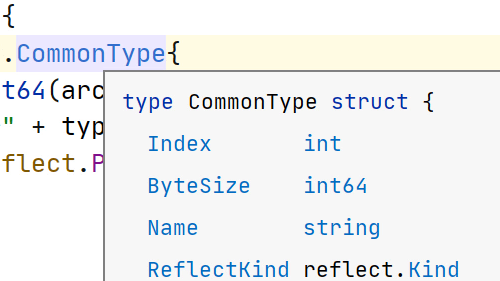
Quick Documentation
View arguments and documentation without interrupting your flow.
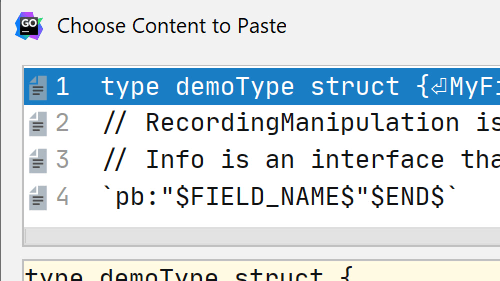
Paste from History
Paste from the clipboard even if it's not the last item you copied into it