Watch Issues
YouTrack lets you watch the issues you are interested in. You can also set another user as a watcher for an issue. When notifications are enabled for your YouTrack server, you and other users are automatically notified when changes are applied to the issues you are watching.
You and other users can specify which changes you want to receive notifications for on the Notifications tab of your YouTrack profile. For more information, see Notifications.
To watch an issue:
From the Issues list, click the
 star icon to the left of the issue ID.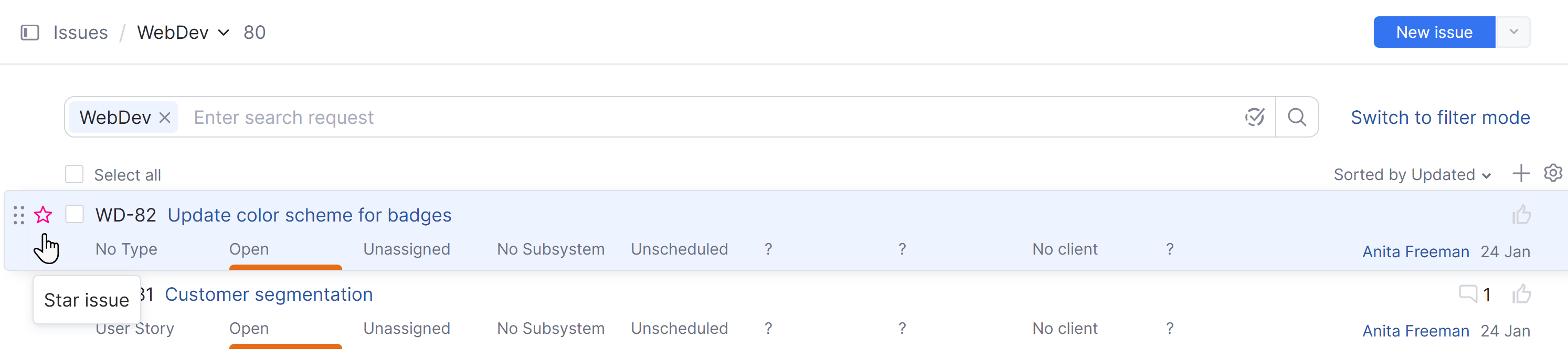
In single issue view, click the
star icon to the left of the issue summary. Alternatively, you can click the star icon on the right side of the screen above the field panel.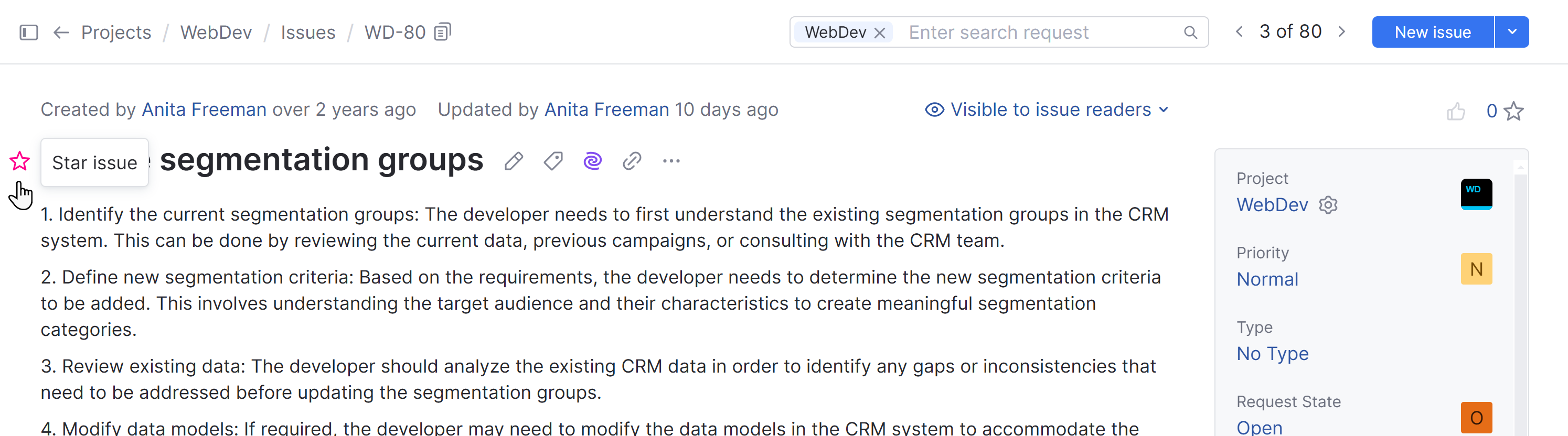
Open the Apply Command dialog and enter the
star mecommand.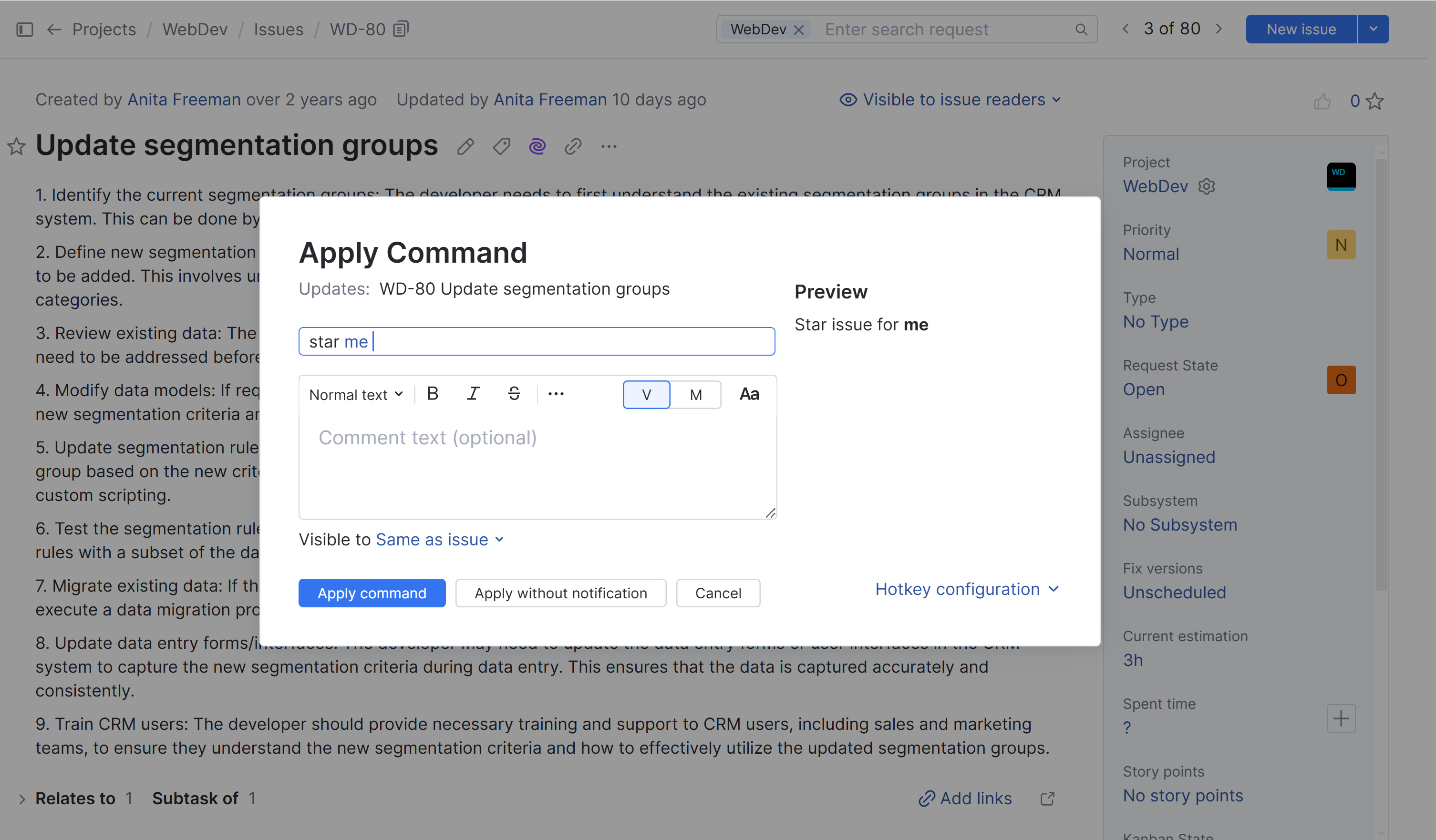
Once you have added yourself to the list of watchers, you receive update notifications according to the subscription settings for the Star tag in your YouTrack profile. To learn more, see Subscribe to Updates for the Issues You Watch.
Add Other Users as Watchers
Sometimes when you create, update, or even view an issue, you realize that the topic it addresses may be important to other members of your organization or project team. If you have been granted the Update Watchers permission in the project that this issue belongs to, you can add other users to the list of watchers.
This action adds the Star tag on behalf of the users you add to the list of watchers. These users then receive update notifications according to the subscription settings for the Star tag in their YouTrack profile.
To set another user as a watcher:
From the main navigation menu, select
 Issues.
Open the issue in preview mode or single issue view.
Click the counter next to the
star icon in the upper-right corner of the issue.Enter the username or full name of the user who you want to add as a watcher. YouTrack filters the list of users as you type.
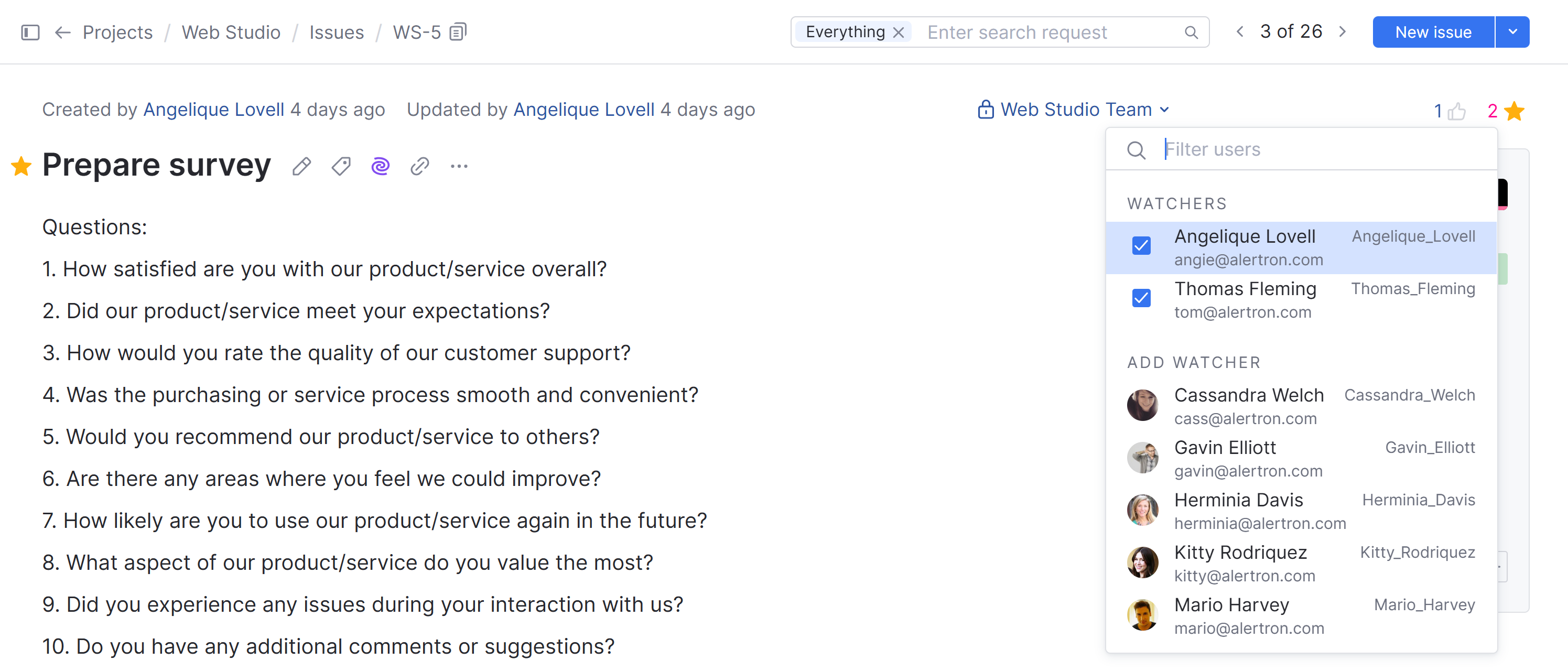
Select a user from the list.
View the List of Issues You Are Watching
You can display and review all the issues that you are currently watching in the issues list. This helps you perform the following actions:
Check the current status of the issues that are most important to you.
Remove the Star tag from issues that you no longer want to watch.
To view the list of issues you are watching:
From the main navigation menu, select
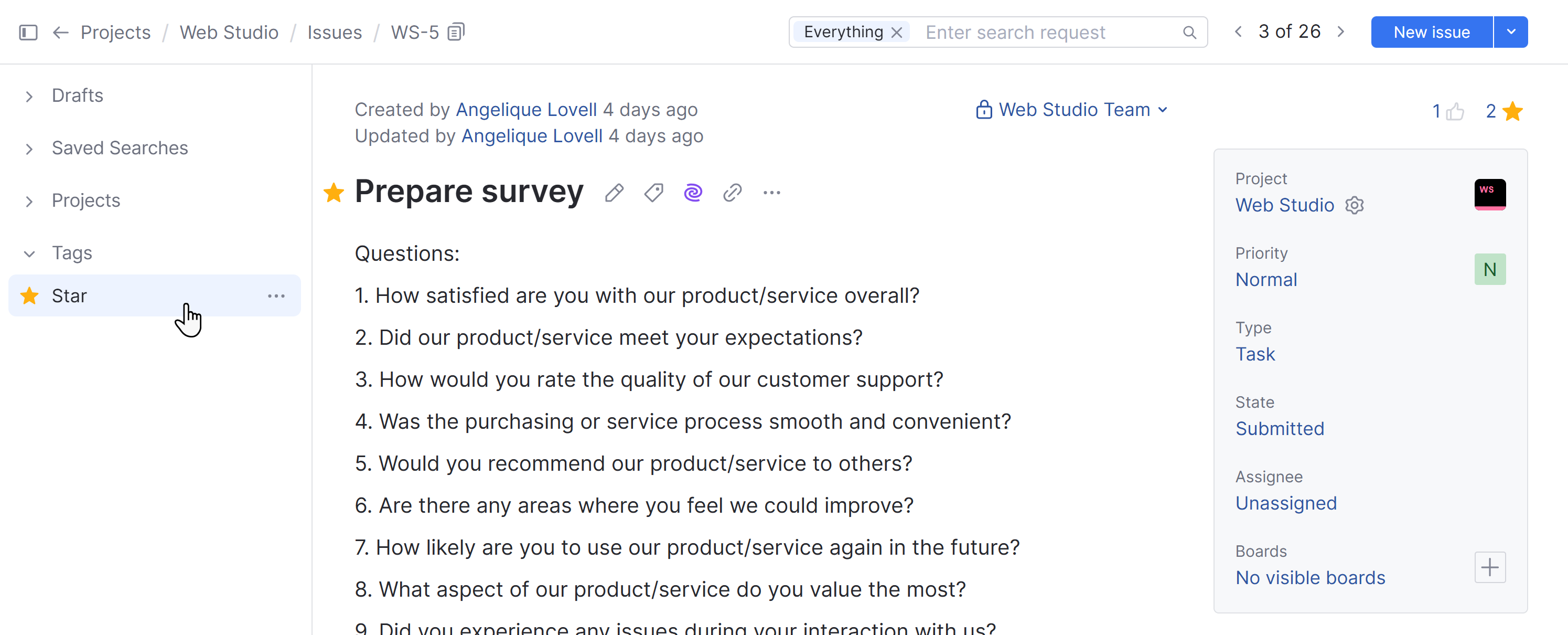
Issues.Expand the Tags section in the sidebar and select Star.
YouTrack displays the list of issues that you are currently watching with the Star tag.
Alternatively, you can enter
has: starin the search box (tag: Starworks too).