Users
In the Users section, you can manage accounts for other users and grant them permission to access specific projects. To access the list of user accounts in YouTrack, select Users from the Access Management section of the  Administration menu.
What a user can do in YouTrack depends on their user type, roles, group memberships, and project permissions. To learn how these settings affect access to issues and tickets, see Manage User Types and Standard and Helpdesk Projects.
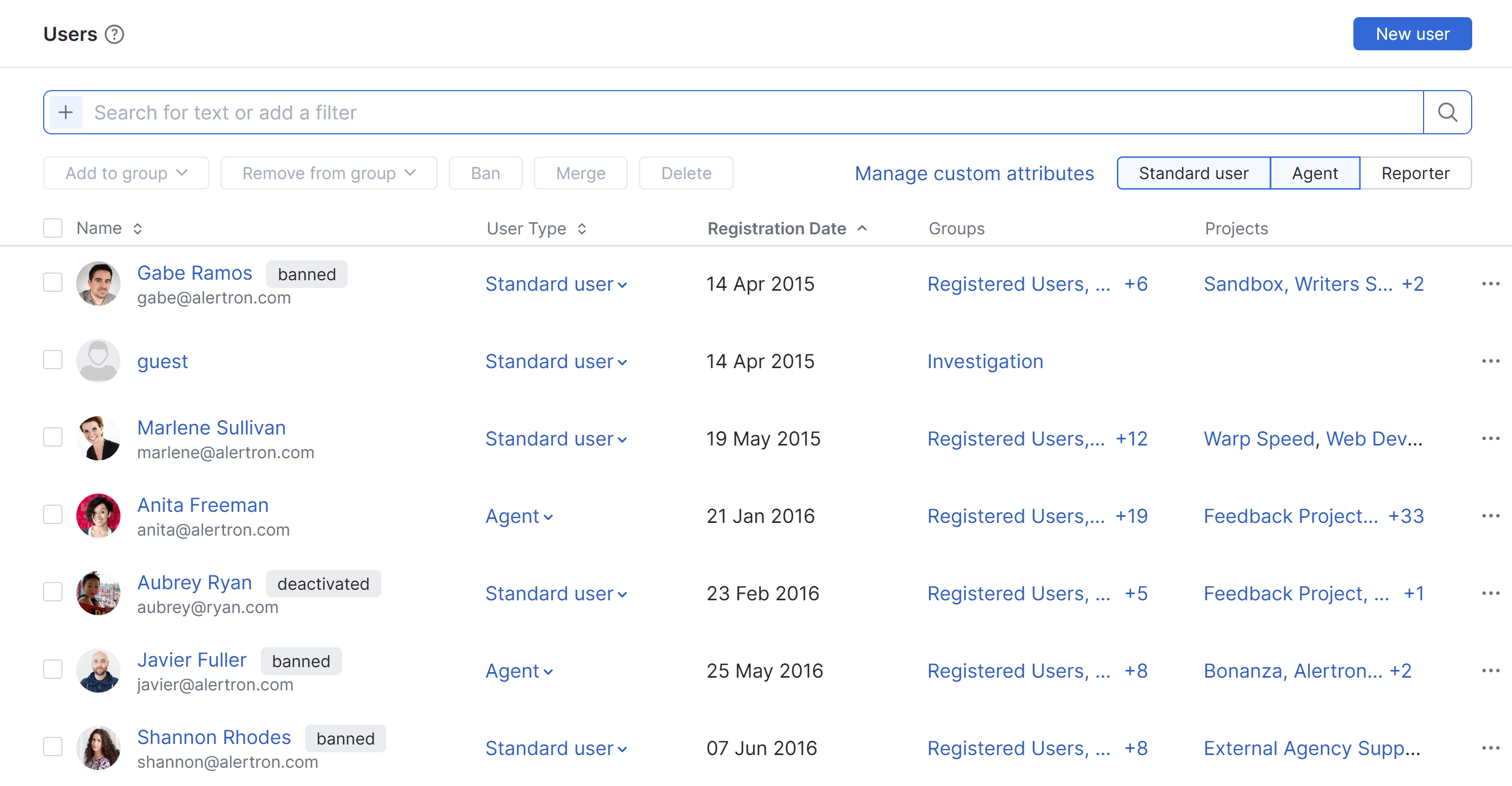
The topics in this section of the documentation explain how to perform a variety of actions related to user accounts in YouTrack.
- Create User Accounts
- Search for Users
- Manage User Access
- Manage Group Memberships
- Merge User Accounts
- Ban User Accounts
- Manage User Accounts for Agents
- Manage the Guest User Account
- Update YouTrack Profiles
- Manage User Types
- Manage Custom Attributes
- Request Password Changes
- Disable Two-factor Authentication
- Add Credentials to a User Account
- Manage Authentication Tokens
- Delete User Accounts
- Download User Data
- Anonymize User Data
17 September 2026