JetBrains AI
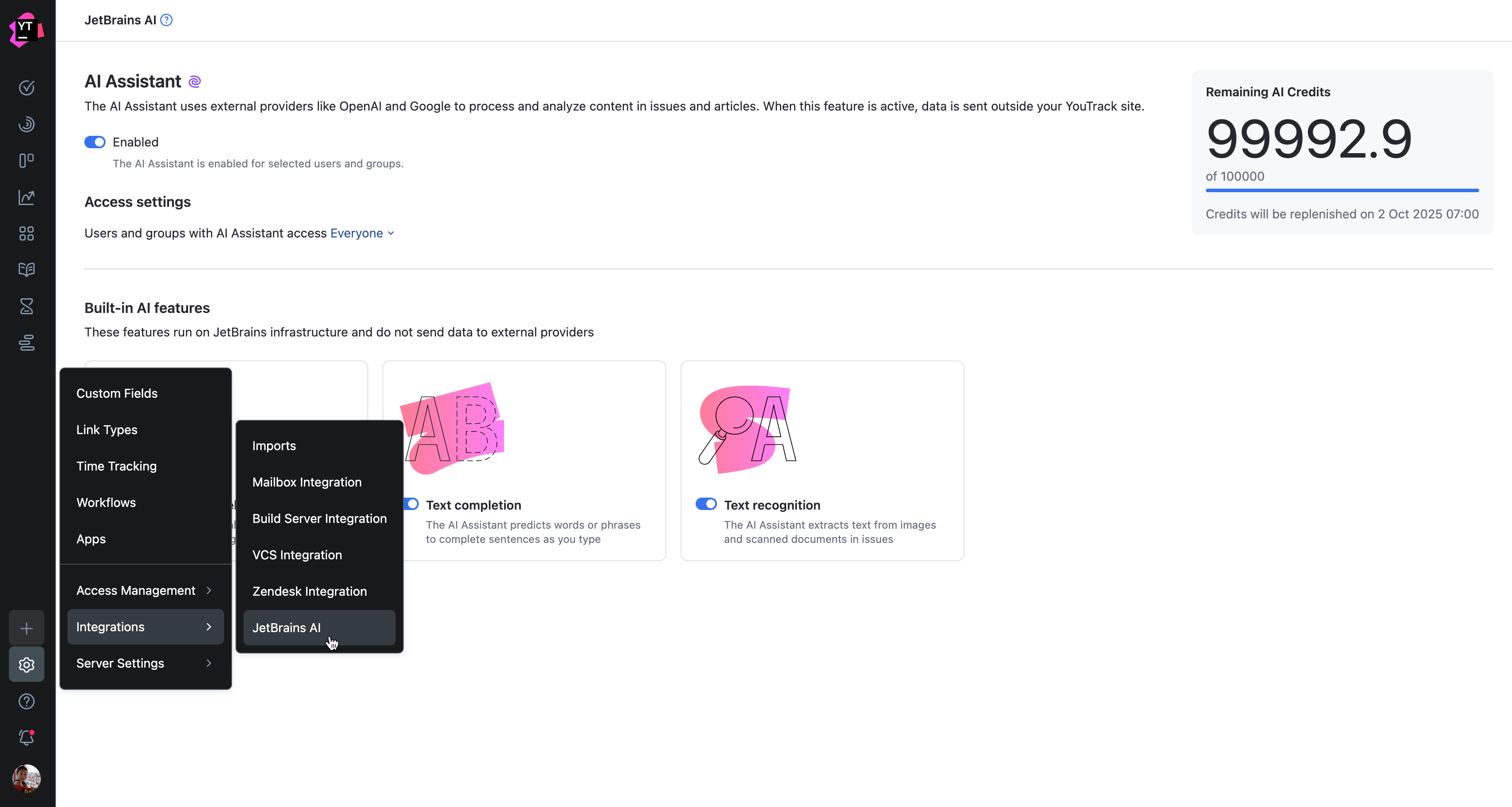
The JetBrains AI page provides settings and information to help you manage the integration of the JetBrains AI service and built-in AI features with your YouTrack site. To access this page, open the  Administration menu and select .
Availability
The  AI Assistant in YouTrack is available to all of our customers whose instances are hosted in YouTrack Cloud.
For YouTrack Server, this feature is available for all users except on installations whose paid subscriptions have expired. However, it is only available after your installation has been upgraded to YouTrack version 2023.3 or higher.
Due to the restrictions imposed by the providers of AI services connected to JetBrains AI, usage of the service is only permitted in specific locations. To determine whether these restrictions apply to your location, please refer to the JetBrains website.
AI Assistant
JetBrains AI Assistant in YouTrack provides two types of AI powered support to help you work more efficiently. JetBrains AI Services uses JetBrains’ generative AI to assist with tasks such as summarizing issues, generating descriptions, and offering smart suggestions. JetBrains Writing Assistant, powered by JetBrains Grazie, focuses on improving text quality by checking grammar, style, and clarity in issue descriptions, comments, and other content. Together, they make it easier to write, review, and manage information throughout your projects.
JetBrains AI Service Features
This setting controls whether users can access AI assistant features that rely on external providers, such as OpenAI and Google, to process and analyze content in issues and articles. These features are only available when the JetBrains AI service integration is enabled.

AI assistant features in YouTrack that use JetBrains AI services include:
Summarize issue and article descriptions
Suggest an alternate issue summary titles
Rephrase and improve your issue comments
Rephrase your issue comments to sound more polite
Rephrase your issue comments to sound more formal
Suggest your reply to a comment from another user
Suggest your reply to a comment from another user that you are unable to help
Suggest your reply to a comment from another user that you need more time to investigate
When enabled, the AI Assistant features that use the JetBrains AI service are available to selected users and groups. By default, this feature is enabled for Everyone.
To restrict access to external AI features:
From the main navigation menu, select
.From the Access settings menu, select one or more users, groups, or teams from the list.
Built-in AI Features
YouTrack includes built-in AI features that act as a writing assistant. These features help you improve text clarity and style directly in the application. All data is processed internally and is never sent to external AI systems.
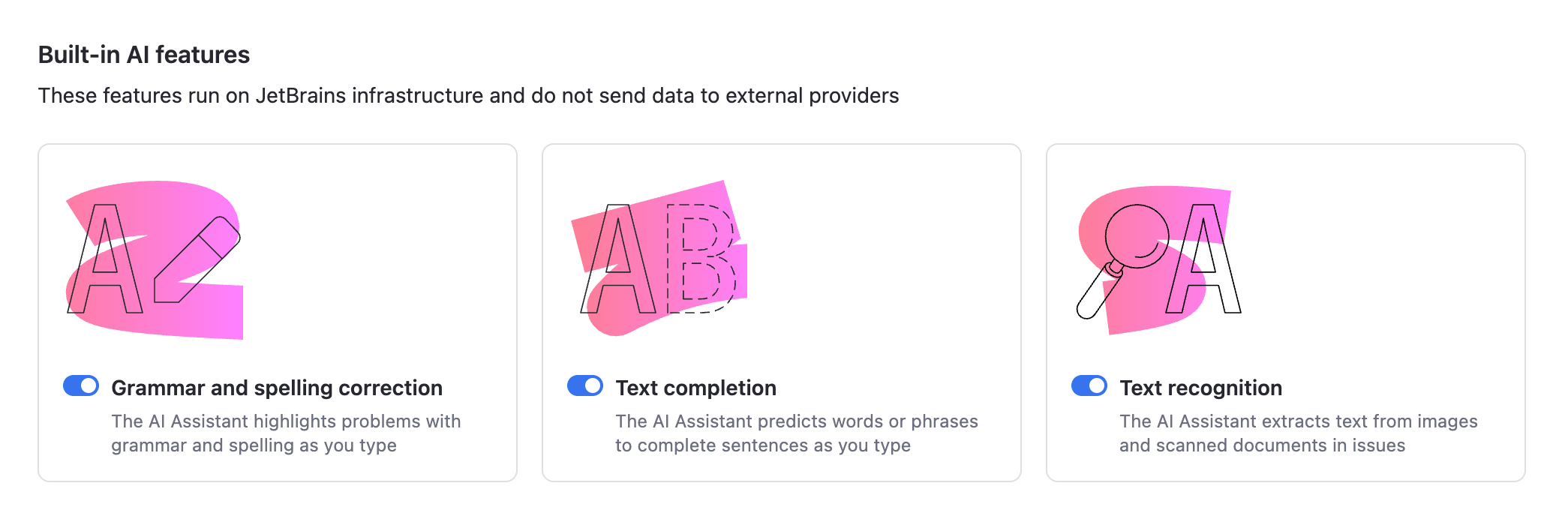
AI writing assistant features built into YouTrack include:
Grammar and spelling correction
Text completion
Text recognition from uploaded images and documents
When enabled by an administrator, the built-in AI features are available to everyone on your YouTrack site. Each registered user can access the AI Features tab in their profile to turn these features off if they prefer.
For more information, see AI Features.
When disabled at the administration level, built-in AI features are deactivated system-wide.
AI Credits
Your YouTrack site is allocated a fixed number of free credits for working with the JetBrains AI service. Each interaction with the AI Assistant in YouTrack consumes one credit. These credits are refreshed on a weekly basis.
Currently, it is not possible to purchase additional credits, but this feature will be implemented at a later date.
YouTrack Built-in AI Features don't consume AI credits.
How We Handle Your Data
When you use AI features, YouTrack sends your requests to the LLM (Large Language Model) provider. In addition to the content used in the prompts, it sends additional information about the context where the AI Assistant is analyzing the text (for example, in an issue, article, or comment).
YouTrack installations that have opted into sharing feature usage statistics with JetBrains also collect detailed data about the usage of AI features, including the full communication with the LLM. This data is kept strictly confidential and is used by JetBrains for product improvement purposes only. It is never shared with any external parties, and it will not be used for training any ML models that generate code or text, or revealed in any form to any other users.
The Grazie Writing Assistant also adheres to strict measures to protect the privacy and security of user data:
JetBrains doesn't use any text you type for training our language models.
We ensure that none of your texts are retained in the memory or logs of our servers.
For more information about our data collection policies, refer to the JetBrains AI Terms of Service, JetBrains Grazie Terms of Service, and the JetBrains Privacy Policy.