Data loaders
Data loaders are specialized scripts that allow you to import your tabular data files into a database. They also enable the visual representation of this data in the data editor. The view of such files in the data editor is read-only.
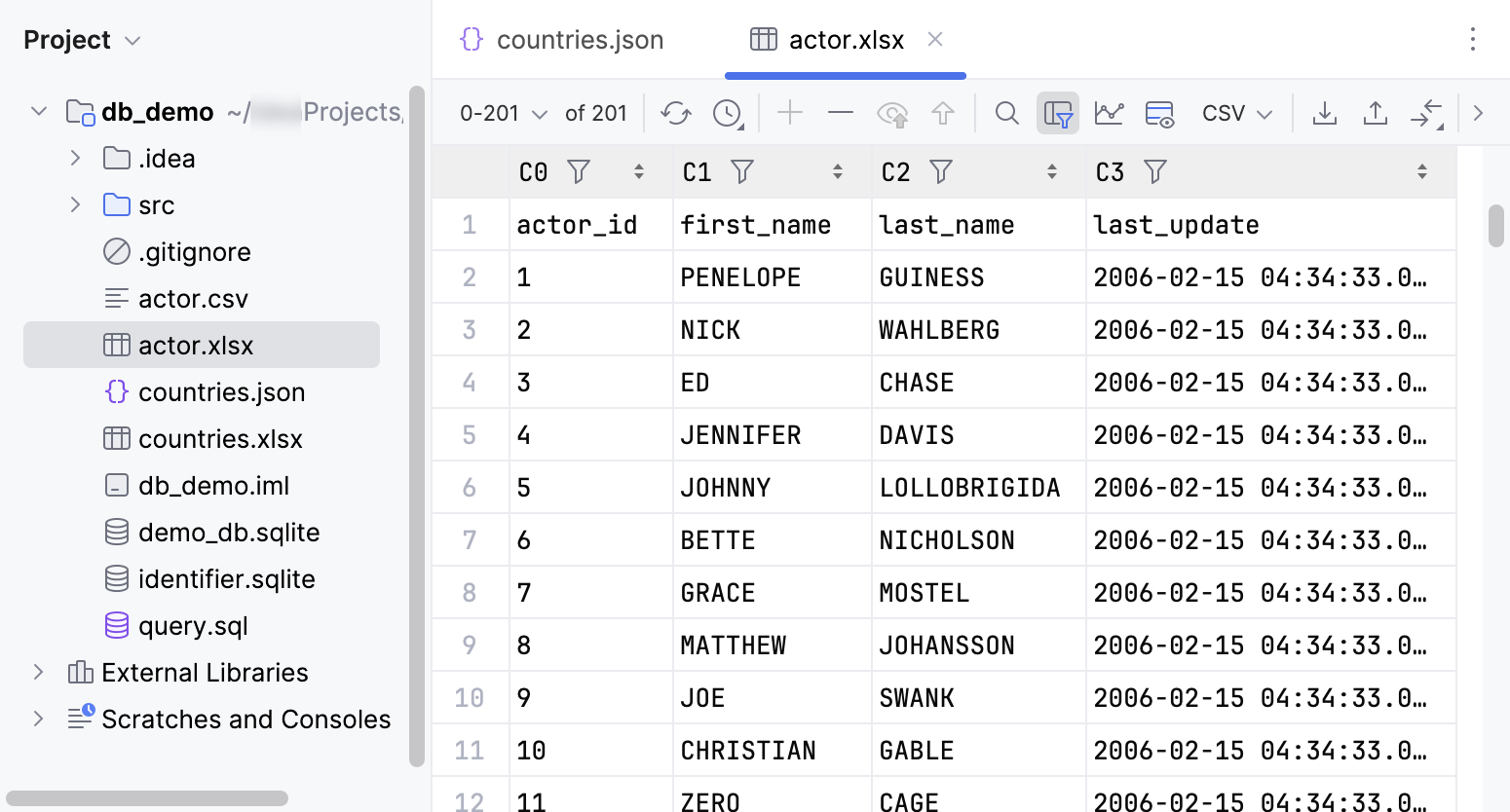
Data display in data editor. For example:
Excel
JSON (disabled by default)
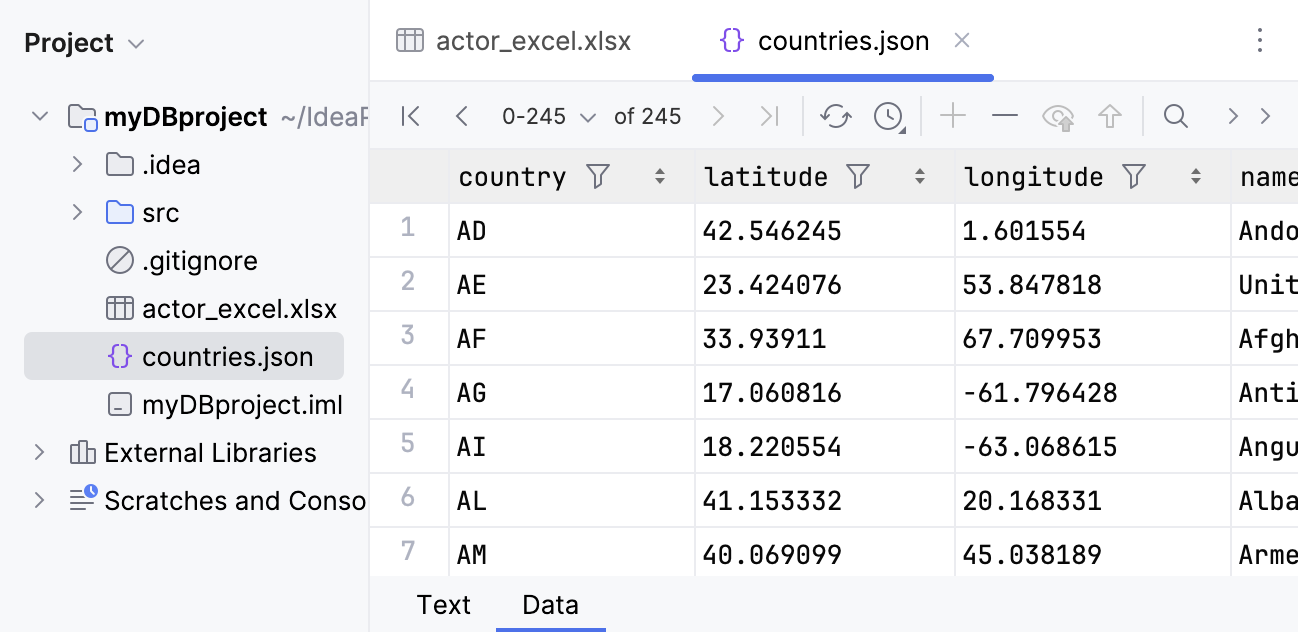
To enable the Data tab with table view for JSON files, in the Advanced Settings settings page Ctrl+Alt+S, set the Open file as table if detected by scripted loader to All.
For more information about viewing data in data editor, refer to Data editor and viewer.
Data import from a file to a database
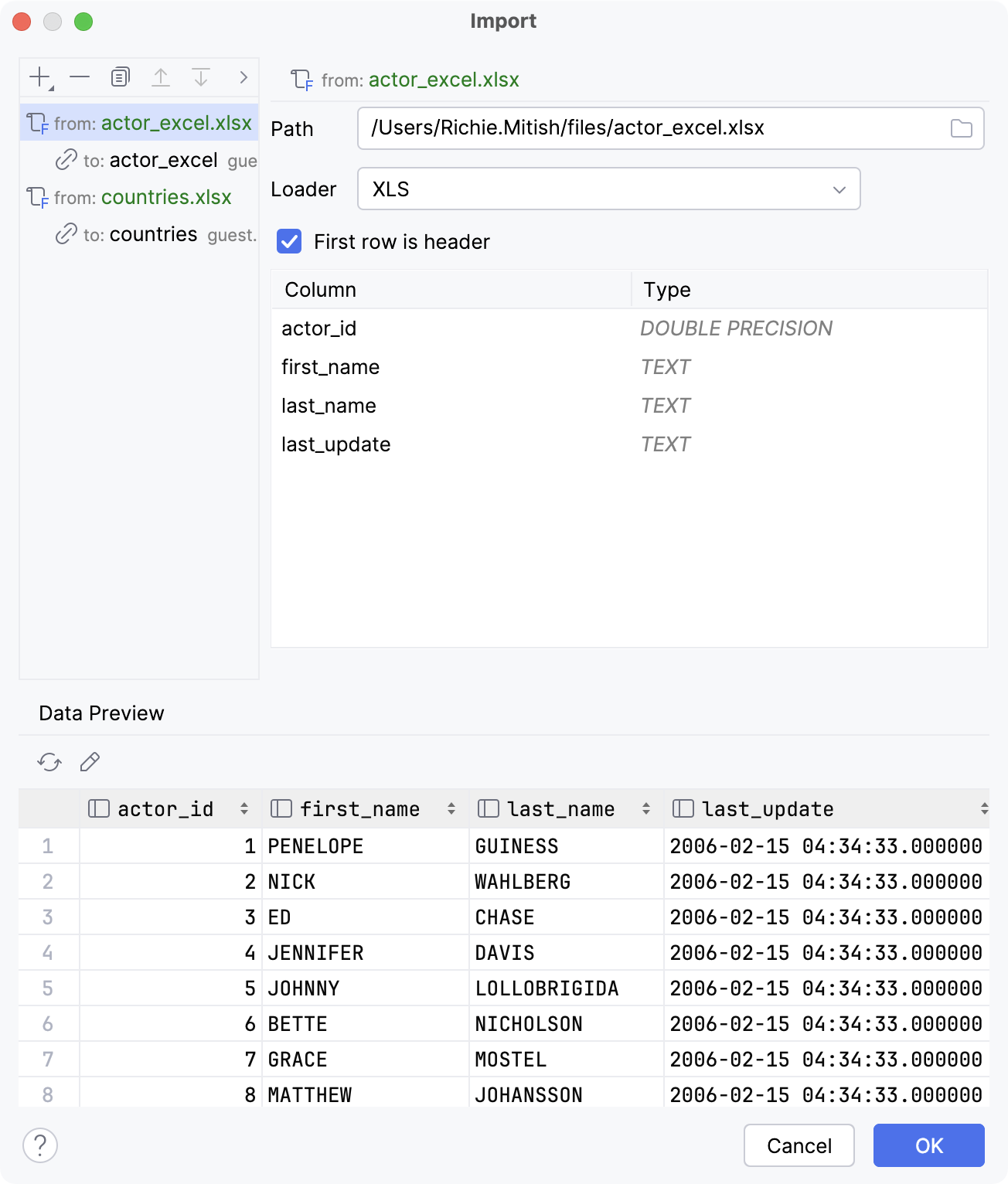
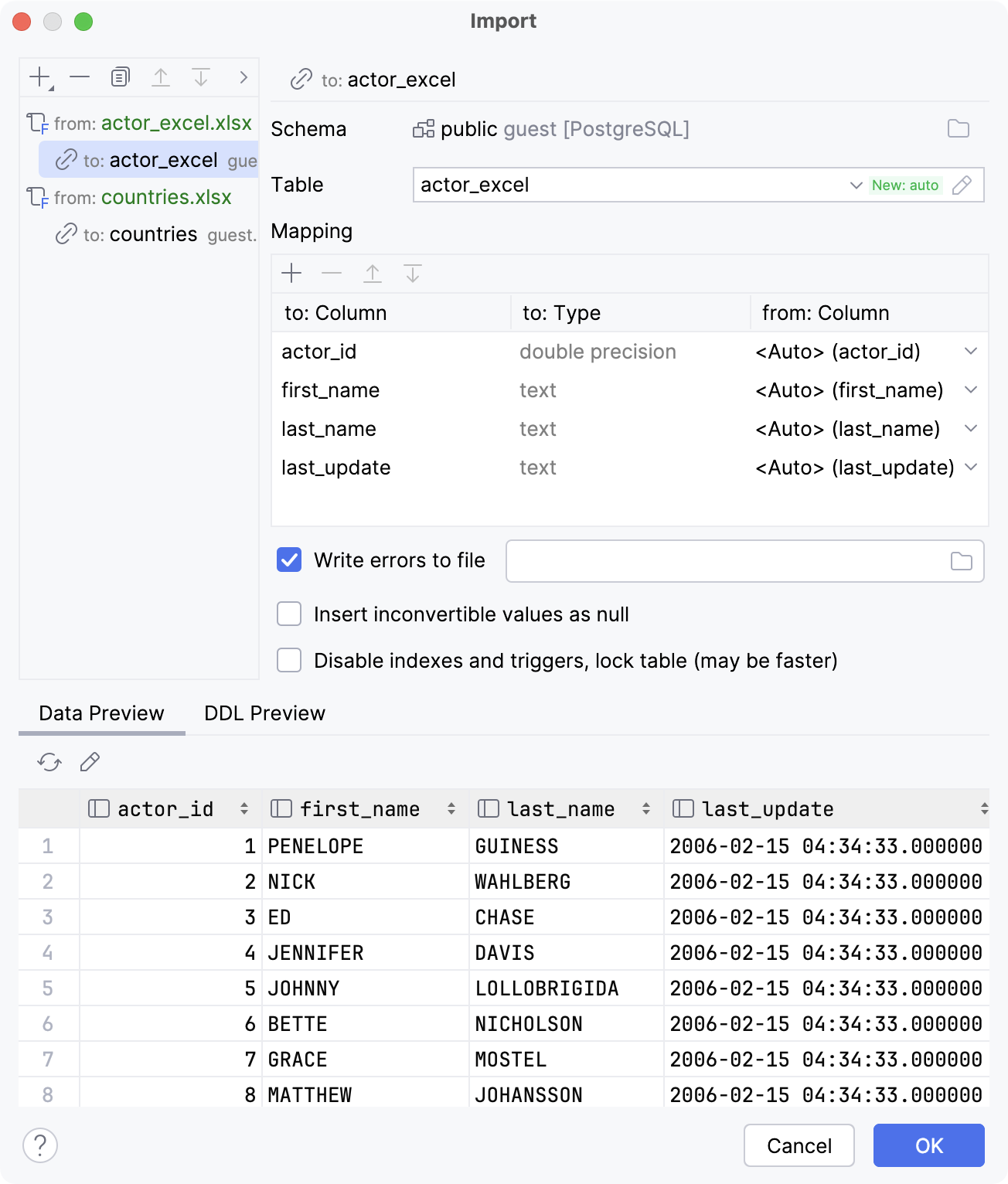
For more information about importing data from a tabular data file to a database, refer to Import data from tabular data files.
To locate data loaders, open the Project tool window and navigate to Scratches and Consoles | Extensions | Database Tools and SQL | data | loaders.
Custom data loader
You can also create and use your own scripted data loader that you can write in Groovy.
Consider starting your script with the following code line as an example:
The keywords are as follows:
extensions: List of the file extensions the loader works with. Uses;as a separator.displayName: Name of the custom loader.tableFirstFormat: Defines whether the format is table-first. Default:true.
In your script, also add a function that receives the following context: path to the file and the DataConsumer interface. For example, loadJson:
For the DataConsumer interface, definition is as follows:
void consumeColumns(String[] names, Class<?>[] types);: This method takes in the column names as thenamesarray and the corresponding data types for each column as thetypesarray.void consume(Object... row);: This method takes in the corresponding cell values for each column asObject. Each time theconsumemethod is called, it processes one complete row from the table.
For the examples of built-in data loader scripts, open the Project tool window and navigate to Scratches and Consoles | Extensions | Database Tools and SQL | data | loaders.
Supported file formats
The supported file formats are as follows:
Script | File format |
|---|---|
Excel | .xlsx, .xls |
JSON | .json |
Parquet | .parquet |
Shapefile | .shp |