Set environment variables
Environment variables help configure Rust projects. In RustRover, you can easily define project-level environment variables.
Press Ctrl+Alt+S to open settings and then select .
Locate the Environment variables field and click the Browse button.
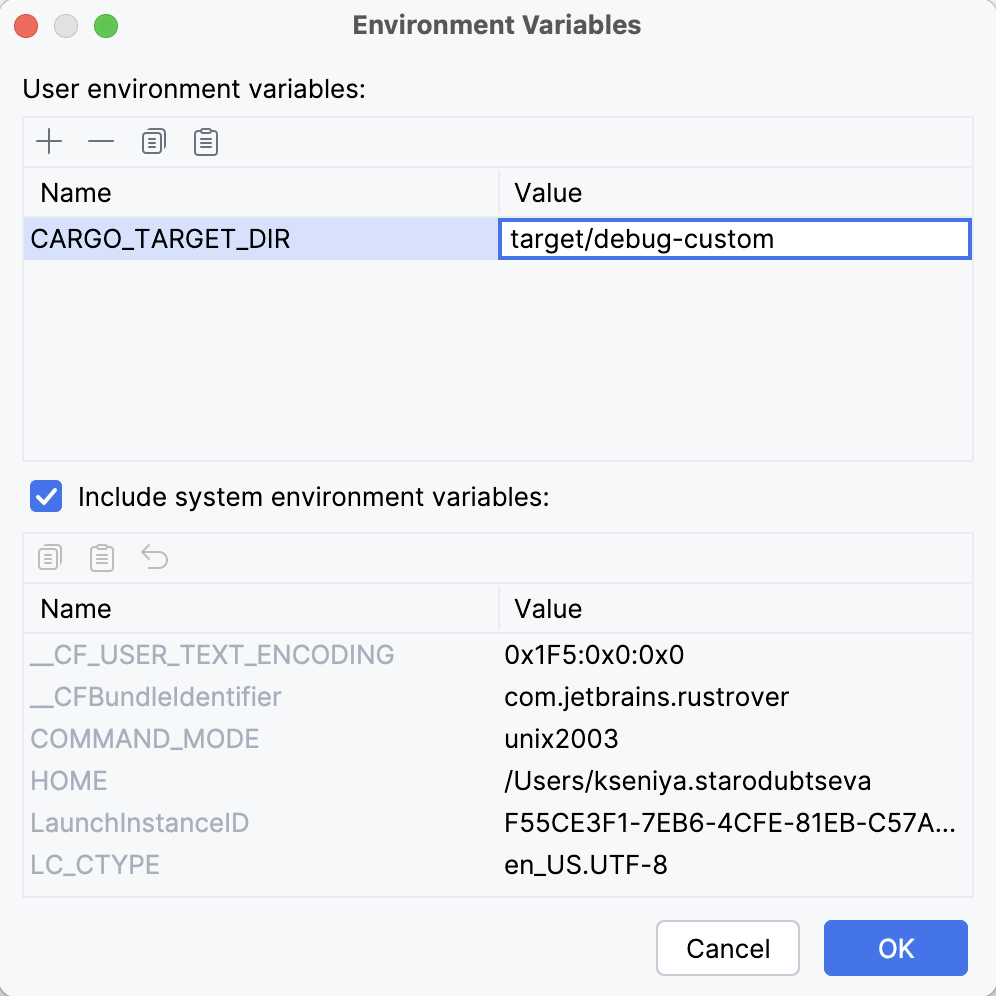
In the Environment Variables dialog, click
 and specify the name and value.
For example:
CARGO_TARGET_DIR=target/debug-customClick OK.
11 September 2025