Axum
Axum is an HTTP routing and request-handling library for Rust. RustRover provides dedicated support for Axum, including URL completion, inlay hints for route calls and function handlers, as well as features to browse around and manage endpoints.
Completion
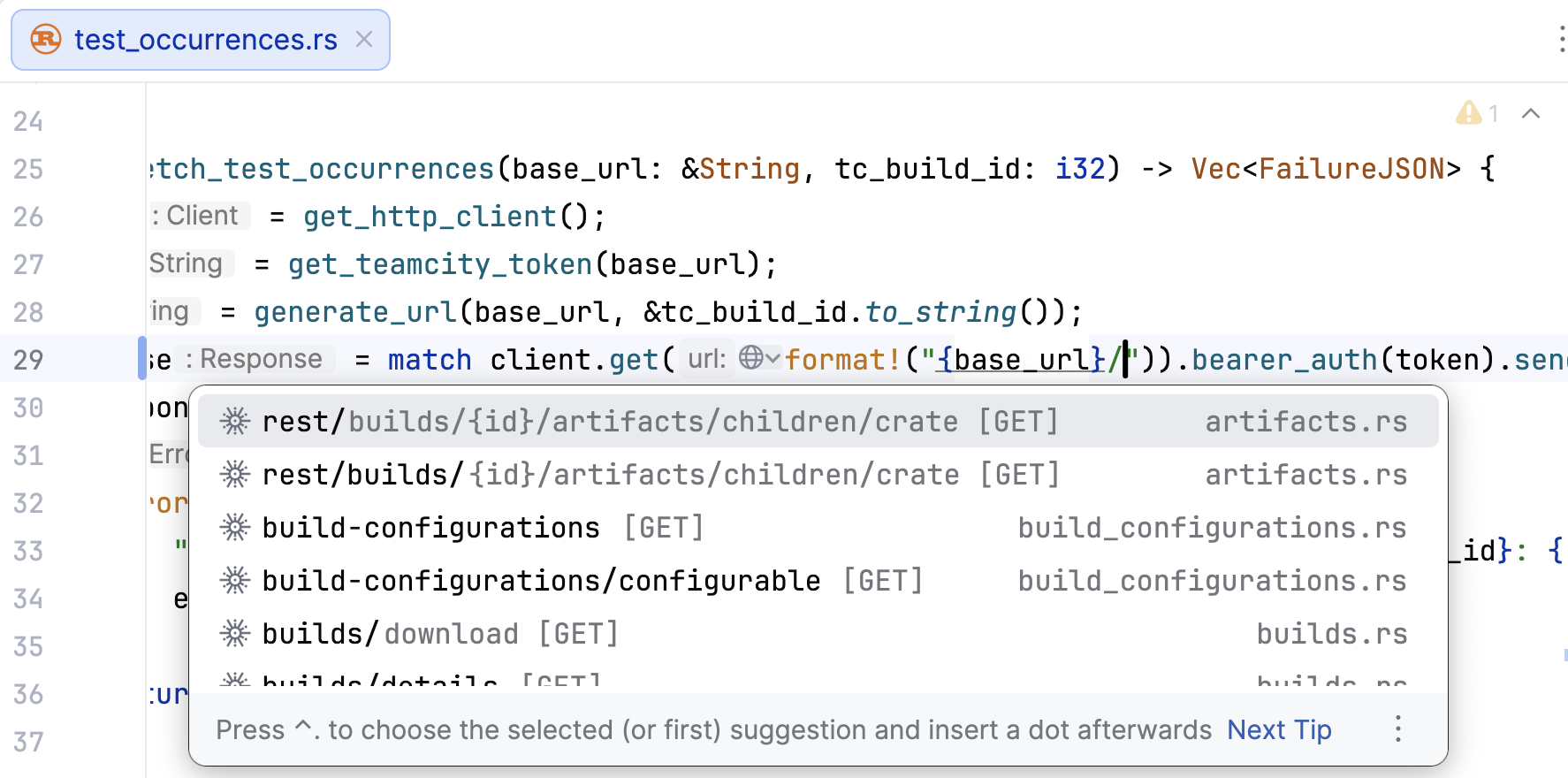
RustRover provides completion for URL paths and query parameters. It works as you type, but you can also call it manually using Ctrl+Space.
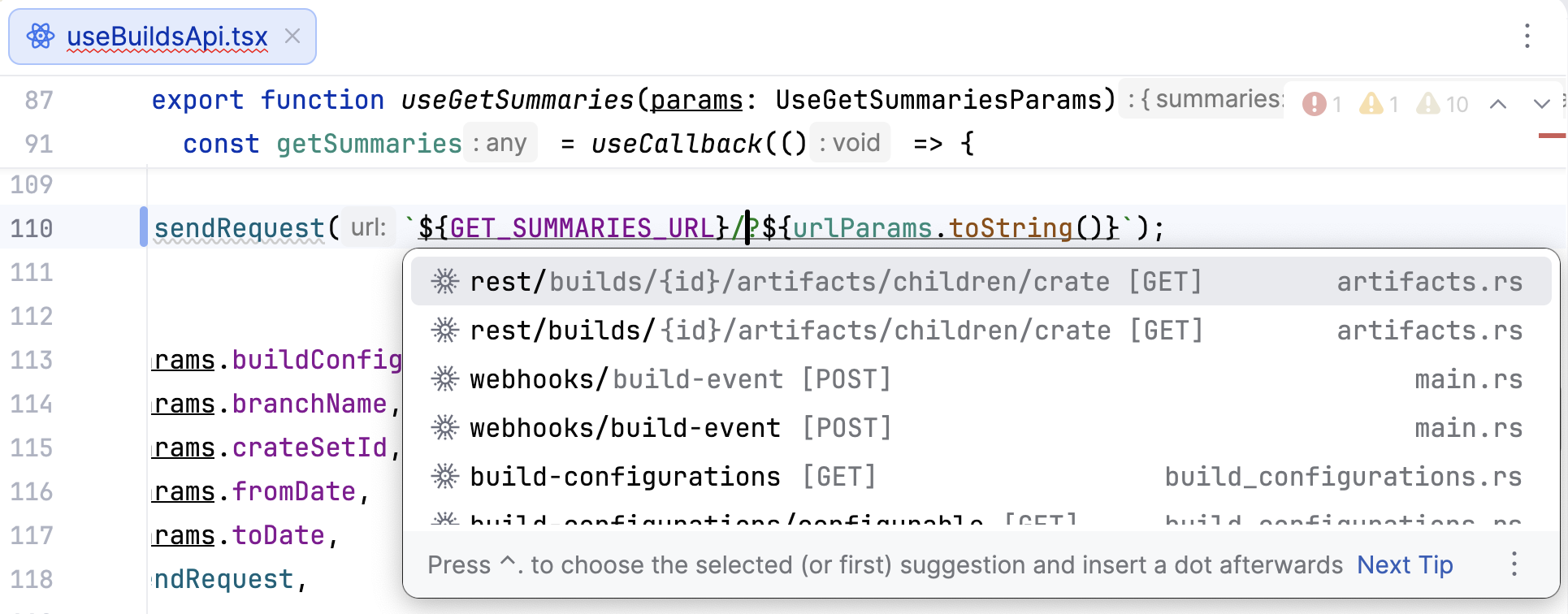
URL completion is also available in non-Rust files:
Browsing endpoints
Go to endpoint definition / usage
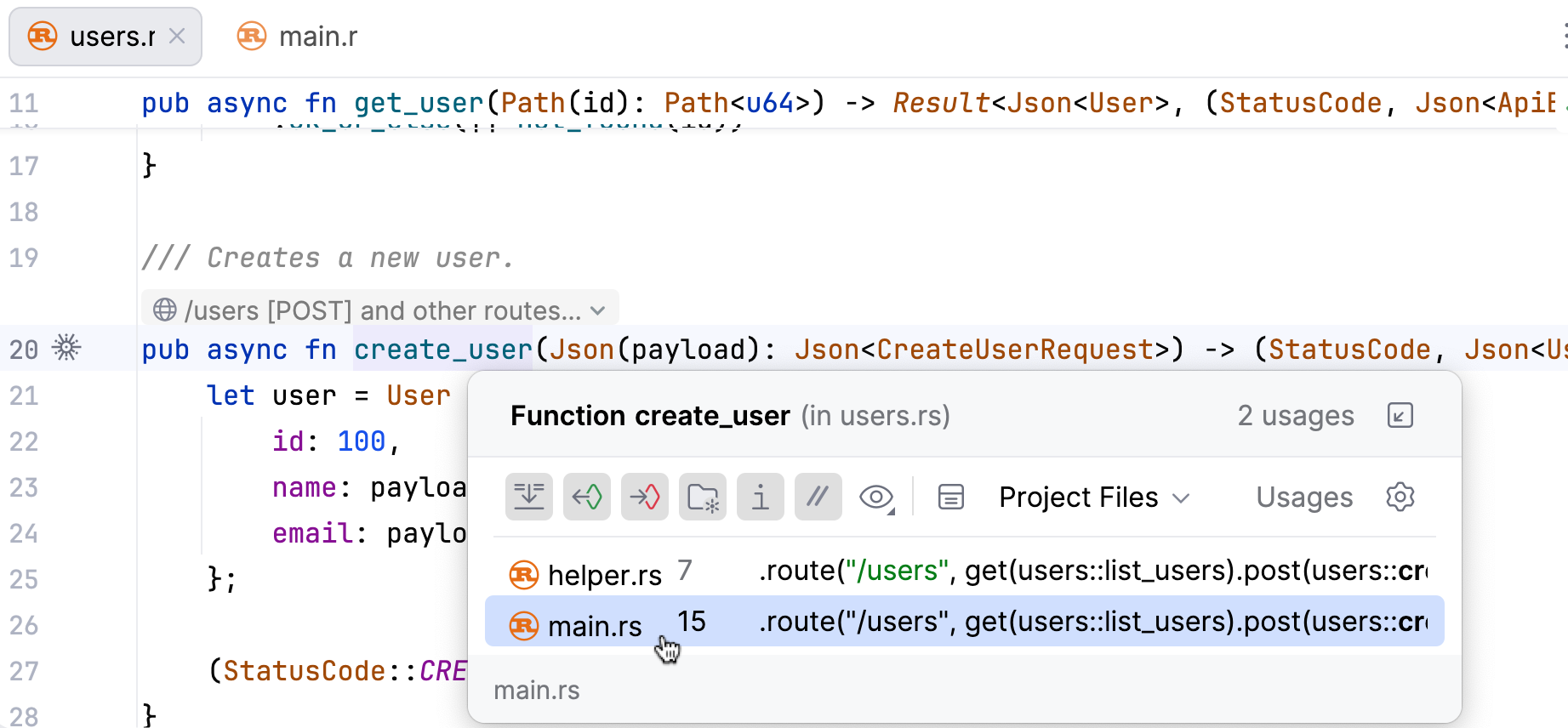
To navigate between an endpoint's definition and its usages, press Ctrl+B or use Ctrl+Click.
View all package endpoints
To view the full list of endpoints for a given package:
In the editor, click
 next to the URL or handler function and select Show all endpoints of module.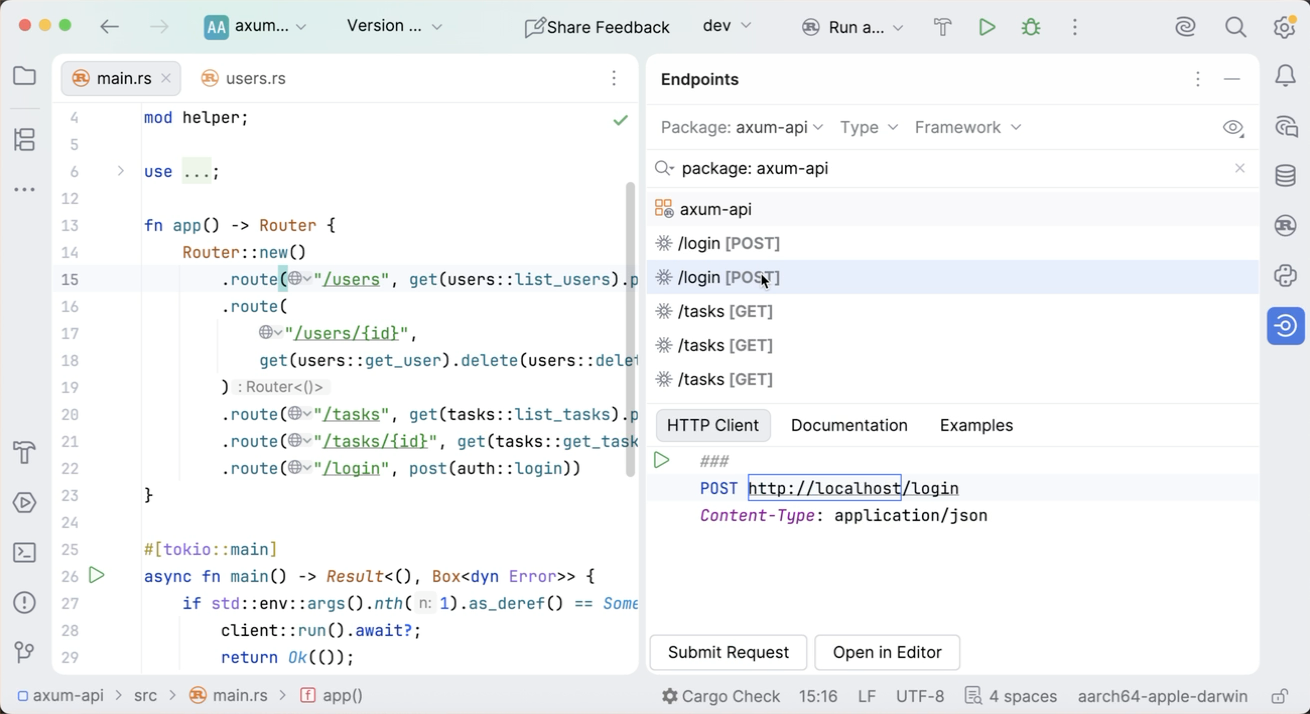
Alternatively, open the Endpoints tool window (View | Tool Windows | Endpoints) and use the Package dropdown to select the necessary package.
In the Endpoints tool window, you can view the following information about each endpoint:
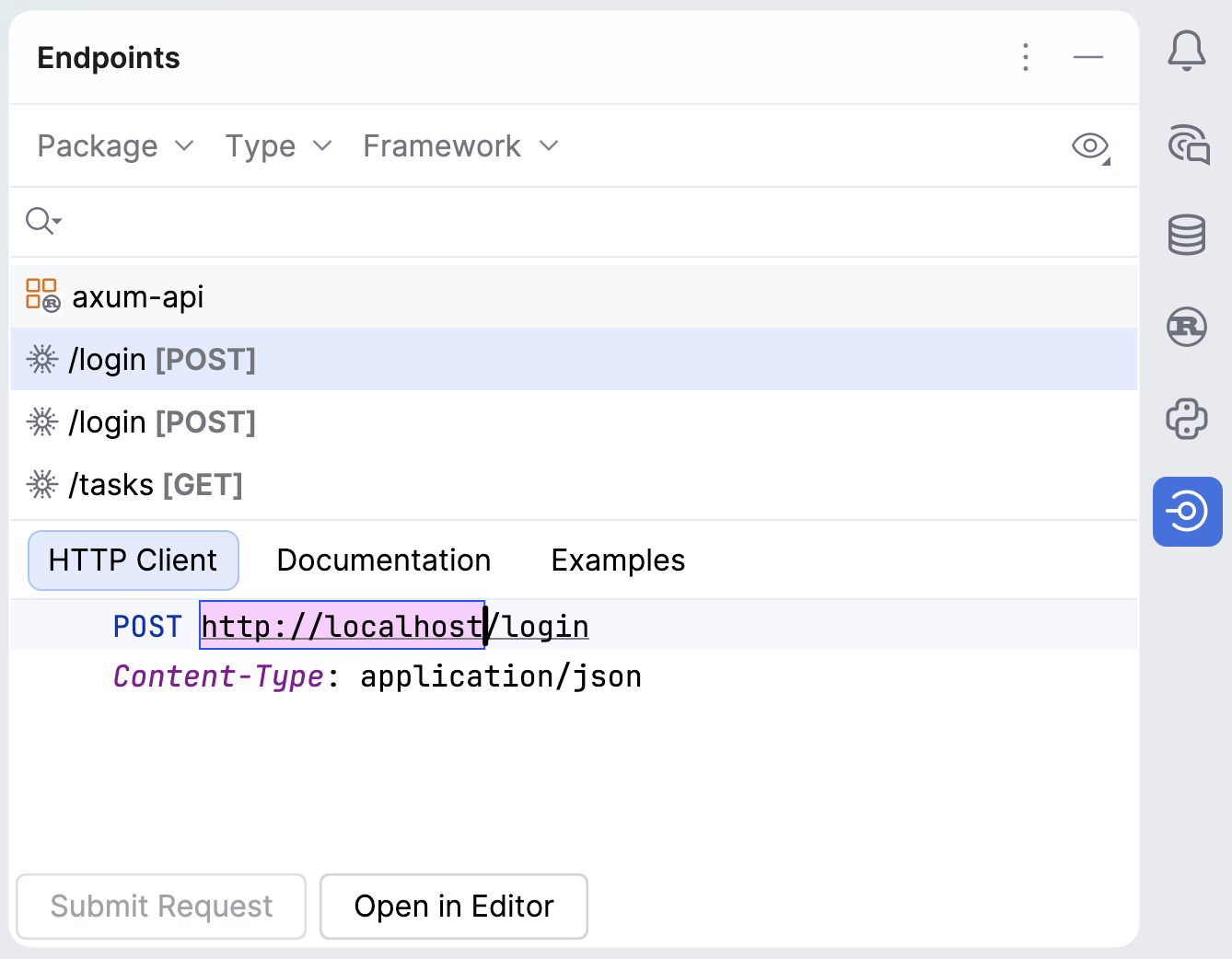
Shows the generated HTTP request for the selected endpoint.
If the corresponding server is running, you can click Submit Request to see the response immediately or Open in Editor to edit it in a separate HTTP requests file in the editor. For more information, refer to HTTP Client.
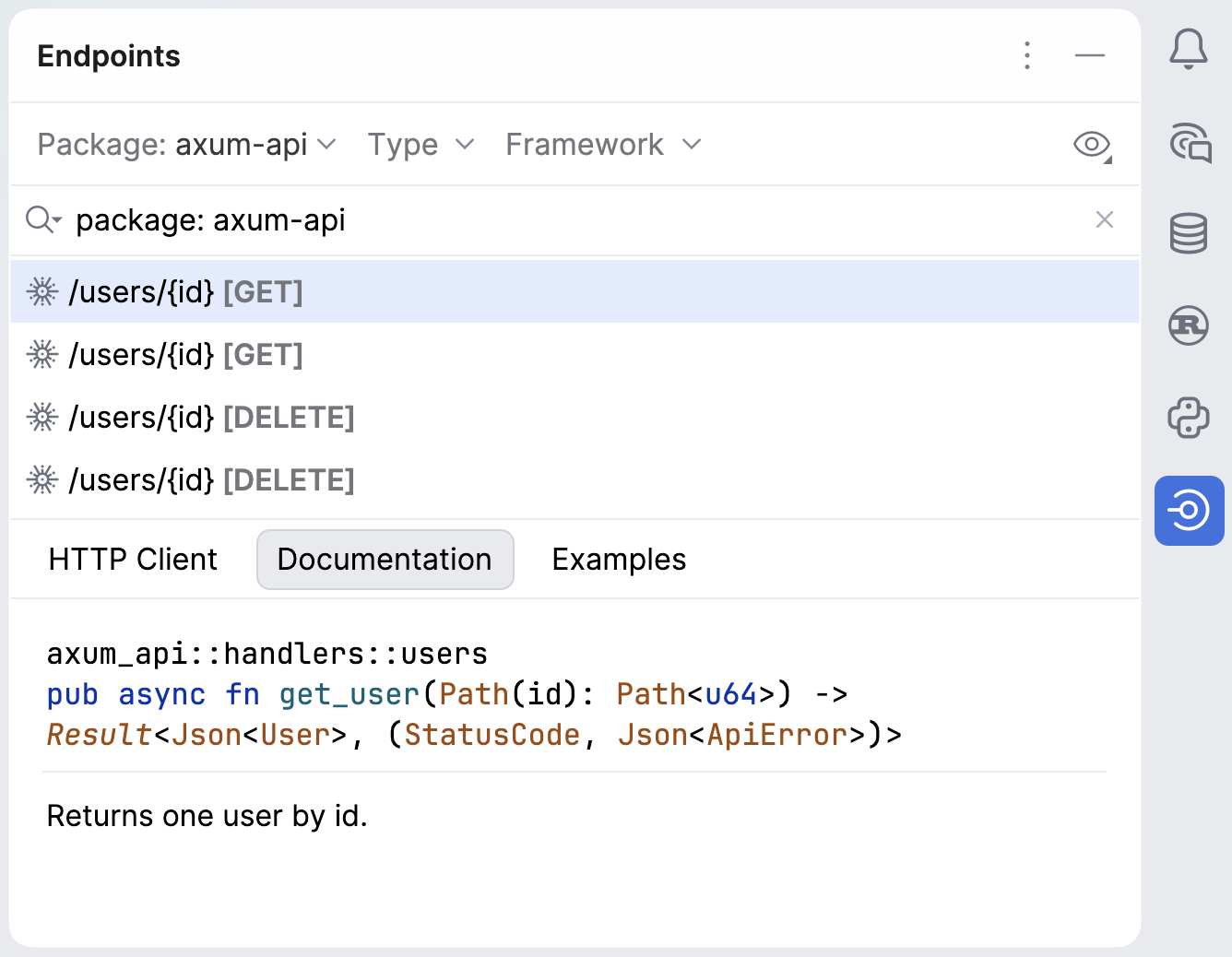
Shows the documentation for the selected endpoint. Double-click an endpoint to navigate to its source code.
Provides examples of client code to access the selected endpoint. Use the Frameworks list to select a framework or a language in which you want to show code.
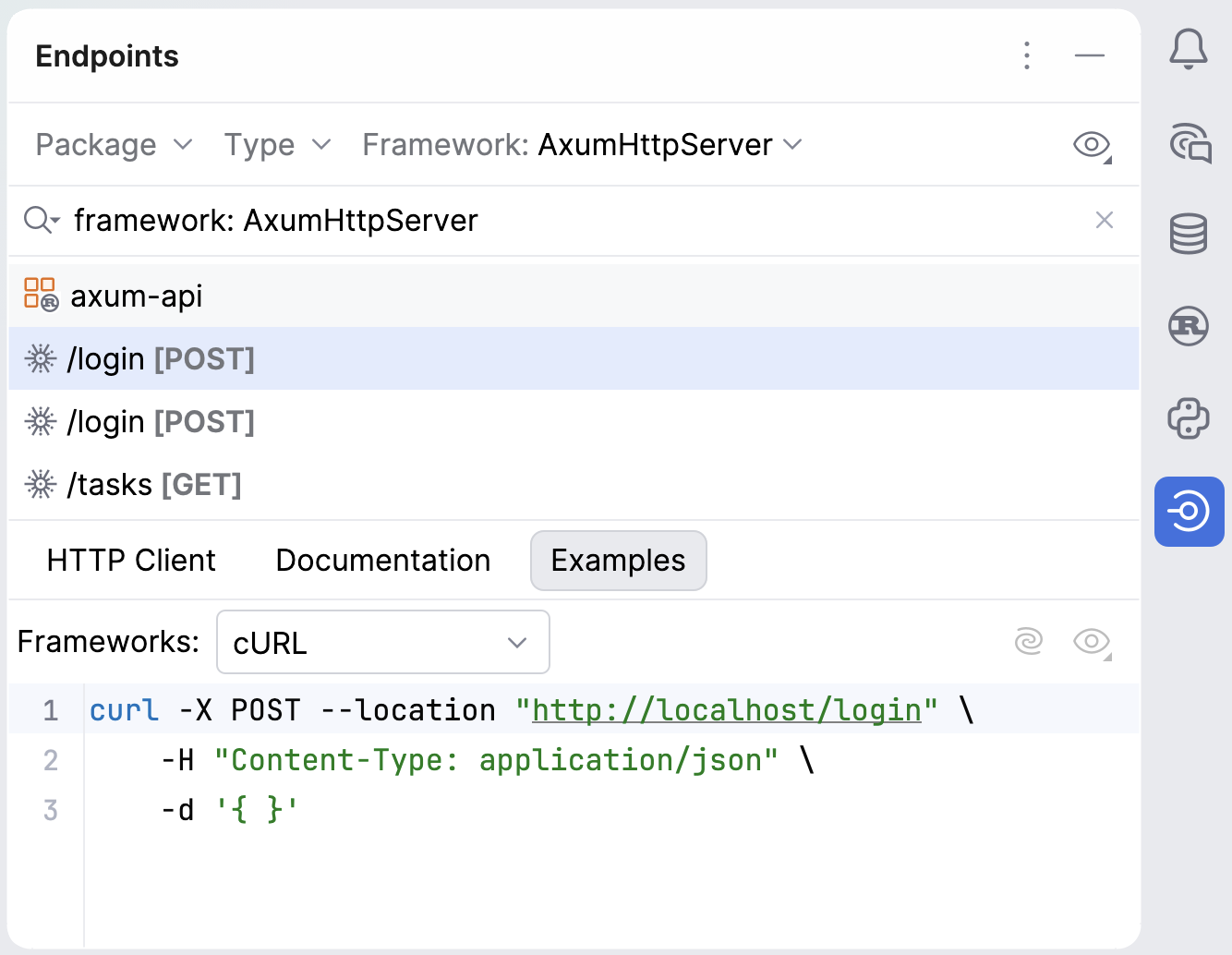
To save the code sample into a file, hover over the code and click  . This will save the code into a new scratch file.