Start Dev Container from scratch
You can create a new Dev Container using a devcontainer.json file and the configuration options it offers.
The easiest way to start is to pull an image (a predefined template) for your devcontainer.json file from a container registry (the collection of repositories with the predefined images).
Create a Dev Container
Open a solution in JetBrains Rider.
In the Explorer view, select a node where you want to add a Dev Container.
Select from the main menu.
In the dialog that opens, JetBrains Rider displays a default container configuration. If you want, you can select other Dev Container templates from the Dev Container Template list.
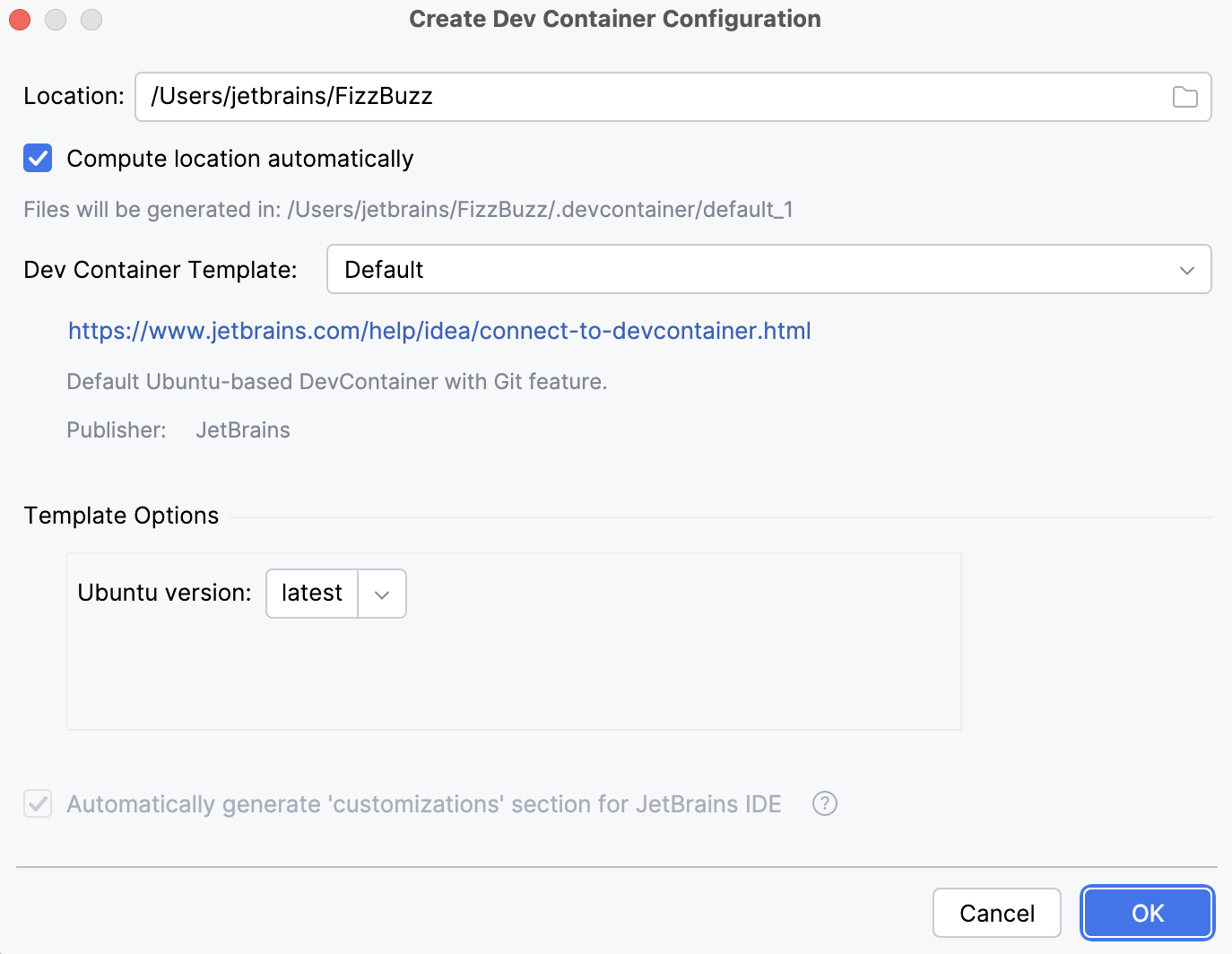
Click OK.
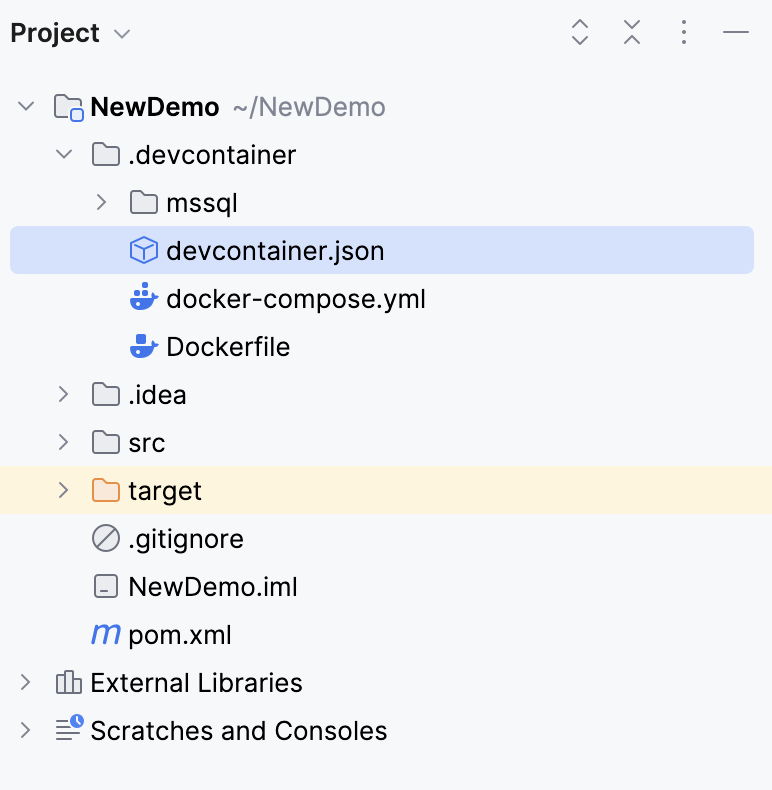
JetBrains Rider generates the .devcontainer directory with the devcontainer.json file that contains the container description. You can customize the configuration as needed.
In the left gutter, click
 and select Create Dev Container and Mount Sources… to build your Dev Container.