Regular expression syntax reference
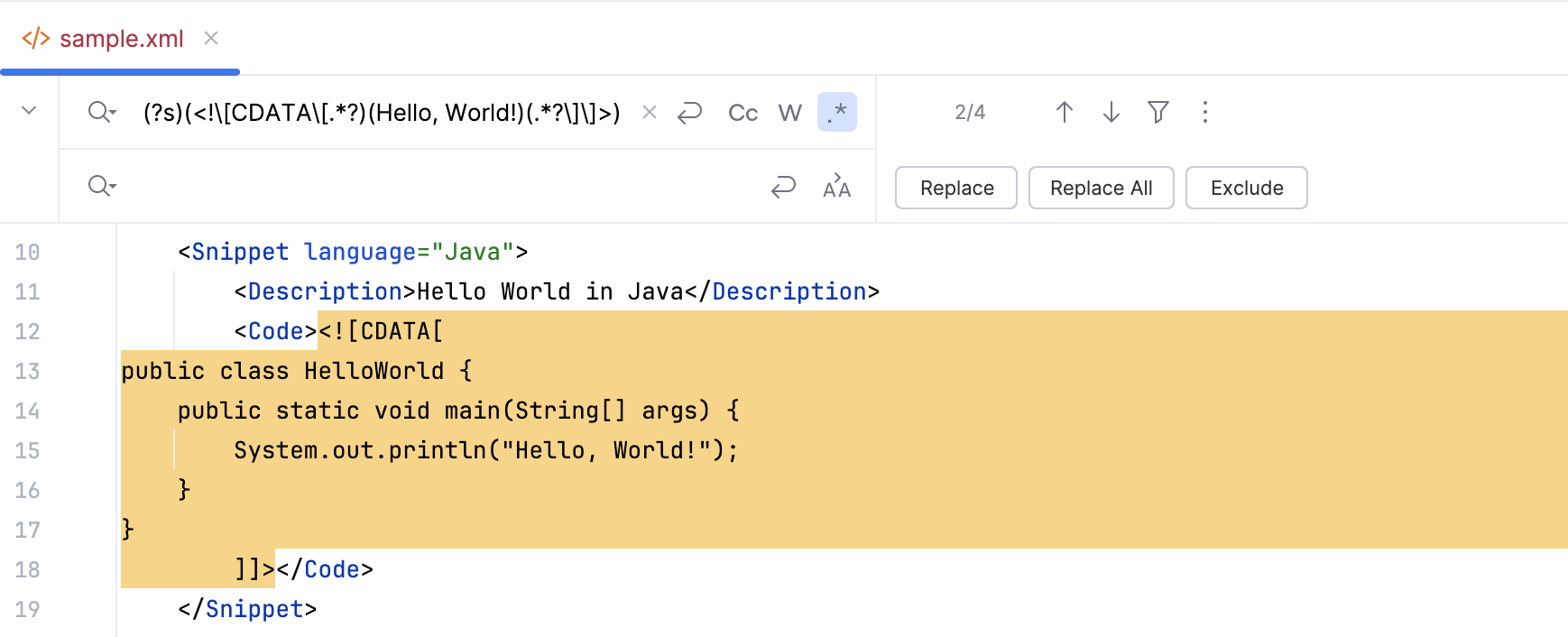
This section is a brief summary of regexp syntax that can be used for creating search and replace as well as issue navigation patterns.
Note that JetBrains Rider has a wide range of features for regular expression assistance, such as syntax highlighting and IntelliSense, in your code.
RegEx syntax reference
Character | Description |
|---|---|
| Marks the next character as either a special character or a literal. For example:
|
| Matches the beginning of input. |
| Matches the end of input. |
| Matches the preceding character zero or more times. For example, |
| Matches the preceding character one or more times. For example, |
| Matches the preceding character zero or one time. For example, |
| Matches any single character except a newline character. |
| Matches subexpression and remembers the match. If a part of a regular expression is enclosed in parentheses, that part of the regular expression is grouped together. Thus, a regex operator can be applied to the entire group.
|
| Matches either |
|
|
|
For example,
|
|
|
| A character set. Matches any one of the enclosed characters. For example, |
| A negative character set. Matches any character not enclosed. For example, |
| A range of characters. Matches any character in the specified range. For example, |
| A negative range of characters. Matches any character not in the specified range. For example, |
| Matches a word boundary, that is, the position between a word and a space. For example, |
| Matches a non-word boundary. |
| Matches a digit character. Equivalent to |
| Matches a non-digit character. Equivalent to |
| Matches a form-feed character. |
| Matches a newline character. |
| Matches a carriage return character. |
| Matches any whitespace including space, tab, form-feed, and so on. Equivalent to |
| Matches any nonwhite space character. Equivalent to |
| Matches a tab character. |
| Matches a vertical tab character. |
| Matches any word character including underscore. Equivalent to |
| Matches any non-word character. Equivalent to |
| Matches For example, |
| Matches For example,
Octal escape values should not exceed 256. If they do, only the first two digits comprise the expression. Allows ASCII codes to be used in regular expressions. |
| Matches For example, Allows ASCII codes to be used in regular expressions. |
| Finds a |
| This regex in the search field means that you are trying to find a |
| Changes the case of the next character to the lower case. Use this type of regex in the replace field. |
| Changes the case of the next character to the upper case. Use this type of regex in the replace field. |
| Changes the case of all the subsequent characters up to |
| Changes the case of all the subsequent characters up to |
| This is a pattern for a negative lookahead. For example, |
| This is a pattern for a positive lookahead. For example, |
| This is a pattern for a positive lookbehind. For example, |
| This is a pattern for a negative lookbehind. For example, |
Since JetBrains Rider supports all the standard regular expressions syntax, you can check https://www.regular-expressions.info for more information about the syntax.